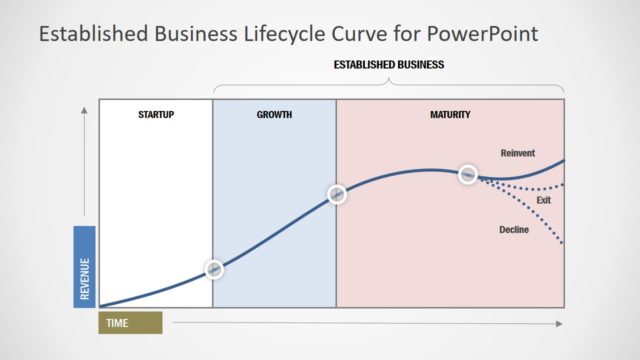
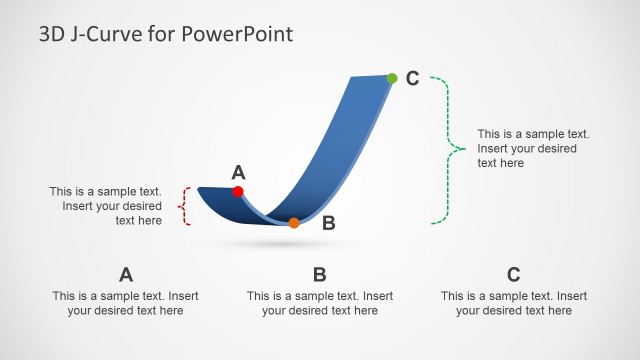
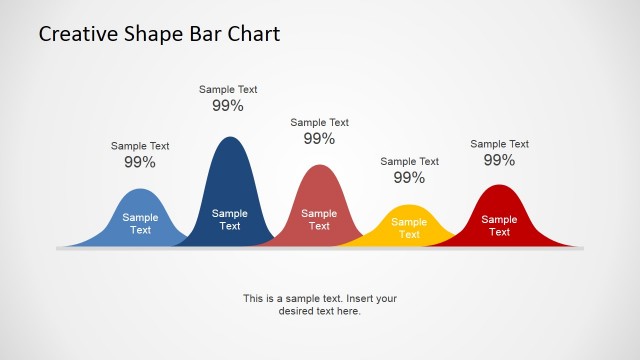
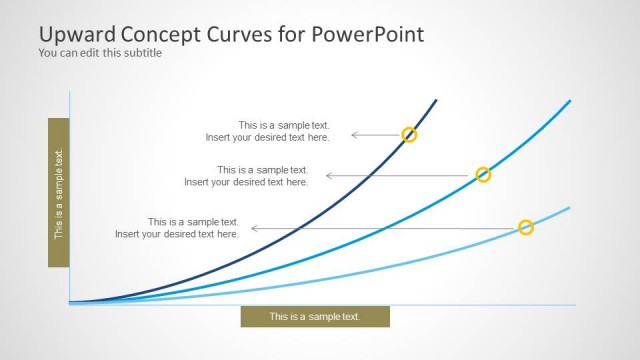
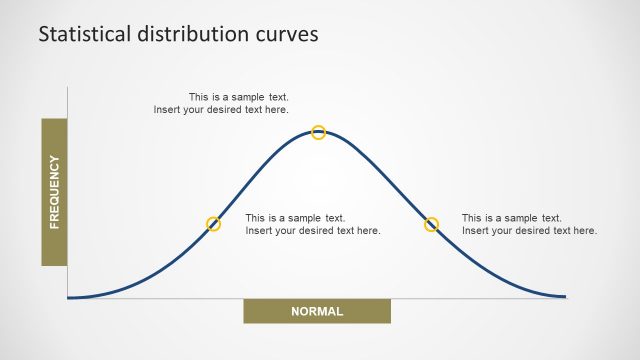
The Creative S-Curve Template for PowerPoint is among our collection of Curve Templates for PowerPoint which provide editable diagrams for constructing curves.
With this highly customizable template you can construct accurate S-Curve diagrams for displaying growth of a variable by performing minor edits to the existing diagrams in the sample slides. The S-Curve is also known as Sigmoid curve and it can help to create a relationship between two different attributes or parameters. This shape is sometimes associated with potential business growth in revenue and it is not only used for complex Math formulas and statistics but also in other presentation topics, including sales, business, project management, world population, currency and more.
What’s inside this template
Example presentation scenarios
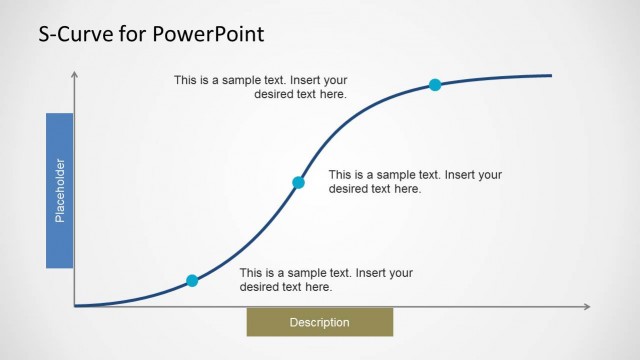
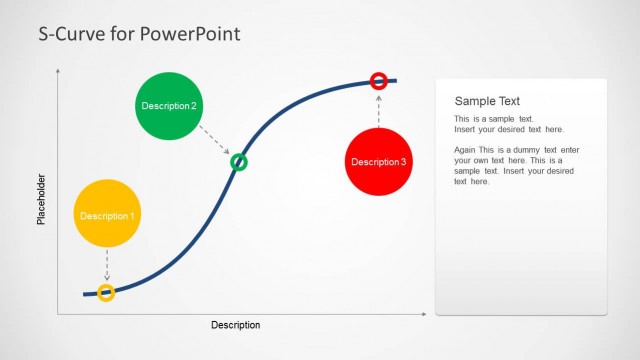
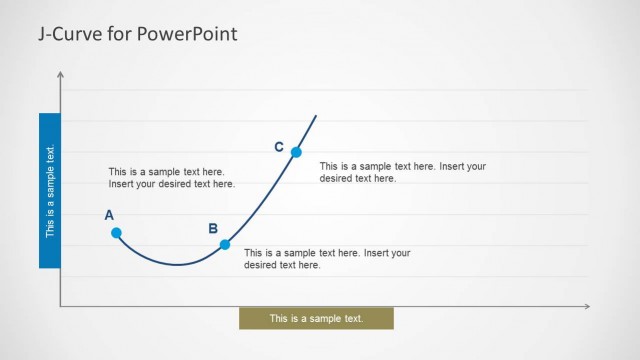
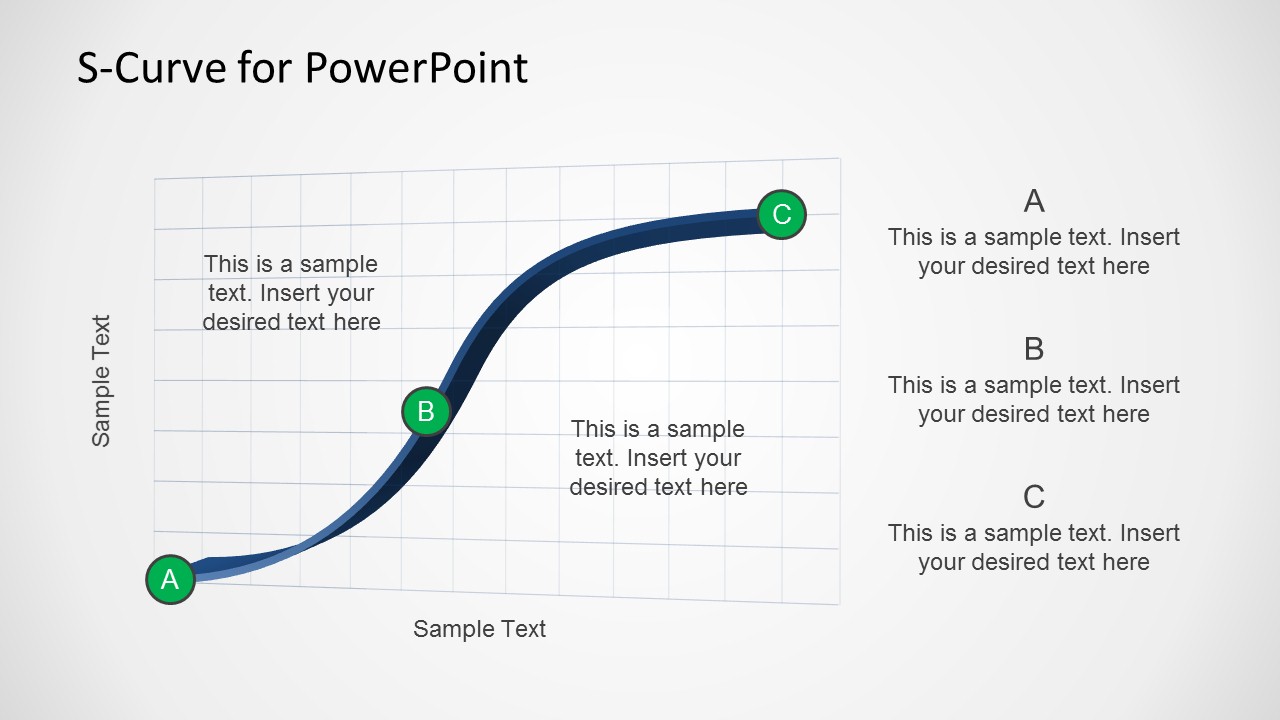
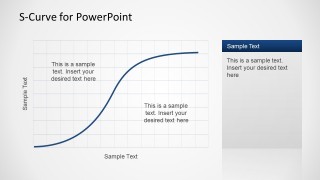
- A business analyst can present a revenue growth pattern to leadership by using the annotated single S-curve with A-B-C markers to explain launch, acceleration, and maturity.
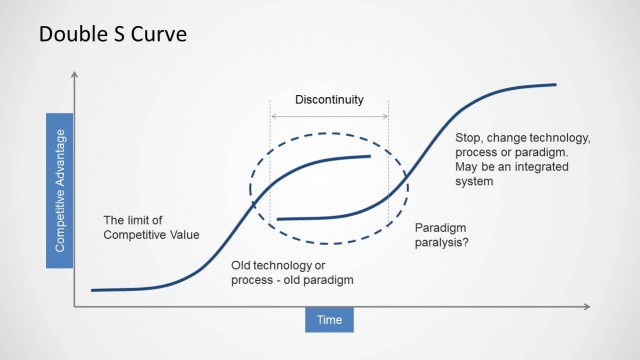
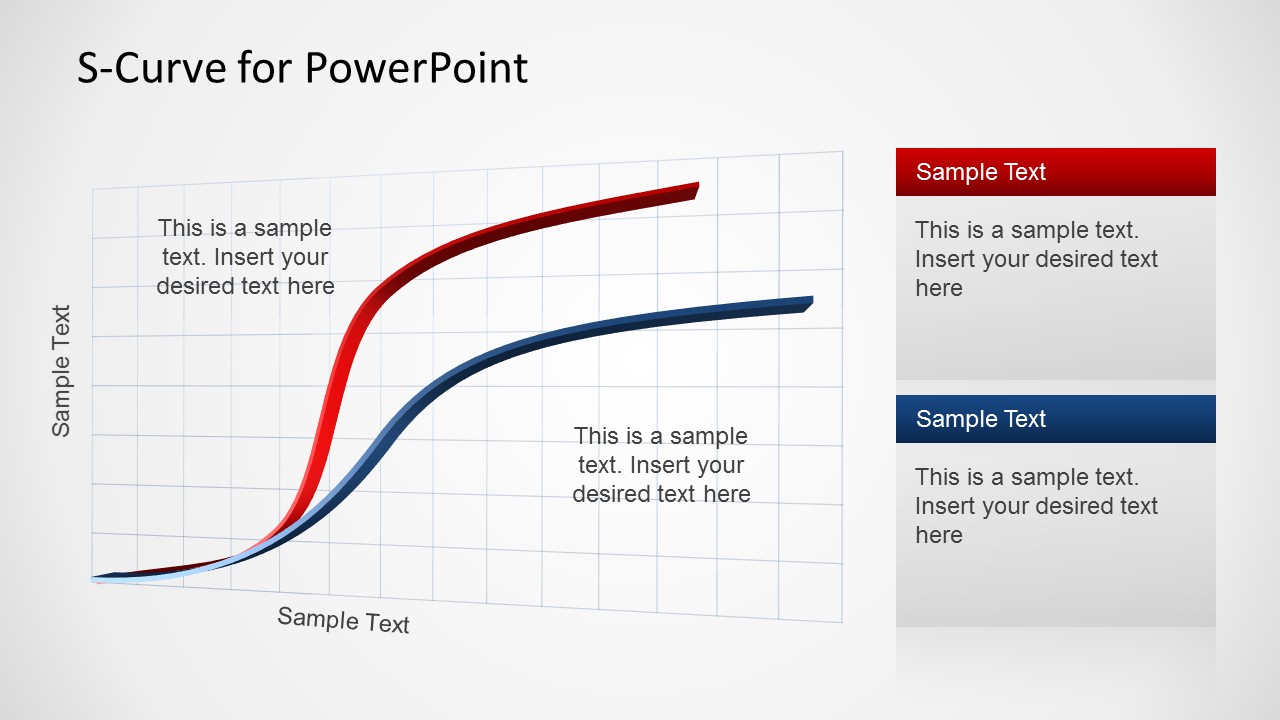
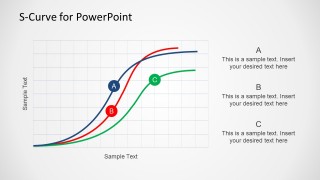
- A strategy consultant can compare two market adoption paths by using the red and blue dual-curve slide and the stacked sidebar callouts.
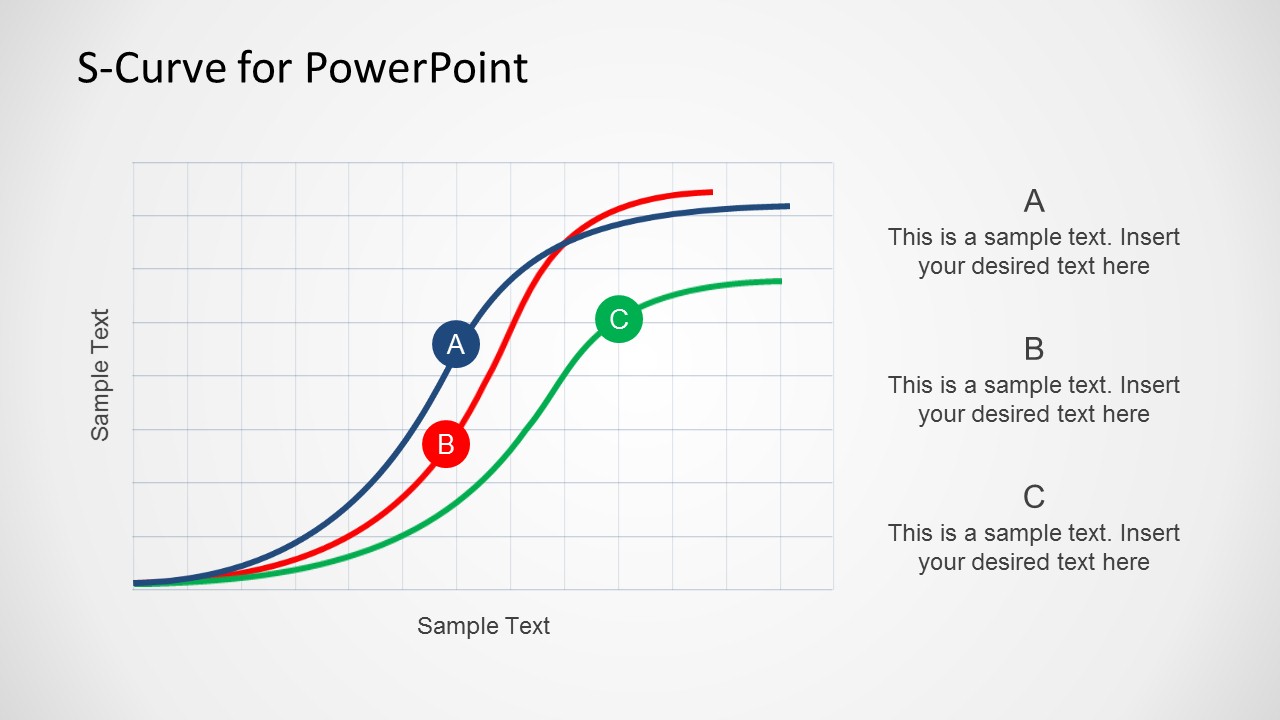
- A project manager can show different maturity scenarios by using the three-curve comparison slide with colored paths and labeled markers.
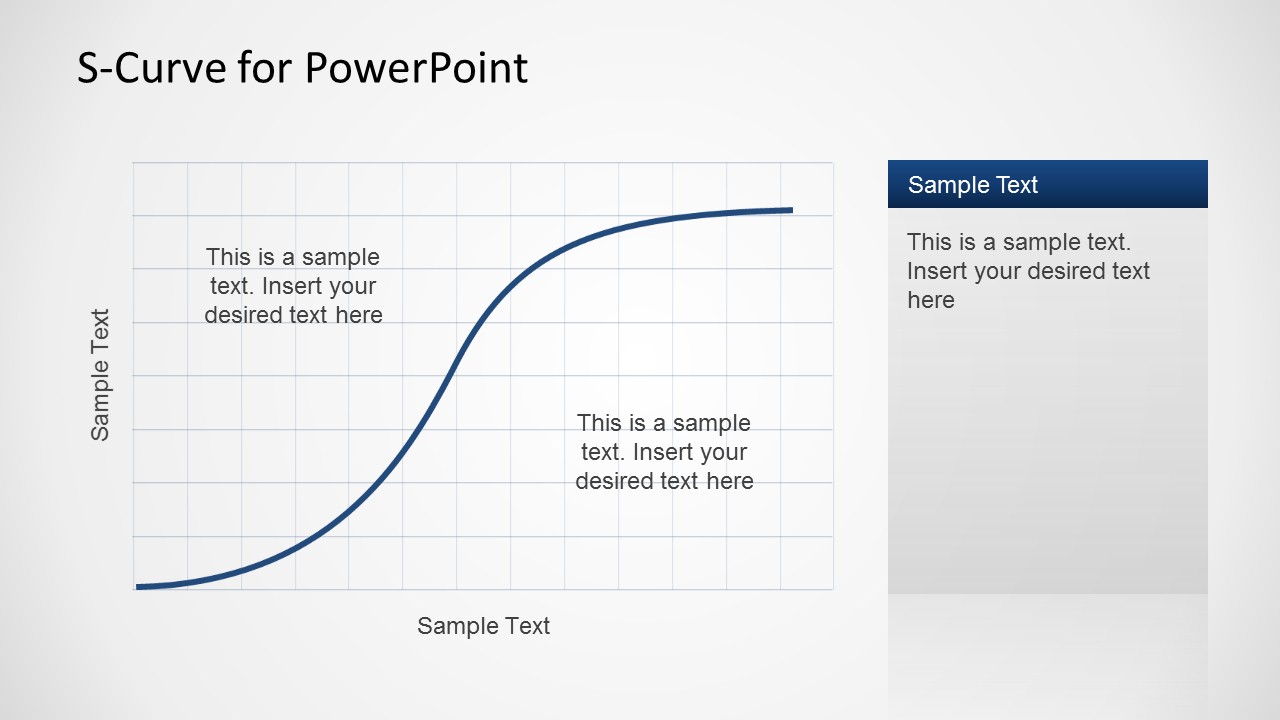
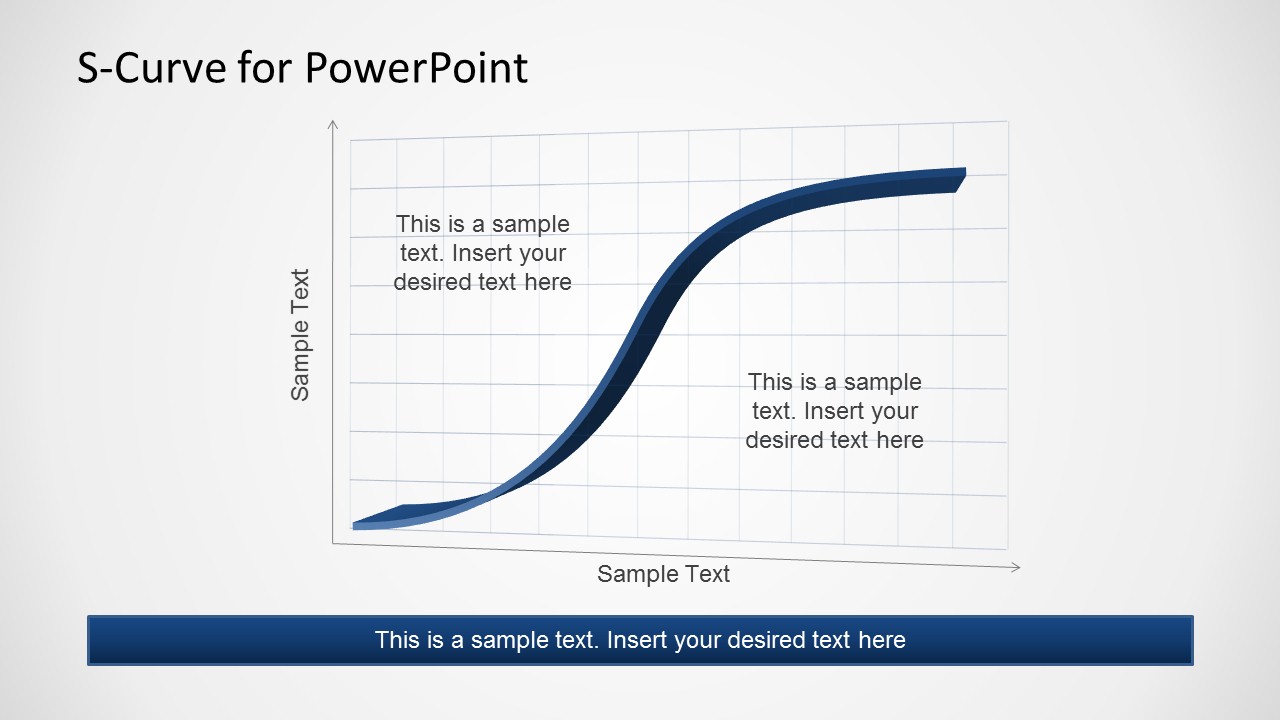
- An educator can explain the sigmoid curve concept by using the grid-based S-curve with axis labels and in-chart text boxes.
Features
- 100% editable presentation template
- Compatible with Microsoft PowerPoint and Google Slides
- Scalable vector shapes, icons and illustrations
- AI-Ready for Microsoft Copilot and Claude
- Instant access and download
Frequently asked questions
Q: How should a presenter explain the S-curve clearly with this template?
A: Start with the axis meaning before discussing the curve. Use Slide 1 or Slide 5 to identify the slow-start phase, the acceleration section, and the plateau. Keep the A-B-C markers tied to real events or decisions so the audience sees the curve as a business pattern, not only a mathematical shape.
Q: Who is this template best suited for?
A: This template fits analysts, consultants, project managers, and educators who need to explain how a variable grows, accelerates, and levels off. It is strongest when the message depends on comparing trajectories, such as product adoption, revenue growth, project maturity, population change, or technology diffusion.
Q: Why does the S-curve visual work better than a text-only explanation?
A: The S-curve acts as a visual metaphor for slow beginning, rapid scaling, and eventual saturation. The grid, axis labels, and curve markers make the relationship easy to follow, while side callouts keep interpretation close to the diagram. This reduces the need for long paragraphs and supports faster audience understanding.
Creative S-Curve Template for PowerPoint
5-slide presentation template for S-curve growth diagrams, comparison curves, and sigmoid analysis
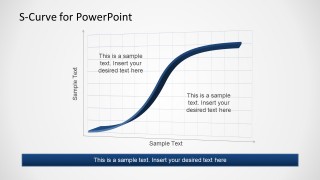
The Creative S-Curve Template for PowerPoint is a 5-slide diagram set for explaining growth, adoption, saturation, or sigmoid relationships. It includes an annotated single S-curve, dual curve comparison, three-curve comparison, sidebar callouts, and a bottom caption layout for analysts, consultants, educators, and project managers.


 Loading...
 Microsoft PowerPoint
  Microsoft Copilot
  Claude for PowerPoint
 Other formats supported
Subscribe today and get immediate
access to download our PowerPoint templates.