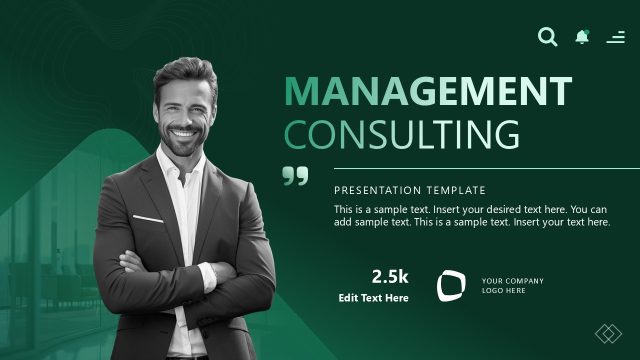
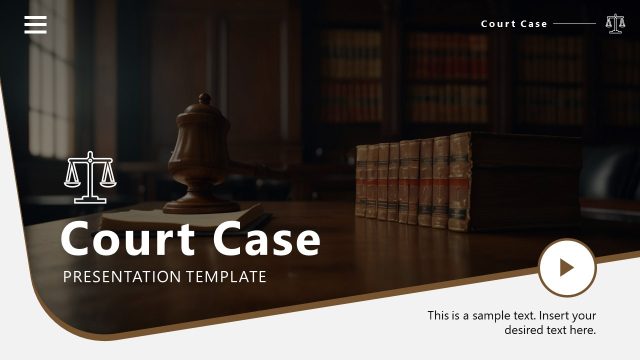
Download and create your professional consulting case presentation with our editable Consulting Case Study PowerPoint Template. This PPT slide deck is designed to showcase the phases of a consulting case study, from analysis and background data collection to the development of a practical work plan. This animated presentation template can be used to create interview presentations in which candidates are tasked with consulting a case study. Otherwise, professionals can edit various slides to discuss how they resolved their client’s problem in a stepwise manner. To make this presentation even simpler, we have made every element on these slides 100% editable, and users can prepare their presentations in no time. The diagrams, image placeholders, arrangement of image & text boxes on the slides, and the charts are all customizable according to the requirements.
Our Consulting Case Study PowerPoint Template initially includes three slides: the presentation title, the case background, and the executive summary. Following these are the slides for:
- Business Challenge slide
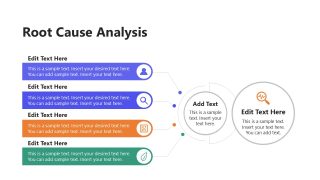
- Root cause analysis slide
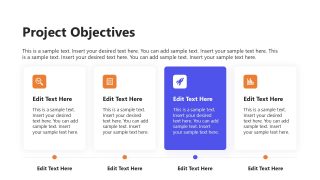
- Project objectives slide
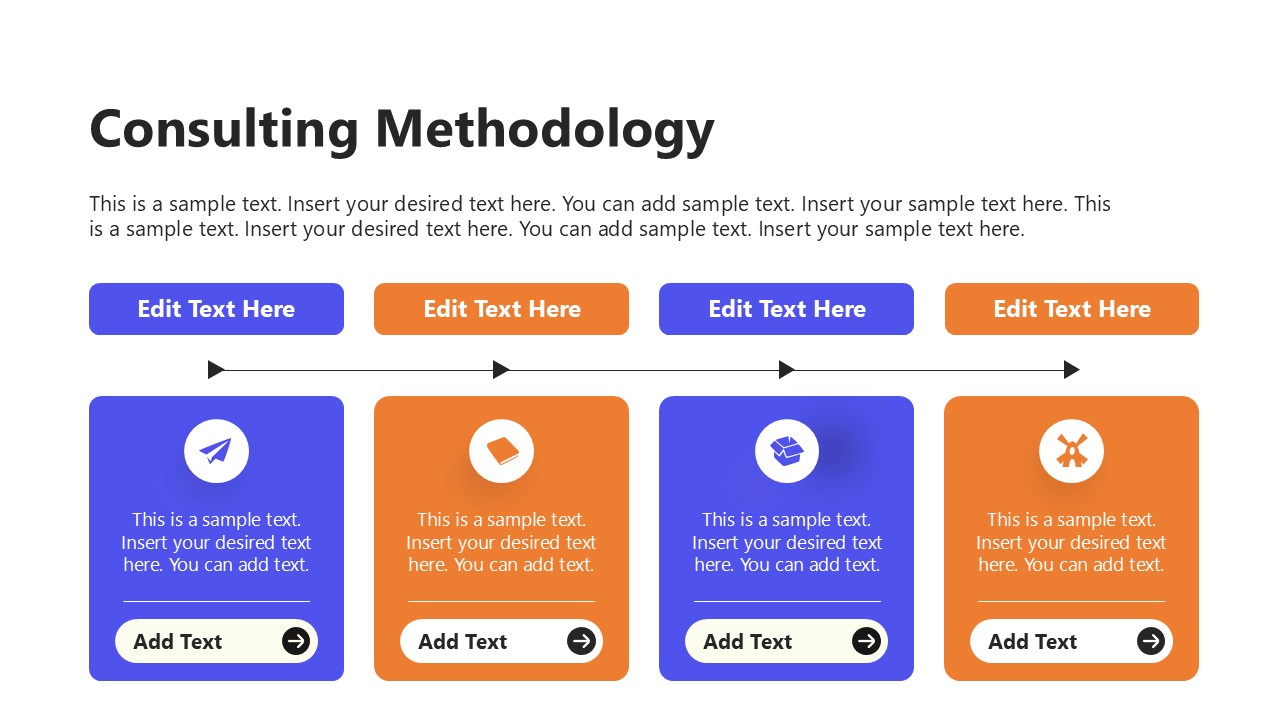
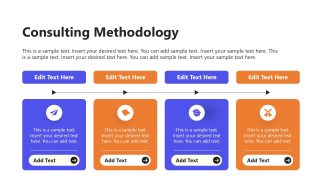
- Consulting methodology slide
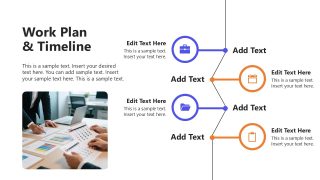
- Work Plan and Timeline slide
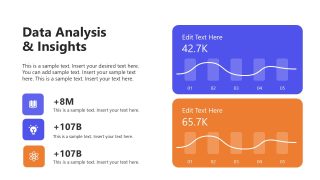
- Data analysis & Insights slide
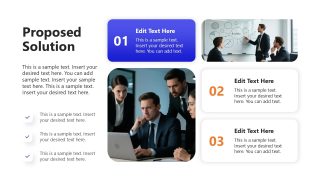
- Proposed solution slide
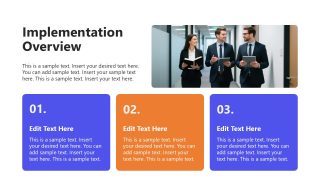
- Implementation overview slide
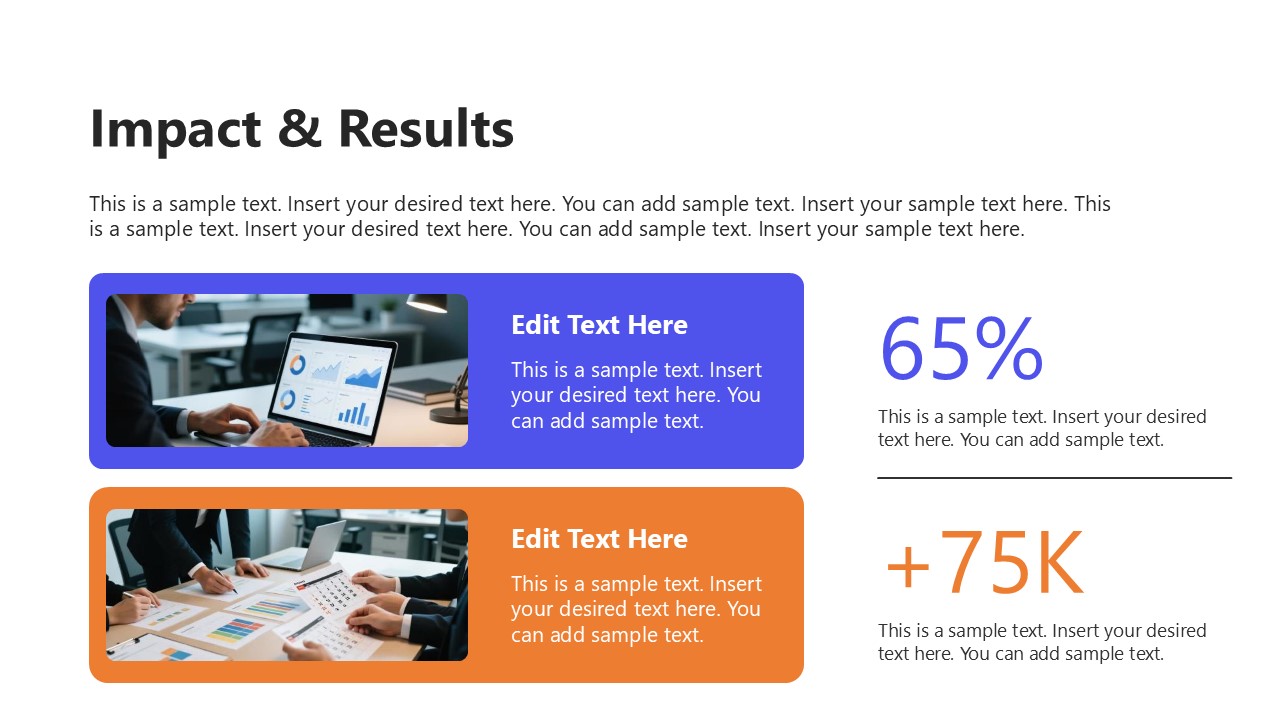
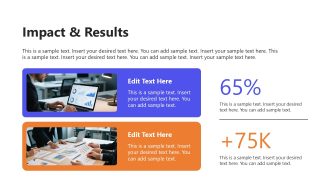
- Impact & results slide
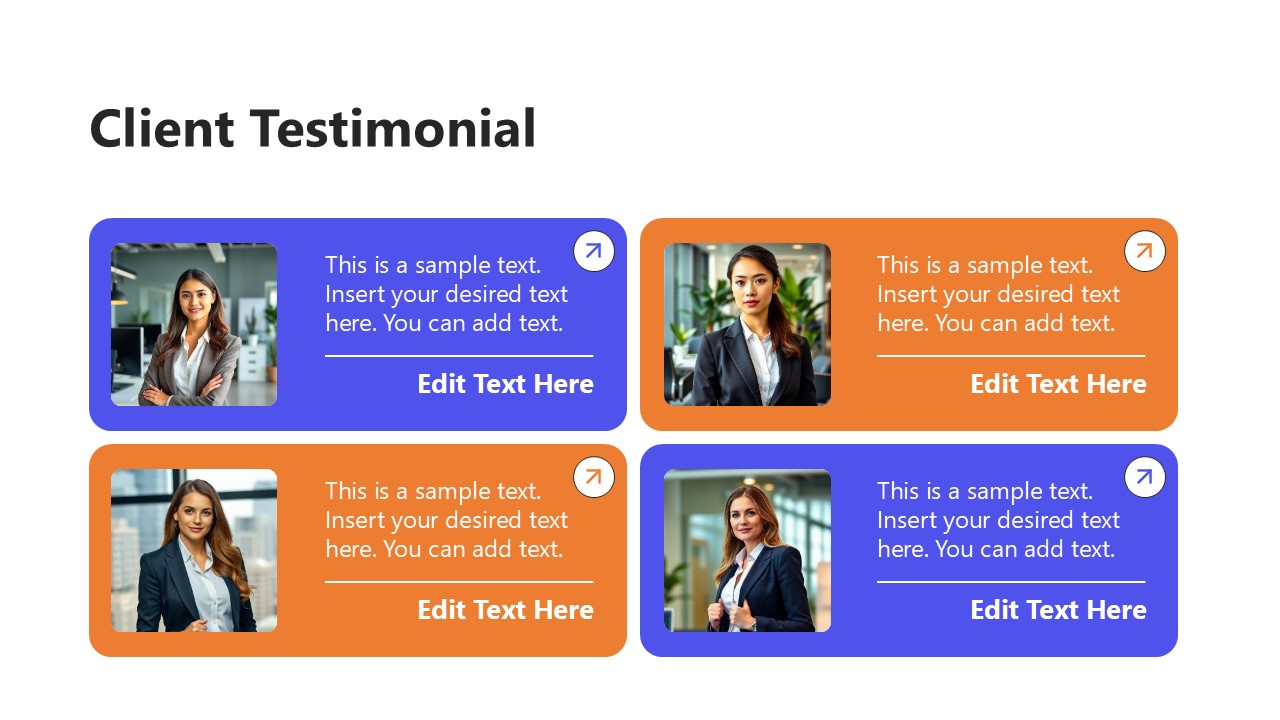
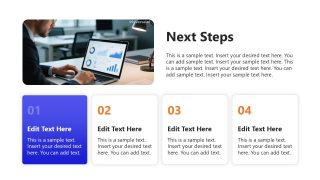
In these slides, we have provided appropriate segments to mention relevant details. For instance, on the data analysis slide, we have added two data-driven graphs to display the stats. In addition to these slides, this consulting case PPT template includes a client testimonial slide to showcase client reviews and a CTA slide to outline next steps & opportunities. This animated slide deck is ideal for professionals looking to present their consulting case details in a single presentation, including all relevant information.
Download and try editing this Consulting Case Study PPT template. Alternatively, you can download other consulting PPT templates or case study presentation templates or learn more about writing and presenting a case presentation structure to an audience.
What’s inside this template
Example presentation scenarios
- A management consultant can use the executive summary and client background slides to brief senior stakeholders on what the engagement addressed and why the work mattered.
- A consulting candidate can use the business challenge, root cause analysis, and proposed solution slides to walk interviewers through a structured case response.
- A business analyst can use the data analysis and insights slide with the impact and results slide to report findings and connect them to measurable outcomes.
- A project manager can use the consulting methodology and work plan timeline slides to explain the delivery approach, milestones, and implementation responsibilities.
- An account lead can use the client testimonial and next steps slides to convert a completed engagement into a renewal, upsell, or follow-up planning discussion.
Features
- 100% editable presentation template
- Compatible with Microsoft PowerPoint and Google Slides
- 16:9 aspect ratio slides
- Scalable vector shapes, icons and illustrations
- Ready with Animations & Transitions in PowerPoint
- AI-Ready for Microsoft Copilot and Claude
- Instant access and download
Frequently asked questions
Q: How should a presenter adapt this deck for a clear consulting case story?
A: Start with the executive summary as the answer-first message, then use the client background and business challenge slides to define the situation. Keep the root cause analysis focused on the few drivers that explain the issue. Use the methodology, timeline, and solution slides to show disciplined thinking before closing with measured impact and next steps.
Q: Who is this template best suited for?
A: This template fits consultants, business analysts, and consulting candidates who need to explain how a problem was investigated and solved. It is strongest when the audience expects a structured case story with evidence, such as client sponsors, interview panels, internal steering committees, or partners reviewing a completed engagement.
Q: Why do the numbered cards, timeline, and color blocks help communication?
A: The repeated numbered cards create a visible sequence, which helps the audience follow phases, recommendations, and next actions without losing the thread. The timeline gives project work a time-based frame, while the blue and orange contrast separates ideas, metrics, and priorities so the case feels organized rather than text-heavy.








Consulting Case Study PowerPoint Template
14-slide consulting case study presentation template with executive summary, timeline, and impact results layouts
Consulting Case Study PowerPoint Template is a 14-slide business deck for presenting client problem solving from background to next steps. Visible layouts include an executive summary, root cause analysis, consulting methodology, work plan timeline, data analysis, and impact results. Data analysis charts can be edited as Excel spreadsheets in PowerPoint.
- Category
- Business PowerPoint Templates
- Rating


 Loading...
- Aspect ratio
- 16:9
- Item ID
- 77308-01
 Microsoft PowerPoint
  Microsoft Copilot
  Claude for PowerPoint
 Other formats supported
Subscribe today and get immediate
access to download our PowerPoint templates.