Slide 6 of 14 from Consulting Case Study PowerPoint Template
Project Objectives Slide with Infographics – Consulting Case Study Template
Project Objectives Slide for Consulting Case Study
- Text Layout
- List Blocks
- Goal Setting Slide
- 16:9
- 100% Editable
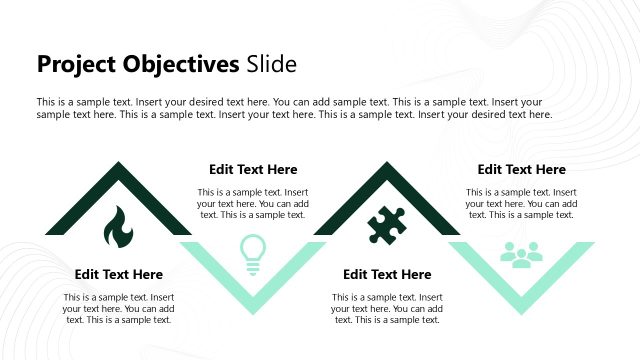
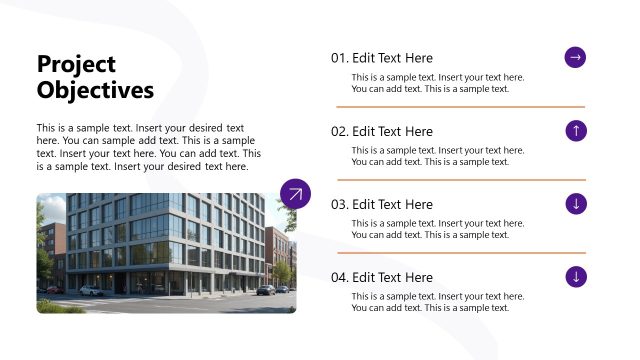
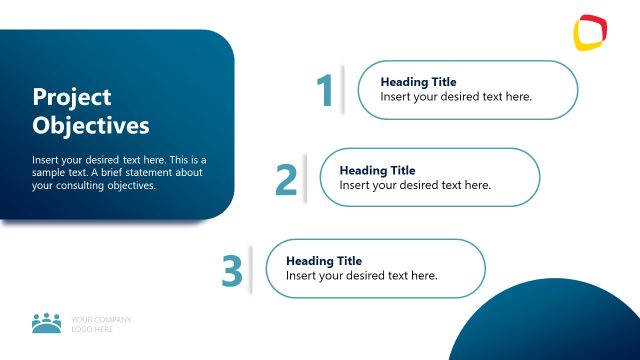
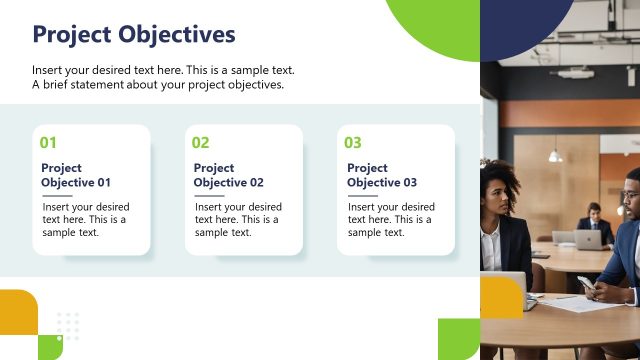
The Project Objectives Layout from the Consulting Case Study PowerPoint Template offers a clear structure for outlining key project goals. This slide design includes editable shapes and vector icons arranged in distinct containers, making it suitable for business presentations and client meetings. It integrates well within a slide deck to communicate objectives effectively, supporting concise updates and strategic discussions.
What’s on This Slide
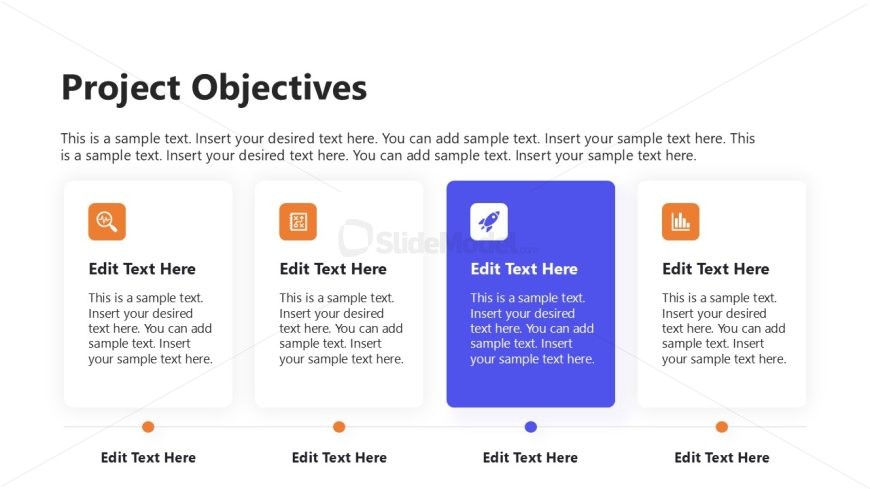
The layout features a title at the top center labeled 'Project Objectives'. Below, there are four rectangular containers arranged horizontally, each containing a placeholder for text. The containers have rounded corners and are visually distinct, with a colored icon in each. The first three containers are white with orange icons, while the fourth is blue with a white icon. Each container has a placeholder for a title and a body of text. The overall background is light, enhancing the visibility of the containers and text placeholders.
How to Use It
This layout serves as a structured overview of project objectives, ideal for presenting key goals in a consulting context. It fits well in the middle of a presentation, following a problem statement and leading into proposed solutions. This slide is useful for summarizing multiple objectives succinctly, making it suitable for client meetings or project updates where clarity is essential.
Text Placeholders & Capacity
Keep your copy within these limits so it fits without resizing. Node body slots can hold roughly 15-20 words each.
| Placeholder | Count | Max characters (approx.) |
|---|---|---|
| Slide title | 1 | 30 |
| Item heading | 4 | 20 |
| Item body | 4 | 100 |
Slide Keywords
Download unlimited PowerPoint templates, charts and graphics for your presentations with our annual plan.
DOWNLOADReturn to Consulting Case Study PowerPoint Template.