Slide 2 of 14 from Consulting Case Study PowerPoint Template
Executive Summary Slide – Consulting Case Study Template
Executive Summary Slide for Consulting Case Study
- Text Layout
- Other
- Context Slide
- 16:9
- 100% Editable
What’s on This Slide
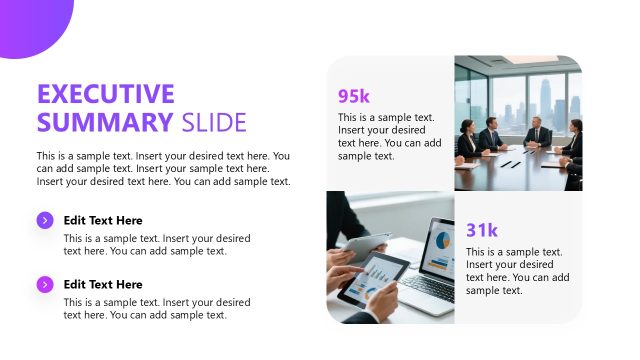
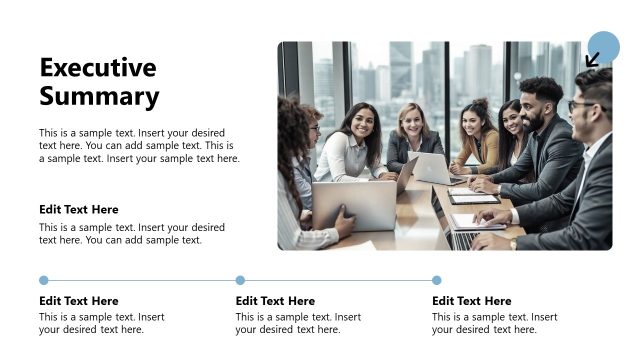
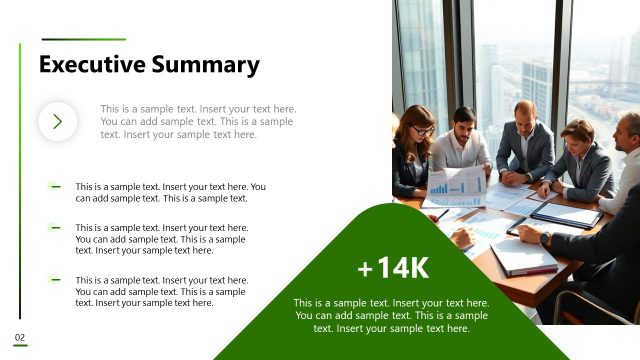
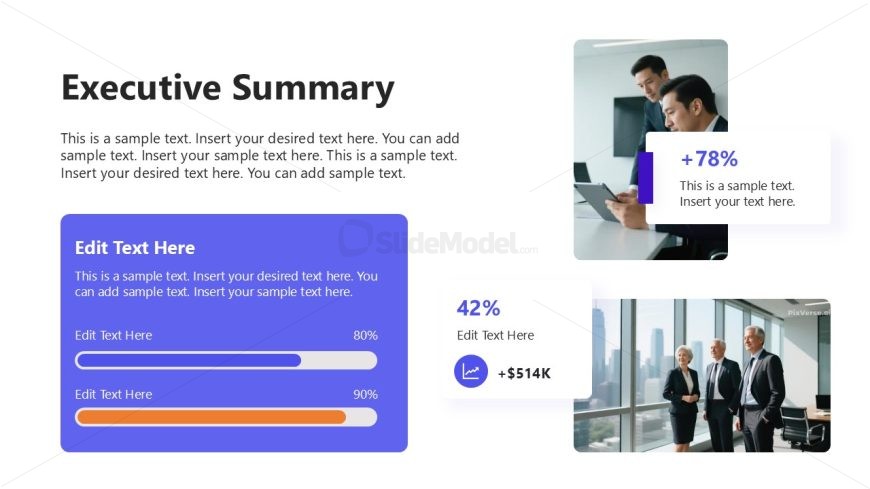
The layout features a large title at the top left, stating 'Executive Summary.' Below, there are multiple text placeholders arranged in a vertical block on the left side, with a prominent blue container for text and progress bars. On the right, two images are positioned: one at the top showing a group working together and another at the bottom featuring three professionals in an office setting. The overall composition balances text and visuals, with a clean separation between the left and right sections, utilizing a light background with contrasting colors for emphasis.
How to Use It
This layout serves as an executive summary, summarizing key findings or insights in a consulting presentation. It fits early in the presentation sequence, providing an overview after the introduction. This structure is useful in business scenarios where concise information delivery is essential, such as summarizing project outcomes, presenting client results, or highlighting strategic recommendations. It can be used in various contexts, including client meetings, stakeholder updates, or internal reviews.
Text Placeholders & Capacity
Keep your copy within these limits so it fits without resizing. Body slots can hold about 3-4 sentences each.
| Placeholder | Count | Max characters (approx.) |
|---|---|---|
| Slide title | 1 | 30 |
| Body paragraph | 3 | 120 |
| Item body | 2 | 40 |
| Item heading | 2 | 10 |
Slide Keywords
Download unlimited PowerPoint templates, charts and graphics for your presentations with our annual plan.
DOWNLOADReturn to Consulting Case Study PowerPoint Template.