Slide 7 of 14 from Consulting Case Study PowerPoint Template
Consulting Methodology Presentation Slide – Consulting Case Study PPT Template
Consulting Methodology Slide Overview
- Diagram
- Arrow Sequence
- Process Slide
- 16:9
- 100% Editable
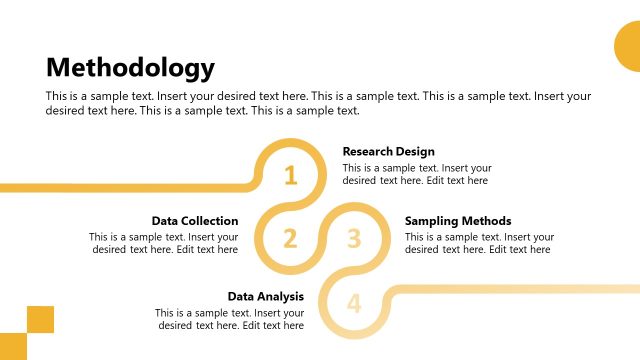
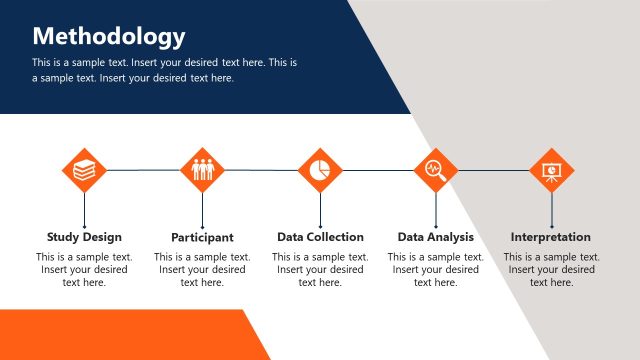
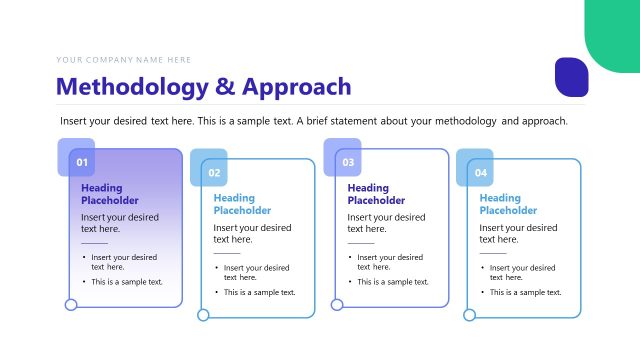
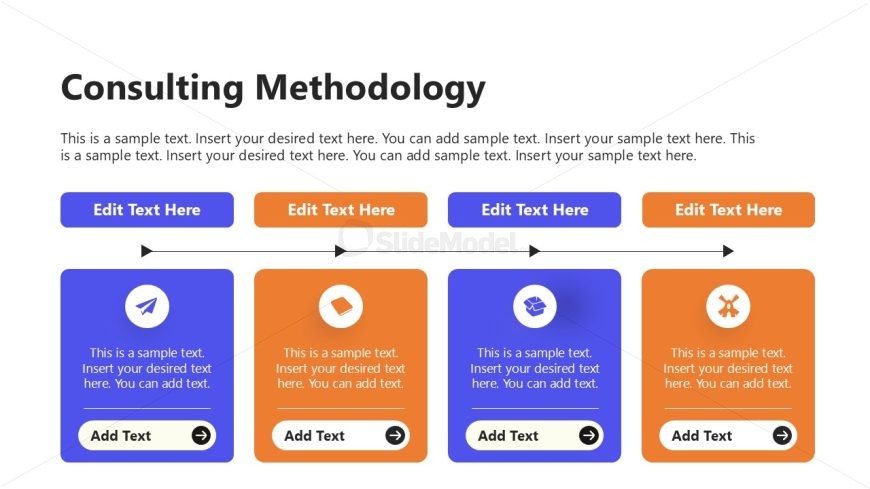
The Consulting Methodology slide from the Consulting Case Study PowerPoint Template provides a clear, sequential diagram ideal for illustrating consulting processes. This slide layout uses colored text placeholders and directional arrows to guide viewers through methodology steps, making it suitable for client proposals and project outlines. It integrates well within business presentation templates, offering editable shapes that enhance clarity and professionalism in corporate presentations.
What’s on This Slide
The slide features a title at the top center, labeled 'Consulting Methodology.' Below the title, there are three horizontal text placeholders aligned in a row, each with a colored background. The leftmost placeholder is blue, followed by an orange one, and then another blue placeholder. Each placeholder contains sample text with an 'Add Text' button at the bottom. Between the placeholders, there are arrows indicating flow direction. The overall layout is structured with clear visual hierarchy and contrasting colors for emphasis.
How to Use It
This layout serves to illustrate a consulting methodology in a sequential manner. It fits well in a presentation that outlines steps in a consulting process, following a problem statement or background information. This structure is useful for business scenarios where clear methodology presentation is essential, such as client proposals, project outlines, or strategic planning discussions. It helps convey complex processes in a digestible format.
Text Placeholders & Capacity
Keep your copy within these limits so it fits without resizing. Body slots can hold roughly 20-25 words each.
| Placeholder | Count | Max characters (approx.) |
|---|---|---|
| Slide title | 1 | 30 |
| Body paragraph | 3 | 120 |
| Callout | 3 | 30 |
Slide Keywords
Download unlimited PowerPoint templates, charts and graphics for your presentations with our annual plan.
DOWNLOADReturn to Consulting Case Study PowerPoint Template.