Slide 11 of 14 from Consulting Case Study PowerPoint Template
Implementation Overview Slide with Three Blocks
Implementation Overview Slide for Consulting Case Study
- Text Layout
- Other
- Process Slide
- 16:9
- 100% Editable
The Implementation Overview slide from the Consulting Case Study PowerPoint Template offers a clear layout to present sequential project phases and action items. This slide template is ideal for business presentations requiring structured communication of implementation steps, featuring editable shapes and placeholders that support customization within a professional slide deck.
What’s on This Slide
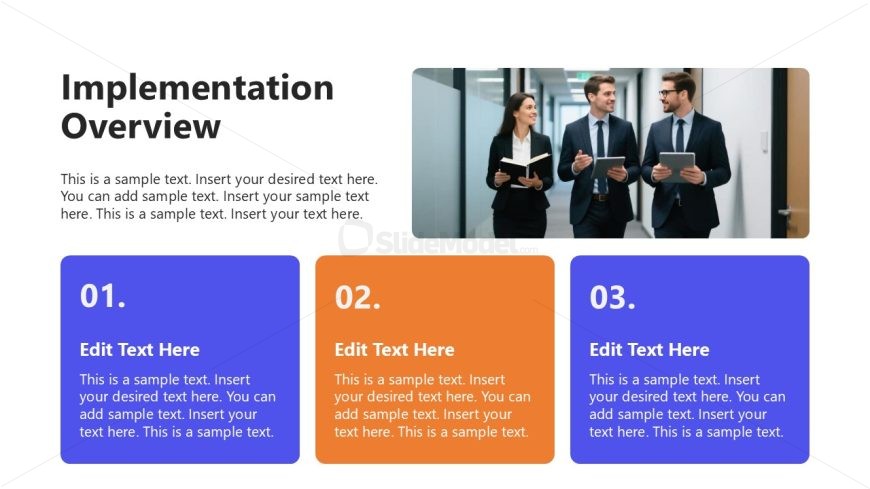
The slide features a large title at the top left labeled 'Implementation Overview' in bold font. Below the title, there is a text placeholder for a brief description, aligned left. To the right, an image placeholder shows a group of three professionals walking in a hallway. Below the image, three rectangular boxes are arranged horizontally, each containing a number (01, 02, 03) and a text placeholder for editing. The boxes are colored blue, orange, and purple, respectively, with text aligned centrally. The overall layout is clean, with a focus on the numbered sections for implementation steps.
How to Use It
This layout serves as a structured overview of implementation steps in a consulting case study. It fits well after problem framing and before detailing solutions. Use it to present sequential actions or phases in a project, making it suitable for client presentations or internal strategy meetings. The numbered sections allow for clear communication of each step, enhancing audience understanding of the implementation process.
Text Placeholders & Capacity
Keep your copy within these limits so it fits without resizing. Body slots can accommodate roughly 30-40 words each.
| Placeholder | Count | Max characters (approx.) |
|---|---|---|
| Slide title | 1 | 30 |
| Body paragraph | 1 | 200 |
| Item heading | 3 | 5 |
| Item body | 3 | 150 |
Slide Keywords
Download unlimited PowerPoint templates, charts and graphics for your presentations with our annual plan.
DOWNLOADReturn to Consulting Case Study PowerPoint Template.