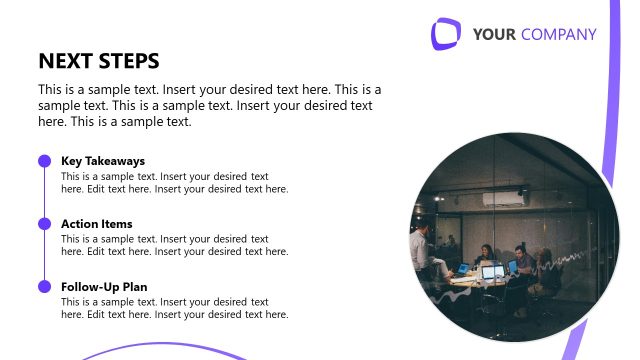
Slide 14 of 14 from Consulting Case Study PowerPoint Template
Next Steps Visualization Slide – Consulting Case Study Template
Next Steps Overview Slide for Consulting Case Study
- Text Layout
- List Blocks
- Closing Slide
- 16:9
- 100% Editable
The Next Steps Overview slide from the Consulting Case Study PowerPoint Template offers a structured layout ideal for summarizing actionable items and guiding audiences through strategic planning. Featuring editable shapes and a clear hierarchy, this slide supports business presentations by effectively outlining project updates and follow-up actions within a professional slide deck.
What’s on This Slide
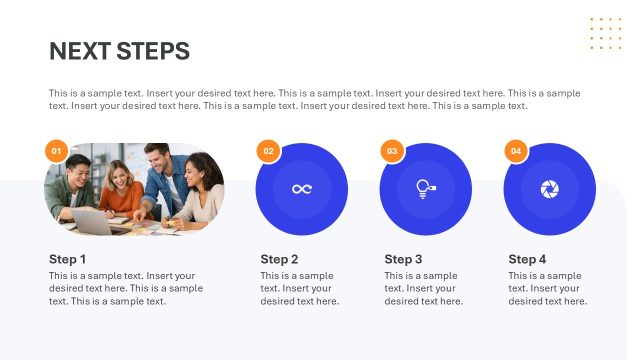
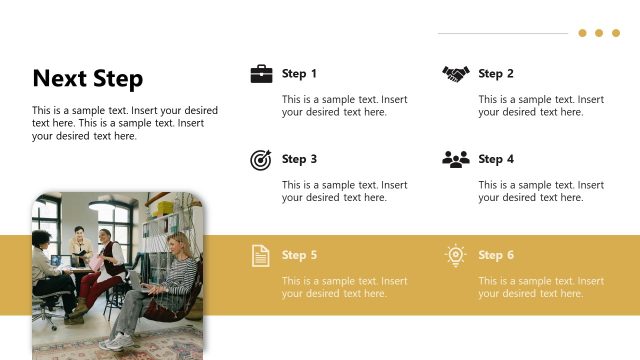
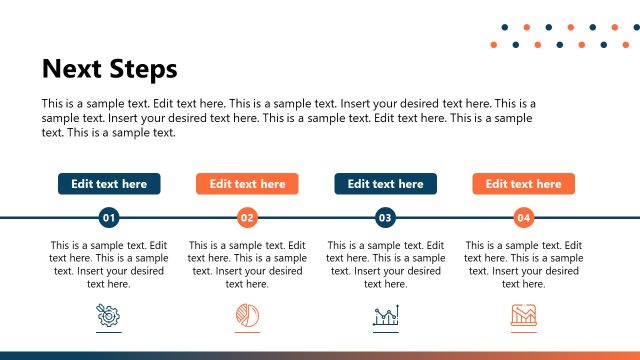
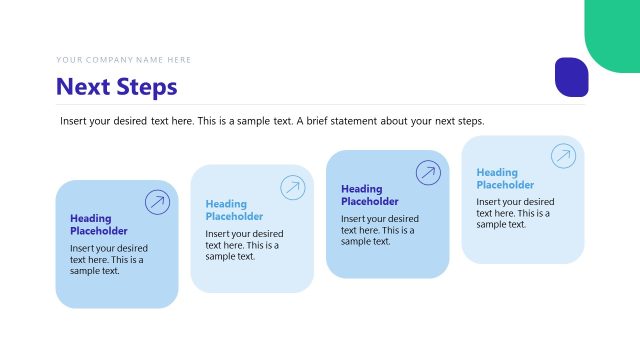
The layout features a large image placeholder on the left, showing a person working on a laptop with data visualizations. To the right, there is a bold title labeled 'Next Steps' positioned at the top. Below the title, there are four rectangular text boxes arranged in two rows. The first box is colored blue and contains a number '01', followed by three other boxes in neutral tones labeled '02', '03', and '04'. Each box has a placeholder for text, aligned centrally. The overall composition is clean and organized, with a focus on clarity and hierarchy.
How to Use It
This layout serves to summarize actionable items or next steps in a consulting presentation. It is effective for concluding a case study by outlining future actions or recommendations. This slide fits well at the end of a presentation, reinforcing key takeaways and guiding the audience on what to expect next. It can be used in various business contexts, such as project updates, strategic planning, or follow-up meetings.
Text Placeholders & Capacity
Keep your copy within these limits so it fits without resizing. Node body slots can accommodate roughly 25-30 words each.
| Placeholder | Count | Max characters (approx.) |
|---|---|---|
| Slide title | 1 | 30 |
| Item heading | 4 | 10 |
| Item body | 4 | 150 |
Slide Keywords
Download unlimited PowerPoint templates, charts and graphics for your presentations with our annual plan.
DOWNLOADReturn to Consulting Case Study PowerPoint Template.