Clean Timeline Template for PowerPoint presentations is an excellent timeline design with a minimalism style.
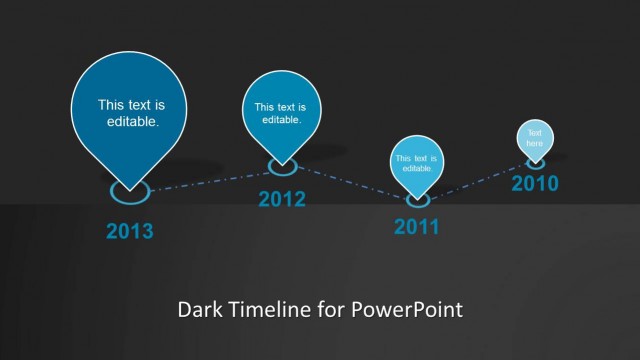
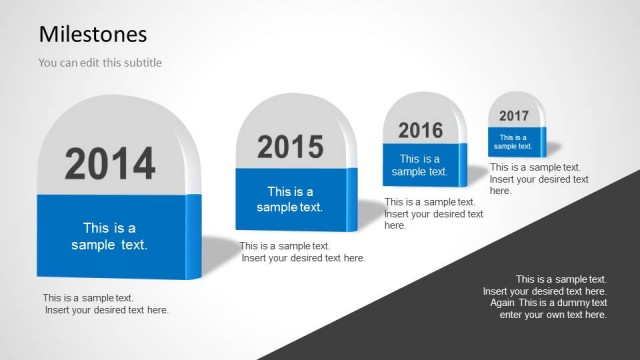
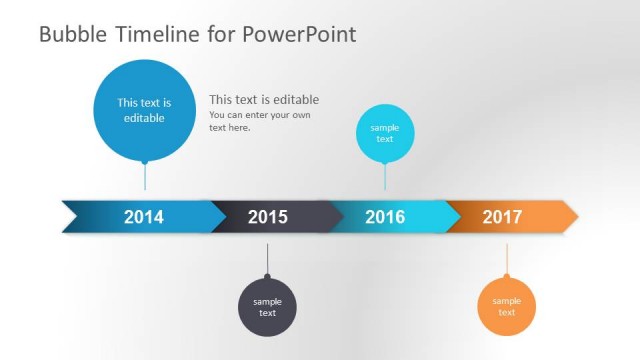
Inside this presentation template with a 4-year milestone timeline design, you can find six helpful slide designs with timeline layouts created with PowerPoint shapes with a petal design used for milestones. The design is simple, containing four milestones, each with a text placeholder to enter the year and then connectors between each year.
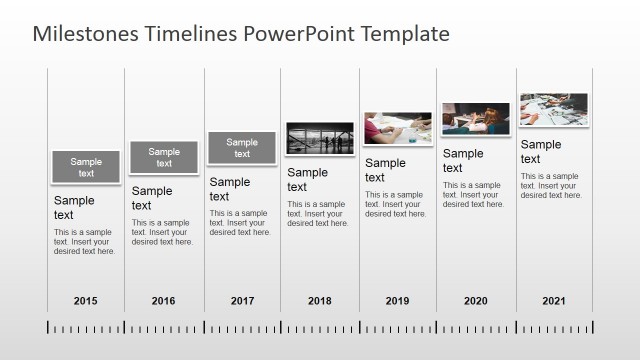
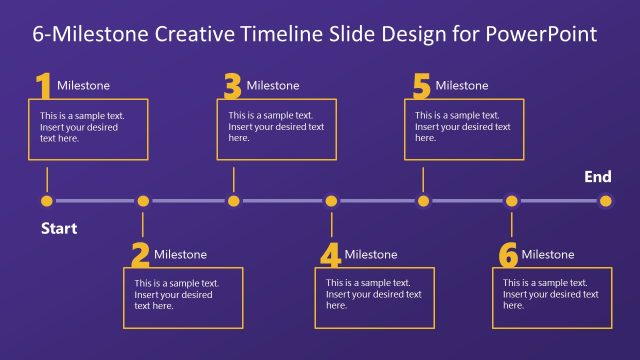
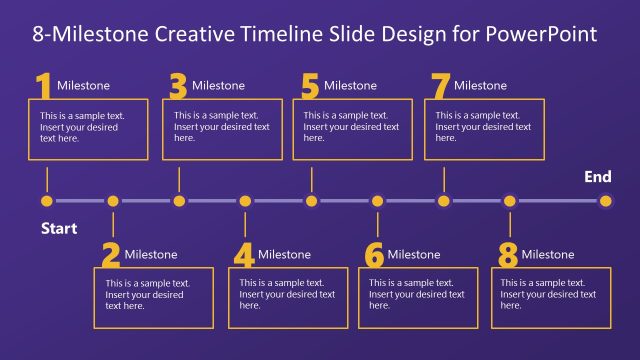
The timeline presentation template contains a horizontal timeline design and internal slides that are very useful for describing your project milestones in a single slide. Alternatively, you can download other timeline templates for PowerPoint, a free timeline slide template or learn how to make a timeline for your presentations.
What’s inside this template
Example presentation scenarios
- A project manager can use the four-year horizontal timeline to summarize completed and upcoming milestones during a steering committee update.
- A consultant can present an implementation roadmap by using the year callout detail slides to explain one phase at a time with supporting notes.
- An operations lead can show schedule dependencies by placing key events along the dotted connector timeline and expanding each year on the detail slides.
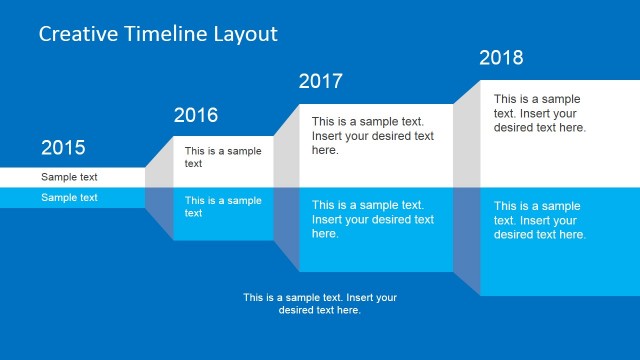
- A business planner can use the stacked petal milestone slides to compare how activities build from 2010 through 2013 in a compact roadmap format.
Features
- 100% editable presentation template
- Compatible with Microsoft PowerPoint
- 16:9 aspect ratio slides
- Scalable vector shapes, icons and illustrations
- AI-Ready for Microsoft Copilot and Claude
- Instant access and download
Frequently asked questions
Q: How should a presenter turn the timeline into a clear milestone story?
A: Start with the horizontal timeline to set the full date range, then move into the year callout slides only for milestones that need explanation. Keep each petal marker to one key event or decision. Use the body text beside each year to state impact, not just activity, so the audience understands progress.
Q: Who is this timeline best suited for in a business presentation?
A: This template fits project managers, consultants, and planning leads who need to communicate a short roadmap without heavy scheduling detail. The four-year overview works well for executive audiences, while the year detail slides give enough room to explain milestones, phase outcomes, risks, or next actions.
Q: Why use petal milestone markers instead of a standard line of dots?
A: The petal shapes create stronger visual anchors than small timeline dots, making each milestone feel like a distinct event. Their changing size and placement help guide attention across the dotted path. On the detail slides, the same marker style connects the expanded explanation back to the original roadmap.


Clean Timeline Template for PowerPoint
6-slide PowerPoint timeline template with clean milestones, petal markers, and year-by-year roadmap layouts
Clean Timeline Template for PowerPoint is a 6-slide 16:9 presentation template for showing project schedules and milestone progress. It includes a four-year horizontal timeline, petal-shaped milestone markers, year callout detail pages, and stacked milestone views. Designed for managers and teams, it is built for Microsoft PowerPoint.
- Category
- Timelines & Planning
- Rating


 Loading...
- Aspect ratio
- 16:9
- Item ID
- 6002-cl
- Colors
 Microsoft PowerPoint
 Microsoft Copilot
 Claude for PowerPoint
Other formats supported
Subscribe today and get immediate
access to download our PowerPoint templates.