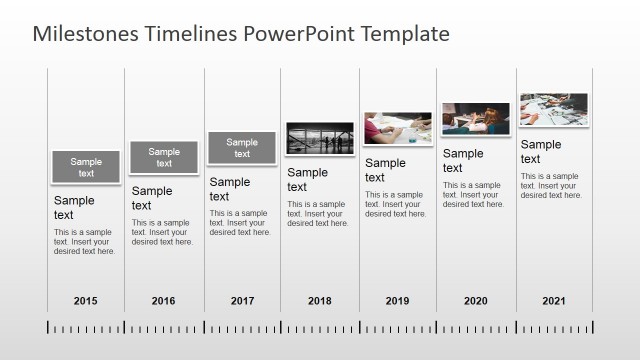
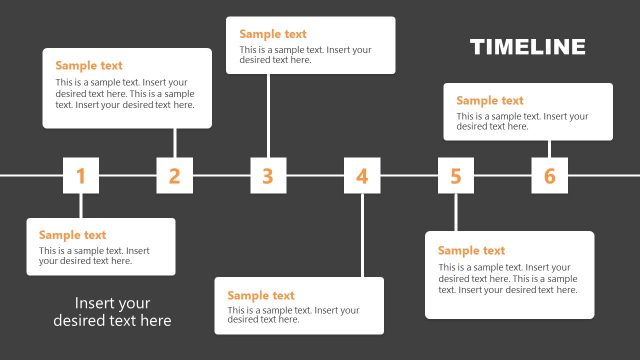
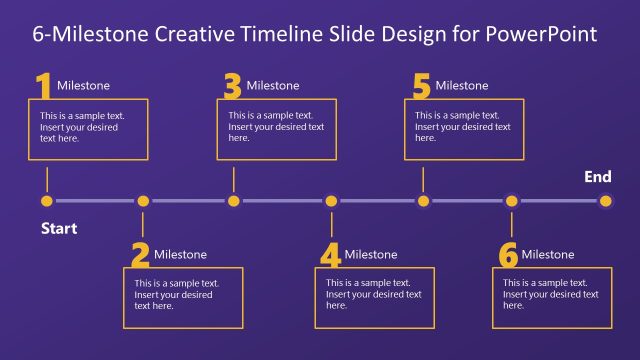
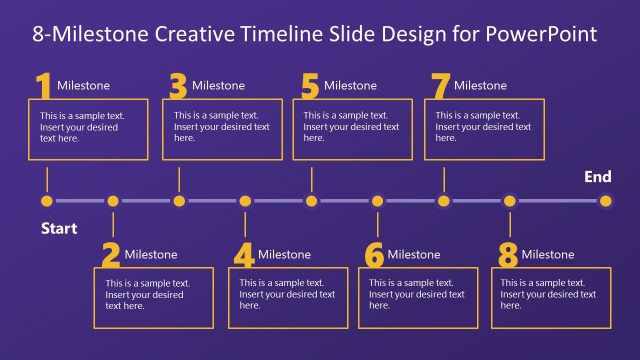
Generate a classy yet casual presentation with Milestones Template for PowerPoint. Created as a collective design, this PowerPoint template can accommodate any time-related and progression concept. Edge out your report with this classic layout that will captivate the attention of the audience.
The ideal subjects can vary from life events to travel and leisure, or anything under the sun. The only requirement is that it can be divided into multiple phases. It can make way to a beautiful timeline or project planning. The PowerPoint Template can even symbolize landmarks and achievements. The user can also label the space between the milestones with values for distance or time.
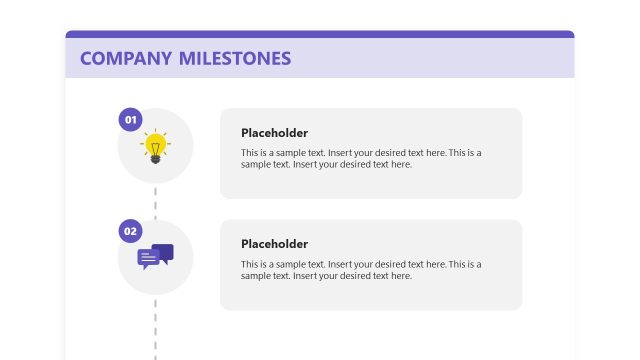
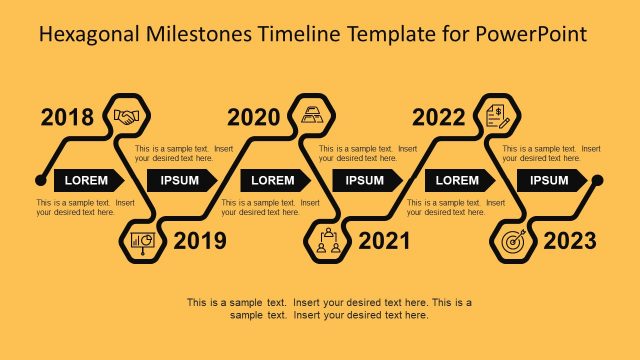
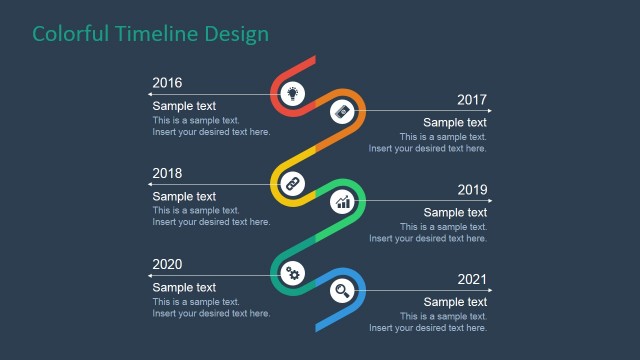
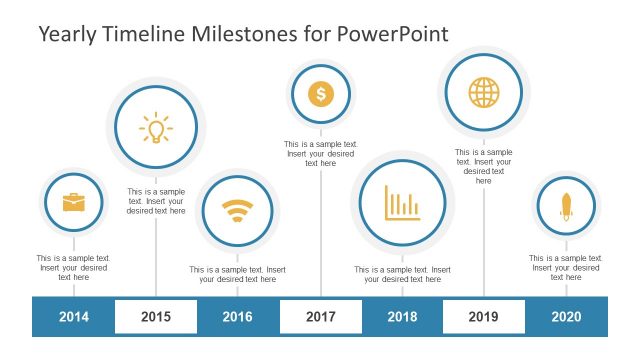
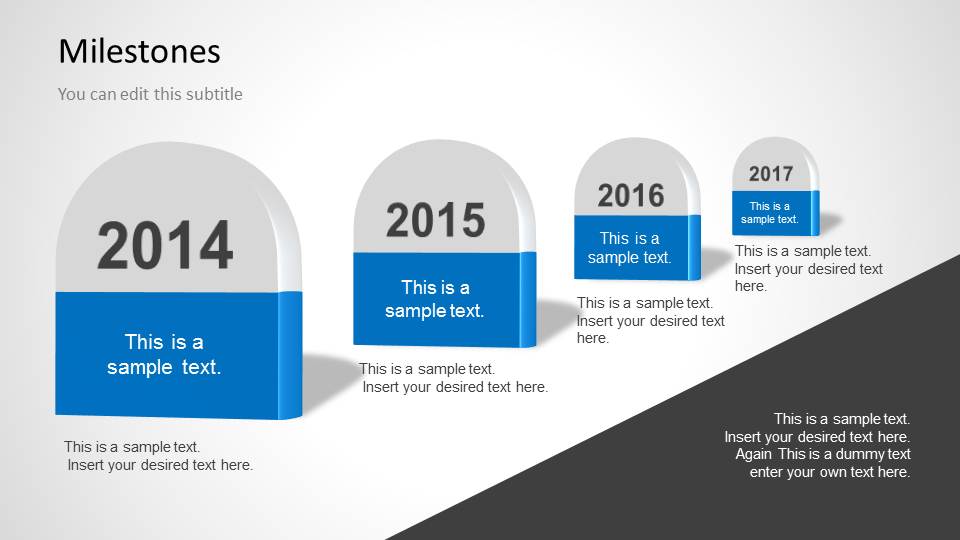
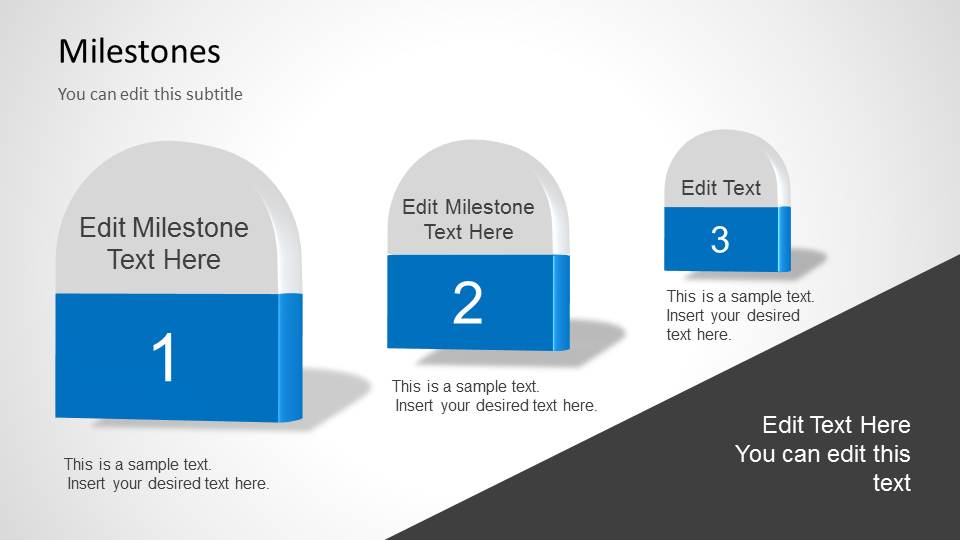
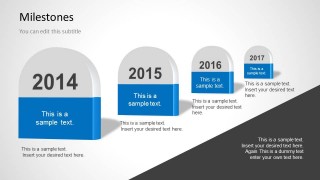
One of the slides contains a four milestones overview. The Office template can help the user create meaningful business planning presentations. The design is somehow minimalistic. The user is given a chance to key in less text to be in able to explain in own terms. Each milestone can showcase numbers that represent the order of events. The dark gray part of the slides portrays a road that illustrates a journey.
The default scheme has hues of blue and gray. These cool colors drive the audience to relax and easily absorb the report. However, the slide designs are especially made for quick modifications from the presenter. Objects within the layout are 100% customisable. Background color, for example, can be changed according to the user’s need or specifications. Same thing goes for text placeholders, text characters, font and color scheme.
Timelines are great for record-keeping. Historians use this method to track events on a certain period of time. The events are arranged in a chronological order. The objective is to create a relationship between those events and its pattern.
Timelines and Planning is a category found in the SlideModel gallery that shows more downloadable designs. Draw professional audiences with Milestones Template for PowerPoint.
What’s inside this template
Example presentation scenarios
- A project manager can present phase gates to executives using the four-year milestone road timeline and the numbered marker slide to show sequence and ownership.
- An HR leader can explain an employee growth path to managers using the central milestone slide with speech bubbles for skills, feedback, and achievement notes.
- A career coach can guide a client through personal goals using the single milestone callout slide to focus attention on one next step or decision point.
- A team lead can summarize progress in a planning meeting using the road metaphor to connect completed milestones with upcoming objectives.
Features
- 100% editable presentation template
- Compatible with Microsoft PowerPoint
- 16:9 aspect ratio slides
- Scalable vector shapes, icons and illustrations
- AI-Ready for Microsoft Copilot and Claude
- Instant access and download
Frequently asked questions
Q: How should I present a milestone journey with this deck?
A: Use the first slide to establish the full sequence, then move to the numbered milestones for the phases that need explanation. Keep each marker to a short label, one outcome, and one date or metric. Put detail in speaker notes so the road stays readable and the audience remembers the order.
Q: Who is this template best suited for?
A: It is best for presenters who need to turn goals, project phases, career steps, or personal development markers into a simple journey. Project managers can show phase gates, HR leaders can frame growth paths, and coaches can map progress checkpoints without building a dense Gantt chart.
Q: Why use the road and milestone markers instead of a standard list?
A: The road metaphor tells the audience that progress is directional, not just a list of events. Large milestone blocks create stopping points, while speech bubbles isolate commentary around a single moment. That mix helps the presenter separate the path, the achievement, and the explanation.
Milestones Template for PowerPoint
4-slide 16:9 PowerPoint presentation template for milestone timelines, goals, and road-based planning visuals
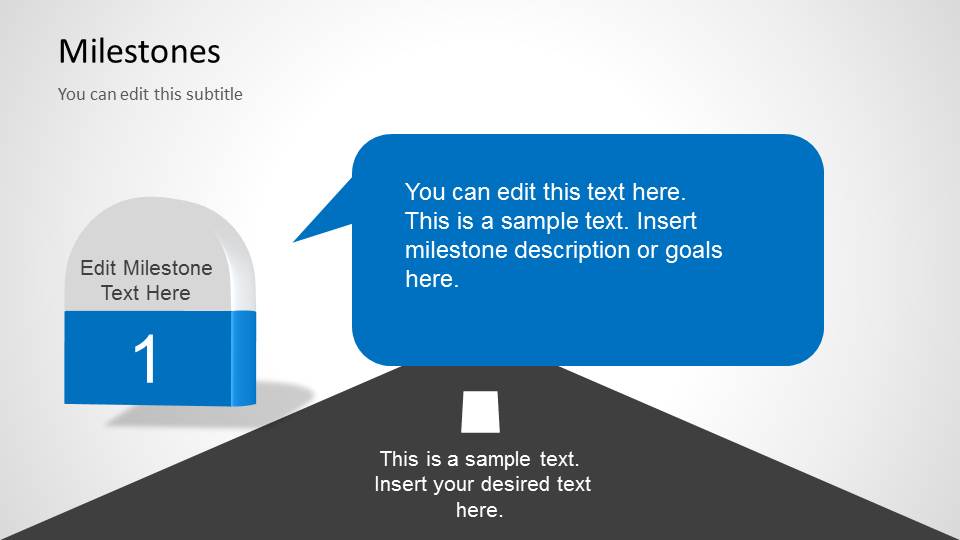
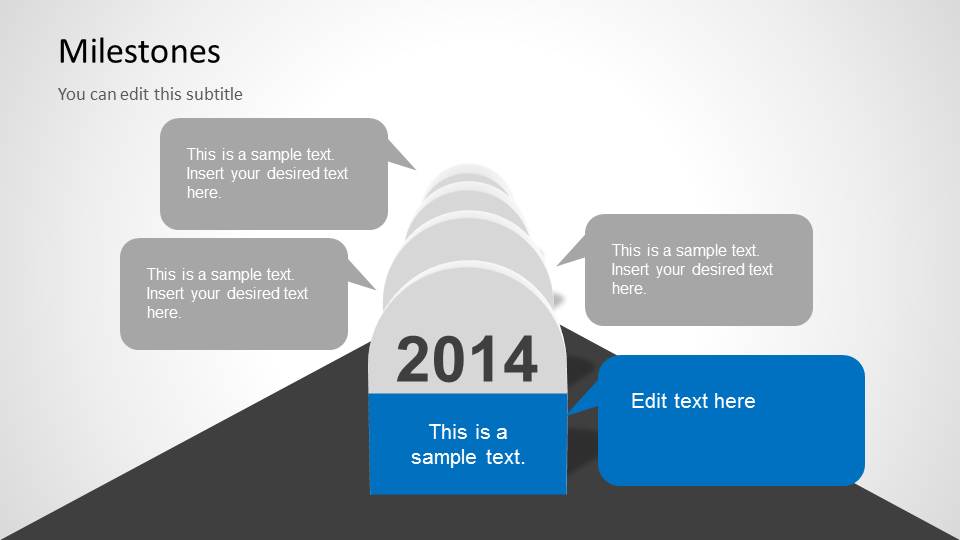
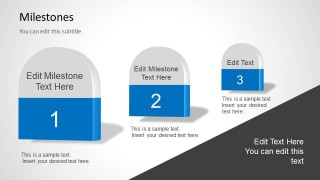
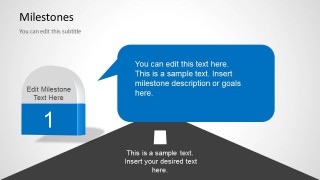
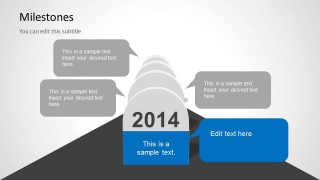
Milestones Template for PowerPoint is a 4-slide 16:9 presentation template for showing progress over time. It includes a four-year milestone road, numbered milestone markers, a single milestone callout slide, and a central road milestone with speech bubbles. It suits project planning, goal tracking, career progress, and personal growth presentations in Microsoft PowerPoint.
- Category
- Timelines & Planning
- Rating


 Loading...
- Aspect ratio
- 16:9
- Item ID
- 6030-02
- Colors
 Microsoft PowerPoint
  Microsoft Copilot
  Claude for PowerPoint
 Other formats supported
Subscribe today and get immediate
access to download our PowerPoint templates.