Slide 6 of 6 from Clean Timeline Template for PowerPoint
6002-clean-timeline-powerpoint-CT3-wide-6
Clean Timeline with Milestones for Presentations
- Diagram
- Timeline Vertical
- Timeline Slide
- 16:9
- 100% Editable
The Timeline with Milestones slide from the Clean Timeline Template for PowerPoint offers a vertical timeline layout ideal for illustrating project timelines or event milestones. This slide uses editable shapes and vector icons to clearly present chronological information, making it suitable for business presentations or educational overviews within a professional slide deck.
What’s on This Slide
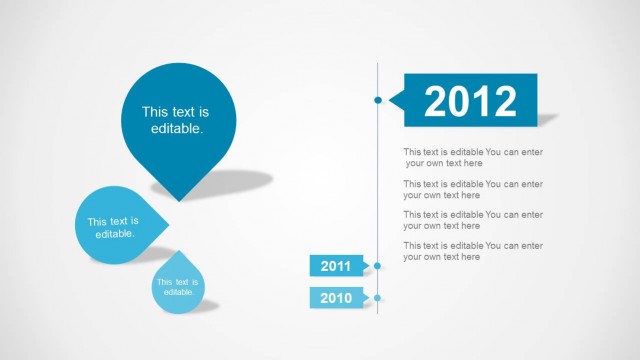
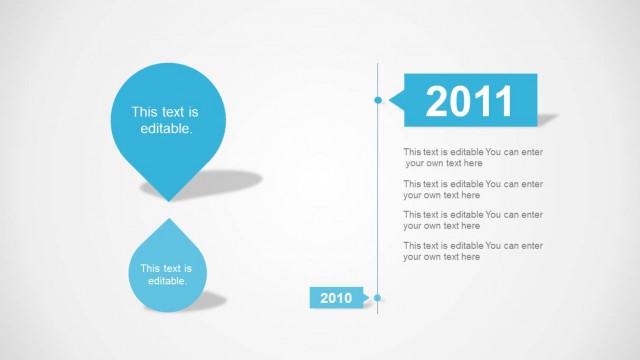
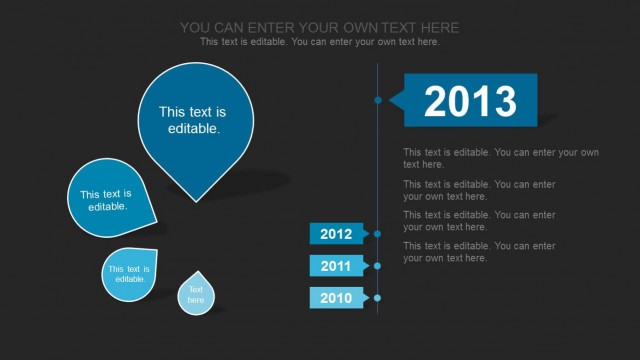
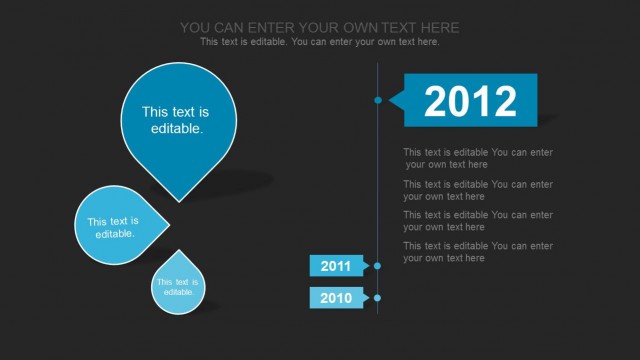
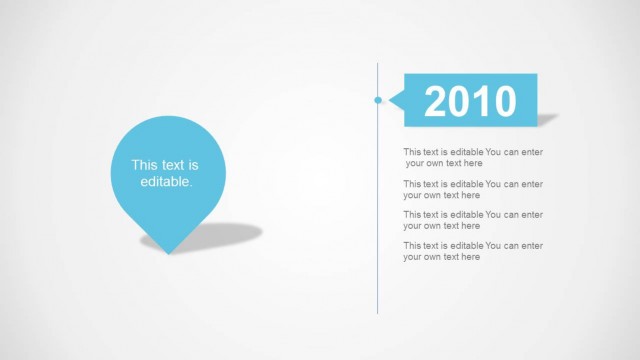
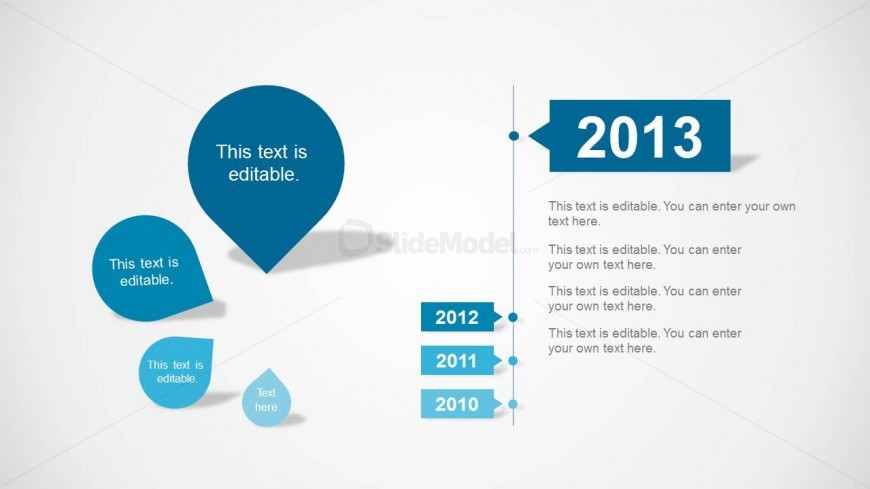
The layout features a vertical timeline on the right side, with a prominent year label '2013' in a rectangular shape. Below this, there are several text placeholders aligned vertically, each corresponding to different years: 2010, 2011, and 2012. On the left, there are circular speech bubble shapes containing editable text. The largest bubble is at the top, with smaller ones below it. A connecting line runs vertically between the bubbles and the timeline, indicating a chronological flow. The background is light, enhancing the visibility of the blue elements.
How to Use It
This layout serves as a chronological timeline, ideal for presenting milestones or events over several years. It fits well in a presentation sequence that discusses historical progress or project timelines. This structure is useful for business scenarios such as project updates, annual reviews, or strategic planning sessions, where clear temporal organization is essential. It can also be adapted for educational purposes to illustrate timelines in history or science.
Text Placeholders & Capacity
Keep your copy within these limits so it fits without resizing. Node body slots can hold roughly 10-12 words each.
| Placeholder | Count | Max characters (approx.) |
|---|---|---|
| Item heading | 4 | 20 |
| Item body | 4 | 50 |
| Chart title | 1 | 30 |
Slide Keywords
Download unlimited PowerPoint templates, charts and graphics for your presentations with our annual plan.
DOWNLOADReturn to Clean Timeline Template for PowerPoint.