Slide 4 of 6 from Clean Timeline Template for PowerPoint
6002-clean-timeline-powerpoint-CT3-wide-4
Clean Timeline with Editable Milestones
- Diagram
- Timeline Vertical
- Timeline Slide
- 16:9
- 100% Editable
The Timeline with Milestones slide from the Clean Timeline Template for PowerPoint offers a structured vertical timeline ideal for project timelines and milestone presentations. This slide layout uses editable shapes and text placeholders to clearly depict chronological events, making it suitable for business presentations and corporate slide decks that require a professional overview of progress or historical developments.
What’s on This Slide
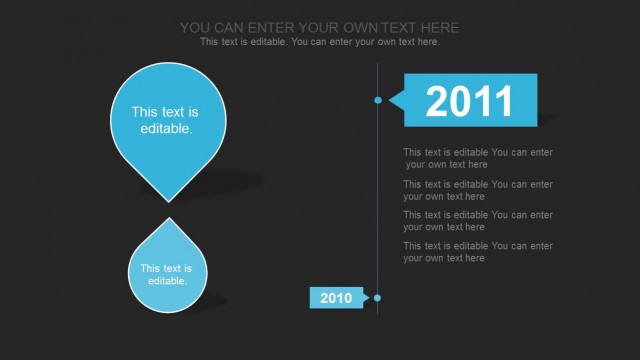
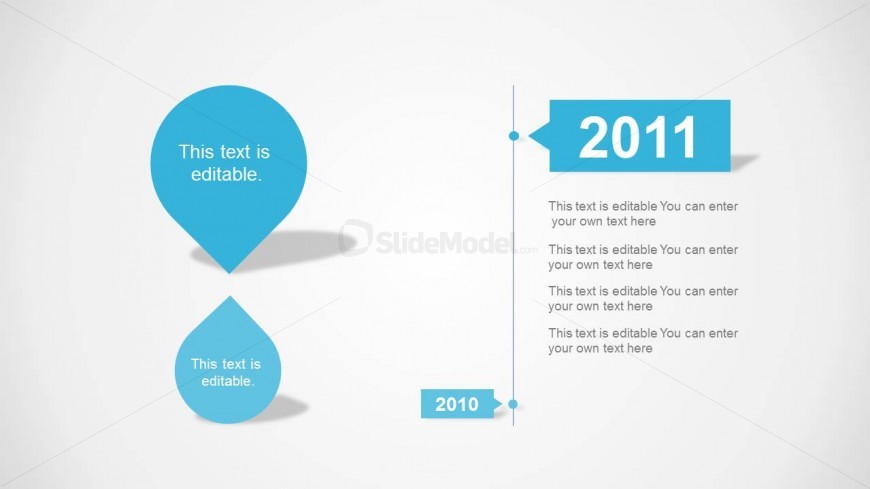
The layout features two large teardrop shapes positioned vertically on the left, with editable text placeholders inside each. To the right, a vertical timeline displays years, specifically 2010 and 2011, with corresponding editable text placeholders below each year. The timeline is connected by a thin line with a circular node indicating the flow of time. The overall color scheme is a light background with blue elements, creating a clear visual hierarchy. The text placeholders are centrally aligned within their respective shapes and positioned to maintain balance.
How to Use It
This layout serves as a chronological timeline, effectively illustrating milestones or events over specific years. It is suitable for presentations that require a clear depiction of progress or development, such as project timelines or historical overviews. This slide fits well in a sequence that discusses past achievements or future planning, allowing for a straightforward narrative flow. It can be used in business contexts to highlight key milestones in project management or product development.
Text Placeholders & Capacity
Keep your copy within these limits so it fits without resizing. Body slots can accommodate roughly 15-20 words each.
| Placeholder | Count | Max characters (approx.) |
|---|---|---|
| Item heading | 2 | 30 |
| Item body | 4 | 100 |
Slide Keywords
Download unlimited PowerPoint templates, charts and graphics for your presentations with our annual plan.
DOWNLOADReturn to Clean Timeline Template for PowerPoint.