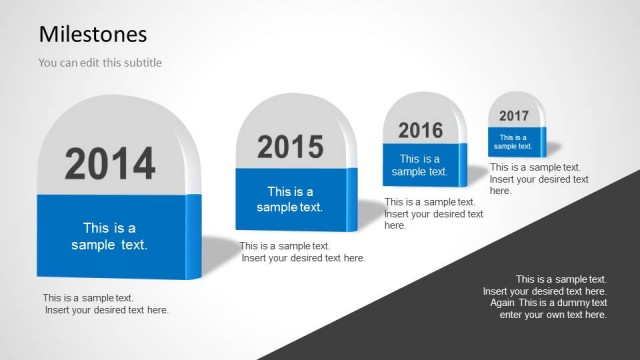
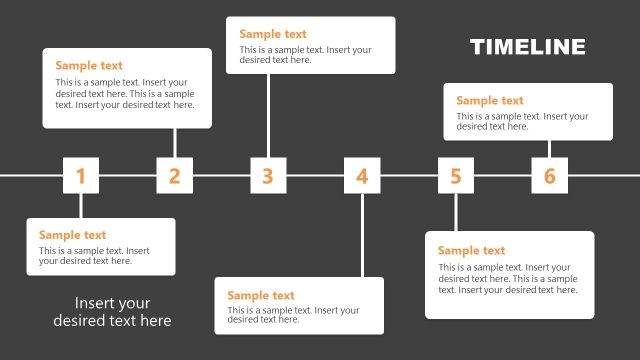
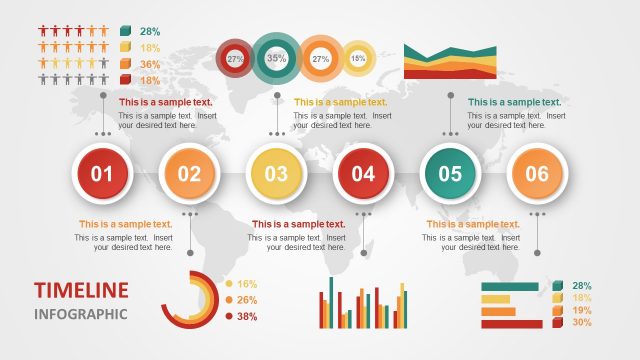
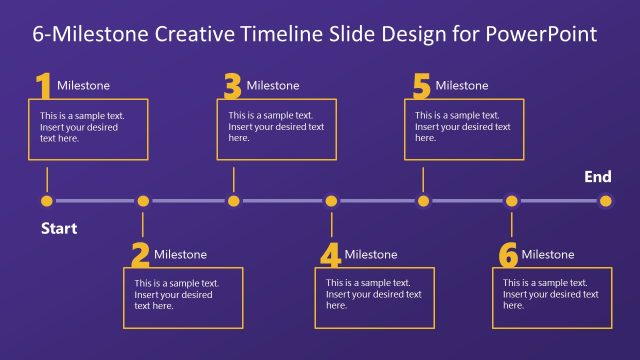
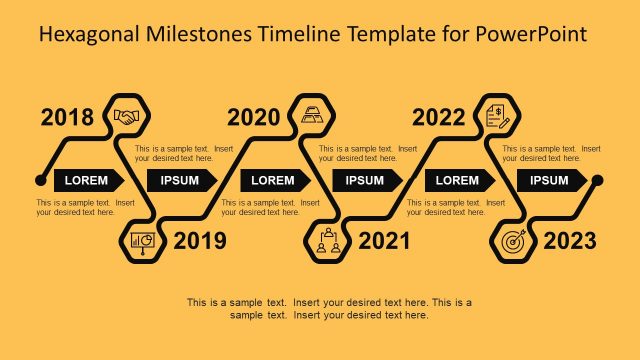
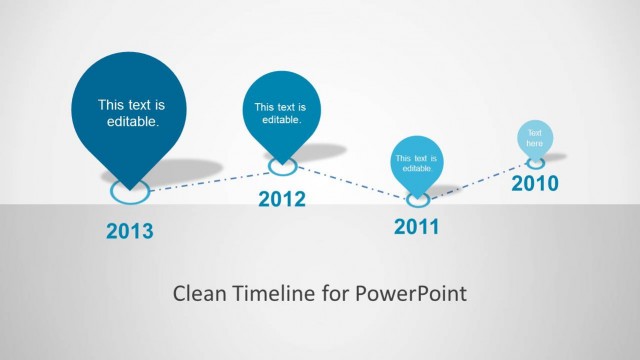
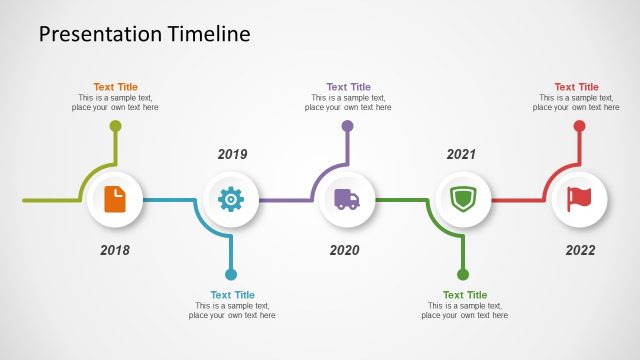
Milestones Timeline PowerPoint Template – Create professional presentations with a modern Timeline design that appeals to executive audiences. The presentation provides five different variations of timelines with photographs placeholders. The user can edit each placeholder and replace the images with ones of its own, or with any of the PowerPoint Shapes of our gallery.
Timelines are a visual way of representing chronological events. Timelines are very popular for Project Management and any kind of Planning Activity. Users can describe the objectives of each milestone with a representative picture. PowerPoint Timelines are ideal for creating roadmaps visualizations. The user can summarize in a succinct way the milestones and describe which are the deliverables.
Each of the placeholders and timelines are created using PowerPoint shapes, allowing the user to fully edit and customize their appearance to match the desired theme.
What’s inside this template
Example presentation scenarios
- A project manager can present a delivery schedule to executives using the horizontal roadmap timeline with year markers, photo placeholders, and milestone notes.
- A product manager can explain a release plan to cross-functional teams with the vertical milestone timeline that pairs each year with a visual cue and short description.
- A consultant can summarize a client transformation journey using the decade-scale timeline to show major events across long time periods.
- An operations leader can report program progress in a steering committee meeting using the staggered multi-year timeline with alternating image tiles and concise status text.
Features
- 100% editable presentation template
- Compatible with Microsoft PowerPoint and Google Slides
- 16:9 aspect ratio slides
- Scalable vector shapes, icons and illustrations
- AI-Ready for Microsoft Copilot and Claude
- Instant access and download
Frequently asked questions
Q: How should a presenter choose among the five timeline layouts?
A: Use the simplest timeline that matches the time span and message. The horizontal roadmap works well for sequential project updates, the decade-scale timeline fits history or transformation stories, and the staggered multi-year layout supports denser milestone lists. Keep each milestone label short so the audience follows the sequence before reading details.
Q: Who is this template best suited for?
A: This template fits project managers, product leaders, consultants, and executives who need to explain what happened, what is happening now, or what comes next. It is strongest when the message is organized by dates, phases, or milestones and when photos can clarify the event, deliverable, location, or team activity.
Q: Why do photo placeholders improve the timeline message?
A: The photo placeholders turn milestones into visual evidence rather than isolated date labels. A product image, team photo, site photo, or meeting snapshot gives each event context and helps the audience remember the sequence. The linear axes and vertical connectors keep attention on chronology while the images add meaning.


Milestones Timeline PowerPoint Template
5-slide presentation template for milestone timelines, photo roadmaps, and project planning visuals.
Milestones Timeline PowerPoint Template is a 5-slide presentation template for chronological planning and milestone reporting. It includes vertical milestone timelines, a horizontal roadmap timeline, a decade-scale historical timeline, photo-based milestone rows, and a staggered multi-year timeline for project managers, consultants, and teams using Microsoft PowerPoint or Google Slides.
- Category
- Timelines & Planning
- Rating


 Loading...
- Aspect ratio
- 16:9, 4:3
- Item ID
- 7127-01
- Colors
 Microsoft PowerPoint
 Microsoft Copilot
 Claude for PowerPoint
Other formats supported
Subscribe today and get immediate
access to download our PowerPoint templates.