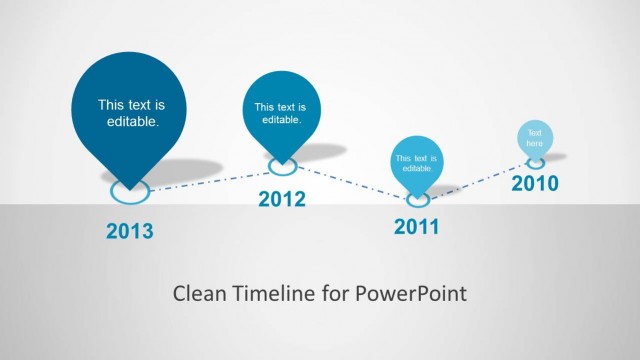
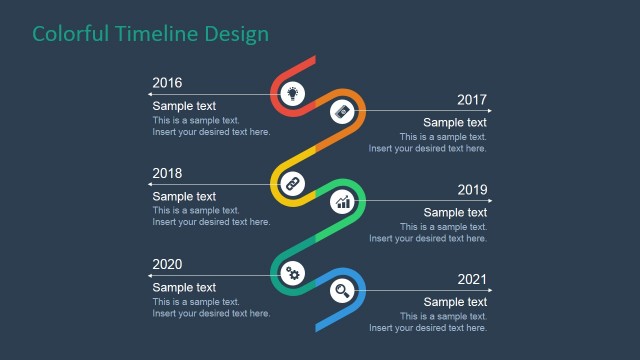
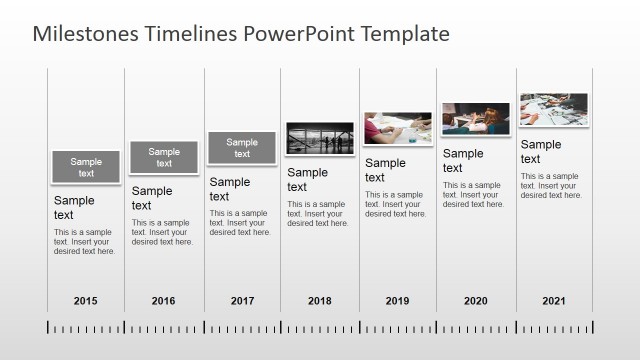
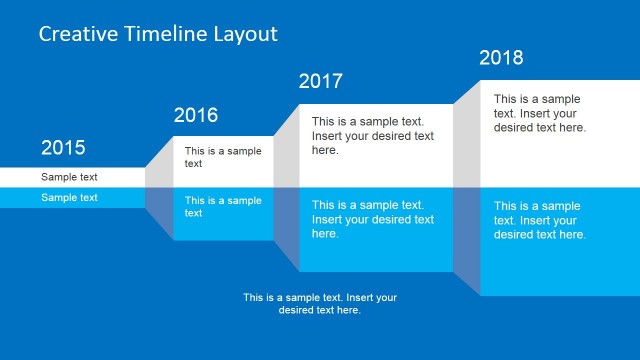
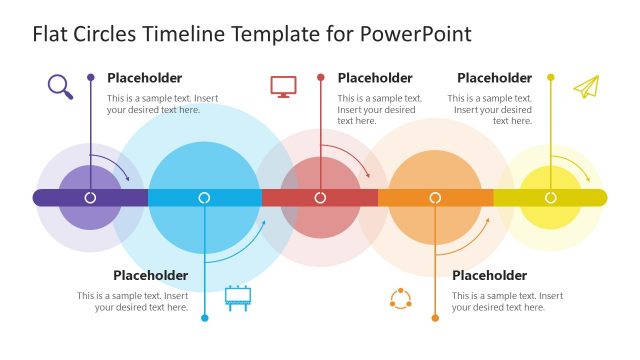
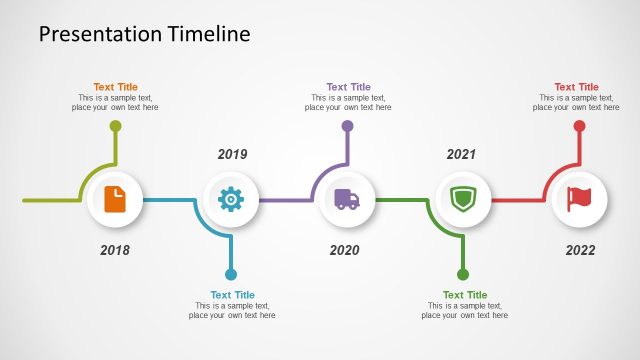
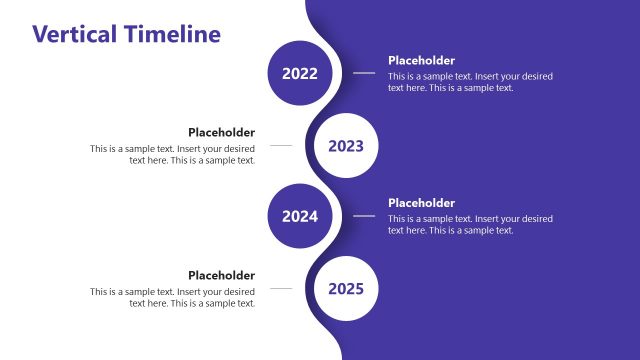
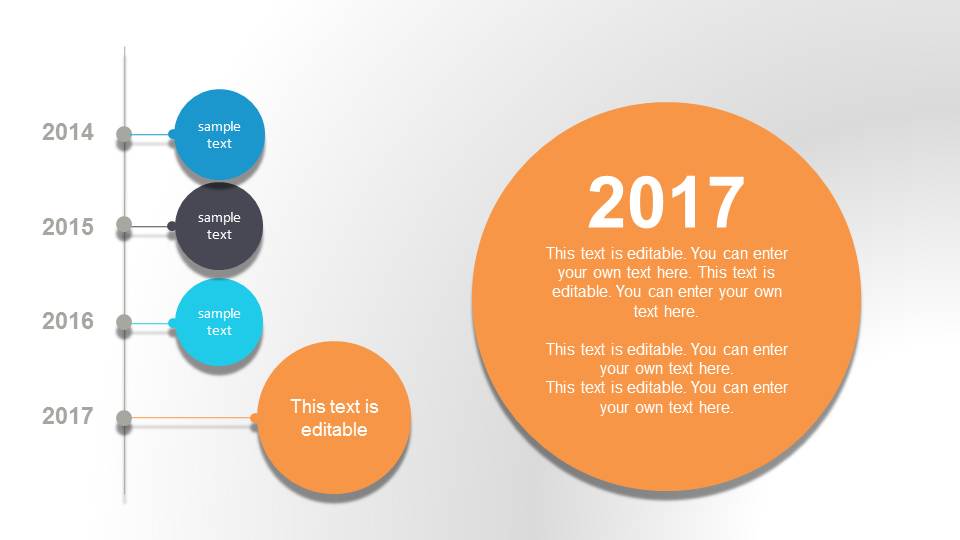
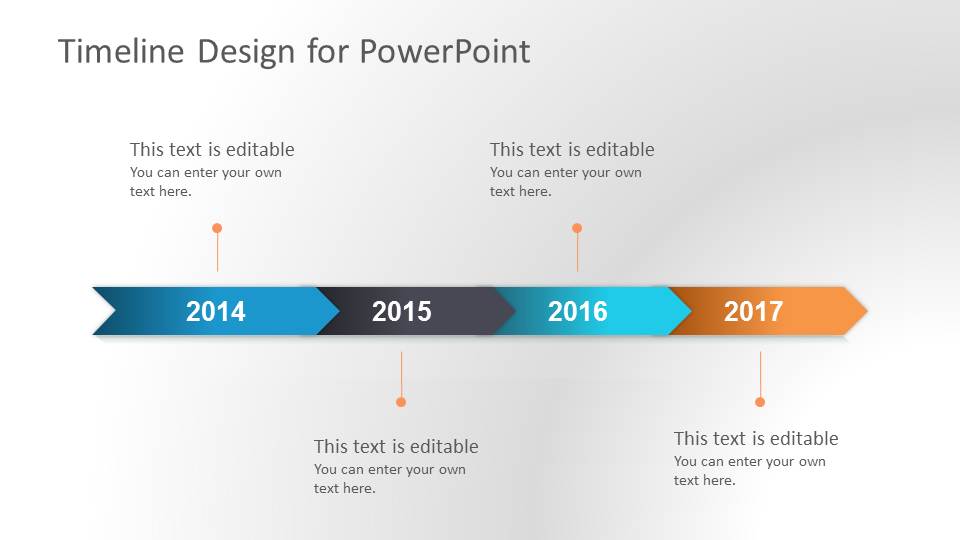
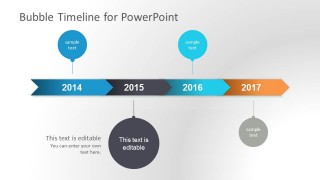
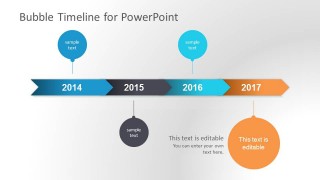
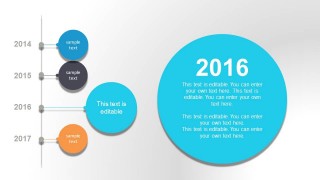
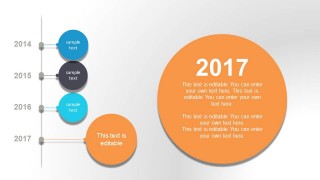
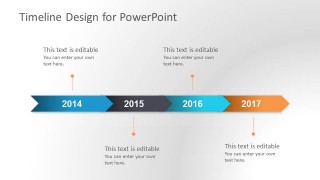
This is a timeline PowerPoint template with bubble style and clean design. This timeline presentation template for PowerPoint contains different slides with timeline graphics that you can use in your presentations. You can edit the timelines with your own values. The four first slide designs include series of chevrons to represent important milestones in the PowerPoint timeline with the current year with a bigger bubble design (circle).
Alternatively you can download other data & chart templates for PowerPoint or browse the collection of timeline designs for PowerPoint presentations. If you are a PowerPoint user, we recommend this tutorial on how to create a timeline.
What’s inside this template
Example presentation scenarios
- A project manager can use the chevron timeline to brief executives on major milestones, phase dates, and the current focus year in a concise status meeting.
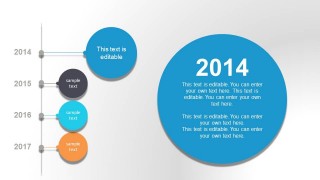
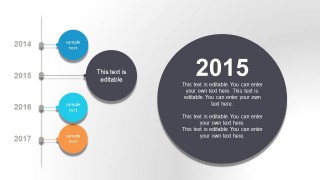
- A product manager can use the large year spotlight slides to explain roadmap priorities for one release period while keeping adjacent years visible as context.
- A consultant can use the vertical milestone list to compare planned dates with key deliverables during a client planning workshop.
- An operations leader can use the simple final chevron timeline to summarize a rollout schedule and assign discussion points to each year segment.
Features
- 100% editable presentation template
- Compatible with Microsoft PowerPoint and Google Slides
- 16:9 aspect ratio slides
- Scalable vector shapes, icons and illustrations
- AI-Ready for Microsoft Copilot and Claude
- Instant access and download
Frequently asked questions
Q: How should a presenter choose between the chevron timeline and the large bubble year slides?
A: Use the chevron timeline when the audience needs the full sequence at once, such as a roadmap overview or executive summary. Use the large bubble year slides when the discussion shifts to one period, milestone, or decision point. This creates a natural pattern: orient the audience, then zoom into the year that needs attention.
Q: Who benefits most from this bubble timeline format?
A: This format fits presenters who need to explain a dated plan without showing a dense project schedule. Project managers, product leads, consultants, and department heads can use the year labels, milestone bubbles, and short text blocks to show what happens when, why it matters, and which phase deserves focus.
Q: Why do the bubble callouts work well for roadmap communication?
A: The bubbles act as visual anchors for key events, while the chevron bar keeps the chronological flow clear. The larger spotlight circles signal priority, helping the audience separate headline milestones from supporting details. This mix is useful when dates matter, but the message is about meaning and progress rather than task-level detail.
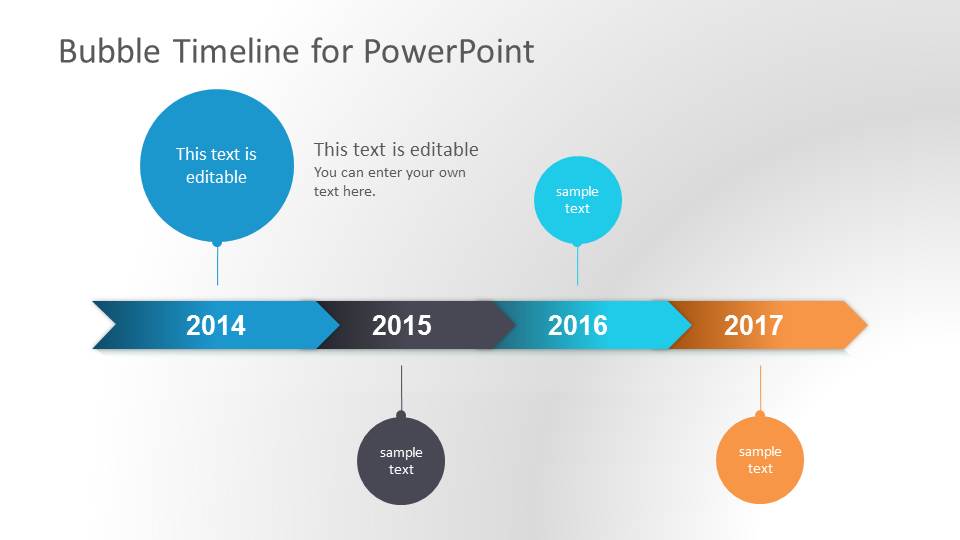
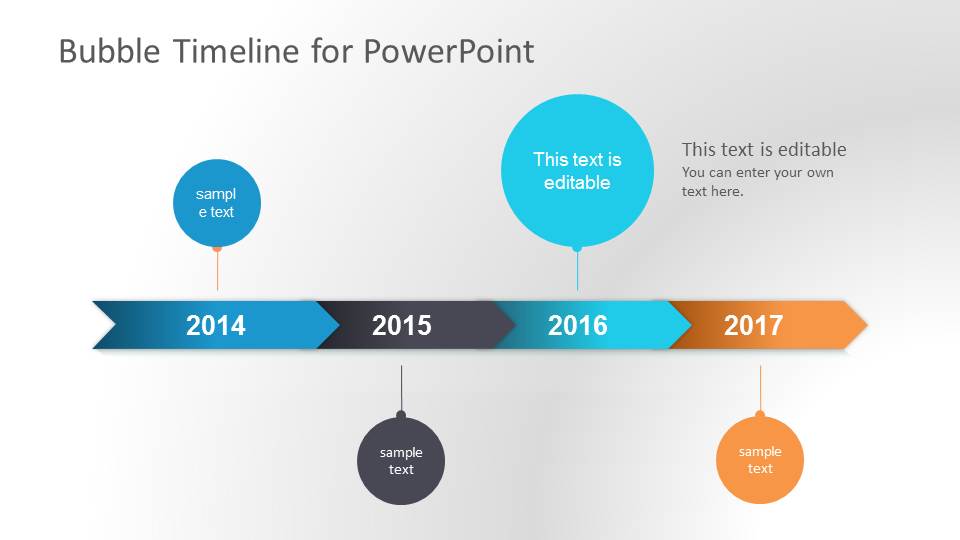
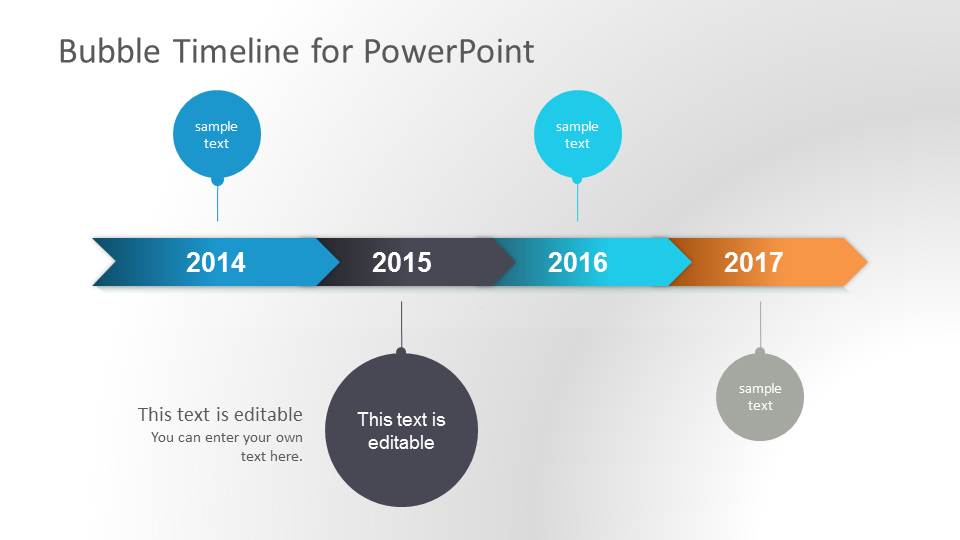
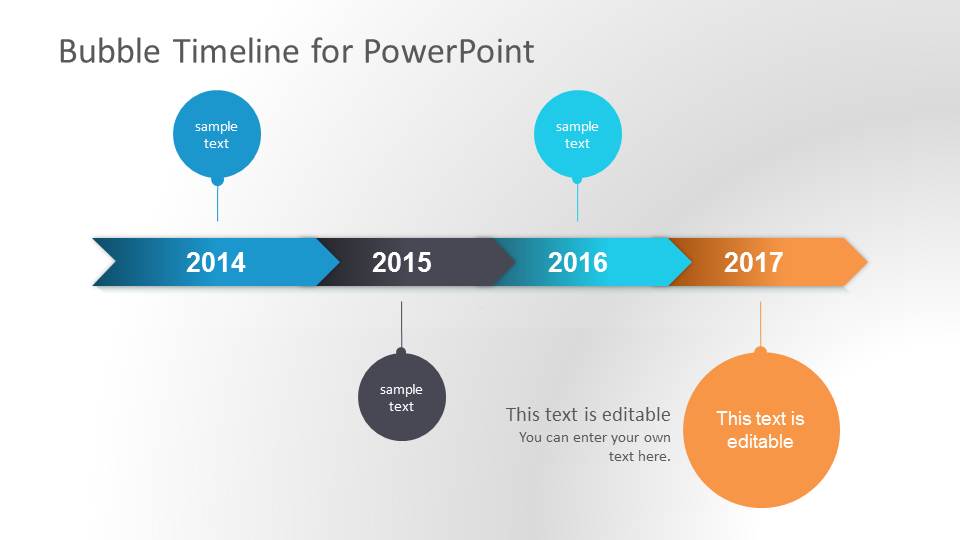


Bubble Timeline PowerPoint Template
9-slide presentation template for bubble timelines, milestones, roadmap dates, and schedule planning.
Bubble Timeline PowerPoint Template is a 9-slide timeline diagram deck for Microsoft PowerPoint and Google Slides. It includes chevron year timelines, bubble milestone callouts, vertical milestone lists, and large year spotlight layouts for roadmaps, schedules, status updates, and project planning presentations.
- Category
- Timelines & Planning
- Rating


 Loading...
- Aspect ratio
- 16:9
- Item ID
- 6002
- Colors
 Microsoft PowerPoint
  Microsoft Copilot
  Claude for PowerPoint
 Other formats supported
Subscribe today and get immediate
access to download our PowerPoint templates.