Slide 1 of 6 from Clean Timeline Template for PowerPoint
6002-clean-timeline-powerpoint-CT3-wide-1
Clean Timeline with Milestones for PowerPoint
- Diagram
- Timeline Horizontal
- Timeline Slide
- 16:9
- 100% Editable
The Timeline with Milestones slide from the Clean Timeline Template for PowerPoint offers a clear horizontal timeline layout ideal for project milestones and progress tracking. This slide template includes editable shapes and text placeholders to customize key events over time, making it suitable for business presentations and historical overviews. Its design supports effective communication in corporate presentations and pitch deck templates by visually organizing chronological data.
What’s on This Slide
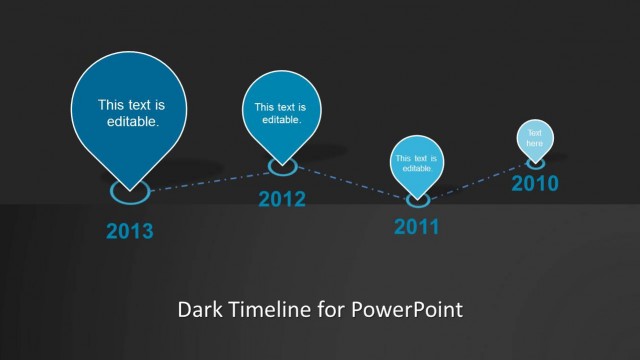
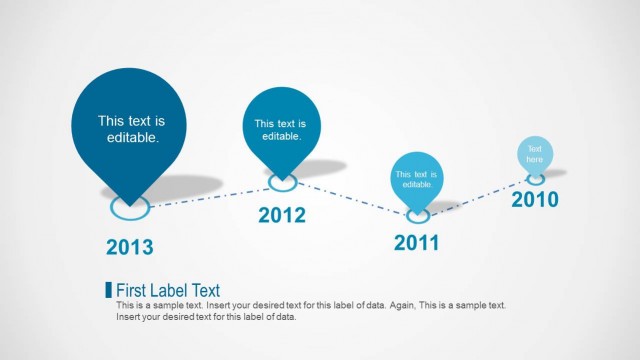
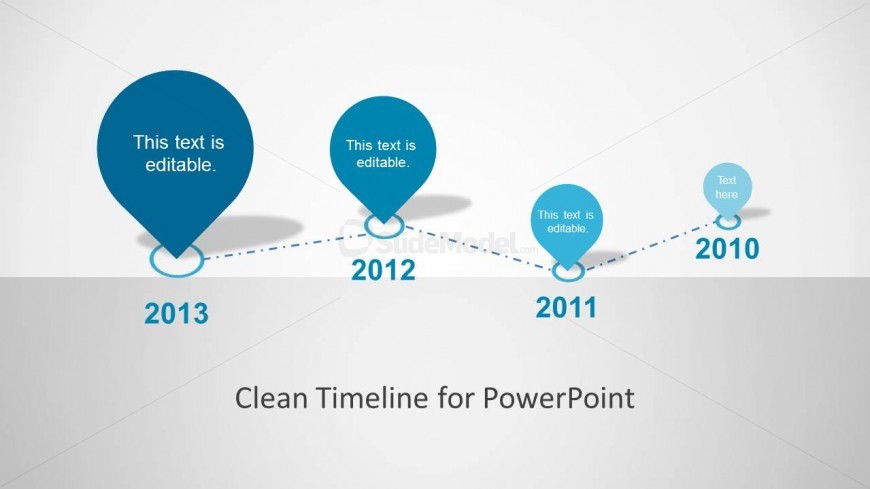
The layout features a horizontal timeline with four circular nodes positioned along a dashed line. The nodes are evenly spaced, with the first node on the left labeled '2010' and the last node on the right labeled '2013'. Each node contains a text placeholder, centrally aligned, indicating that the text is editable. Below the timeline, there is a larger text placeholder for the title, centered and bolded, stating 'Clean Timeline for PowerPoint'. The background is light gray, providing contrast to the blue elements of the timeline.
How to Use It
This layout functions as a chronological timeline, ideal for showcasing milestones or events over a series of years. It fits well at the beginning of a presentation to outline key developments or achievements. This structure is useful for project planning, historical overviews, or progress tracking in business contexts. It can be employed individually to highlight a specific timeline or as part of a larger presentation to provide a visual summary of events.
Text Placeholders & Capacity
Keep your copy within these limits so it fits without resizing. Node labels can hold about 20 characters each, while the body slot can accommodate roughly 40 characters.
| Placeholder | Count | Max characters (approx.) |
|---|---|---|
| Item heading | 4 | 20 |
| Body paragraph | 1 | 40 |
Slide Keywords
Download unlimited PowerPoint templates, charts and graphics for your presentations with our annual plan.
DOWNLOADReturn to Clean Timeline Template for PowerPoint.