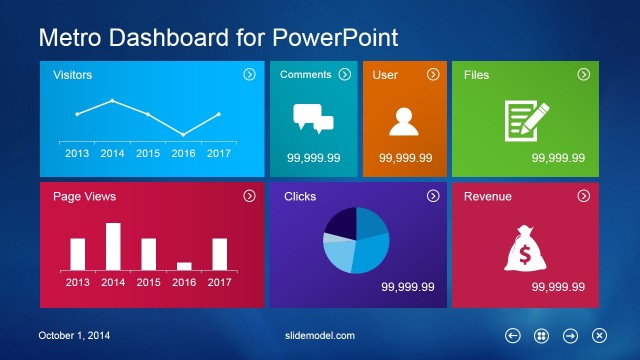
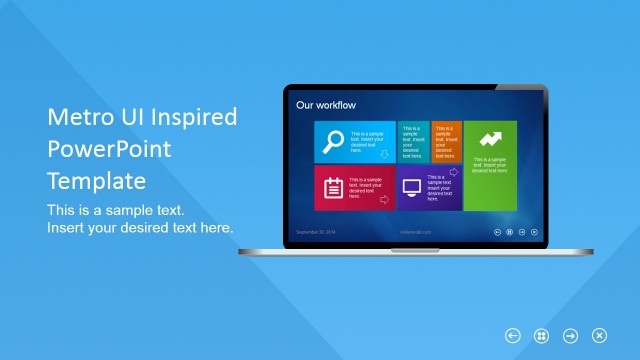
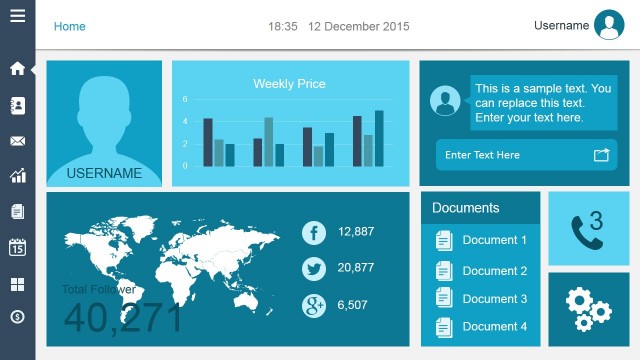
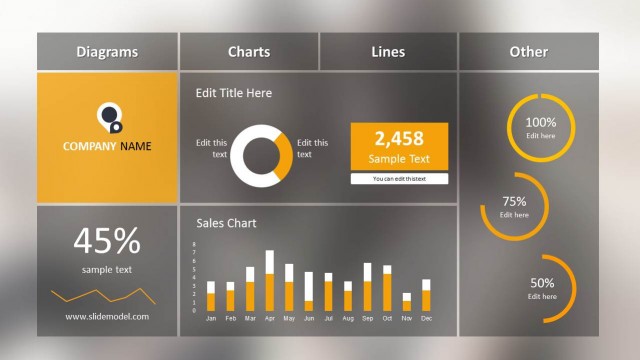
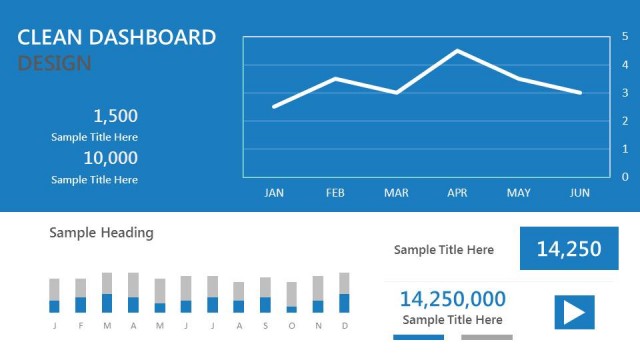
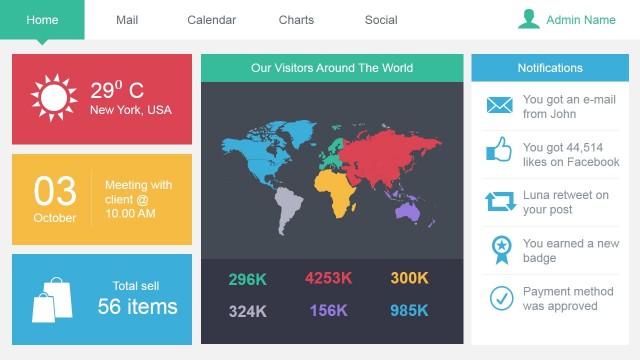
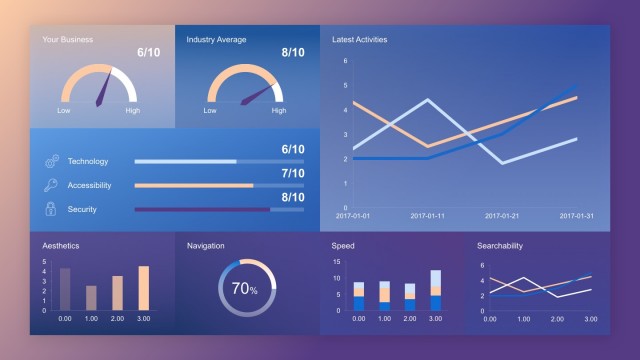
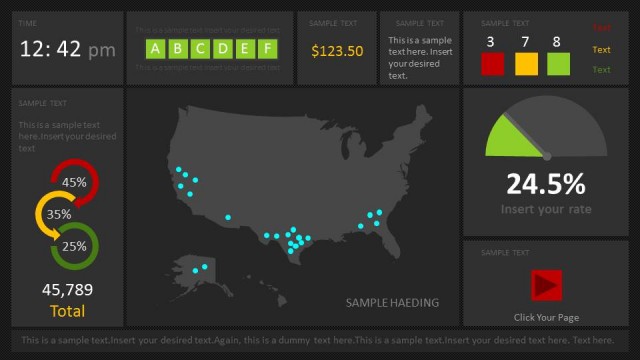
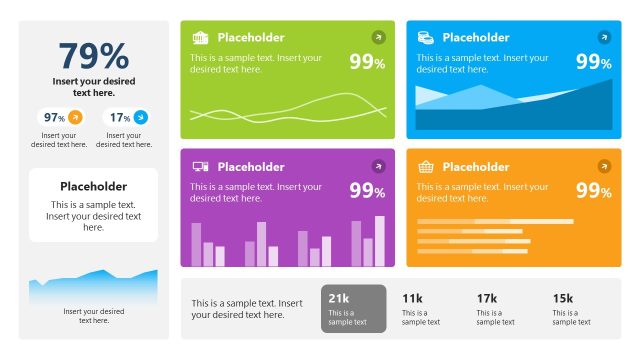
Business Metro-Style Dashboard PowerPoint Template is a presentation template inspired by Metro Dashboard and containing creative slide designs that you can use to make presentations with an app dashboard style.
Alternatively you can download more dashboard PowerPoint templates and creative Metro UI tool kit slides for presentations.
You can see a live preview here:
What’s inside this template
Example presentation scenarios
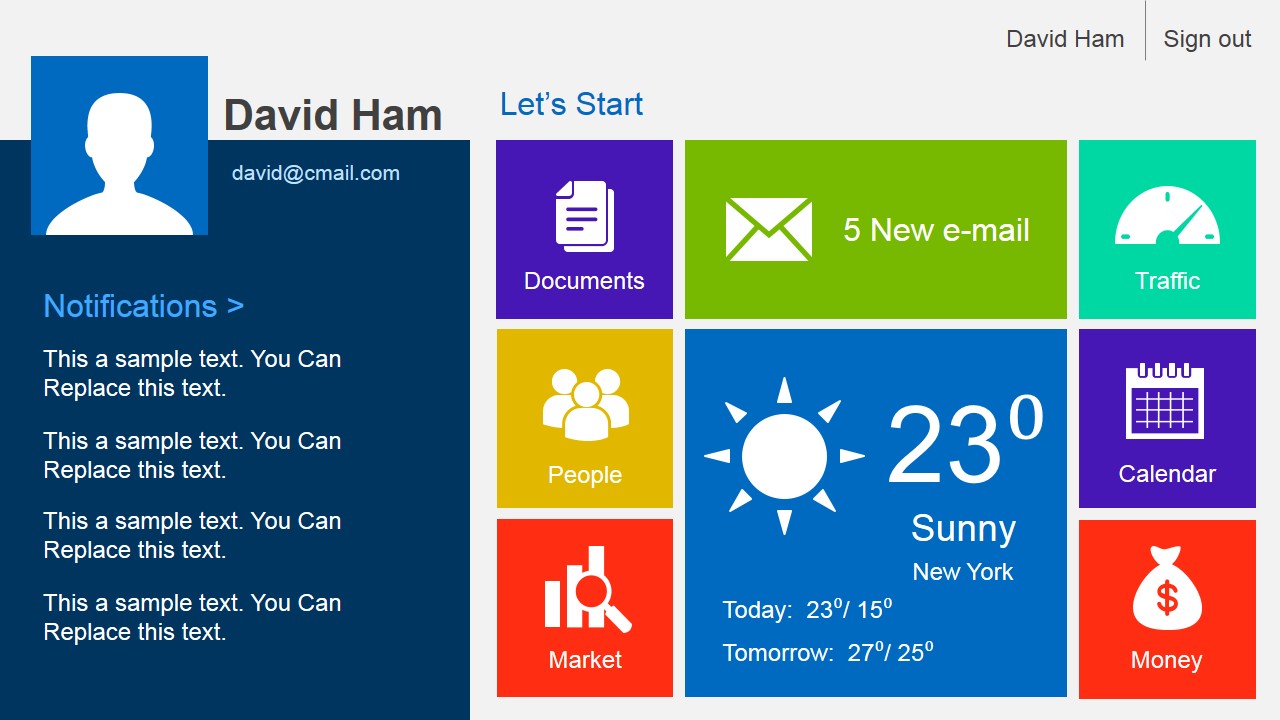
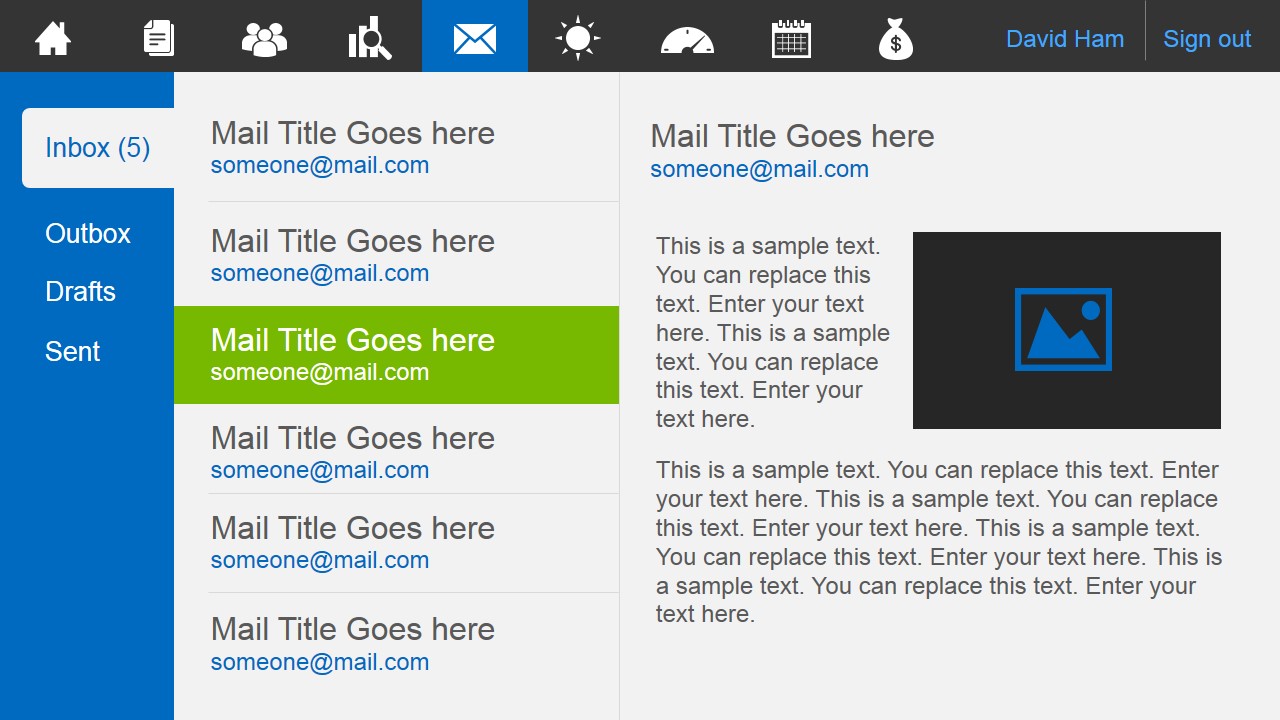
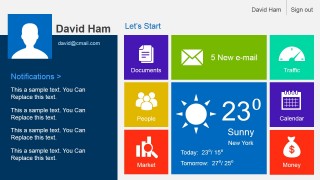
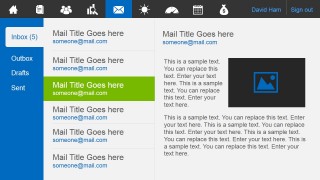
- A product manager can use the home dashboard and email inbox screens to explain how a business application organizes daily user activity, messages, files, and notifications.
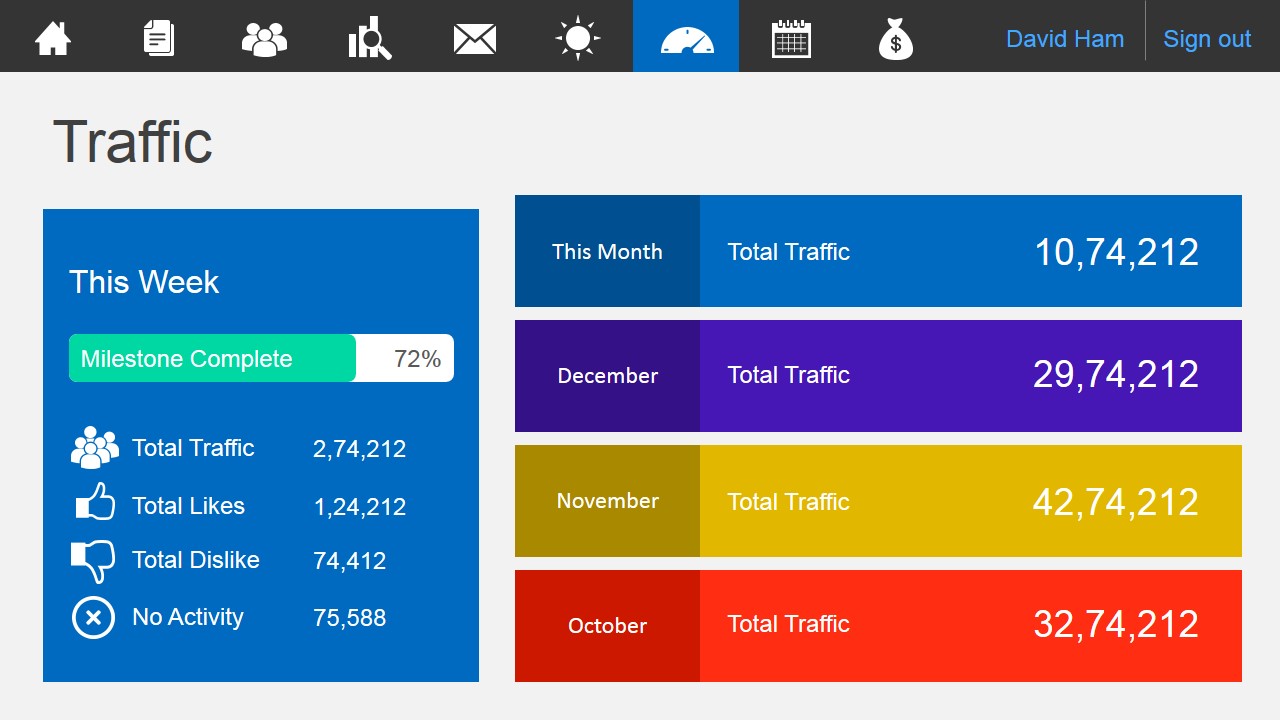
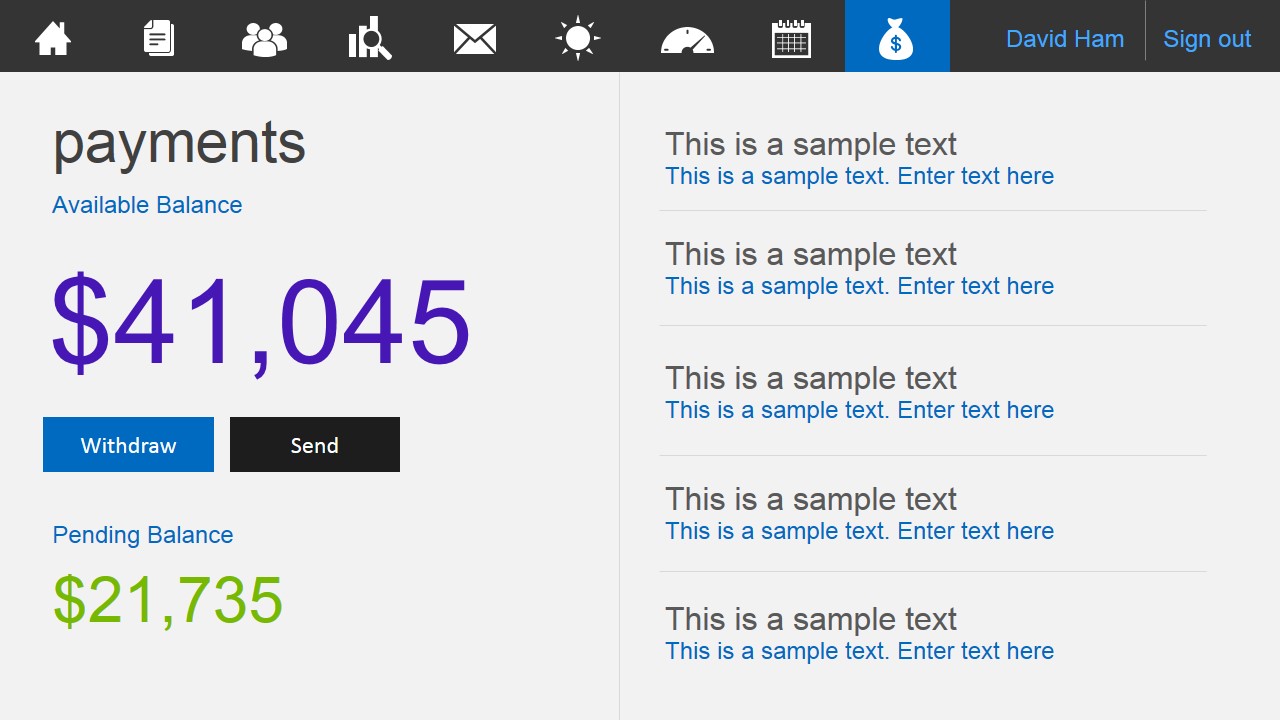
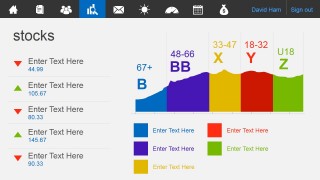
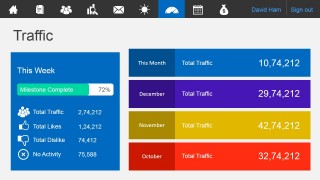
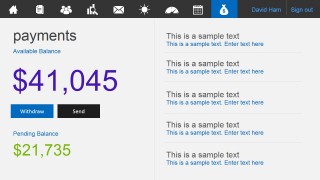
- A business analyst can use the traffic dashboard, stock panel, and payment screen to present operational indicators in an interface format that feels closer to a working product than a static report.
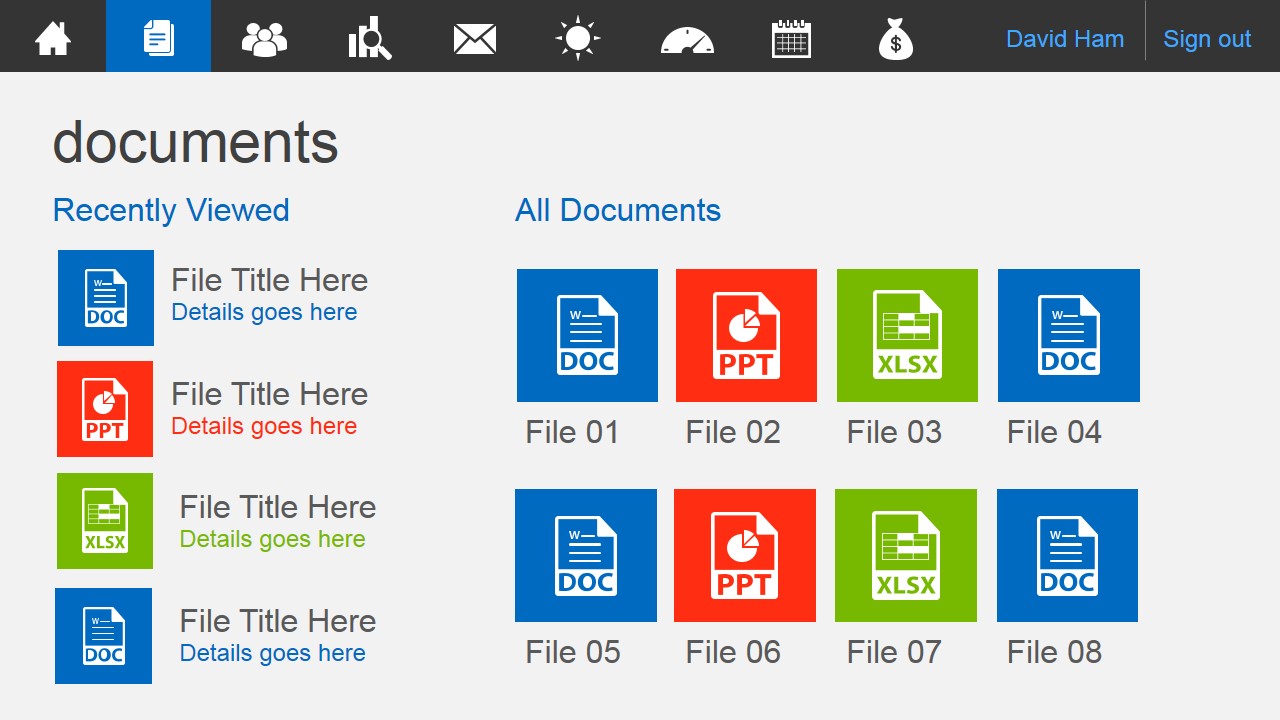
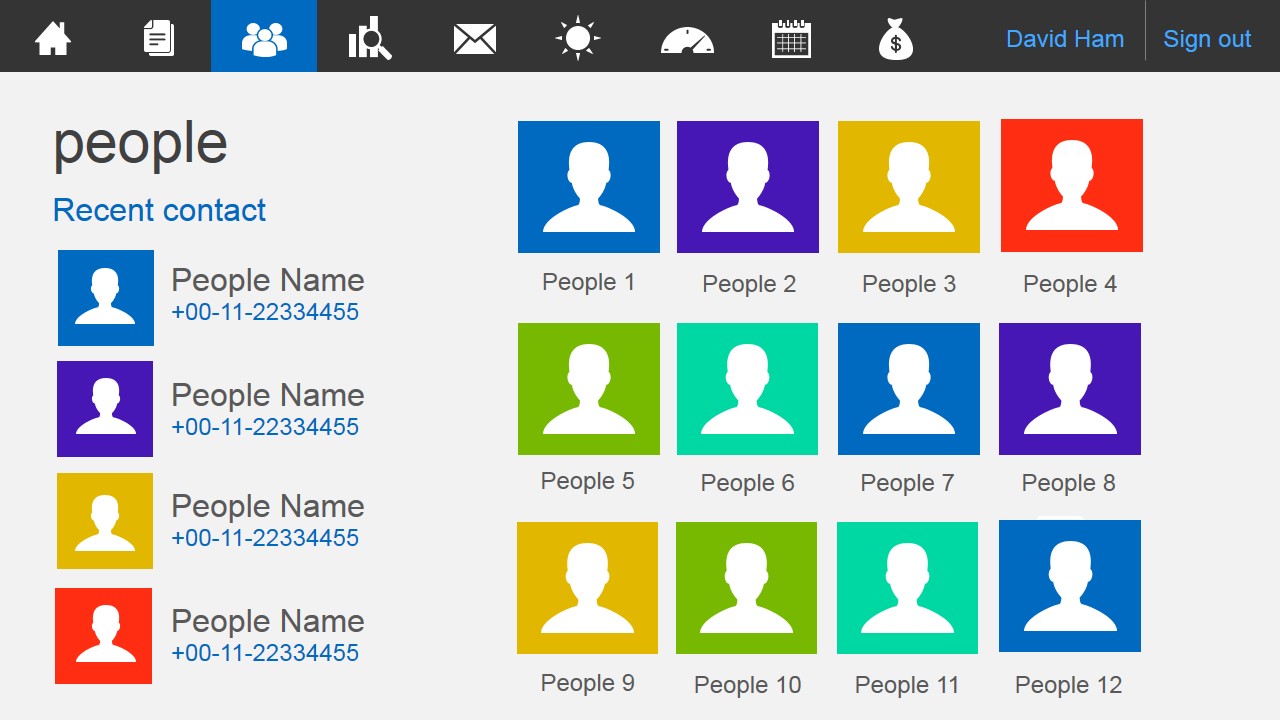
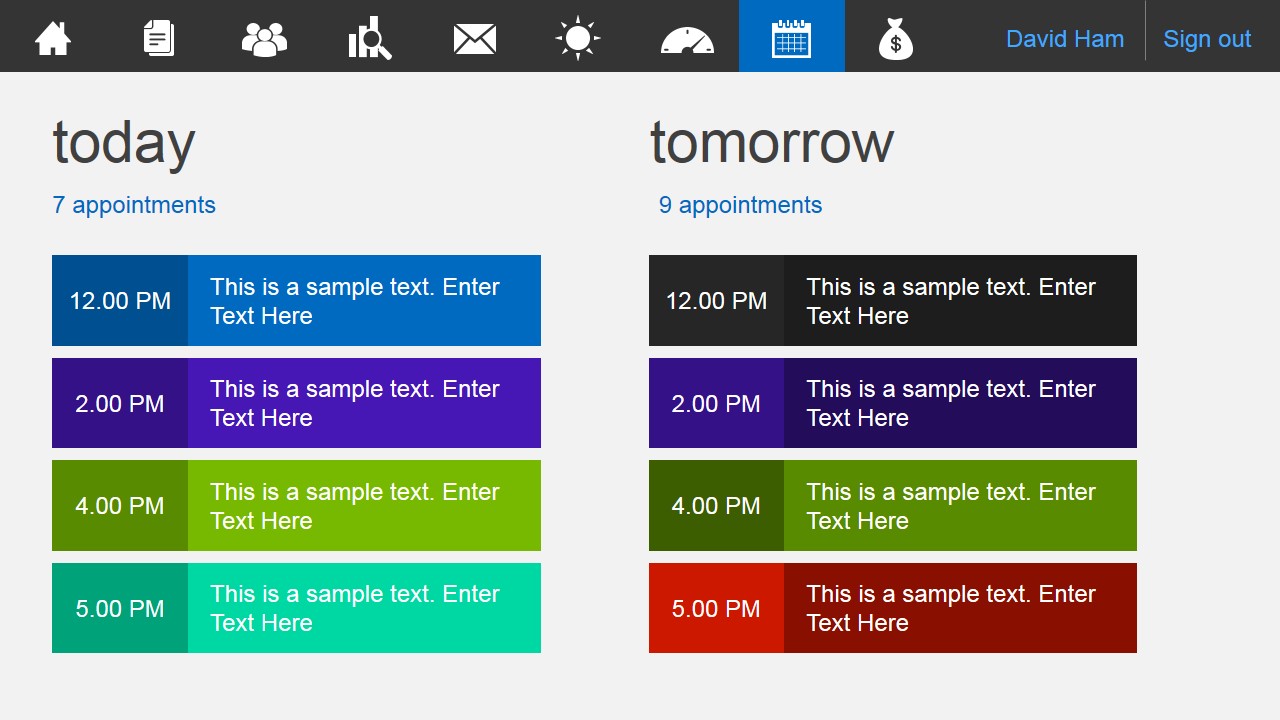
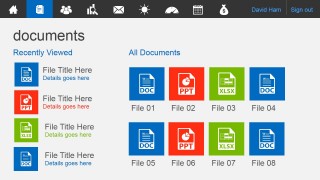
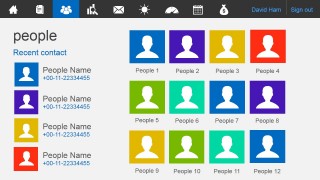
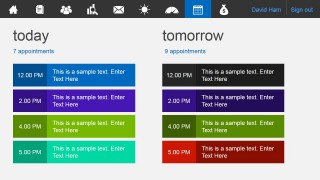
- A UX presenter can use the documents, people directory, and appointment schedule screens to show stakeholders how information architecture and navigation could work in a collaboration portal.
- A startup founder can use the Metro tile home slide and payment summary to pitch a dashboard concept that combines user actions, account status, and business metrics in one visual system.
Features
- 100% editable presentation template
- Compatible with Microsoft PowerPoint and Google Slides
- 16:9 aspect ratio slides
- Scalable vector shapes, icons and illustrations
- AI-Ready for Microsoft Copilot and Claude
- Instant access and download
Frequently asked questions
Q: How should I turn these dashboard screens into a clear business update?
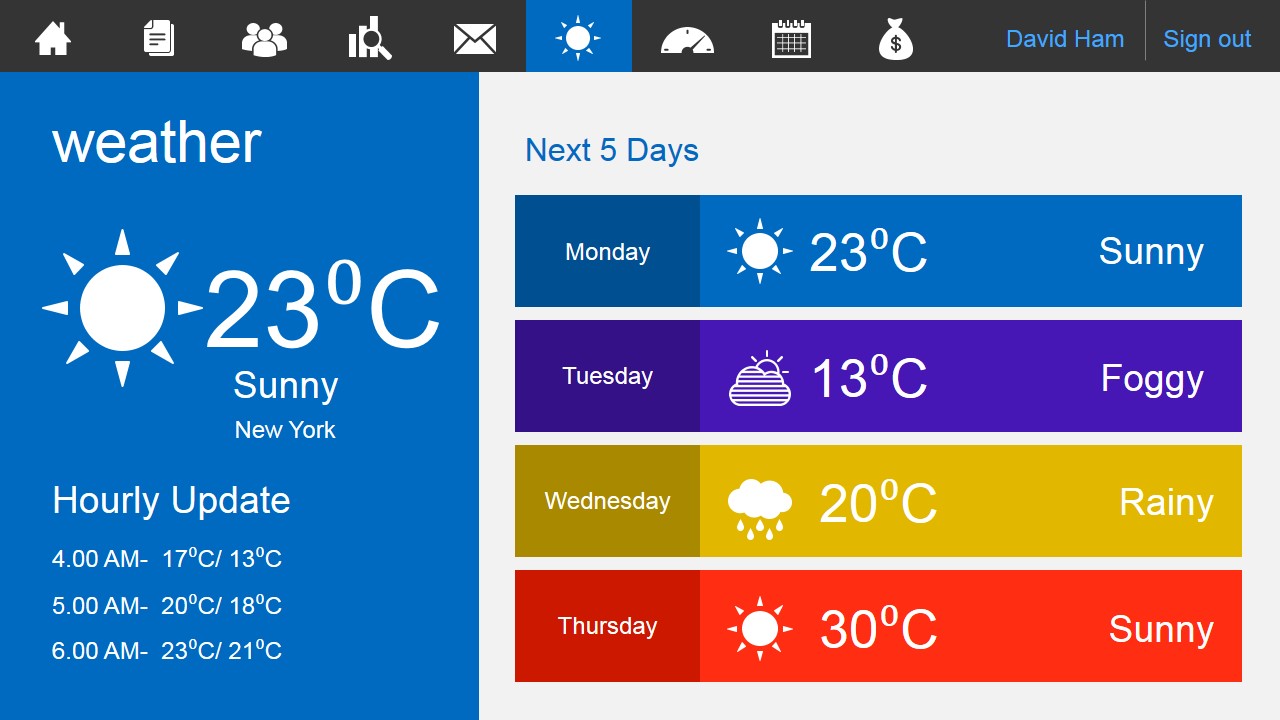
A: Treat the home dashboard as the orientation slide, then group related screens by audience need: collaboration slides for documents, people, and email; performance slides for stocks, traffic, and weather; and action slides for appointments and payments. Keep each screen focused on one decision or status point so the interface metaphor does not become a decorative backdrop.
Q: Who is this template best suited for?
A: This template fits presenters explaining a business portal, SaaS dashboard, internal collaboration hub, or operations cockpit. Product managers, analysts, and founders can use the document library, people directory, inbox, traffic panel, and payment screen to show how different business tasks could live inside one consistent app environment.
Q: Why does the Metro tile style help audiences read dashboard information?
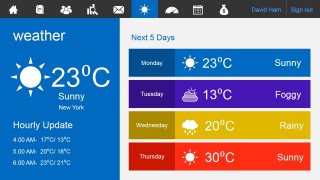
A: The Metro-style tiles create strong separation between actions, metrics, and content areas. Large color blocks make the email count, weather temperature, traffic totals, and balances easy to scan, while the repeated top navigation bar signals that each slide is part of the same dashboard system rather than a disconnected set of graphics.

Business Metro-Style Dashboard PowerPoint Template
9-slide dashboard presentation template with Metro UI tiles, inbox screens, and payment panels
Business Metro-Style Dashboard PowerPoint Template is a 9-slide 16:9 dashboard-style presentation template for Microsoft PowerPoint and Google Slides. It uses Metro UI tiles and app screens for a profile home page, documents library, people directory, stock panel, email inbox, weather view, traffic metrics, appointment schedule, and payment summary.
- Category
- Business PowerPoint Templates
- Rating


 Loading...
- Aspect ratio
- 16:9
- Item ID
- 4049-01
- Colors
 Microsoft PowerPoint
  Microsoft Copilot
  Claude for PowerPoint
 Other formats supported
Subscribe today and get immediate
access to download our PowerPoint templates.