2×2 Matrix PowerPoint Templates & Presentation Slides
Download 100% editable 2×2 matrix templates, fully compatible with PowerPoint templates and Google Slides. Use these presentation slides to compare options, rank priorities, and explain trade-offs in clear business presentations. Each 2×2 matrix slide is easy to customize with your labels, colors, icons, and data.
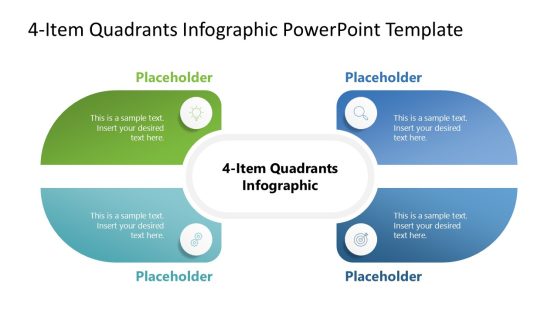
4-Item Quadrants Infographic PowerPoint Template
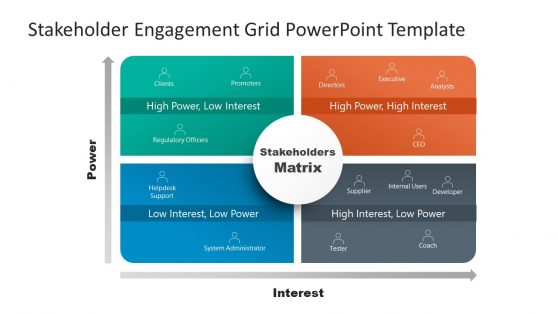
Stakeholder Engagement Grid Matrix PowerPoint Template
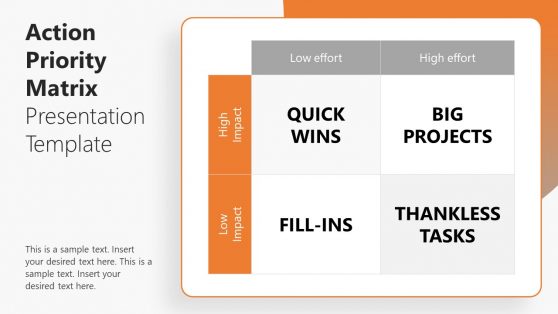
Action Priority Matrix PowerPoint Template
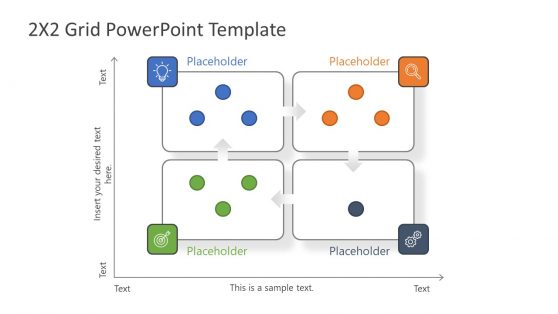
2×2 Matrix PowerPoint Template
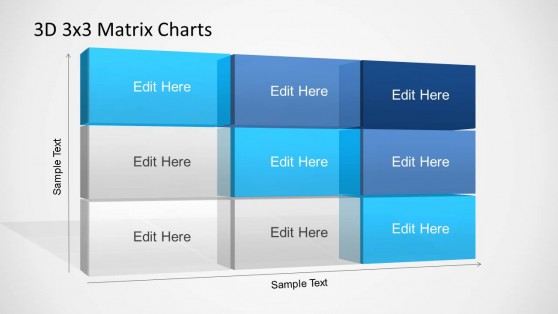
3D Matrix Charts PowerPoint Template
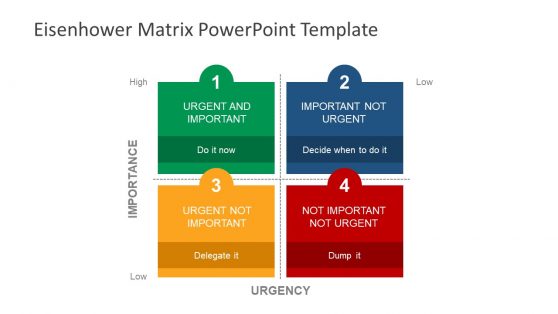
A 2×2 matrix is a simple framework that plots items across two dimensions. It helps you communicate decisions with clarity. Common axes include impact vs effort, risk vs reward, and urgency vs importance. In business presentations, a 2×2 slide turns complex analysis into a single visual aid.
Using pre-built 2×2 templates for PowerPoint keeps your slide deck consistent and saves time. You can focus on the message, not formatting. Each layout is built for fast edits, clean alignment, and executive-ready storytelling in PowerPoint and Google Slides.
Common ways business teams use 2×2 presentation slides include:
- Strategy and prioritization: map initiatives on impact vs effort to justify a roadmap.
- Product and marketing: position features or campaigns by value vs complexity.
- Risk reviews: plot risks by likelihood vs impact for stakeholder updates.
- Portfolio decisions: compare options by cost vs benefit for leadership meetings.
Download the editable 2×2 PowerPoint templates and save time preparing your next business presentations.
Alternatively, you can download other presentation templates for PowerPoint and Google Slides, like the SWOT analysis templates or the decision-making slide templates.
Can I edit these 2×2 matrix templates in Google Slides?
Yes. The 2×2 presentation slides are compatible with both PowerPoint and Google Slides.
What are common axes to use on a 2×2 slide?
Popular options include impact vs effort, risk vs reward, urgency vs importance, and cost vs value. Choose axes that match your decision.
How do I present a 2×2 matrix to executives?
Start by defining the two axes in one sentence. Then explain each quadrant and highlight the top 2-3 items and the decision.
Are the quadrants and labels fully editable?
Yes. You can edit quadrant titles, axis labels, colors, shapes, and icons to match your brand and story.
How many items should I place in a 2×2 matrix slide?
For clarity, use 6 to 12 items. If you have more, split into multiple slides or group items by category.