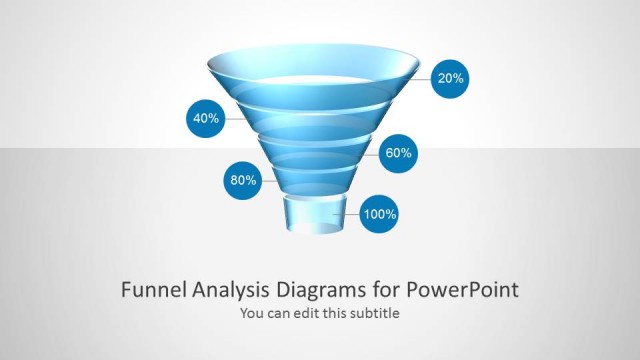
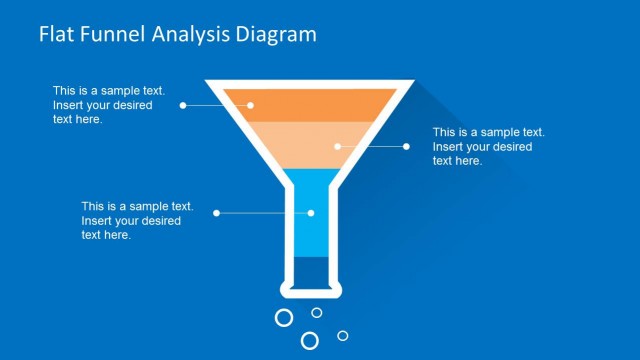
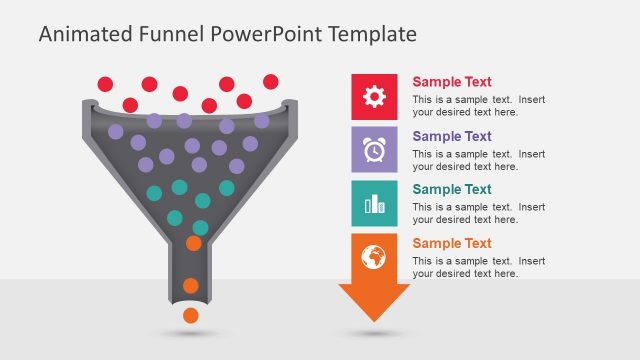
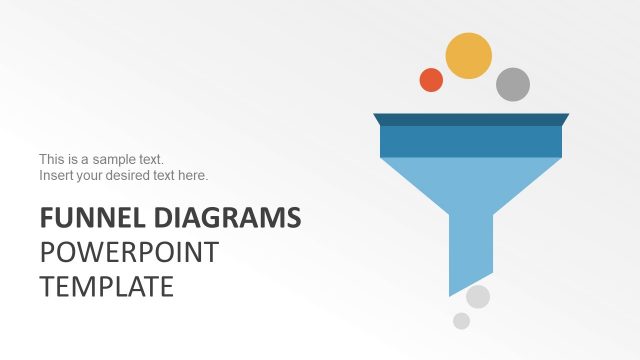
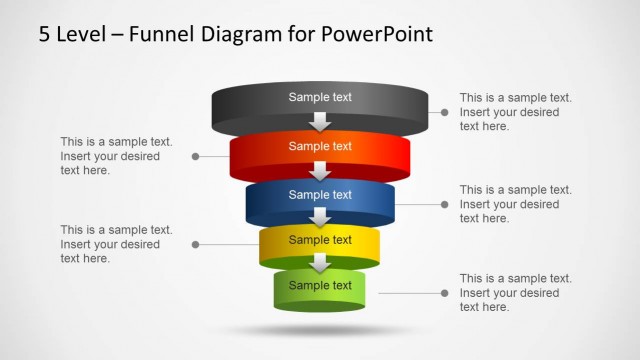
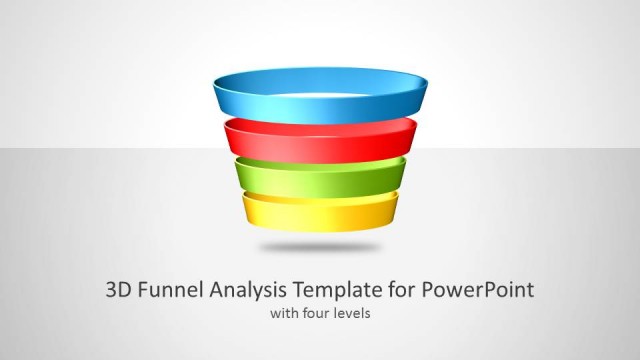
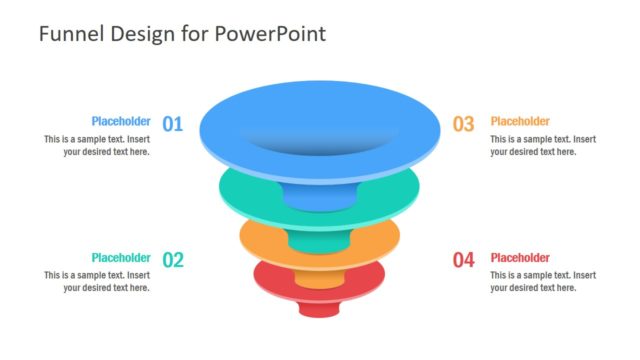
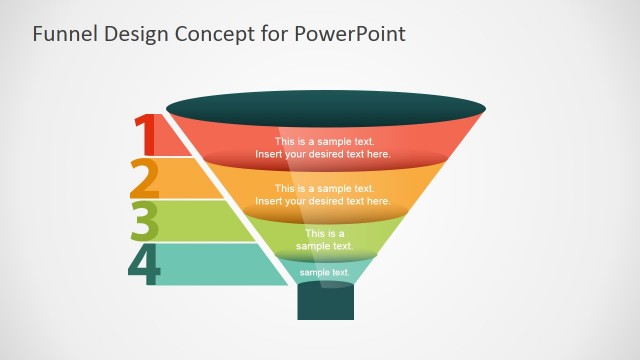
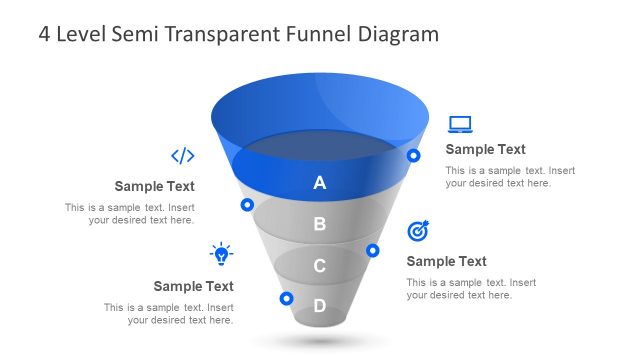
Blue Funnel Analysis Diagrams for PowerPoint is another funnel template for PowerPoint presentations available on SlideModel that makes it possible to present slides on funnel analysis and sales presentations. You can make a presentation slide design with a detailed purchase funnel in a sales presentation or model a funnel diagram with several steps.
What’s inside this template
Example presentation scenarios
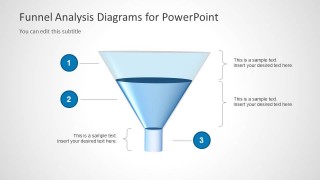
- A marketing manager can present lead conversion stages by using the numbered funnel diagram to explain how prospects move from broad awareness to a smaller qualified group.
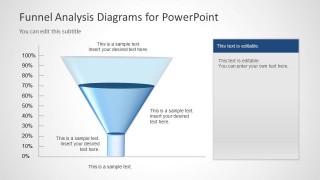
- A sales leader can brief executives on pipeline narrowing by using the percentage-axis funnel to connect stage discussion with conversion or retention context.
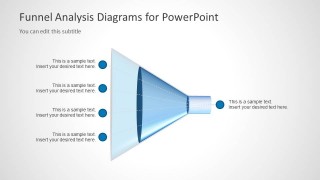
- A consultant can map filtering criteria for a client decision process by using the horizontal input-output funnel to show many inputs producing a focused recommendation.
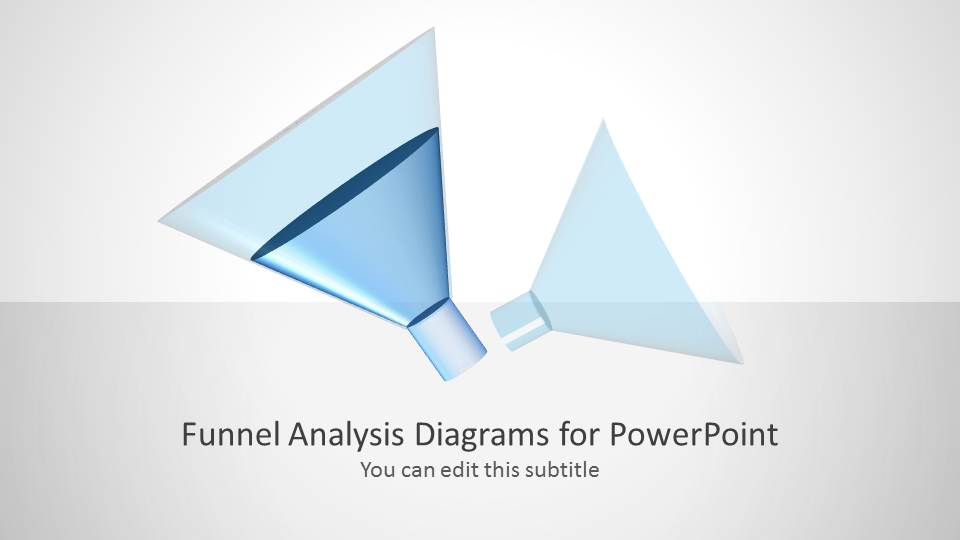
- A business analyst can introduce a funnel review by opening with the cover slide and then moving to the annotated funnel slides for stage-by-stage explanation.
Features
- 100% editable presentation template
- Compatible with Microsoft PowerPoint and Google Slides
- Scalable vector shapes, icons and illustrations
- AI-Ready for Microsoft Copilot and Claude
- Instant access and download
Frequently asked questions
Q: How should I present a funnel analysis with these slides without overloading the audience?
A: Start with the cover to frame the analysis topic, then use the numbered funnel to define each stage in plain language. Keep one point per callout and reserve the percentage-axis slide for the moment when scale or drop-off matters. The horizontal funnel works best as a summary of inputs and final outcome.
Q: Who is this funnel template best suited for?
A: This template fits marketing, sales, consulting, and analysis presenters who need to explain narrowing behavior rather than detailed financial performance. It is a good choice for purchase funnel reviews, lead qualification conversations, filtering criteria, or any update where the audience must understand why fewer items reach the final stage.
Q: Why use a funnel metaphor instead of a standard process list?
A: The funnel shape makes reduction visible. Wide openings imply high volume or many inputs, while the narrow end signals selection, conversion, or loss. The numbered callouts and percentage-axis version help the audience see both sequence and scale, so the presenter can explain stage logic without relying only on text.


Blue Funnel Analysis Diagrams for PowerPoint
4-slide PowerPoint diagram template for sales funnel analysis, purchase stages, and filtering workflows
Blue Funnel Analysis Diagrams for PowerPoint is a 4-slide diagram template for presenting sales, purchase, or filtering stages. It includes a cover slide, numbered funnel analysis diagram, percentage-axis funnel view, and horizontal input-output funnel. It suits marketers, sales teams, and analysts explaining funnel steps in PowerPoint.


 Loading...
 Microsoft PowerPoint
  Microsoft Copilot
  Claude for PowerPoint
 Other formats supported
Subscribe today and get immediate
access to download our PowerPoint templates.