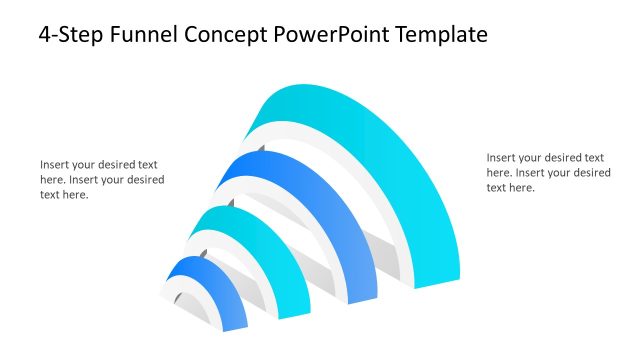
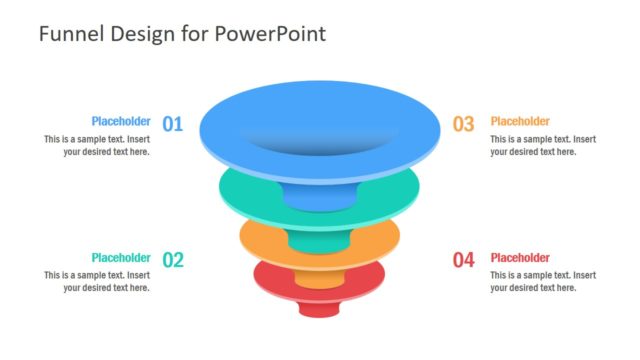
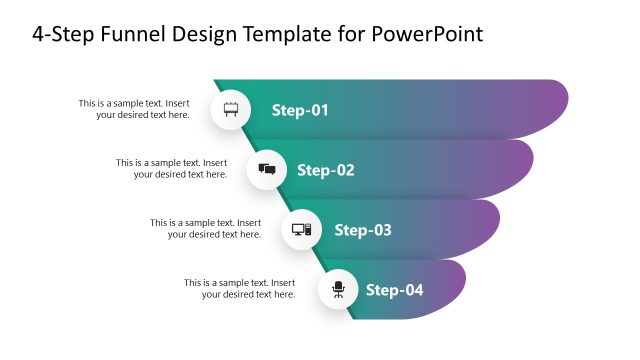
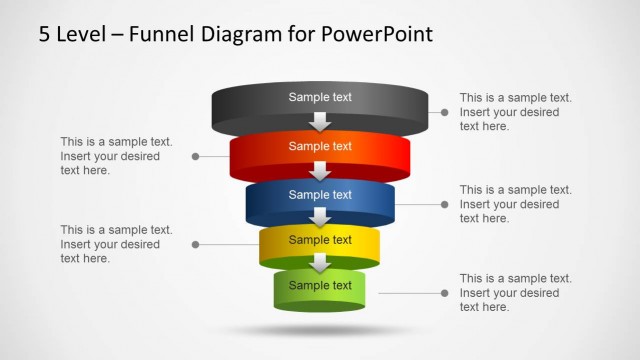
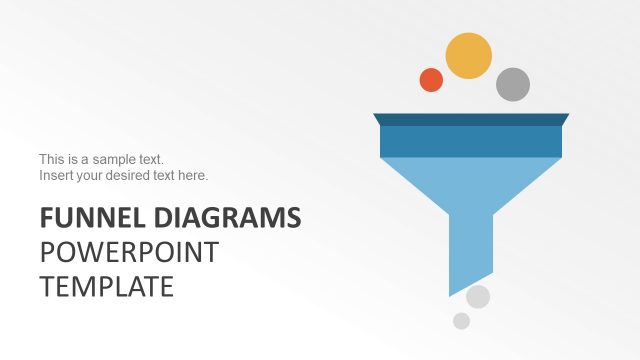
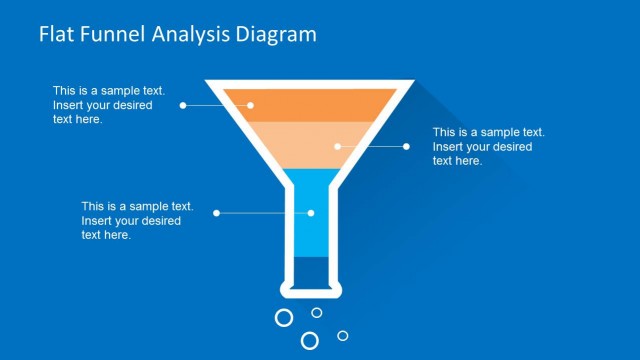
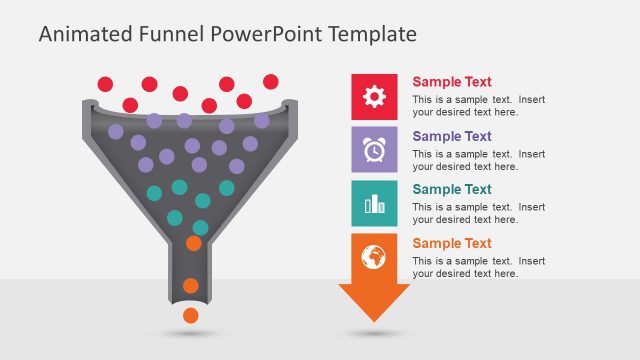
Use Funnel Design Concept for PowerPoint template to create attractive and unique sales and marketing funnel diagram presentations. The big fonts and colorful layers of the design are refreshing to the eyes. This can certainly stimulate positive activity from any audience.
Funnel charts illustrate the sales process and its many stages. The different stages have corresponding revenues. The number of stages differs from one user to another. The process starts with the quantitative value of the intended audience for a particular product. For example, chocolates are for all ages. This means that the audience for chocolates has a universal value. The next step is looking for leads or possible buyers. These are individuals that show interest to a product. After that is the negotiation phase and finally, an assurance that the customer will buy. The last part is the payment where the customer closes the deal and pays for the product or service.
This PowerPoint template is ideal for marketing analysis. It is a useful tool in planning for strategies and looking for boundaries between the sales processes. The user can utilize the diagram to predict the rate of deals. It can be used to present the sales process and management of the business to new members. The audience can visualize the effectiveness of a team or strategy on leading to a closed deal with clients.
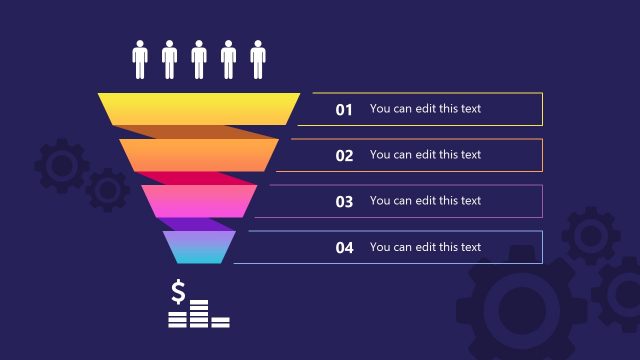
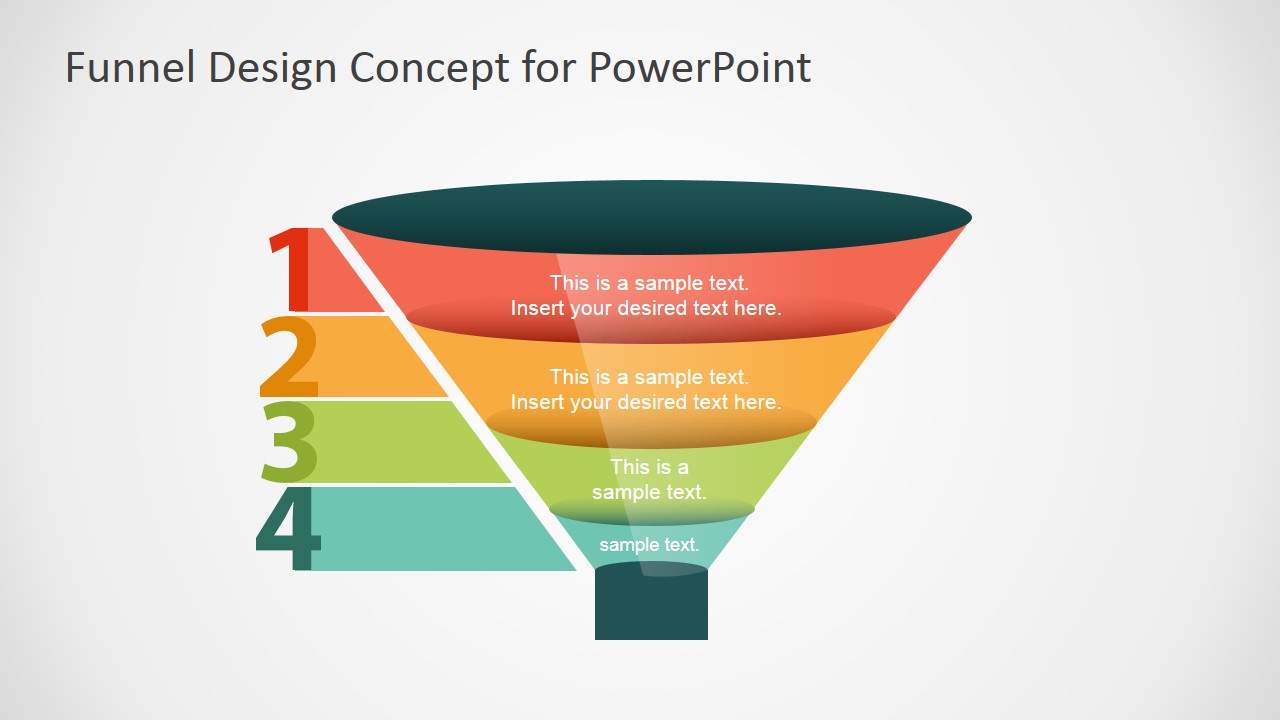
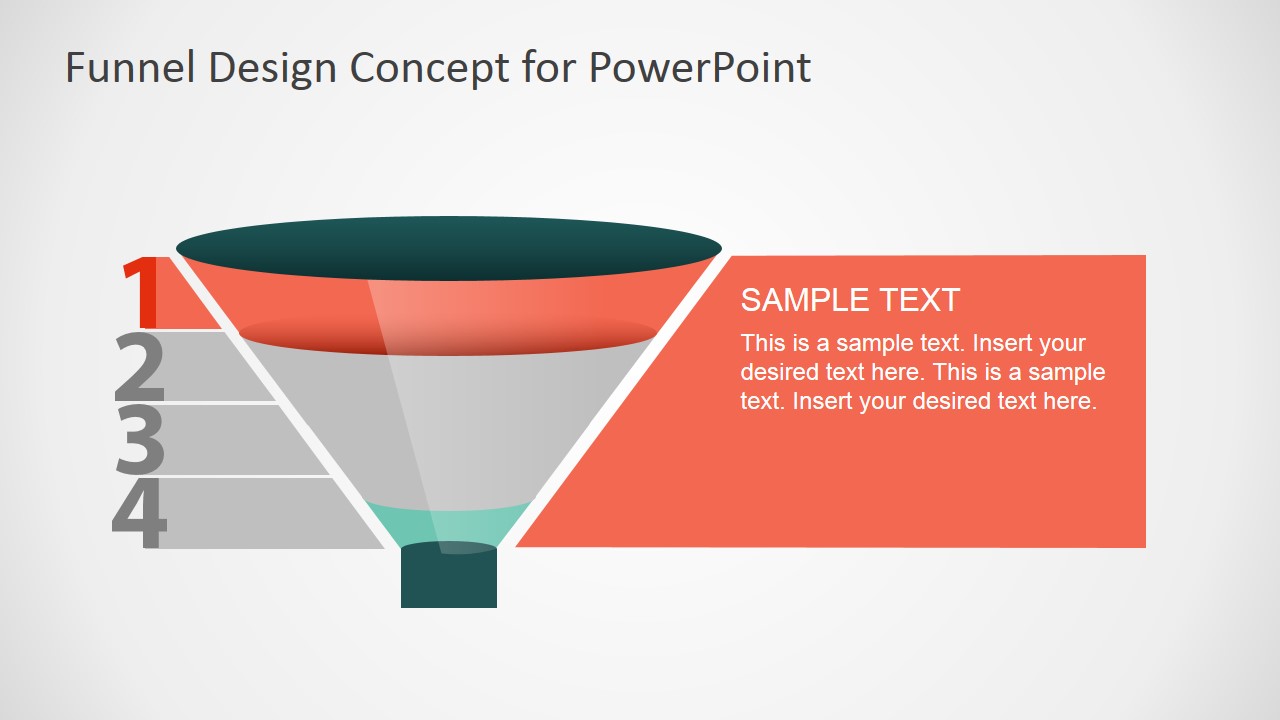
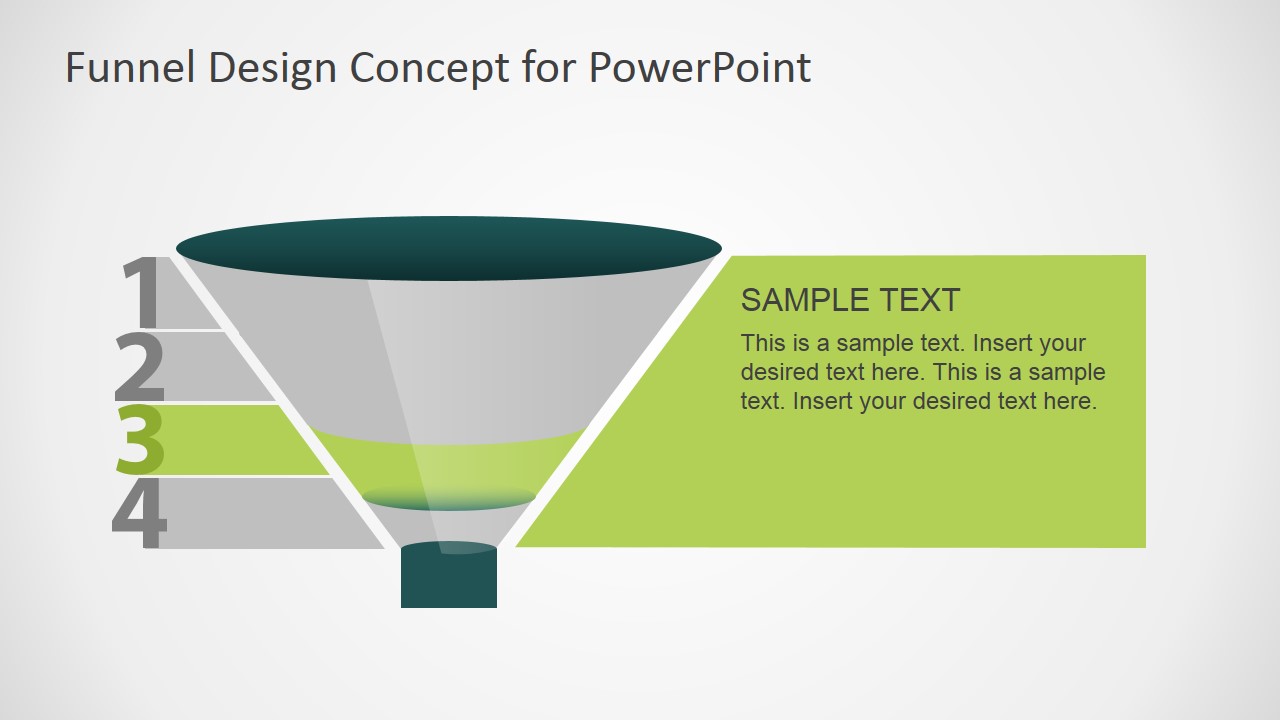
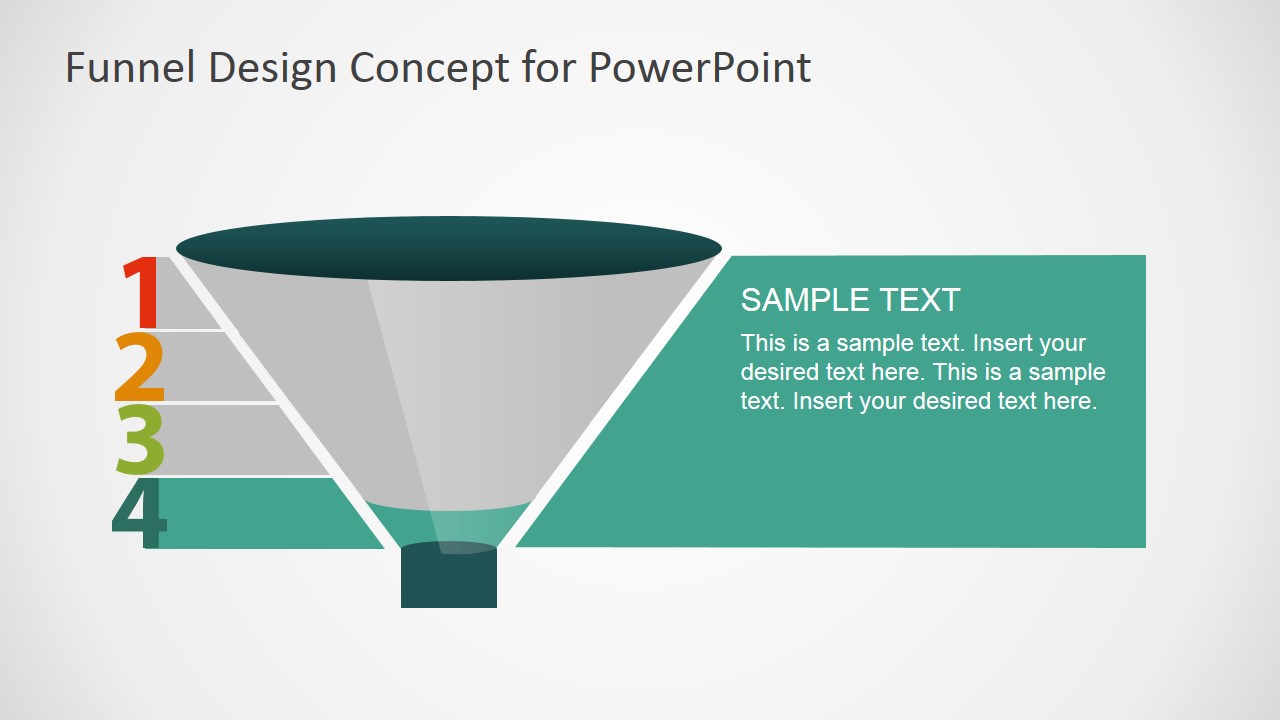
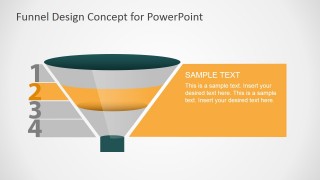
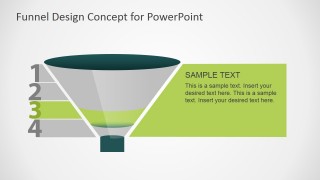
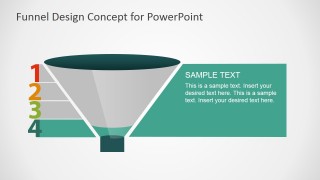
Six creative slides compose the Funnel Design Concept for PowerPoint. The presenter can use the first slide as an introduction to the report. The 4 colored layers of the funnel can represent the 4 stages of the sales process. The second slide features arrows that point to a downward direction- the direction of flow of the diagram. The 3rd to 6th slides highlight every layer where the user can elaborate and cater questions from the audience.
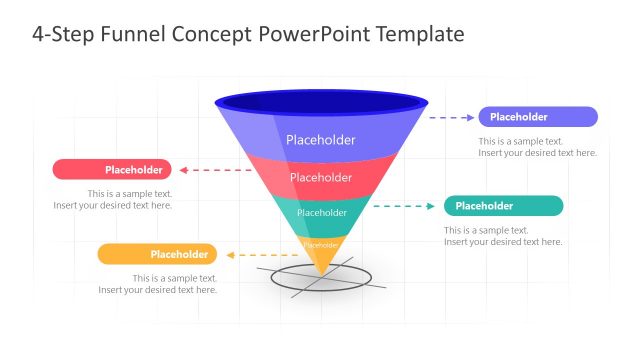
Step up any marketing or production presentation with Funnel Design Concept for PowerPoint. Here is another layout 4 Step Marketing Funnel Diagram for PowerPoint; downloadable from the SlideModel gallery. Alternatively, you can download a sales funnel template from our PowerPoint templates gallery.
What’s inside this template
Example presentation scenarios
- A marketing manager can use the full funnel overview to explain how prospects move from broad audience awareness into later qualification stages.
- A sales leader can use the arrow-labeled funnel slide to introduce stage definitions, handoff points, and where team activity should be measured.
- A consultant can use the four stage spotlight slides to walk a client through problems or recommendations one funnel level at a time.
- A business analyst can use the numbered funnel segments and side callout panels to compare process assumptions before building a more detailed report.
Features
- 100% editable presentation template
- Compatible with Microsoft PowerPoint and Google Slides
- 16:9 aspect ratio slides
- Scalable vector shapes, icons and illustrations
- AI-Ready for Microsoft Copilot and Claude
- Instant access and download
Frequently asked questions
Q: How should a presenter explain the four funnel stages without overloading the audience?
A: Start with Slide 1 to establish the whole four-stage funnel, then use Slide 2 only for brief labels or key actions at each level. Move to Slides 3 through 6 when the audience needs detail. The grayed-out stages keep context visible while the colored layer shows exactly which stage is being discussed.
Q: Who is this funnel template best suited for?
A: It fits presenters who need to explain a staged conversion process rather than show complex metrics. Marketing managers can frame campaign progression, sales leaders can describe pipeline movement, and consultants can diagnose where prospects drop off. The four-stage structure works best when the message can be reduced to clear sequential steps.
Q: Why does the funnel metaphor work for sales and marketing communication?
A: The narrowing funnel makes audience reduction and qualification easy to understand visually. The wide top suggests a broad audience, while the smaller lower layers imply filtering toward a final action. Numbered segments, color coding, and stage spotlight slides turn an abstract conversion process into a simple path the audience can follow.


Funnel Design Concept for PowerPoint
6-slide presentation template for four-step marketing funnel diagrams and stage callouts in 16:9 format
Funnel Design Concept for PowerPoint is a 6-slide diagram template for presenting a four-stage sales or marketing funnel. It includes a full funnel overview, a funnel with external arrow labels, and four stage spotlight slides with side callout panels. Designed for marketers, sales teams, and business analysts, it works in Microsoft PowerPoint and Google Slides.
- Category
- Diagrams
- Rating


 Loading...
- Aspect ratio
- 16:9
- Item ID
- 6945-01
- Colors
 Microsoft PowerPoint
  Microsoft Copilot
  Claude for PowerPoint
 Other formats supported
Subscribe today and get immediate
access to download our PowerPoint templates.