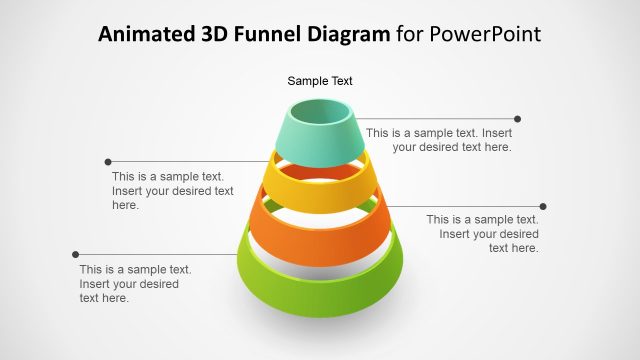
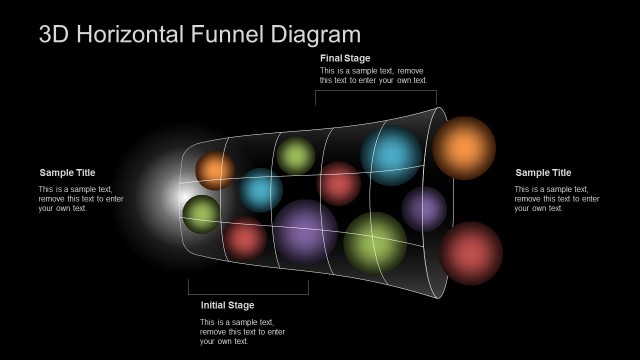
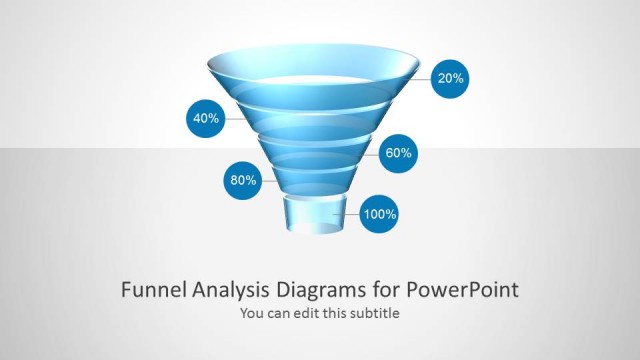
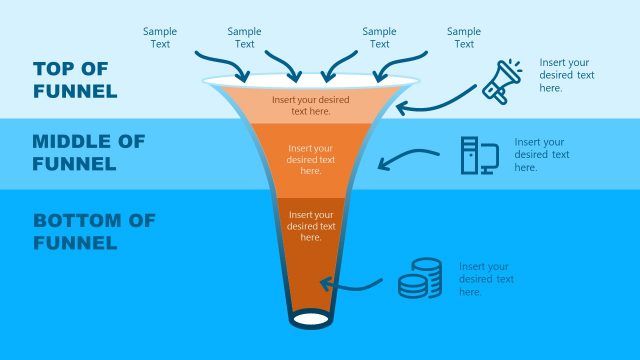
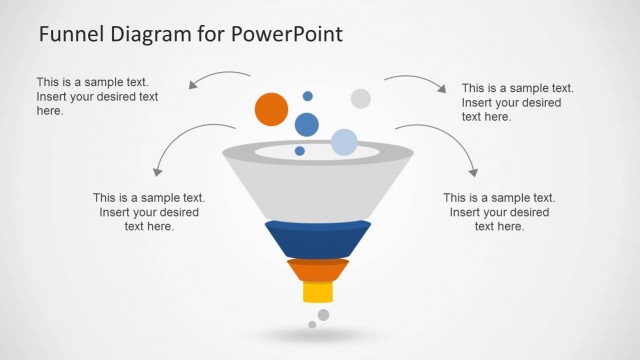
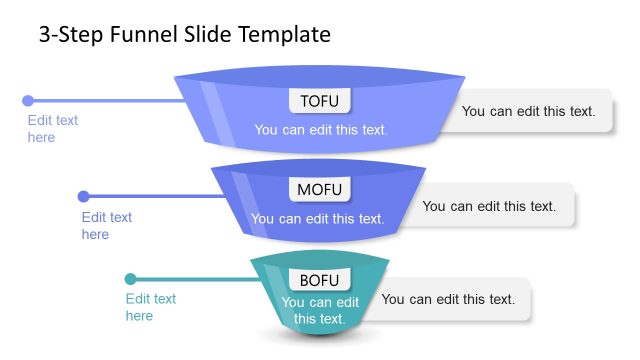
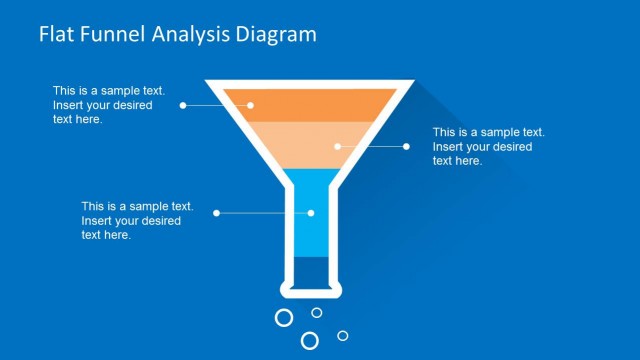
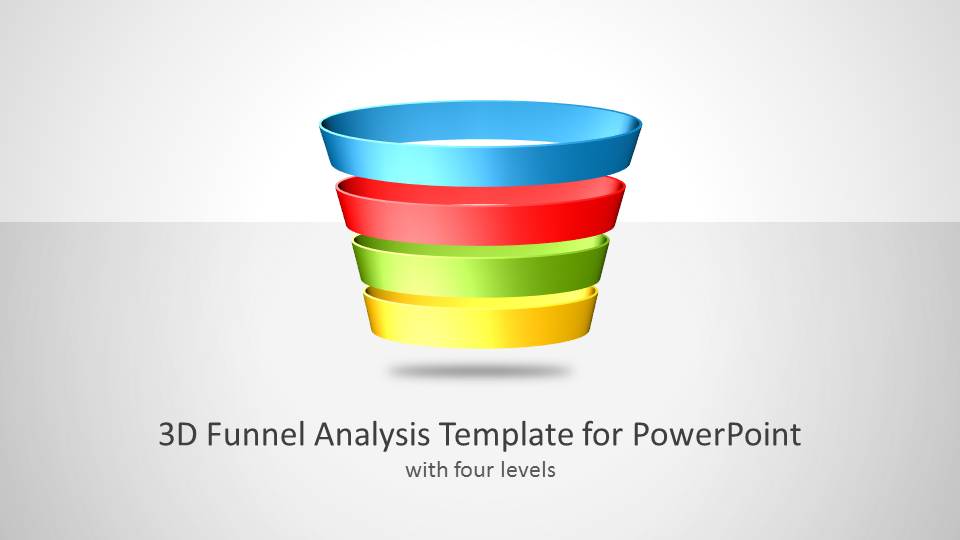
3D Funnel Analysis Template for PowerPoint is a presentation design for Microsoft PowerPoint that you can download to present the stages of a funnel in a presentation.
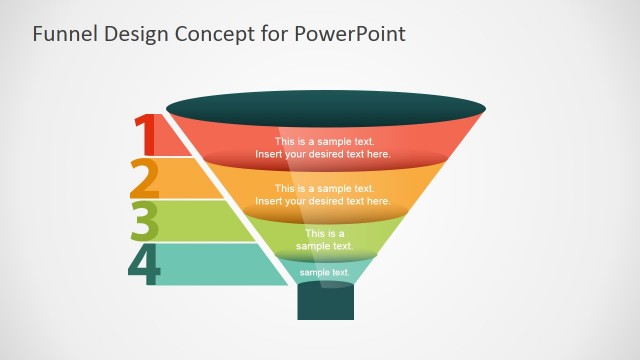
This 3D Funnel design for PowerPoint can be used to create a sales funnel or marketing funnel of up to four steps using a creative funnel diagram. The template is fully compatible with Microsoft PowerPoint but also 100% editable in Google Slides and Canva.
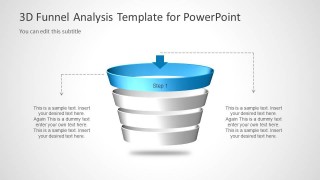
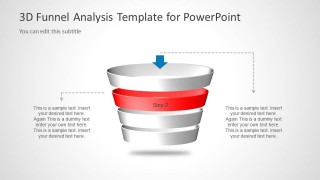
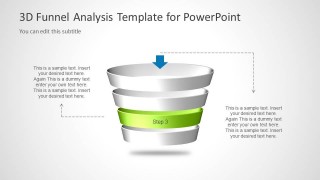
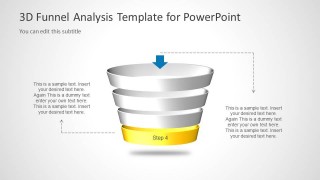
The creative funnel design contains four stages with colors and text placeholders that you can easily edit and customize for your presentations. There are multiple practical applications of this 3D funnel analysis template in real-life scenarios. For example, you may customize the 4-stage funnel design to represent the AIDA model, or present a conversion funnel in a presentation about Conversion Rate Optimization (CRO).
Alternatively, you can download other funnel templates, with different number of stages, and pre-made slide designs for PowerPoint & Google Slides.
What’s inside this template
Example presentation scenarios
- A marketing manager can present a campaign funnel by using the full four-step funnel diagram to explain how prospects move from awareness to a final action.
- A sales leader can brief a team on pipeline stages by assigning each colored funnel band to a qualification, nurturing, proposal, or closing step.
- A consultant can explain a client's conversion process by using the individual stage focus slides to discuss problems, metrics, and recommended actions at each level.
- A founder can show investors a customer acquisition model by using the 3D funnel and callout text to connect traffic sources, leads, opportunities, and buyers.
Features
- 100% editable presentation template
- Compatible with Microsoft PowerPoint and Google Slides
- 16:9 aspect ratio slides
- Scalable vector shapes, icons and illustrations
- AI-Ready for Microsoft Copilot and Claude
- Instant access and download
Frequently asked questions
Q: How should the four funnel stages be explained without overloading the slide?
A: Use Slide 2 to define the complete model in one view, then move through Slides 3 to 6 to discuss one stage at a time. Keep each callout tied to a specific question: what enters this stage, what action happens, what blocks progress, and what result moves forward.
Q: Who is this funnel template best suited for?
A: It fits presenters who need to explain a narrowing process to a business audience, especially marketing, sales, consulting, ecommerce, or startup teams. The four-level structure works well for AIDA-style messaging, purchase funnel reviews, lead qualification, onboarding drop-off, or conversion analysis where each stage has a distinct action.
Q: Why does the 3D funnel metaphor help communicate the message?
A: The stacked 3D funnel makes attrition visually obvious: the wide top suggests volume, while the smaller lower levels suggest fewer qualified prospects or completed actions. The later slides gray out the other layers so attention stays on one step, which helps audiences understand both the whole system and each part.


3D Funnel Analysis Template for PowerPoint
6-slide presentation template with 3D sales funnel, marketing funnel stages, and step callouts
3D Funnel Analysis Template for PowerPoint is a 6-slide presentation template for explaining four funnel stages. It includes a cover, a full color 3D funnel diagram, an outlined top-stage view, and individual stage callout slides. It is suited for sales, marketing, and conversion discussions in Microsoft PowerPoint and Google Slides.
- Category
- Business PowerPoint Templates
- Rating


 Loading...
- Aspect ratio
- 16:9
- Item ID
- 6045
- Colors
 Microsoft PowerPoint
  Microsoft Copilot
  Claude for PowerPoint
 Other formats supported
Subscribe today and get immediate
access to download our PowerPoint templates.