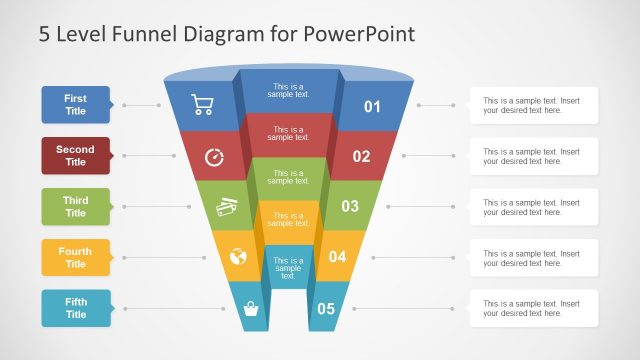
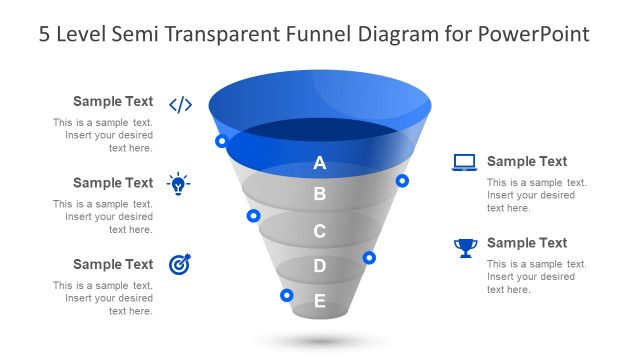
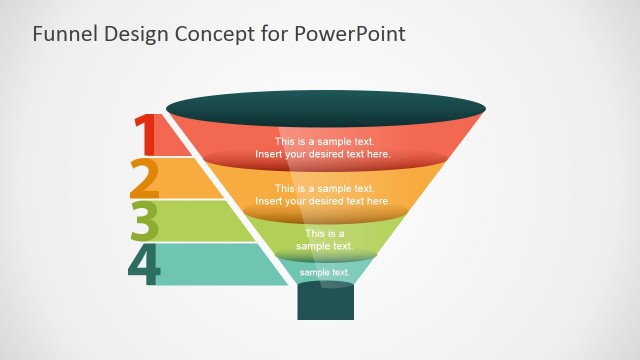
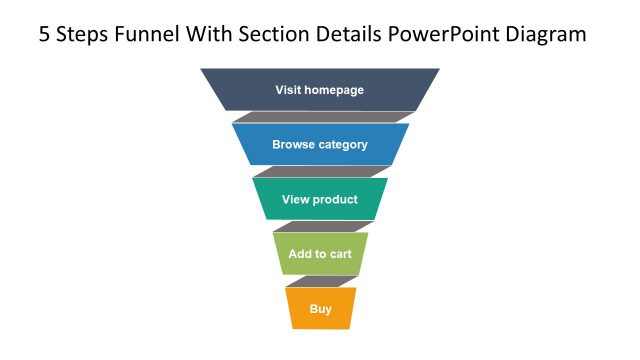
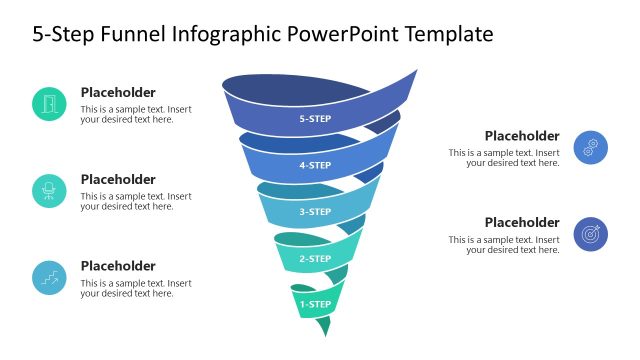
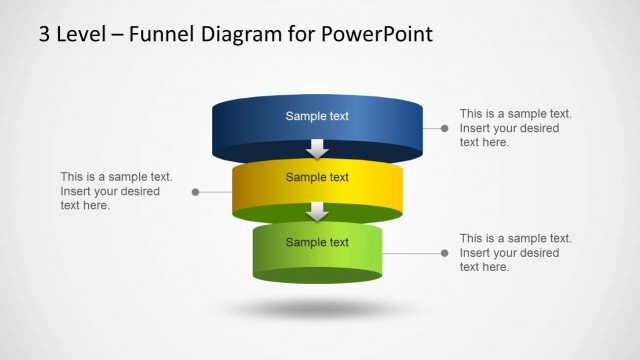
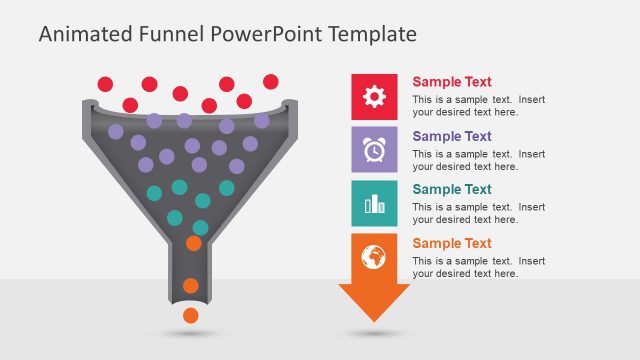
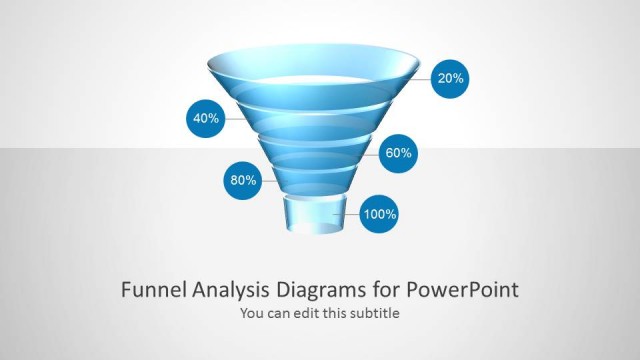
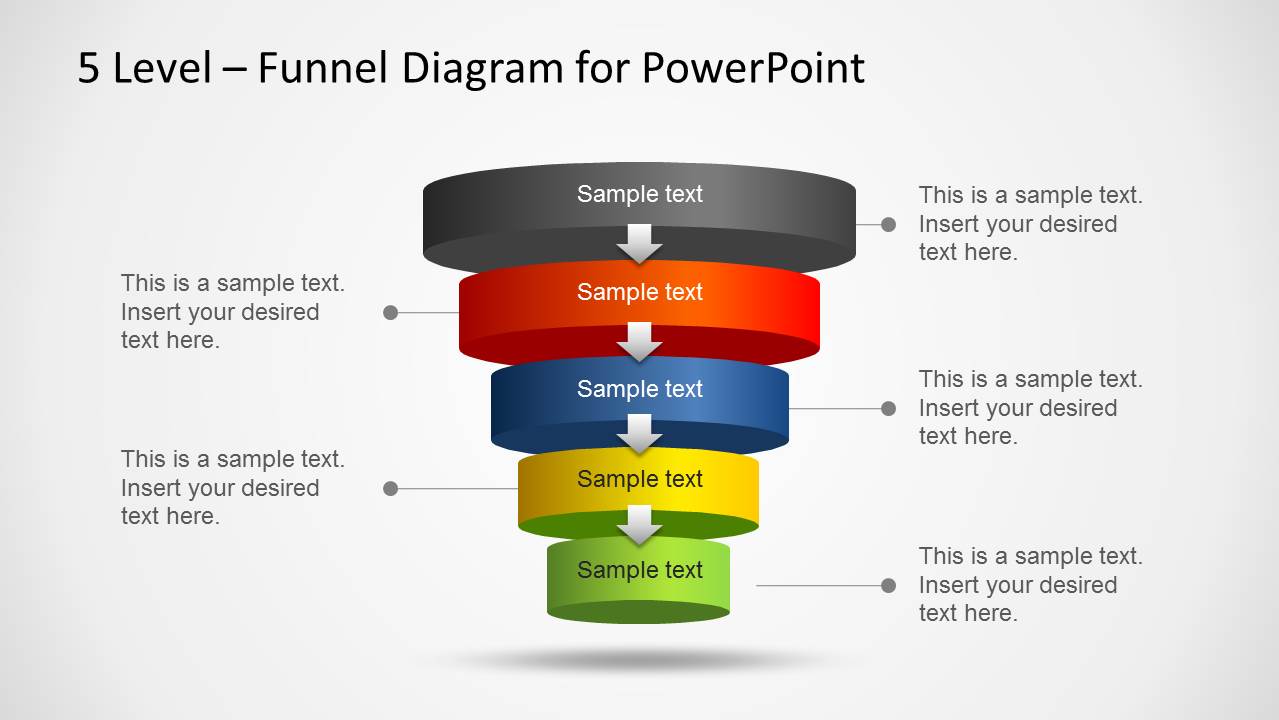
Generate effective marketing analysis presentations with 5 Level Funnel Diagram Template for PowerPoint. The image depicts a funnel that can represent the sales analysis funnel model. The attention to color on the every slide creates a focus for the audience, enabling them to remember each phase and retain the information.
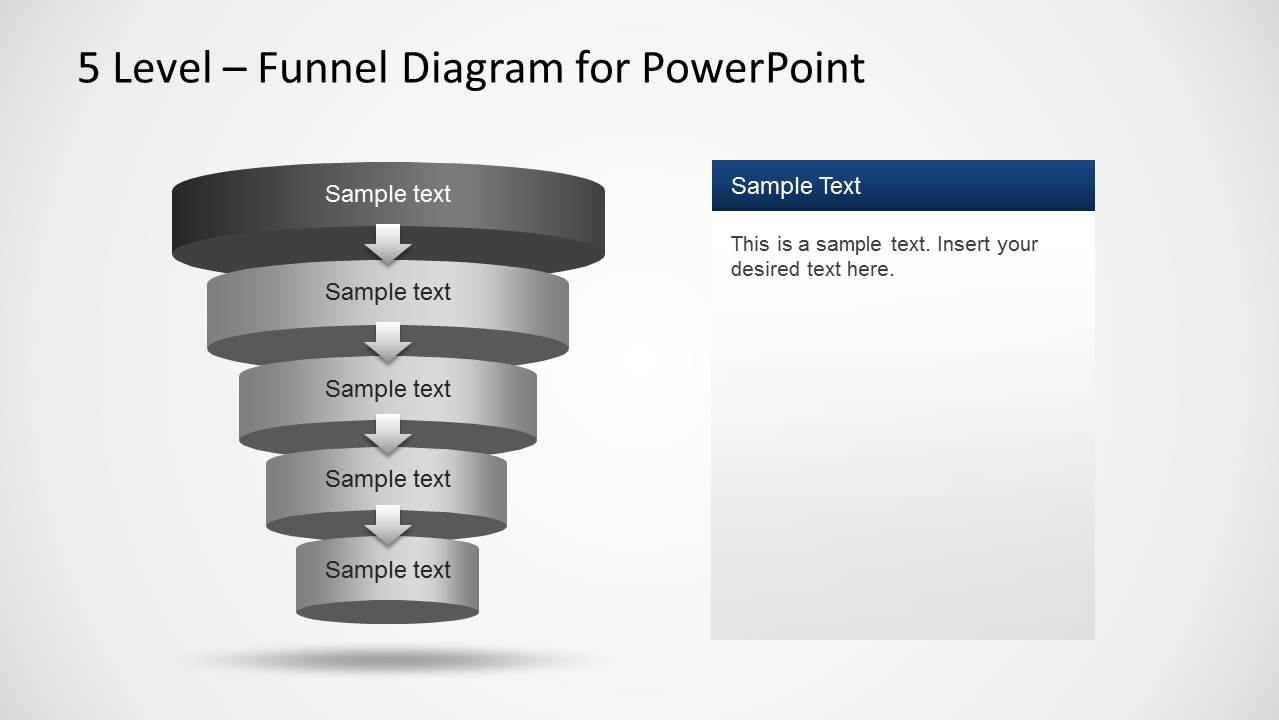
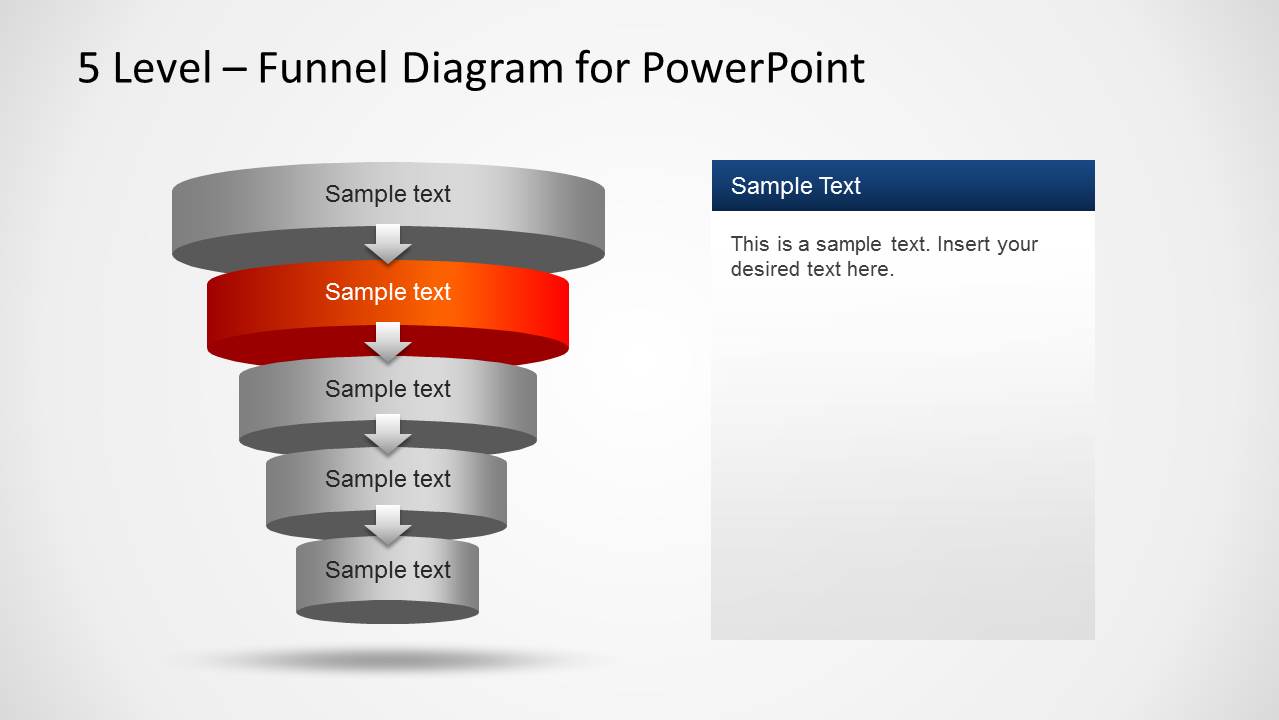
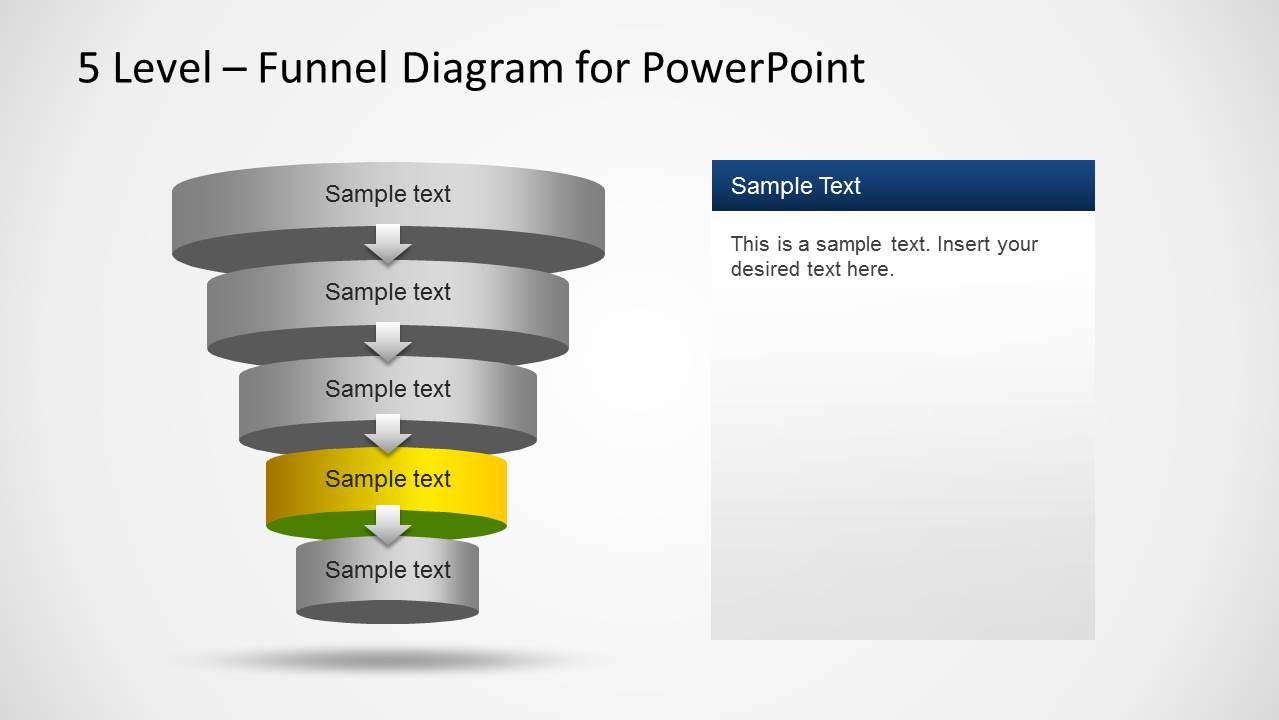
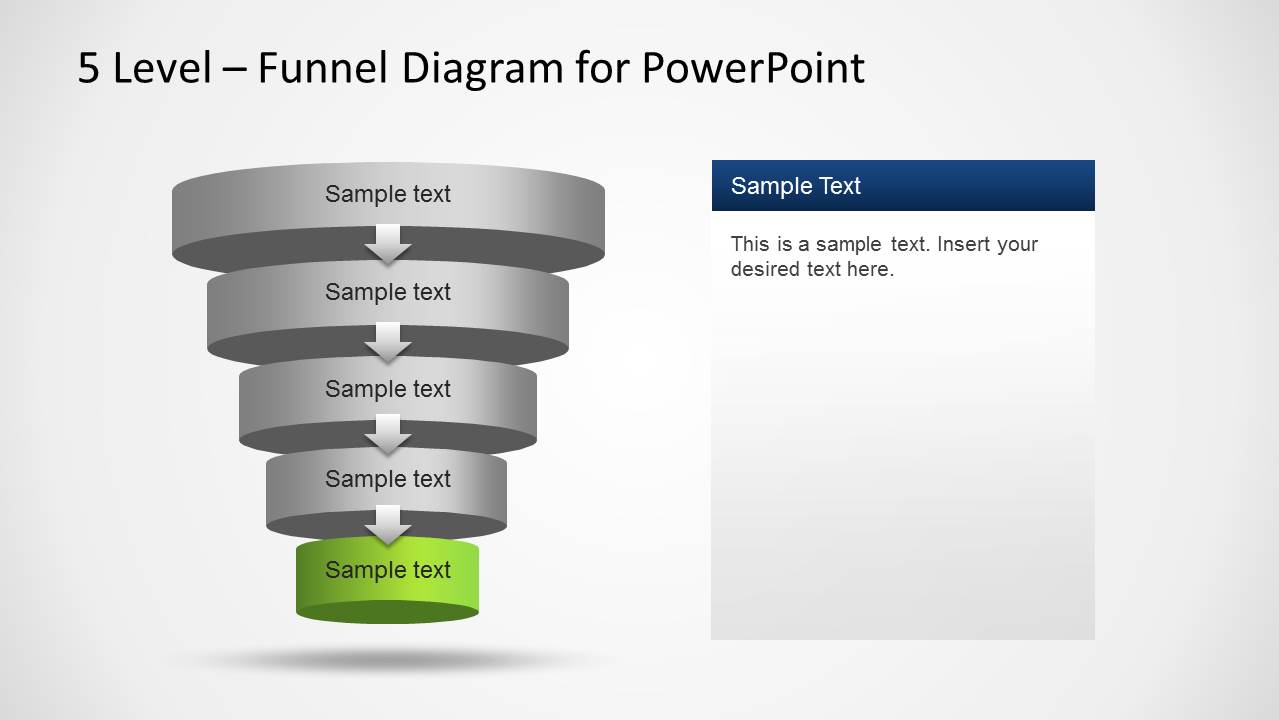
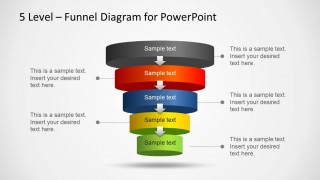
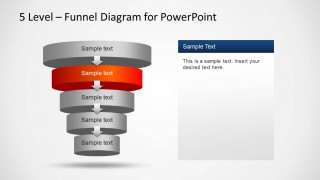
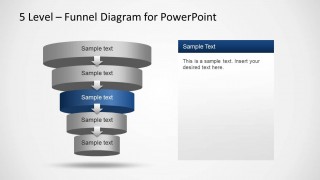
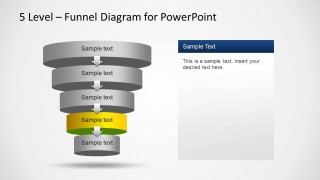
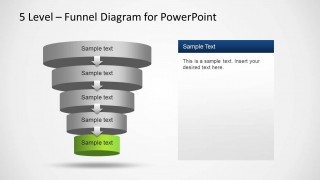
The first slide has a fully-colored display of the whole funnel. Each disc is colored differently- grey, red, blue, yellow and green, from top to bottom. The disc symbolizes a level. Every level incorporates a step from sales process. The second to sixth slides allow the user to give further explanations regarding every phase. The colored disc marks the level that is being discussed. This creates a focus for the audience.
The presenter can also ask the audience to raise some questions during the elaboration part. The flow of the process is shown by the arrows. They point downwards which mean the chances of a sale gradually decrease along the way. The gaps between each disc illustrate the boundaries that keep a customer from buying. These gaps can be lessened by making smart strategies.
This PowerPoint template is very useful in producing quality marketing presentations. It has a powerful sales process funnel model. This model or framework is always in demand when developing a new company approach. It can be applied to other concepts like selling a service or an idea. It is flexible and can be used even by non-profit organizations and individuals for personal use.
Funnel diagram is a sales process model that illustrates the variables that affect the decision-making of the customer. It also shows the step by step journey of making a sale from looking at prospects, negotiation and a closed deal. It is a tool used for analysis and innovation.
Impress your audience with the 5 Level Funnel Diagram Template for PowerPoint. Download 4 Step Marketing Funnel Diagram for PowerPoint and create presentations that appeal to global audiences.
What’s inside this template
Example presentation scenarios
- A sales director can use the overview funnel to explain pipeline movement from early prospects to final conversion during a team meeting.
- A marketing manager can use the red, blue, yellow, and green focus slides to discuss campaign performance by funnel stage and assign next actions.
- A consultant can present a client acquisition process with the side callout slide, using each connected text area to identify friction points or decision barriers.
- A trainer can use the single-level focus slides to teach new sales staff how each stage differs and what behavior is expected before moving to the next level.
Features
- 100% editable presentation template
- Compatible with Microsoft PowerPoint and Google Slides
- Scalable vector shapes, icons and illustrations
- AI-Ready for Microsoft Copilot and Claude
- Instant access and download
Frequently asked questions
Q: How should a presenter explain the five funnel stages without overloading the audience?
A: Start with Slide 1 to give the full funnel context, then move through the focus slides one level at a time. Keep each stage label short and use the right-side panel for one key idea, one barrier, and one action. This keeps attention on the highlighted disc instead of asking viewers to process every stage at once.
Q: What type of business message fits this funnel diagram best?
A: This template works best when the presenter needs to show a narrowing path, such as leads becoming opportunities, prospects becoming customers, or ideas passing through filters. It is suited for sales teams, marketers, consultants, and founders who need to explain stage ownership, conversion logic, or where audience attention should shift next.
Q: Why does the deck repeat the same funnel while changing the highlighted level?
A: The repeated funnel creates continuity while the highlighted disc tells the audience exactly where to look. The funnel metaphor communicates reduction, qualification, or decision narrowing, and the grey inactive levels preserve the full process in view. This design helps presenters teach details without losing the overall journey.

5 Level Funnel Diagram Template for PowerPoint
6-slide PowerPoint diagram template for sales funnel stages, callouts, and level-by-level process explanations
This is a 6-slide PowerPoint funnel diagram template for sales and marketing presentations. It includes a full five-level funnel overview, side callout labels, single-stage focus slides, and right-side explanation panels. Presenters can explain pipeline stages, purchase funnel steps, or conversion drop-off using editable shapes and text.

 Loading...
 Microsoft PowerPoint
  Microsoft Copilot
  Claude for PowerPoint
 Other formats supported
Subscribe today and get immediate
access to download our PowerPoint templates.