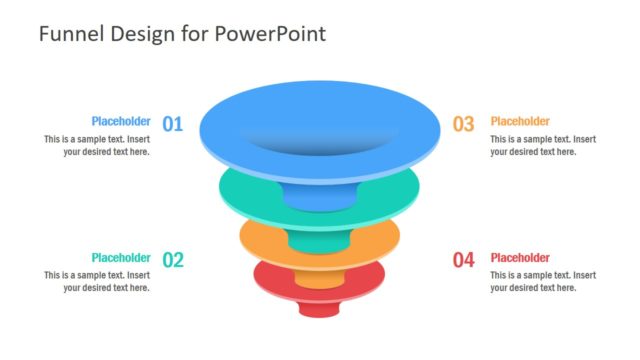
A plain and casual mood with Flat Funnel Analysis Diagram Template for PowerPoint can surely draw attention from global audiences. Drive interactive presentations through this remarkable PowerPoint template. The cool background stimulates thinking which can serve the presenter really good.
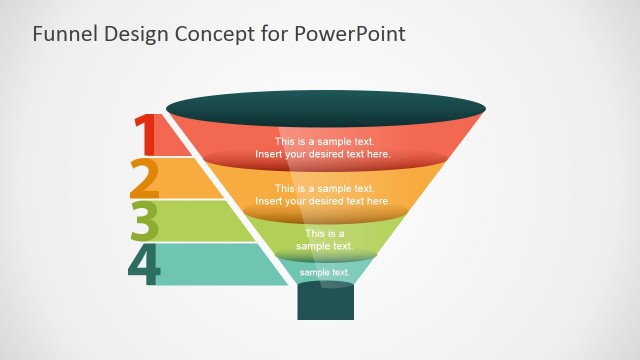
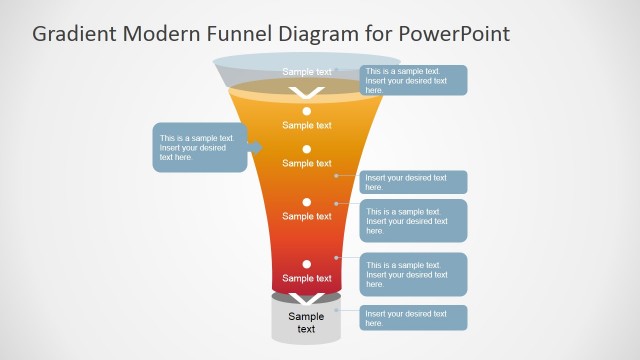
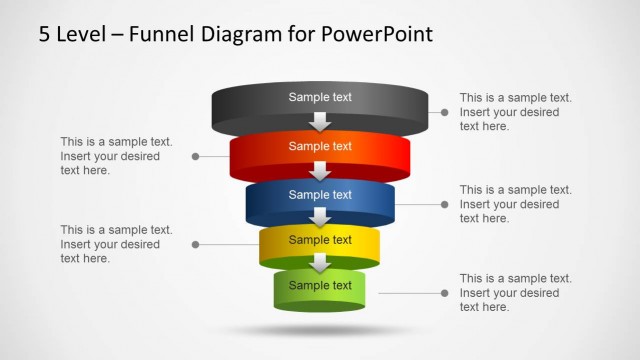
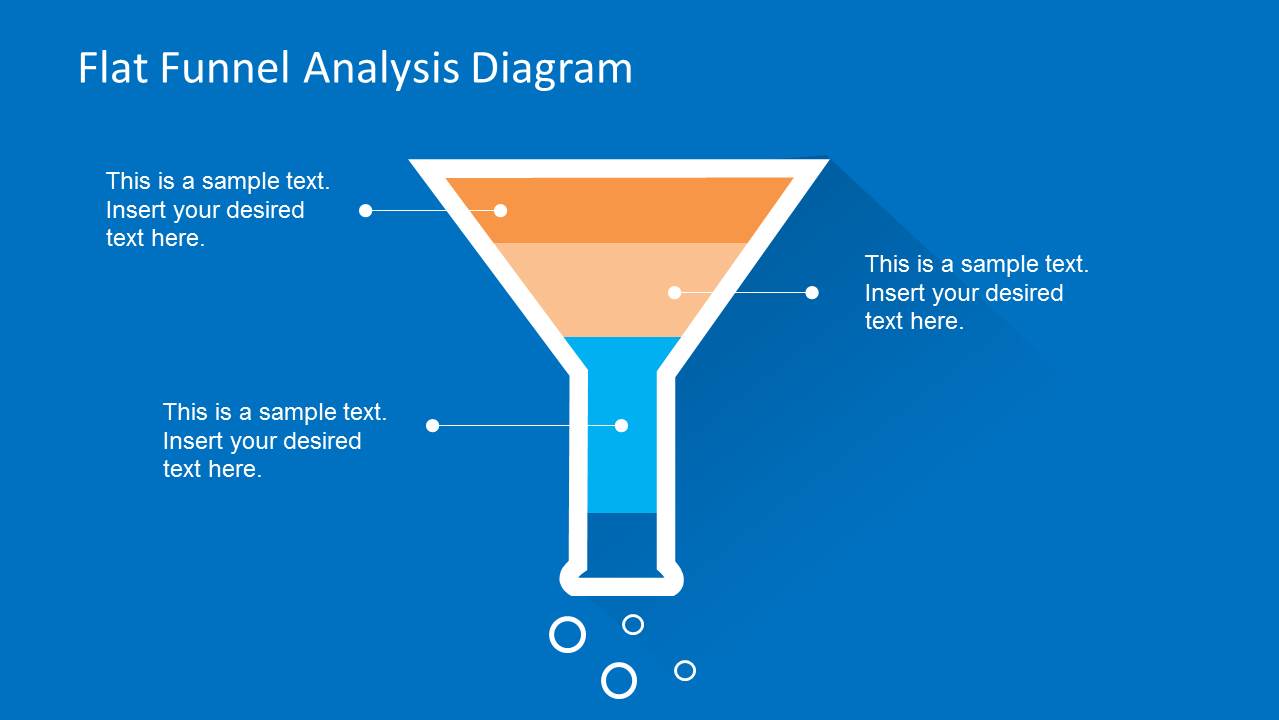
The slide design can represent the sales funnel analysis diagram. It displays the stages of a customer’s decision-making process from product contact to actual purchase. The tool refers to point of view of the seller on the value of readiness of a customer towards a deal. The colors illustrate stages of the sales funnel diagram. In between these colors are barriers that limit the customer to proceed to the next stage. These barriers can metaphor branding trust, question of product quality, and available budget. Number of stages duly depends on the user. There is no exact number of phases for this particular technique. Here are some examples:
- Unfiltered prospect
- Interest phase
- Evaluation
- Decision
- Commitment
- Purchase
- Payment
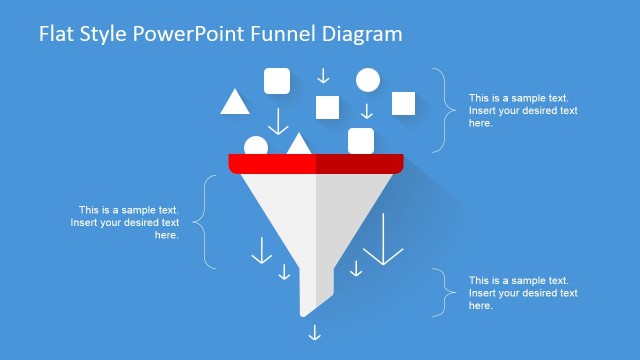
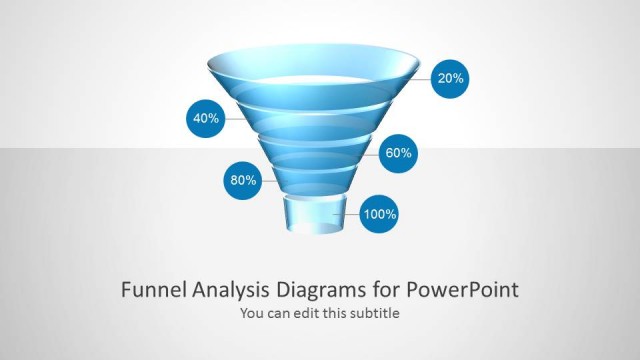
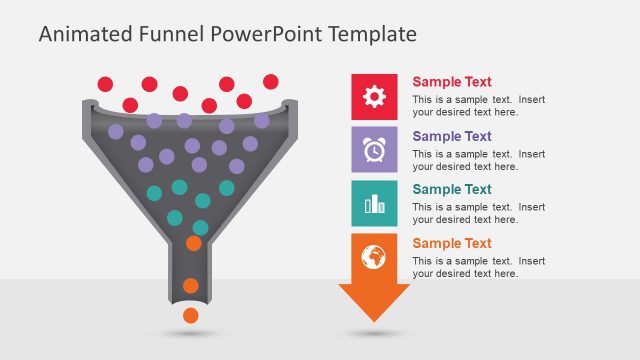
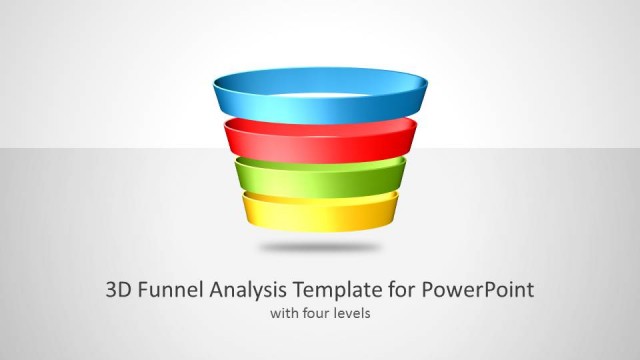
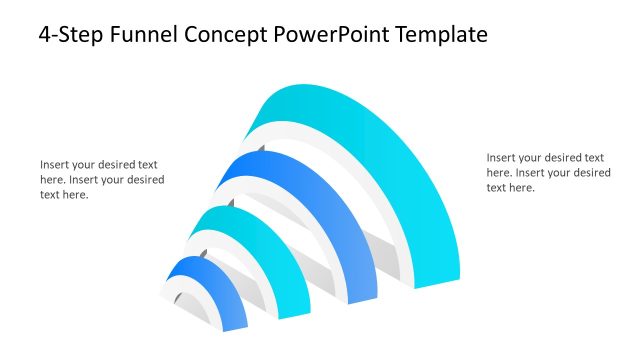
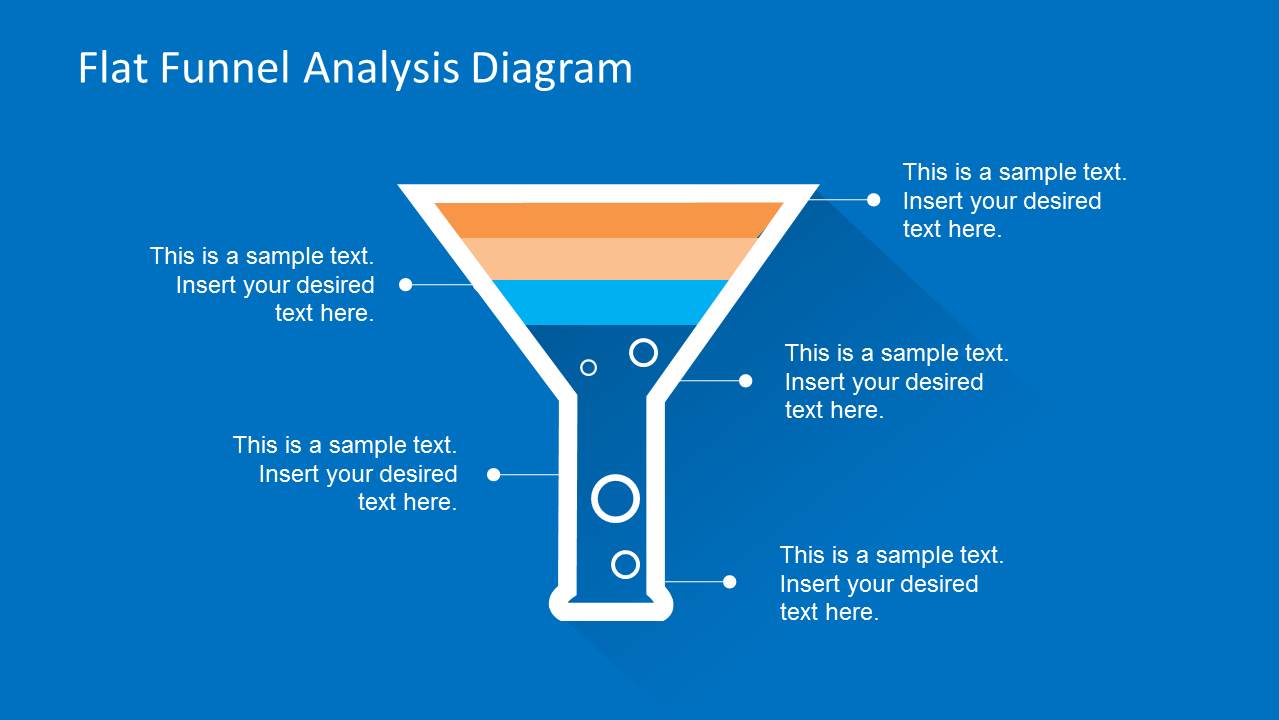
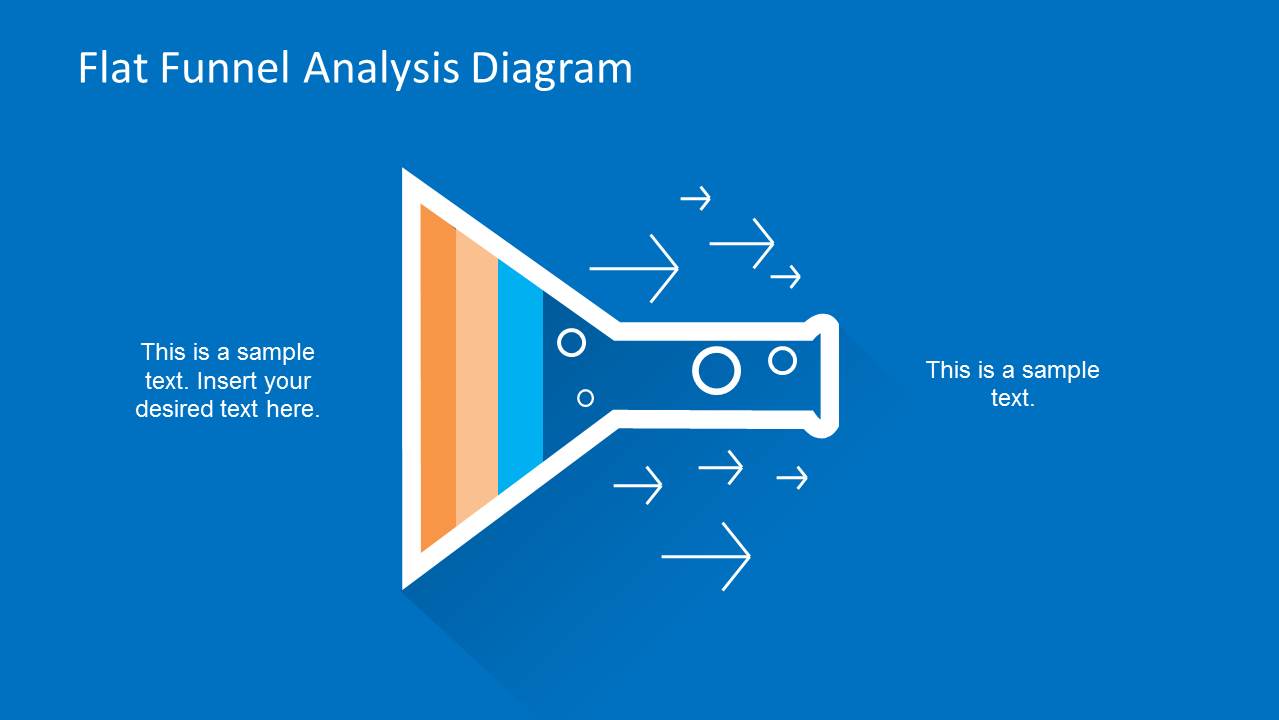
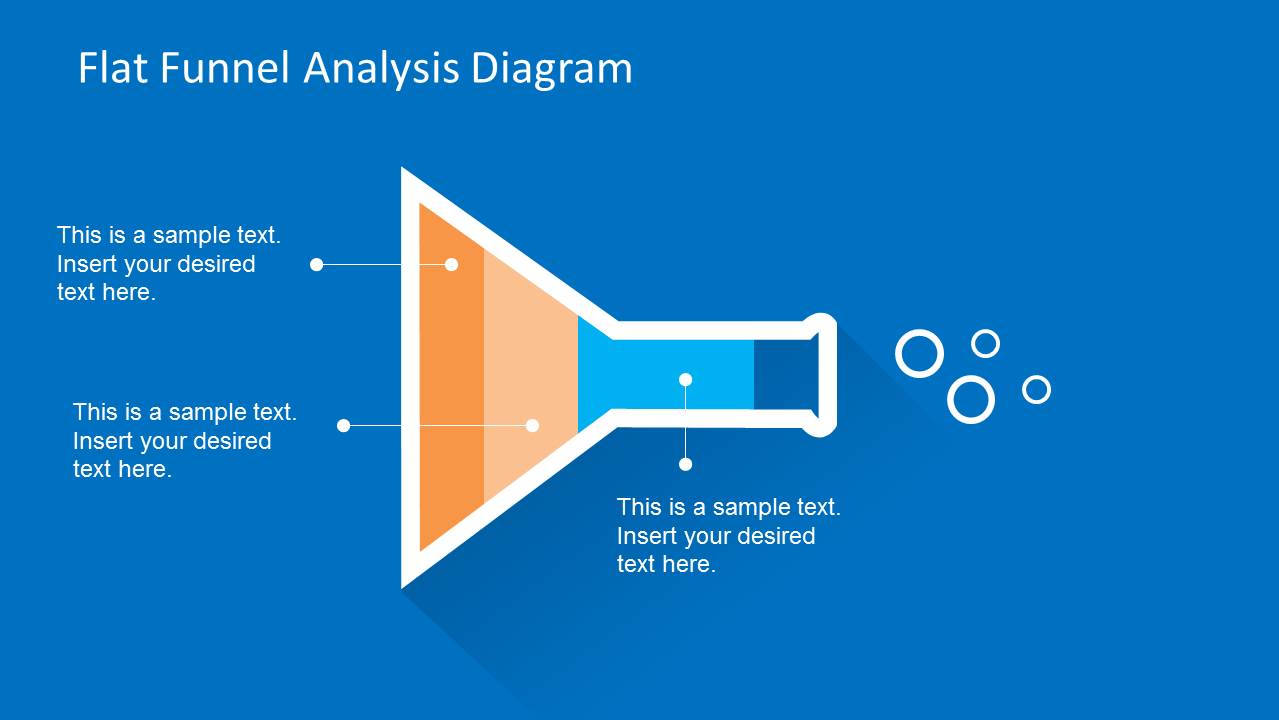
In the PowerPoint template, a flat funnel shape is divided into 4 colors that can showcase 4 stages. The user can pick the phases that are appropriate to the objectives of the report. In the first slide, the presenter can name the first 3 stages. The second slide display arrows pointing downward. This can portray the direction of the process. In the 3rd slide, the user is given a chance to further explain the details of every stage. The 4th slide highlights the stage where the seller takes note of the on-going sale procedure. Finally, in the last slide, the bubbles are outside the tip of the funnel. This can mean that the deal has ended.
The Flat Funnel Analysis Diagram Template for PowerPoint is ideal to any marketing and production presentation. Impress audiences with these stunning slide designs. Gradient Modern Funnel Diagram for PowerPoint is another striking PPT downloadable from the SlideModel gallery.
What’s inside this template
Example presentation scenarios
- A sales manager can use the vertical funnel with callouts to explain how unqualified prospects narrow into active opportunities and which stage needs more attention.
- A marketing presenter can use the downward arrow funnel slide to show how audience awareness, interest, and evaluation move toward a conversion point.
- A consultant can use the horizontal funnel layout to map a client process from intake to output while pointing out bottlenecks with the editable text labels.
- A startup founder can use the funnel stages and exit bubbles to explain acquisition flow, purchase readiness, or customer drop-off during an investor or internal planning discussion.
Features
- 100% editable presentation template
- Compatible with Microsoft PowerPoint
- Scalable vector shapes, icons and illustrations
- AI-Ready for Microsoft Copilot and Claude
- Instant access and download
Frequently asked questions
Q: How should a presenter structure the message with this funnel template?
A: Start with the full vertical funnel to define the stages, then use the arrow-focused slide to explain movement and filtering. The detailed callout slide works best for barriers or decision points. Close with a horizontal funnel when you want the audience to see the process as a left-to-right operational flow.
Q: Who is this template best suited for?
A: This template is best for sales, marketing, consulting, and business development presenters who need to explain how prospects, customers, or inputs narrow through a process. It fits funnel reviews, lead qualification discussions, conversion planning, and purchase journey explanations where the key message is progression, drop-off, or filtering.
Q: Why does the funnel metaphor work for this type of analysis?
A: The wide-to-narrow shape makes selectivity visible without requiring a data table. Colored bands separate stages, bubbles suggest outputs or completed items, and arrows show direction. This helps audiences understand that not every input reaches the end, while callouts let the presenter name the reasons for movement or loss.



Flat Funnel Analysis Diagram Template for PowerPoint
5-slide PowerPoint presentation template for sales funnel analysis, purchase funnel stages, and process flow diagrams.
Flat Funnel Analysis Diagram Template for PowerPoint is a 5-slide diagram template for explaining sales or marketing funnel stages. It includes a vertical funnel with callouts, directional arrow funnel, detailed stage labels, and horizontal funnel views. It is designed for PowerPoint users presenting prospect filtering, qualification, conversion, and purchase flow.


 Loading...
 Microsoft PowerPoint
  Microsoft Copilot
  Claude for PowerPoint
 Other formats supported
Subscribe today and get immediate
access to download our PowerPoint templates.