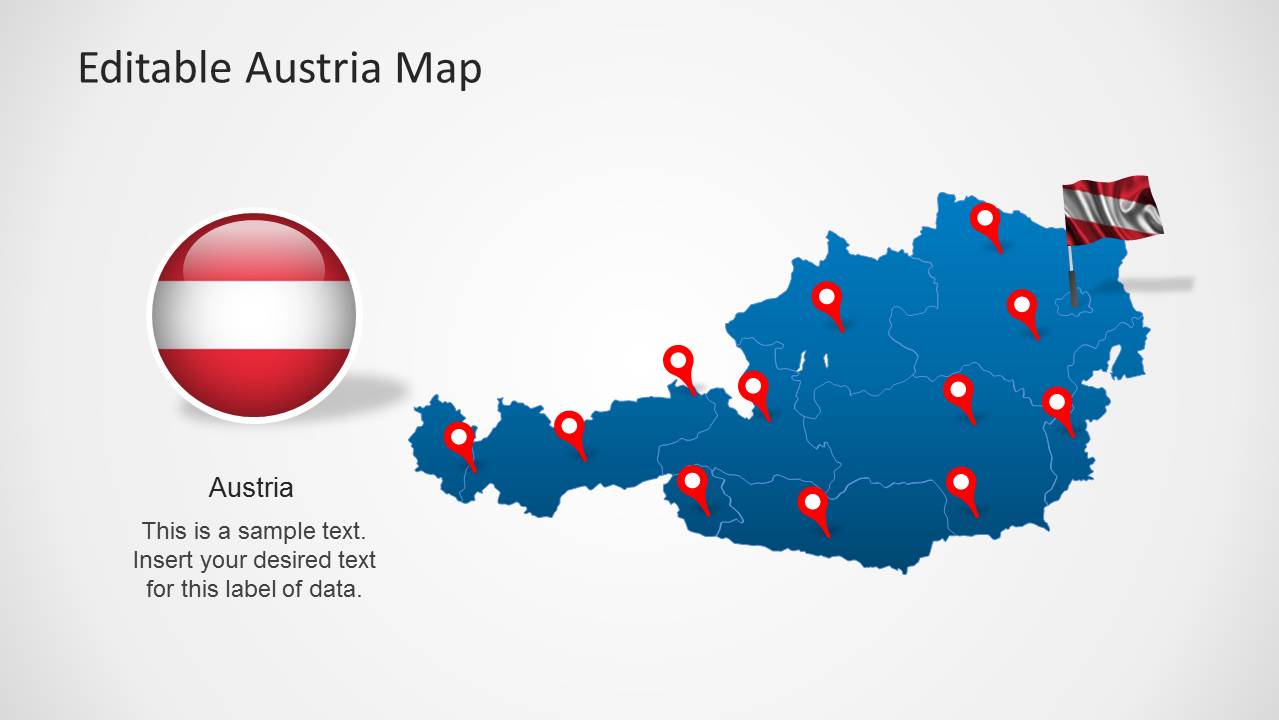
Austria Map Template for PowerPoint provides a map of the country, along with editable slides with a flag, GPS markers and creative map layouts.
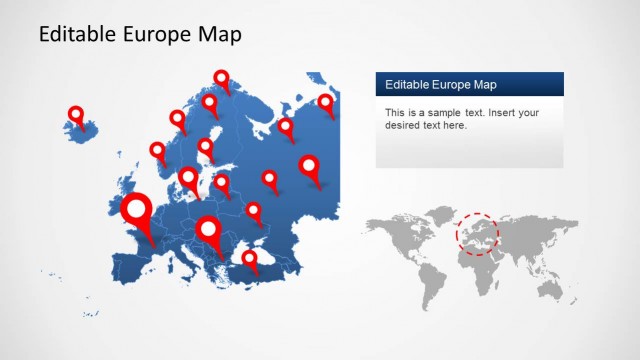
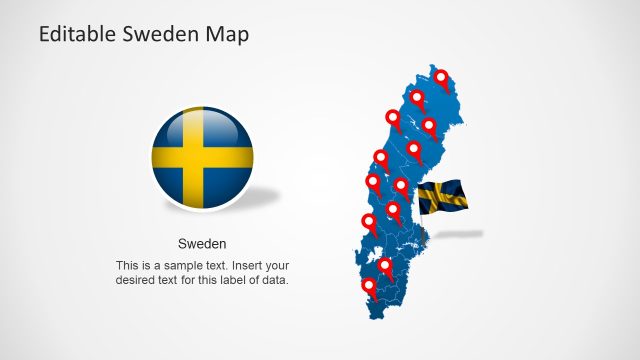
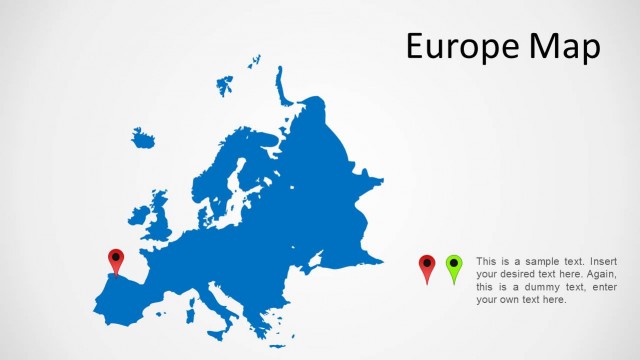
This template is among the SlideModel Europe Map Templates which provides slides with maps of different countries of Europe, as well as the continent on the whole. These templates provide maps for UK, France, Germany, Sweden, Switzerland and other countries.
The Austria Map Template provides multiple slides with creative layouts that can be used for making presentations related to the country, be it about consumer outreach, marketing plans, plans for individual projects, demographic survey results or any other topic related to Austria.
What’s inside this template
Example presentation scenarios
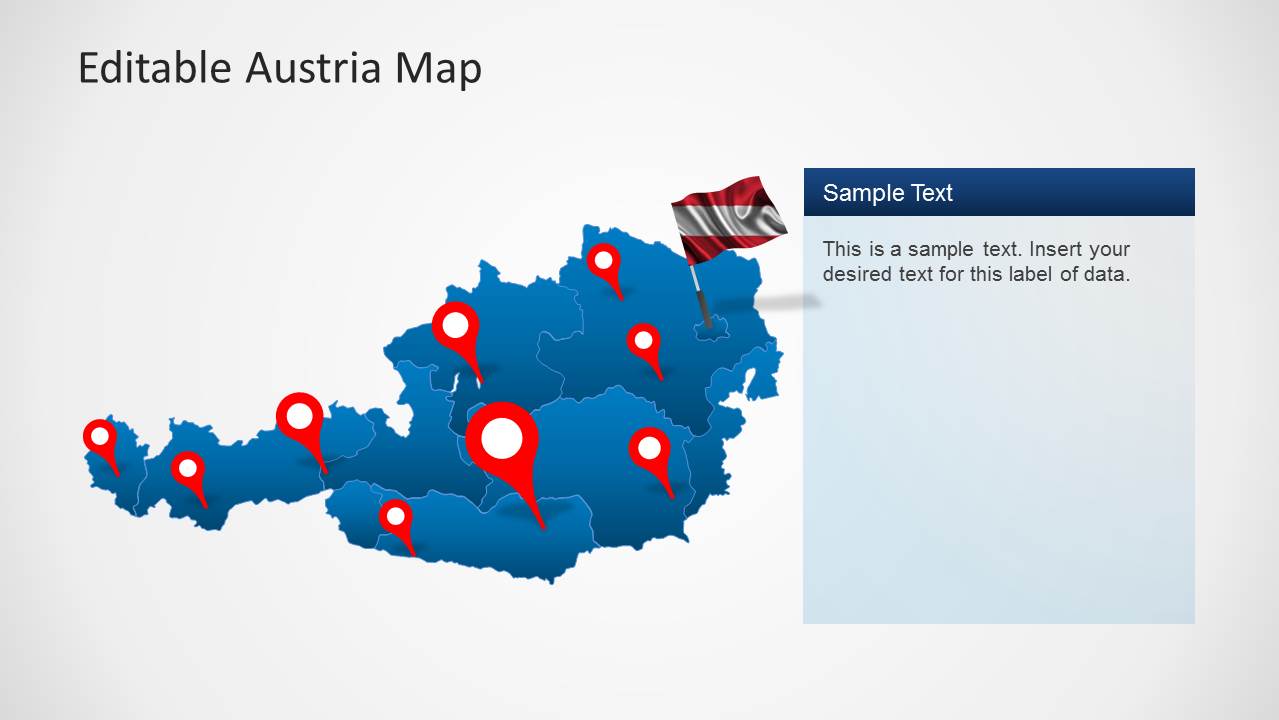
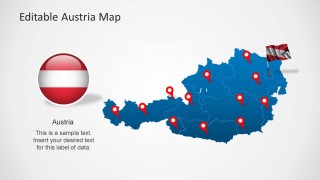
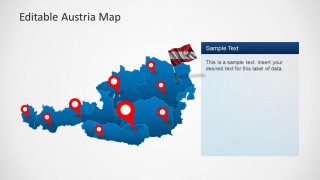
- A marketing manager can present Austria consumer outreach priorities by using the full-country marker map and the right-side callout panels to connect target locations with campaign notes.
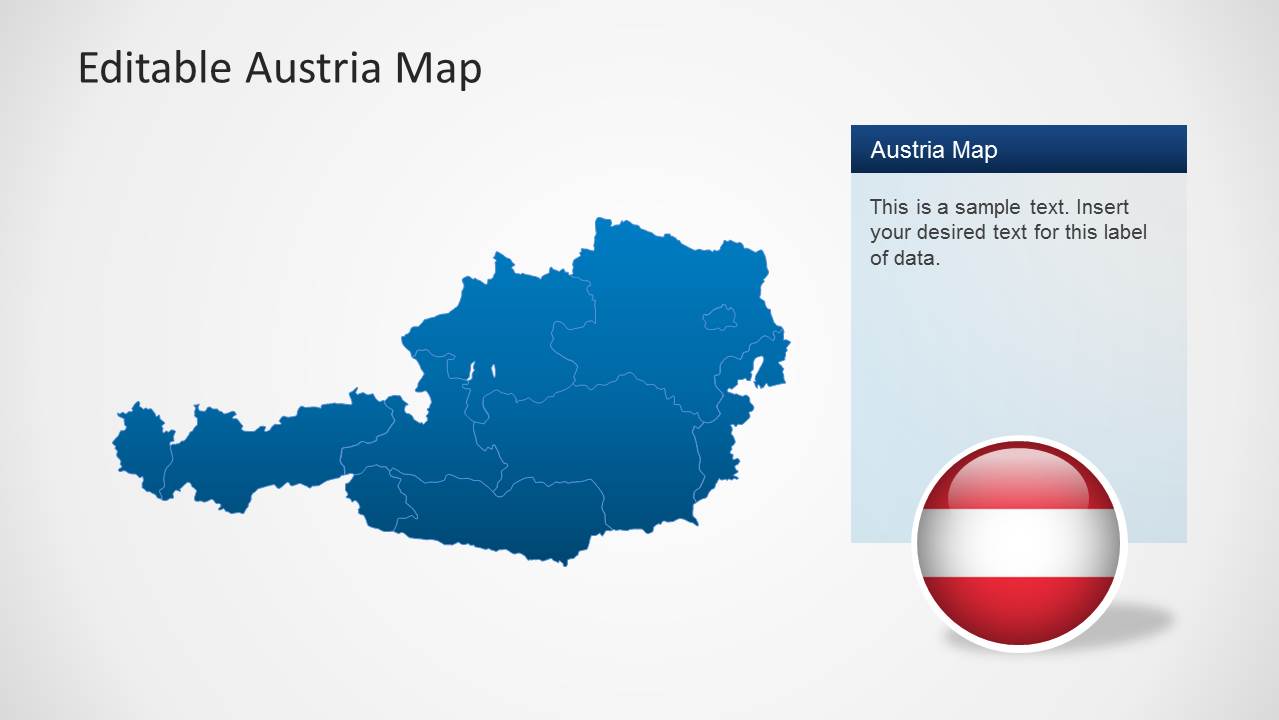
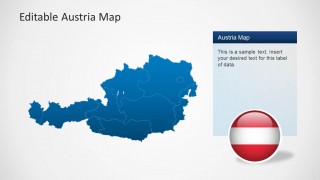
- A regional sales leader can explain territory coverage by using the Austria states map, red pins, and shaded regional boundaries to show where teams, accounts, or opportunities are located.
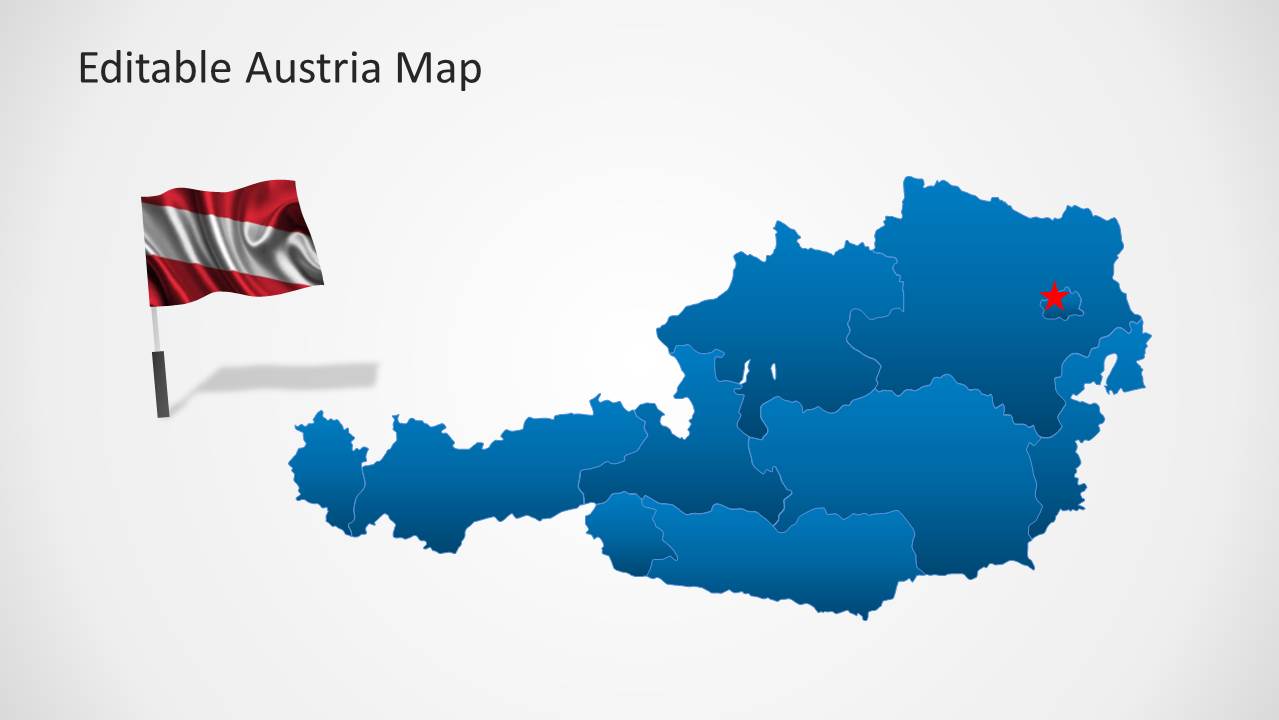
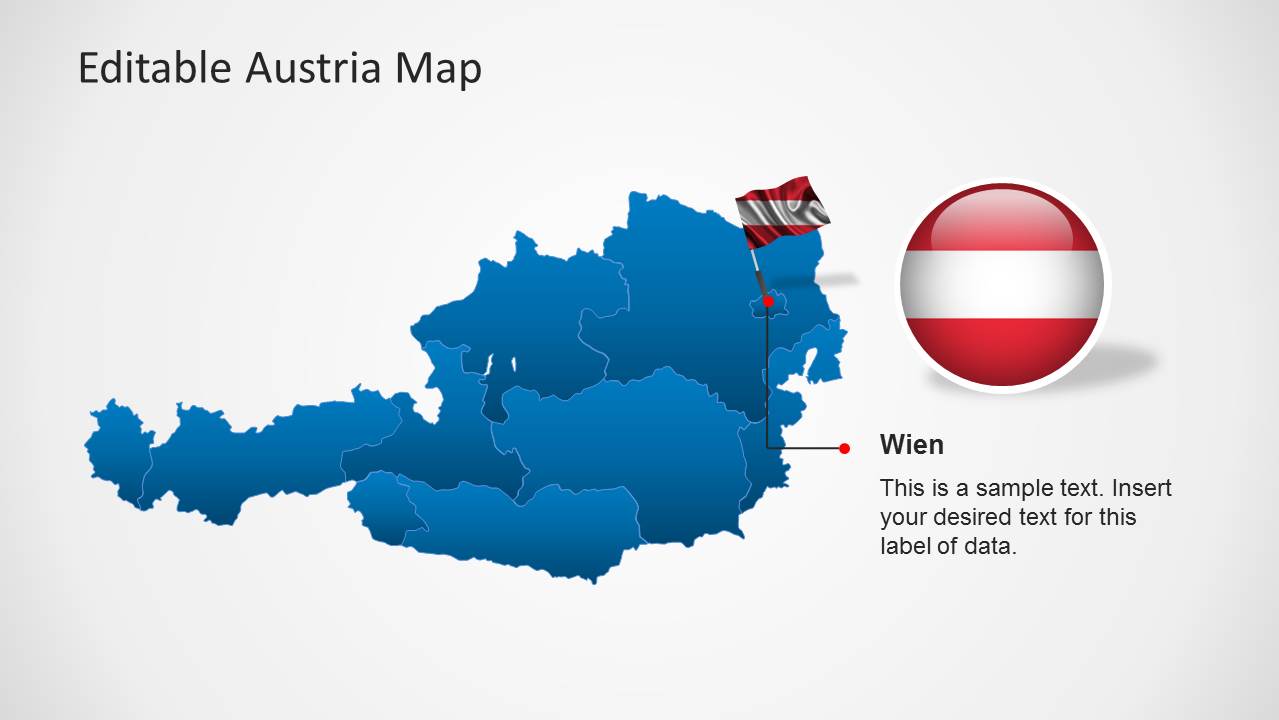
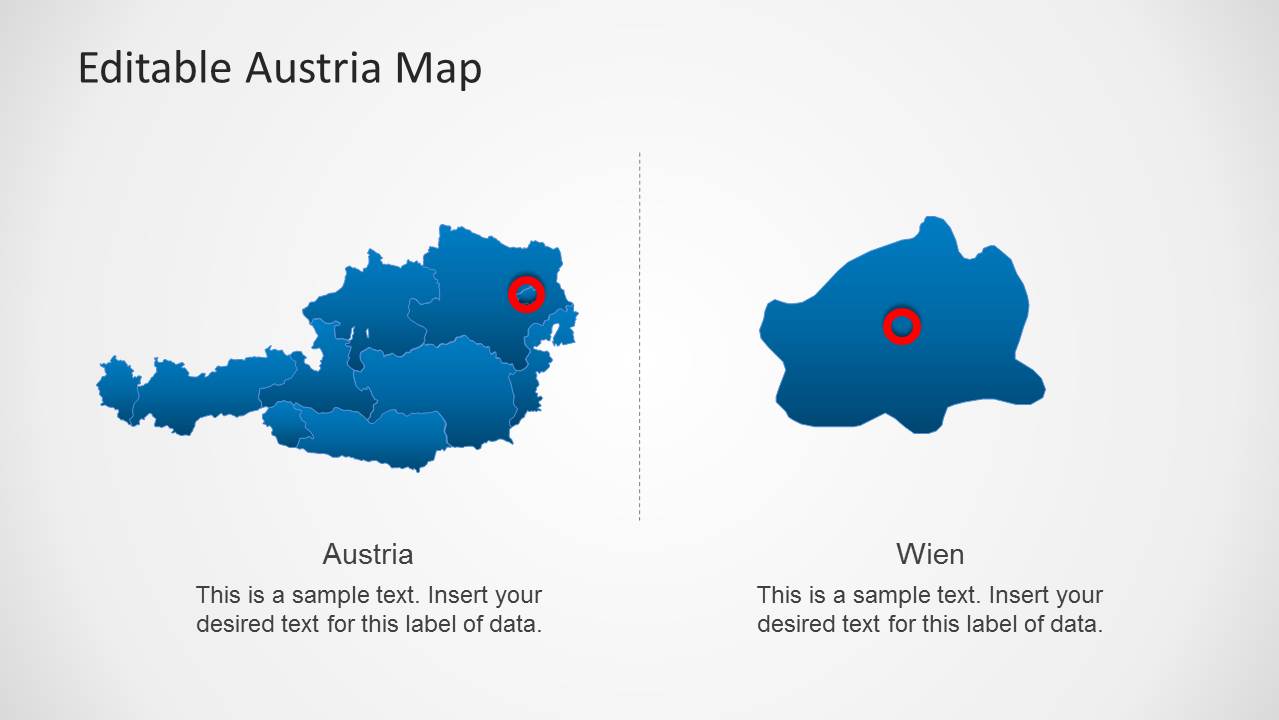
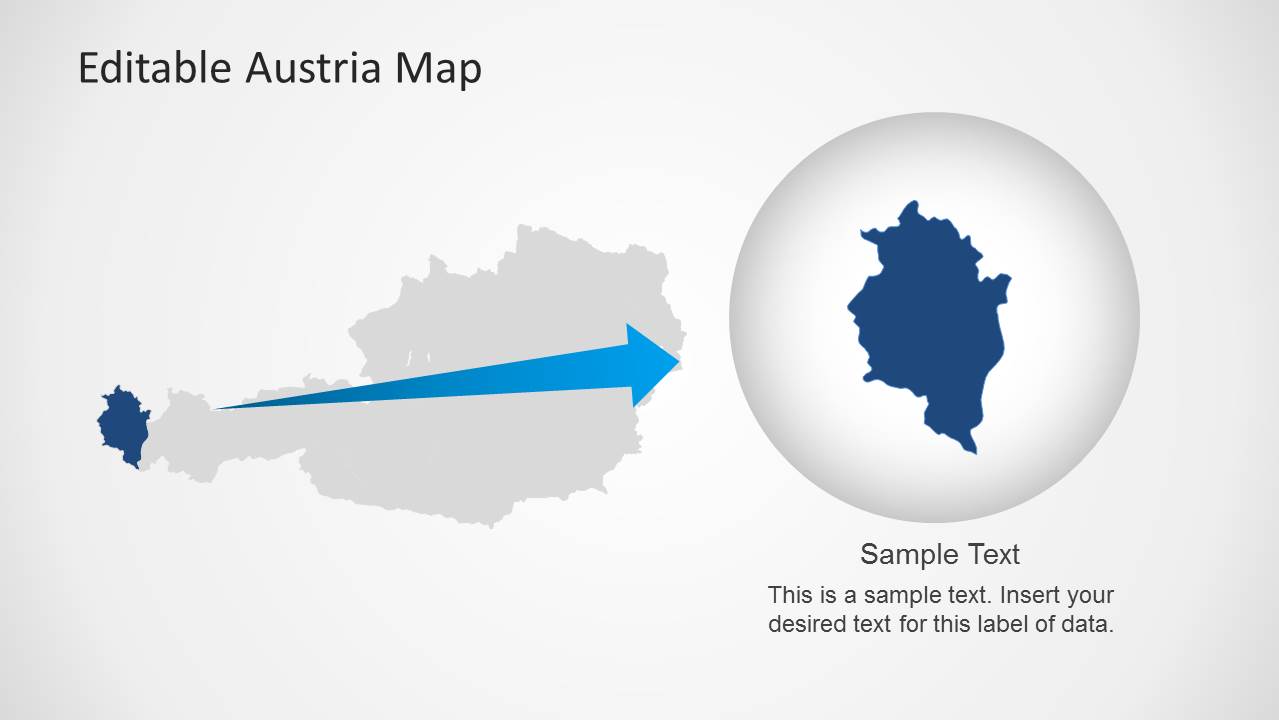
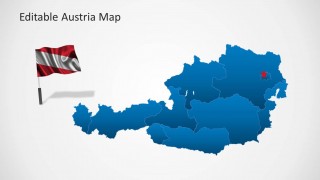
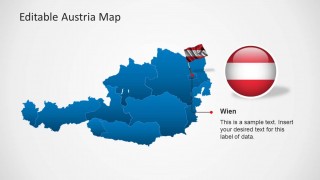
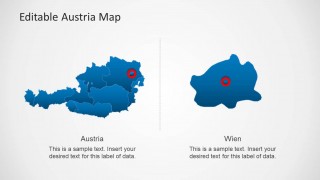
- A consultant can brief executives on an Austria market entry plan by starting with the national map, then using the Wien detail slide to focus attention on the capital area.
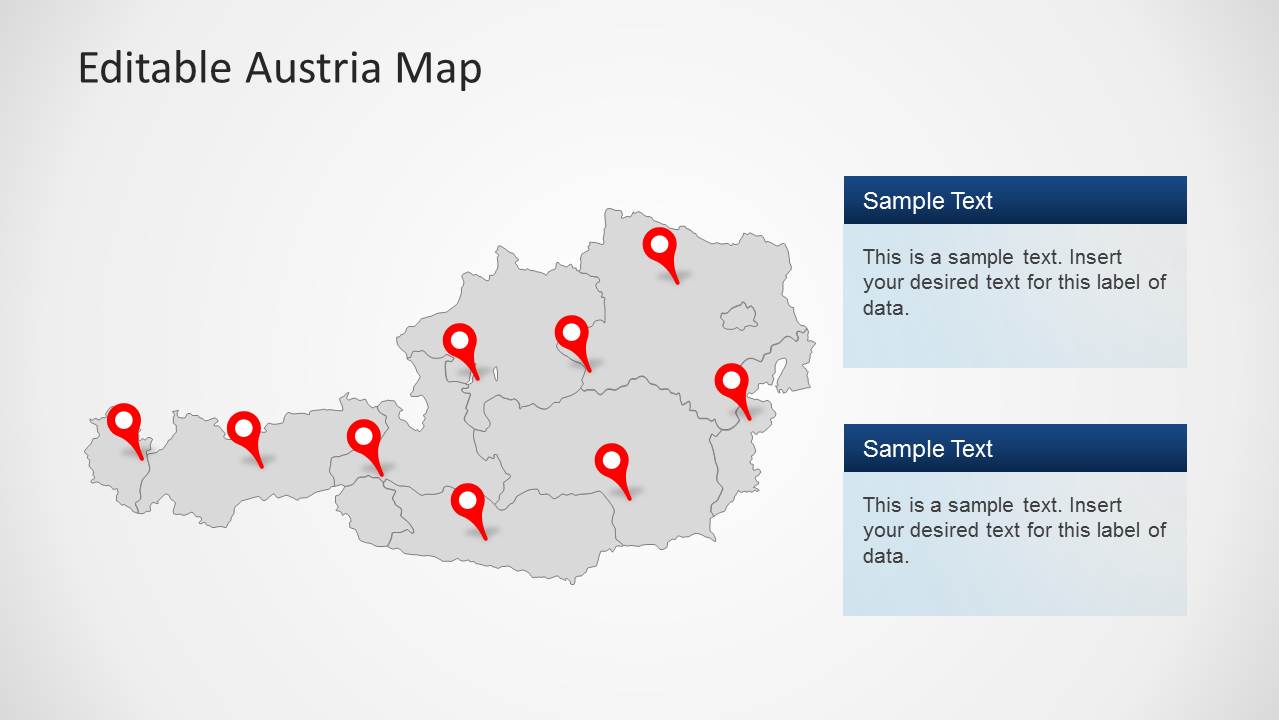
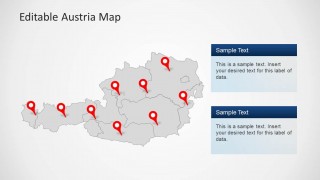
- A public sector presenter can report survey or demographic findings by placing key points on the gray marker map and summarizing each finding in the stacked callout boxes.
Features
- 100% editable presentation template
- Compatible with Microsoft PowerPoint and Google Slides
- Scalable vector shapes, icons and illustrations
- AI-Ready for Microsoft Copilot and Claude
- Instant access and download
Frequently asked questions
Q: How should I organize a clear Austria location briefing with this template?
A: Start with a full Austria map to orient the audience, then move to a marker slide for the main locations and a callout slide for interpretation. Save the Wien zoom layout for the point that needs the most detail. Keep each map to one message so the pins, regions, and text boxes reinforce the same conclusion.
Q: Who is this Austria map deck best suited for?
A: This deck fits presenters who need country-specific geographic context rather than a general Europe overview. Marketing teams, consultants, regional managers, tourism planners, and public sector analysts can use the Austria state maps, flag visuals, pins, and callout boxes to explain where activity is happening and why those locations matter.
Q: Why do the flag, pins, and zoom metaphor help the audience understand the message?
A: The flag elements establish national context quickly, while red pins separate priority locations from the blue regional map. The zoom slide acts as a visual metaphor for moving from national overview to local detail. This sequencing helps the presenter shift attention without relying on dense paragraphs or long lists.
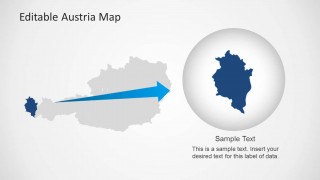
Austria Map Template for PowerPoint
8-slide PowerPoint map template with editable Austria states, flag graphics, and location markers
Austria Map Template for PowerPoint is an 8-slide map presentation focused on Austria. It includes editable Austria state maps, flag graphics, GPS marker maps, callout text panels, and a Wien zoom layout. It is suited to presenters explaining Austrian markets, projects, demographics, outreach, or regional plans in PowerPoint.


 Loading...
 Microsoft PowerPoint
  Microsoft Copilot
  Claude for PowerPoint
 Other formats supported
Subscribe today and get immediate
access to download our PowerPoint templates.