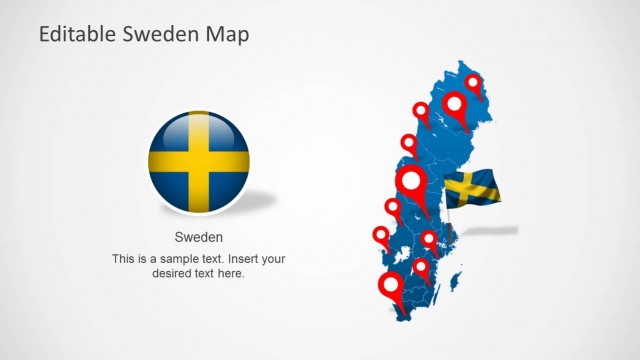
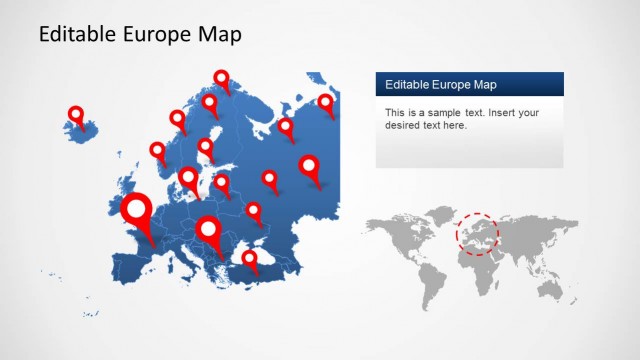
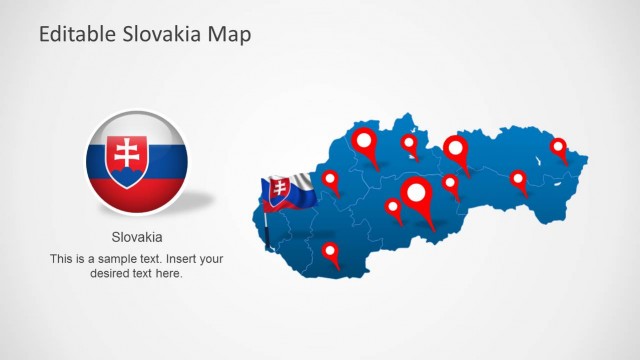
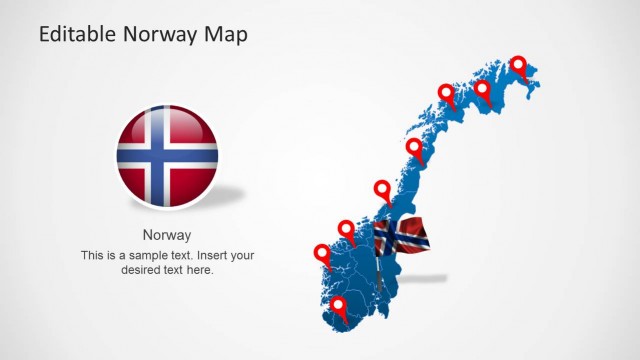
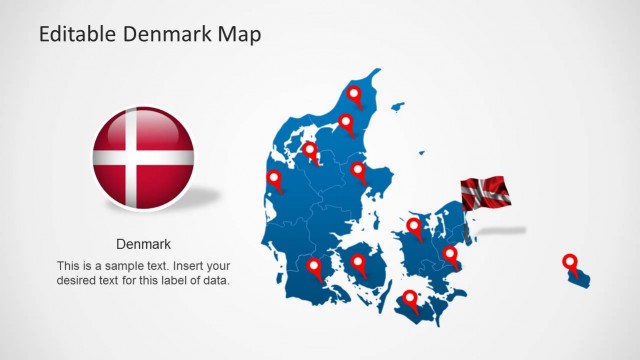
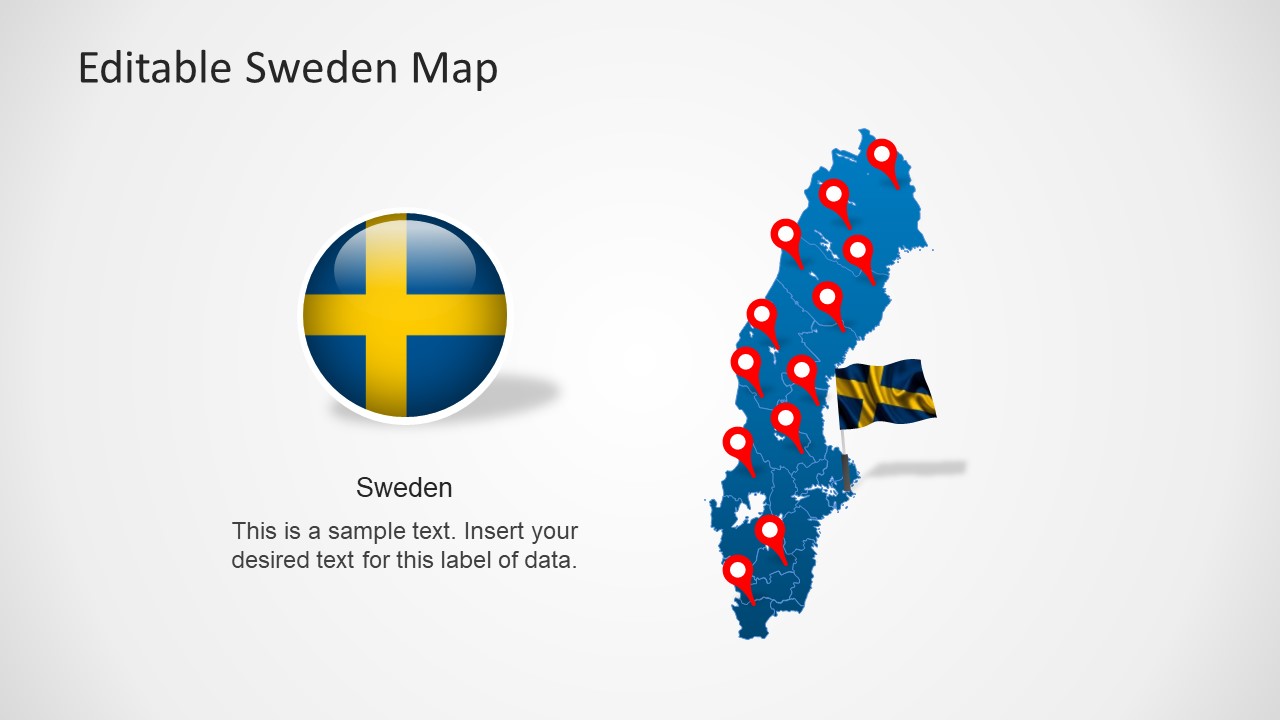
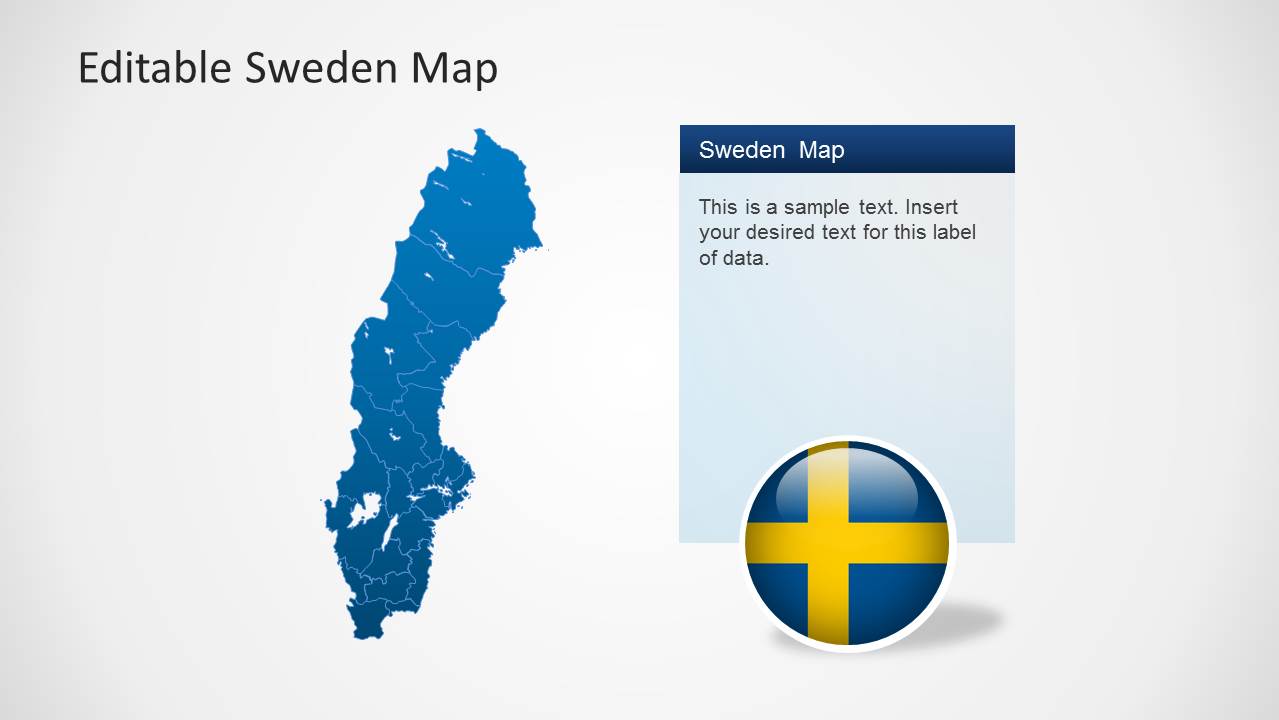
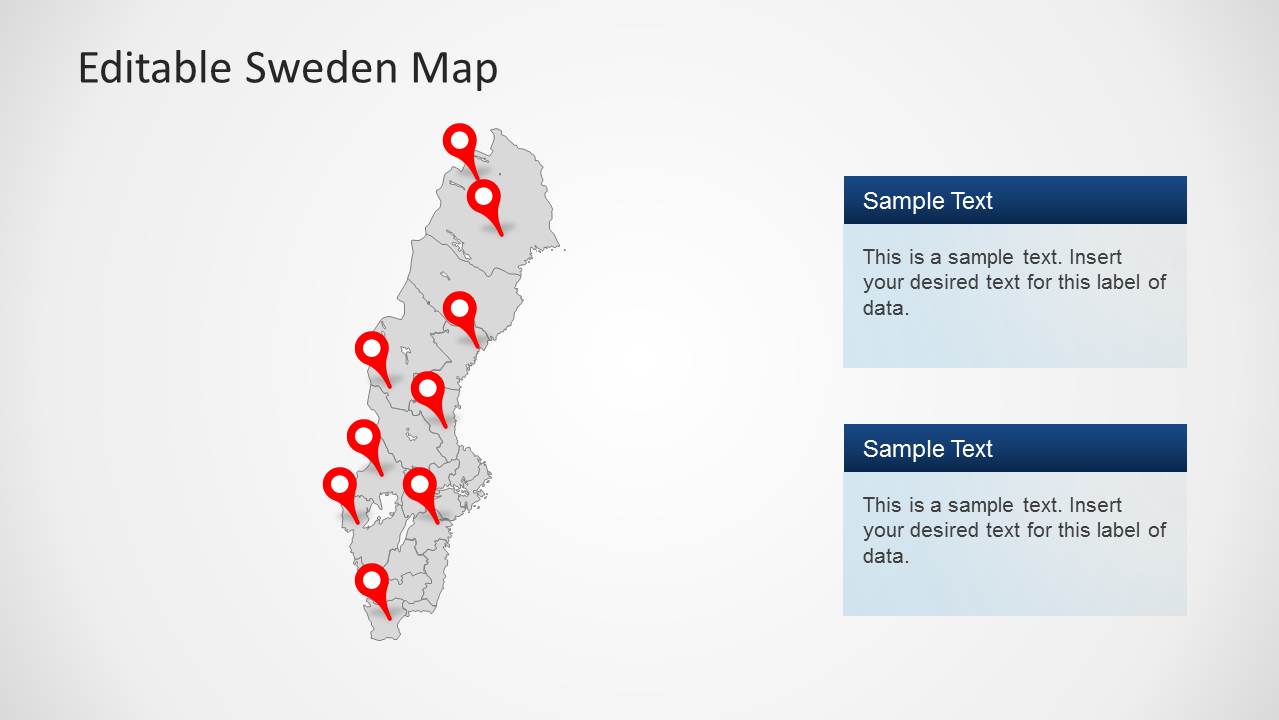
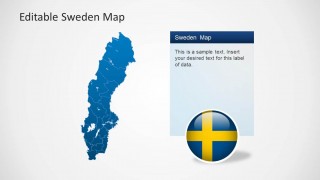
Sweden Map Template for PowerPoint is a presentation design template containing Sweden map shapes. The slides contain an outline and political maps, which are ideal for geographical reference.
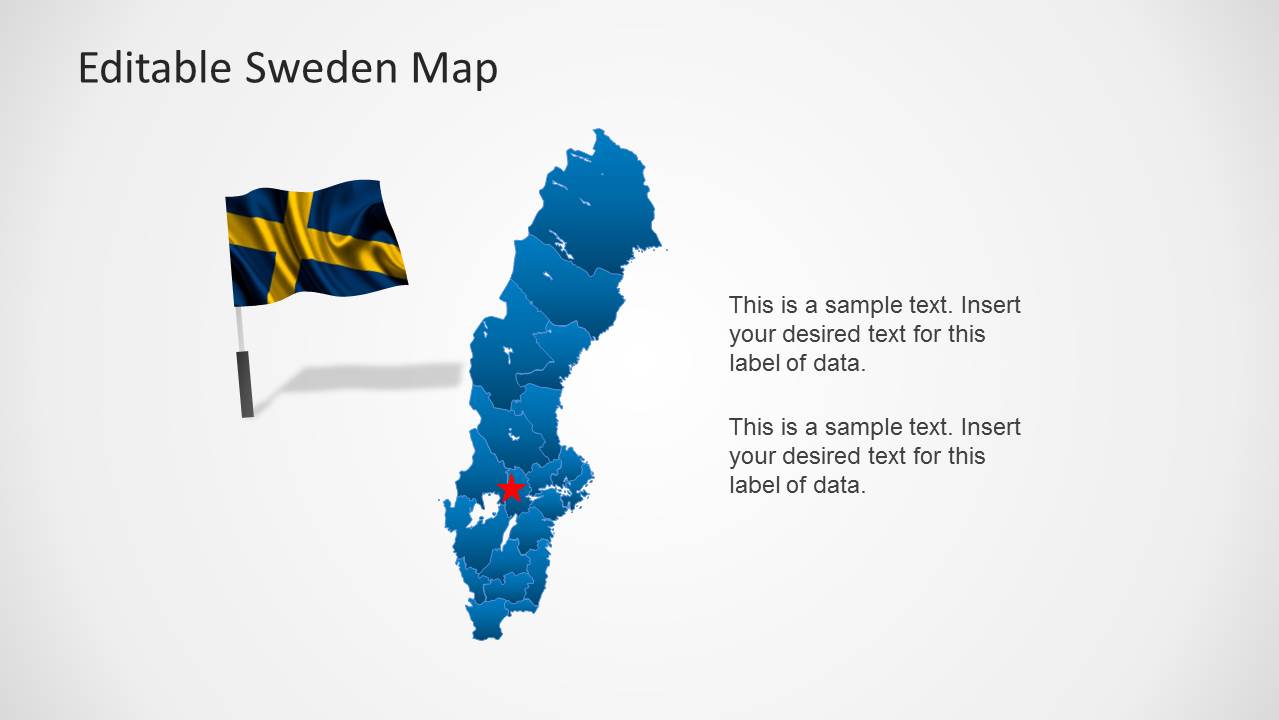
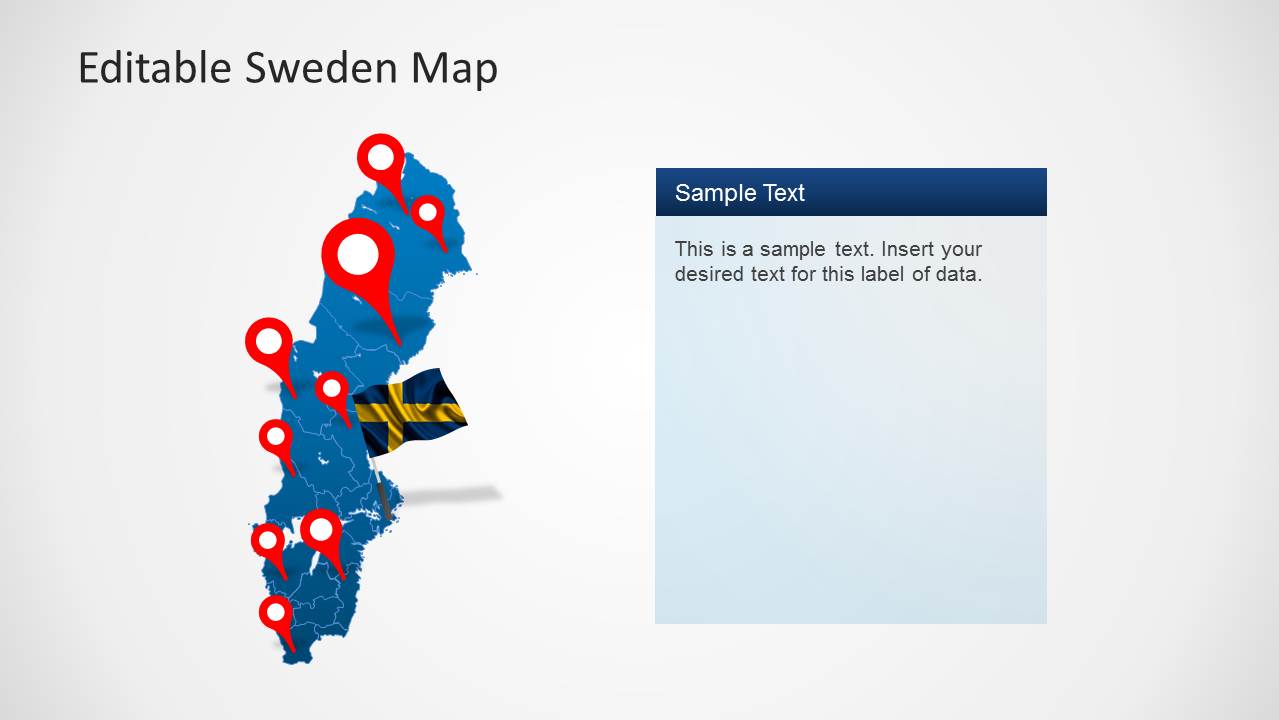
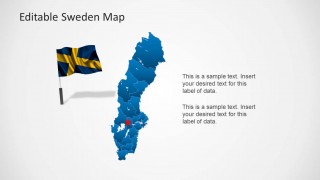
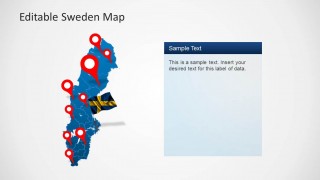
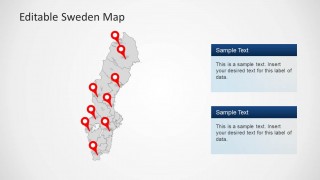
Each Sweden shapes is constructed as a combination of individual states, created as PowerPoint objects. You can edit and manipulate the states as regular PowerPoint shapes. The presentation provides highlight frames and icons for creating references to specific locations across the map. Each slide contains different representations of Sweden flag, and national colors.
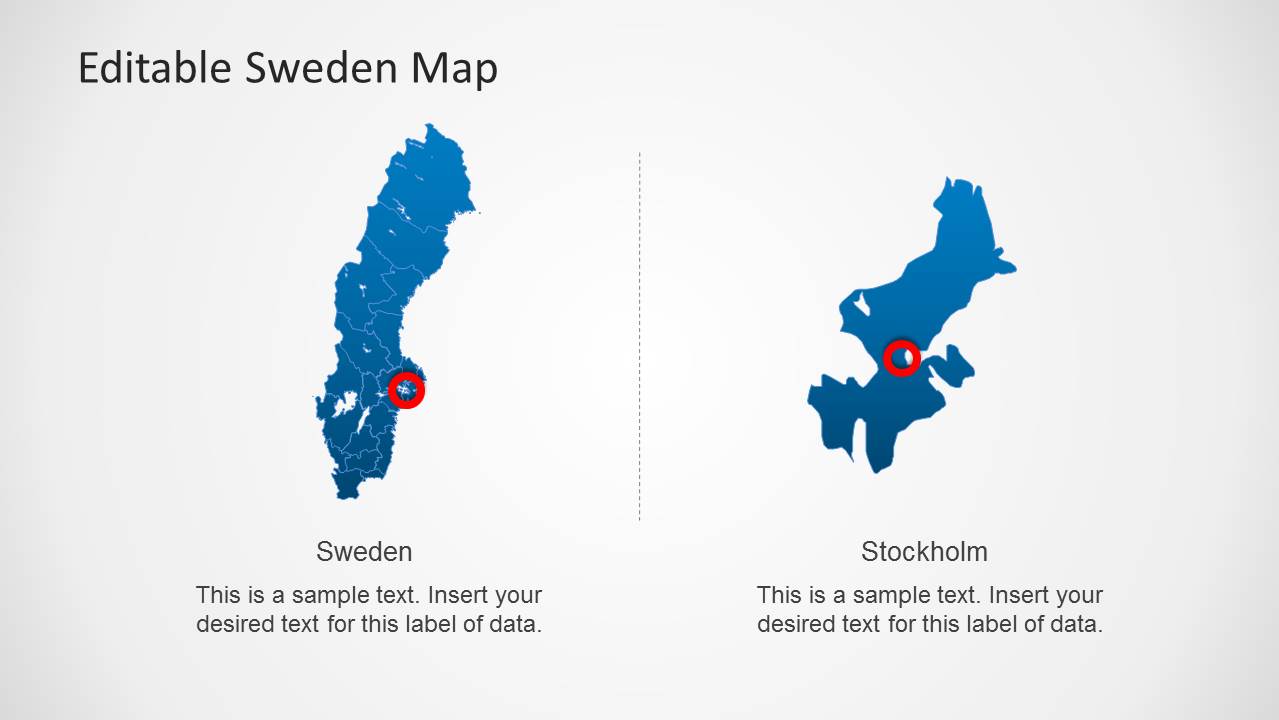
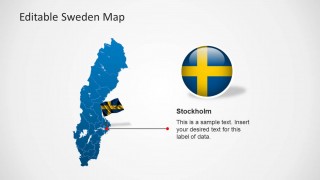
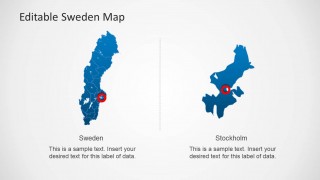
The presentation contains a specific slide with the location of Stockholm (Sweden’s Capital) as a snapshot beside the Sweden map. Each slide contains Test Boxes that match the Layout and Palette of the presentation.
You can download this presentation and create stunning references to Sweden and its states. Alternatively, there are plenty of other maps of Europe to download with 100% editable placeholders, country maps and flags. You can use the editable maps in your presentations or combine them with other slide templates.
What’s inside this template
Example presentation scenarios
- A market research consultant can use the pinned Sweden maps to show target regions, priority cities, and supporting notes for a Sweden entry briefing.
- A sales leader can present branch coverage or customer concentration by placing location markers on the full-country maps and using the text panels for regional explanations.
- A logistics or travel planner can explain routes, destination clusters, or service areas with the map pin layouts and the Stockholm detail slide.
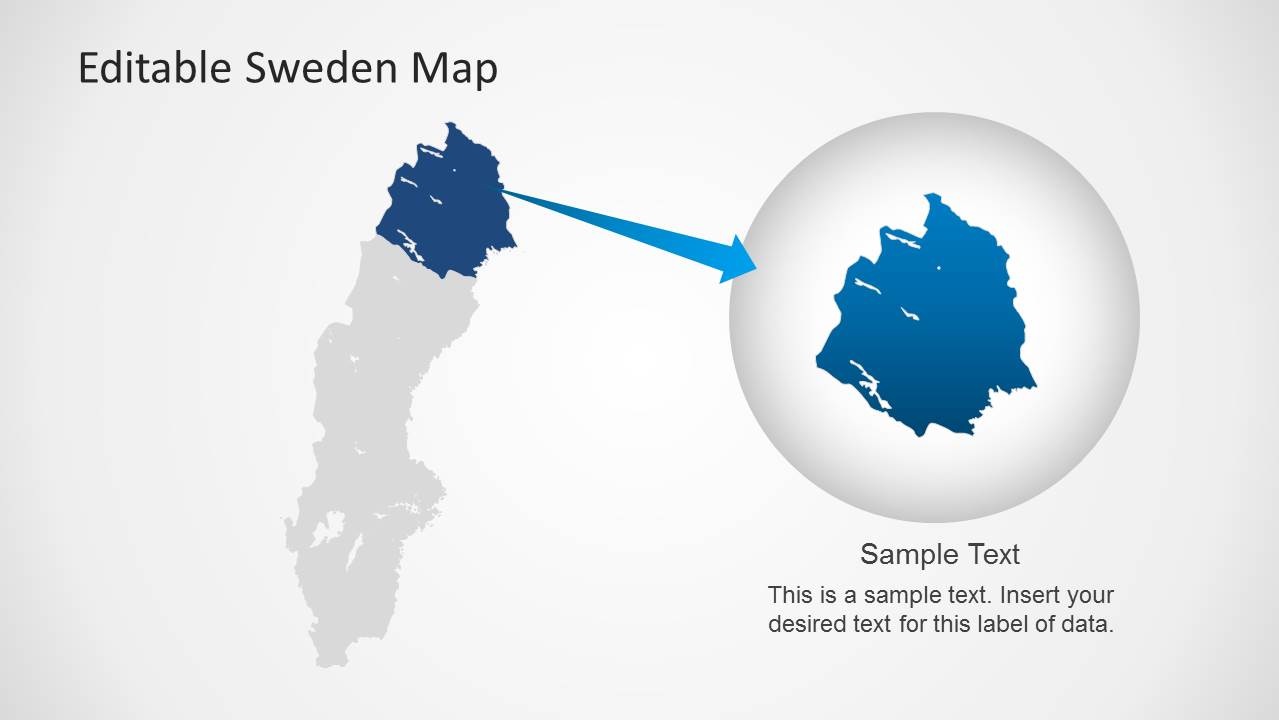
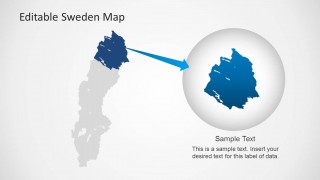
- An educator or public sector presenter can introduce Sweden geography with the national flag visuals, regional map outlines, and zoomed regional highlight slide.
Features
- 100% editable presentation template
- Compatible with Microsoft PowerPoint and Google Slides
- Scalable vector shapes, icons and illustrations
- AI-Ready for Microsoft Copilot and Claude
- Instant access and download
Frequently asked questions
Q: How should I structure a Sweden-focused geography briefing with this template?
A: Start with a full-country map to orient the audience, then move to pinned location slides for the places that matter most. Use the Stockholm slide when the capital needs separate attention, and reserve the zoomed regional highlight for the most important area. Keep each text panel limited to one message so the map remains the main evidence.
Q: Who is this template best suited for?
A: This template is best for presenters who need to explain where activity is happening in Sweden. Consultants, sales managers, logistics planners, educators, and public sector teams can use the map pins, country outline, Stockholm detail, and regional zoom to connect a geographic location with a business, policy, travel, or learning point.
Q: Why do the flag visuals and map pins improve the presentation?
A: The Sweden flag visuals establish country context immediately, while the red pins create a clear location metaphor that audiences recognize without extra explanation. The mix of full maps, text panels, Stockholm detail, and zoomed region helps the presenter move from national context to specific evidence without crowding every location onto one slide.

Sweden Map Template for PowerPoint
8-slide map presentation template for Sweden locations, Stockholm callouts, and national flag visuals
Sweden Map Template for PowerPoint is an 8-slide map deck for presenting Sweden geography in Microsoft PowerPoint and Google Slides. It includes editable Sweden outline maps, location pin callouts, Stockholm detail views, flag graphics, and text panels for regional notes, market context, travel planning, or location-based reporting.

 Loading...
 Microsoft PowerPoint
  Microsoft Copilot
  Claude for PowerPoint
 Other formats supported
Subscribe today and get immediate
access to download our PowerPoint templates.