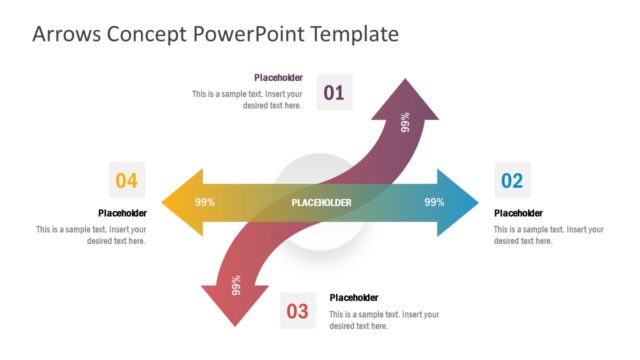
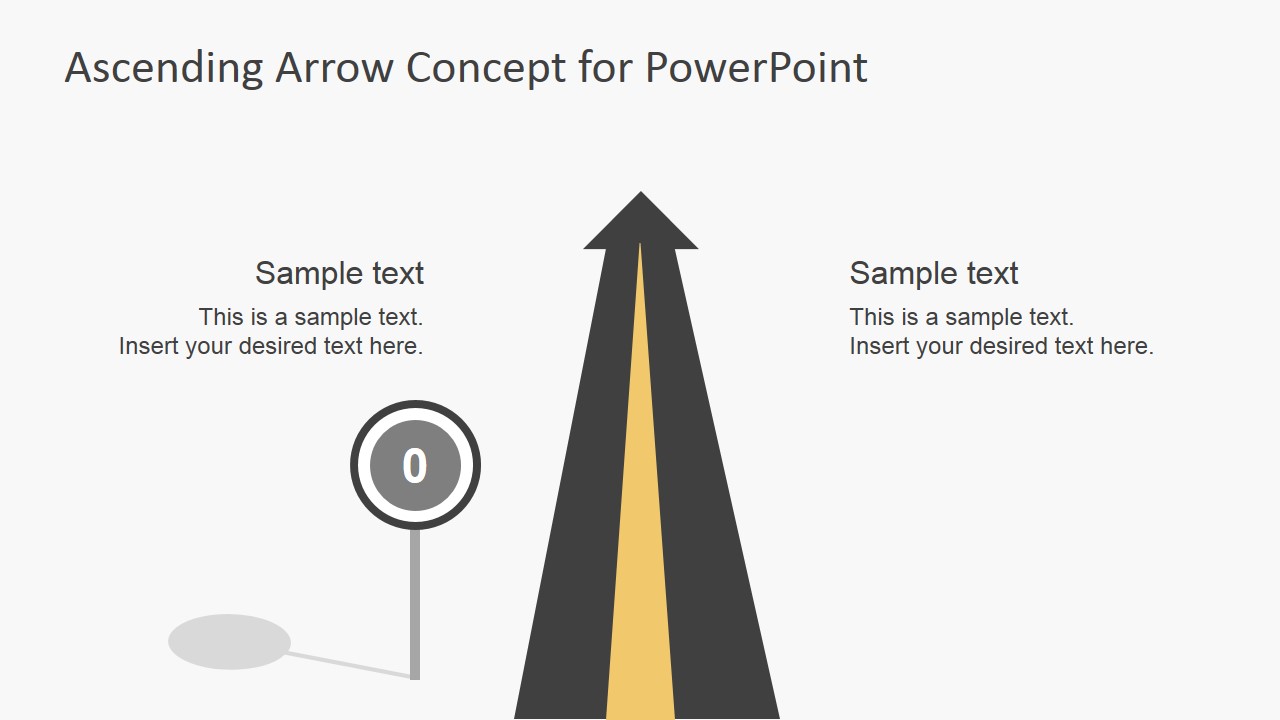
Creative illustration for PowerPoint created with shapes that you can use to represent a successful scenario or success with an ascending road arrow concept for Microsoft PowerPoint. The straight road illustration turning into ascending arrow concept can also be used to represent well-being or a healthy financial situation for a company PowerPoint presentation.
What’s inside this template
Example presentation scenarios
- An executive can use the central ascending road arrow to introduce a growth objective and explain why the organization is moving toward a higher performance target.
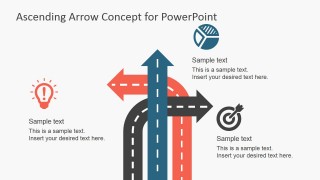
- A strategy consultant can use the multi-direction road arrow slide to compare alternative paths, risks, or opportunities before recommending a preferred direction.
- A sales manager can use the upward trend road arrow to frame pipeline progress, team motivation, or a path from current results to future targets.
- A trainer can use the icon slide and road-to-target layout to build a lesson about goal setting, decision points, and progress milestones.
Features
- 100% editable presentation template
- Compatible with Microsoft PowerPoint and Google Slides
- Scalable vector shapes, icons and illustrations
- AI-Ready for Microsoft Copilot and Claude
- Instant access and download
Frequently asked questions
Q: How should a presenter use the road arrow metaphor without making the message too abstract?
A: Tie each road element to a concrete business meaning. Use the main ascending road as the desired direction, the side text blocks for current situation and next action, and the target or marker icons for outcomes. Keep the metaphor consistent so the audience understands whether the slide is about growth, choice, progress, or arrival.
Q: Who is this template best suited for in a business presentation?
A: This template fits managers, consultants, trainers, and executives who need a visual way to discuss progress or direction without a full data report. It is especially useful for goal-setting meetings, strategy introductions, sales motivation sessions, and improvement updates where the message is about moving forward rather than analyzing many figures.
Q: Why do the road, arrow, and signpost visuals help communicate growth and direction?
A: The road metaphor turns an abstract goal into a familiar journey. An upward road implies progress, branching arrows suggest choices, and markers or targets show destination points. This helps the audience quickly understand movement, priority, and intent before reading the supporting text, which is useful in short executive or team briefings.











Ascending Road Arrow Concept for PowerPoint
7-slide presentation template with ascending road arrow diagrams and direction icons for growth messages
Ascending Road Arrow Concept for PowerPoint is a 7-slide diagram template for Microsoft PowerPoint and Google Slides. It includes a cover slide, central ascending road arrow, multi-direction road arrows, upward trend arrow, zero-to-goal road view, and an icon sheet for growth, progress, motivation, and direction presentations.


 Loading...
 Microsoft PowerPoint
  Microsoft Copilot
  Claude for PowerPoint
 Other formats supported
Subscribe today and get immediate
access to download our PowerPoint templates.