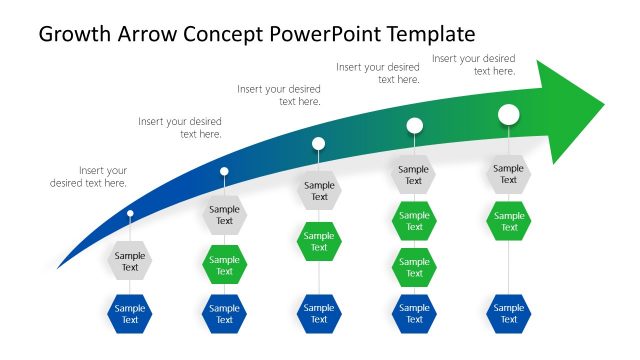
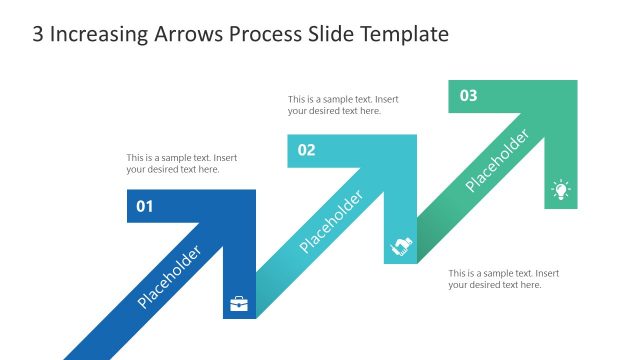
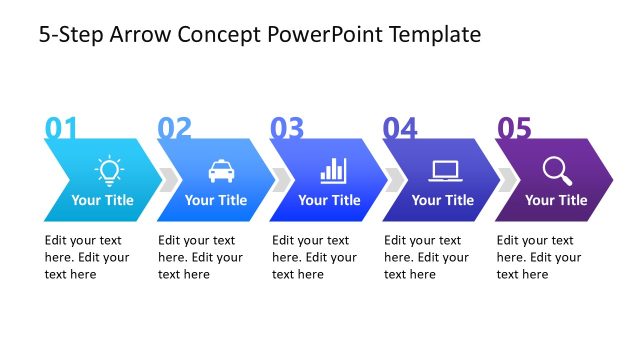
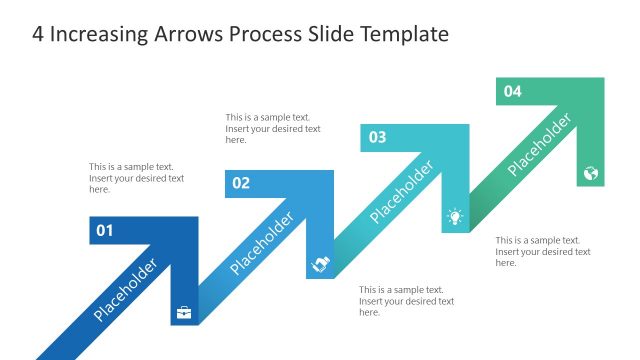
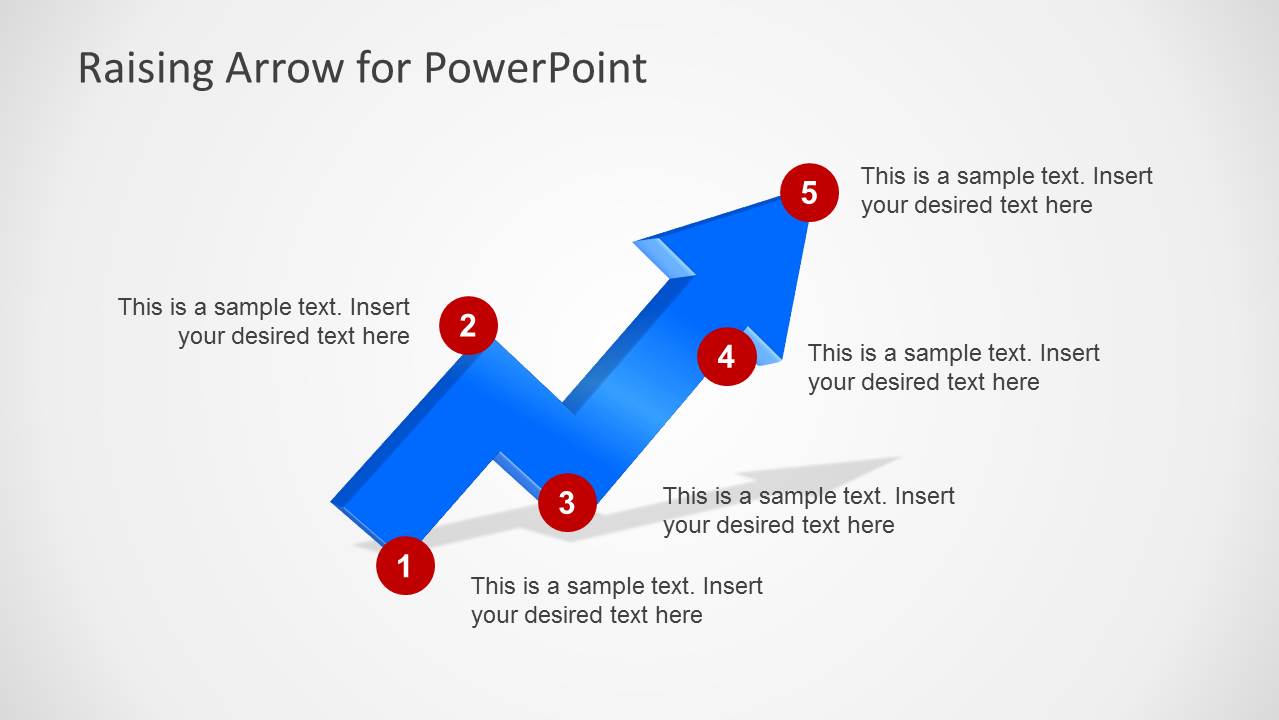
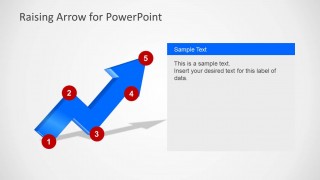
Generate impressive 5-step process presentations with Raising Arrow for PowerPoint. The simple yet creative raising arrow is featured in the PowerPoint template. A novel point of view towards a goal is shown in the slide designs. The theme can motivate teams and companies with an arrow shape to metaphor a method of success.
The slide designs are ideal for a process report with 5 steps. It is a generic layout so any topic or subject matter can be associated to it. Using the PowerPoint template, the user can produce a business presentation. It can be used to tackle on project planning and team building. In academic purposes, the design can be modified to suit any discussion point. It is also an ideal professional report supplement with its high quality visuals. It can even represent a timeline or goal chart because the arrow is pointing upwards. That can symbolize a list of activities set to hit a certain goal.
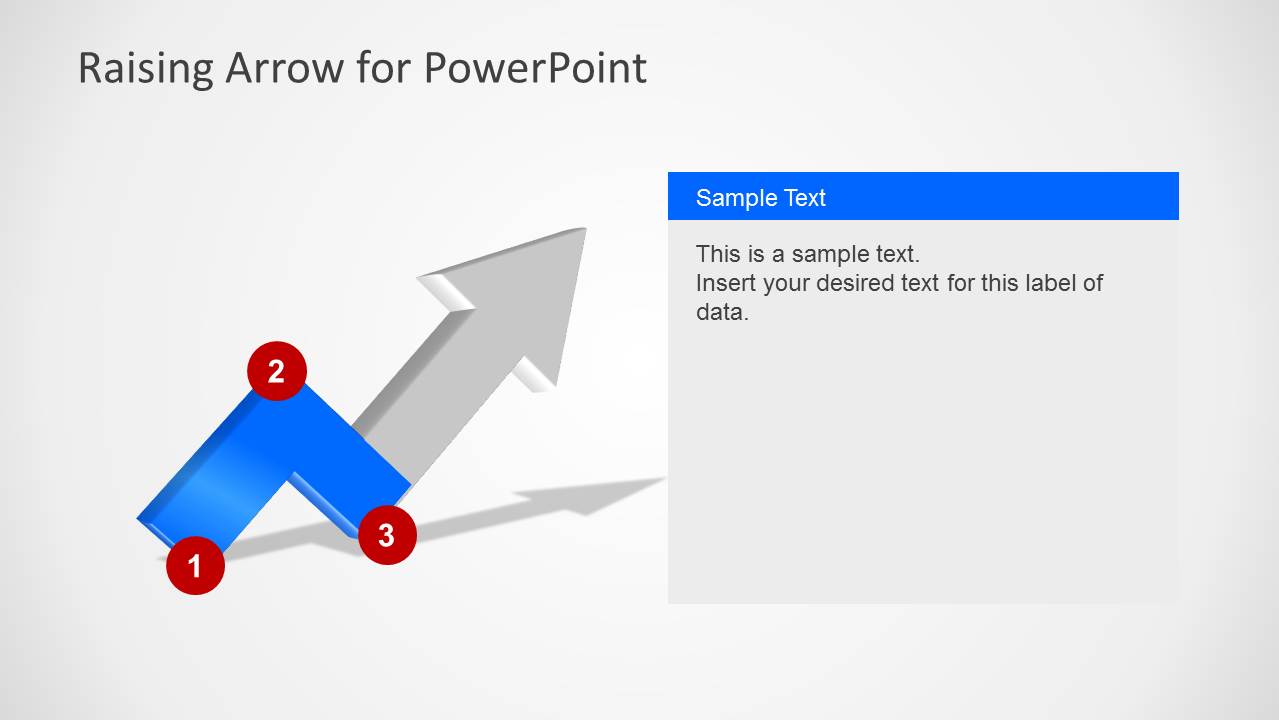
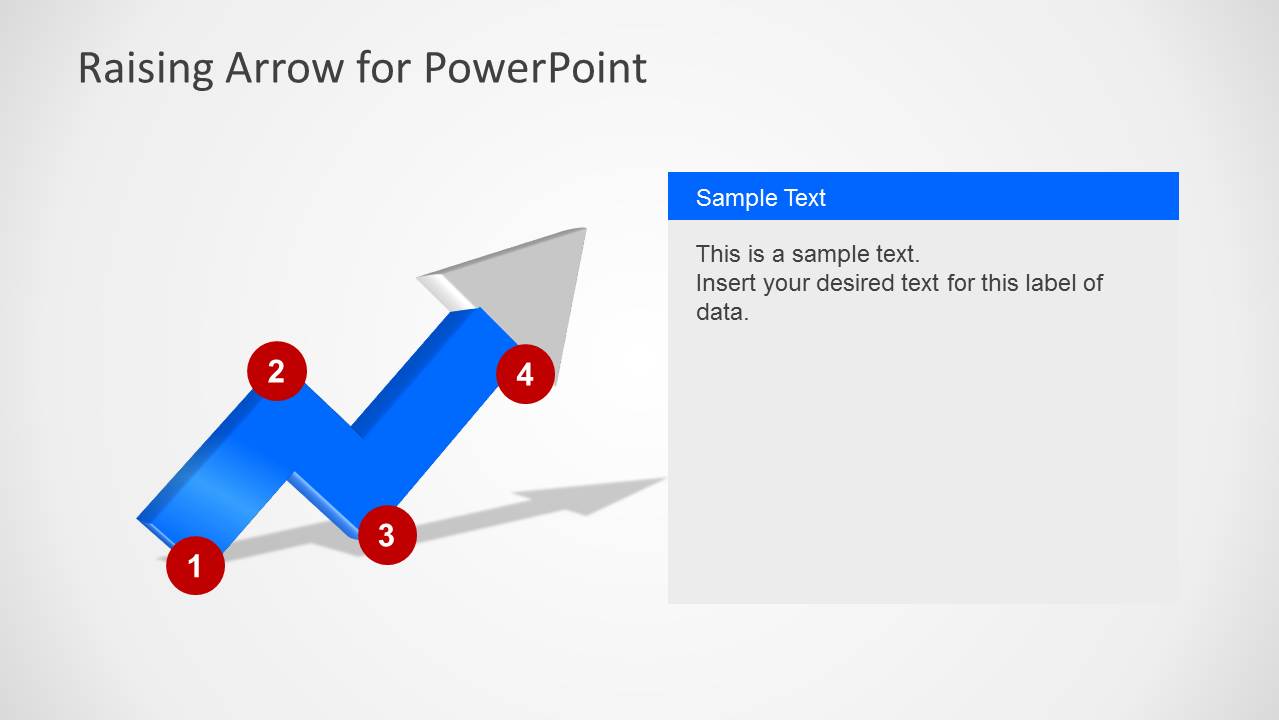
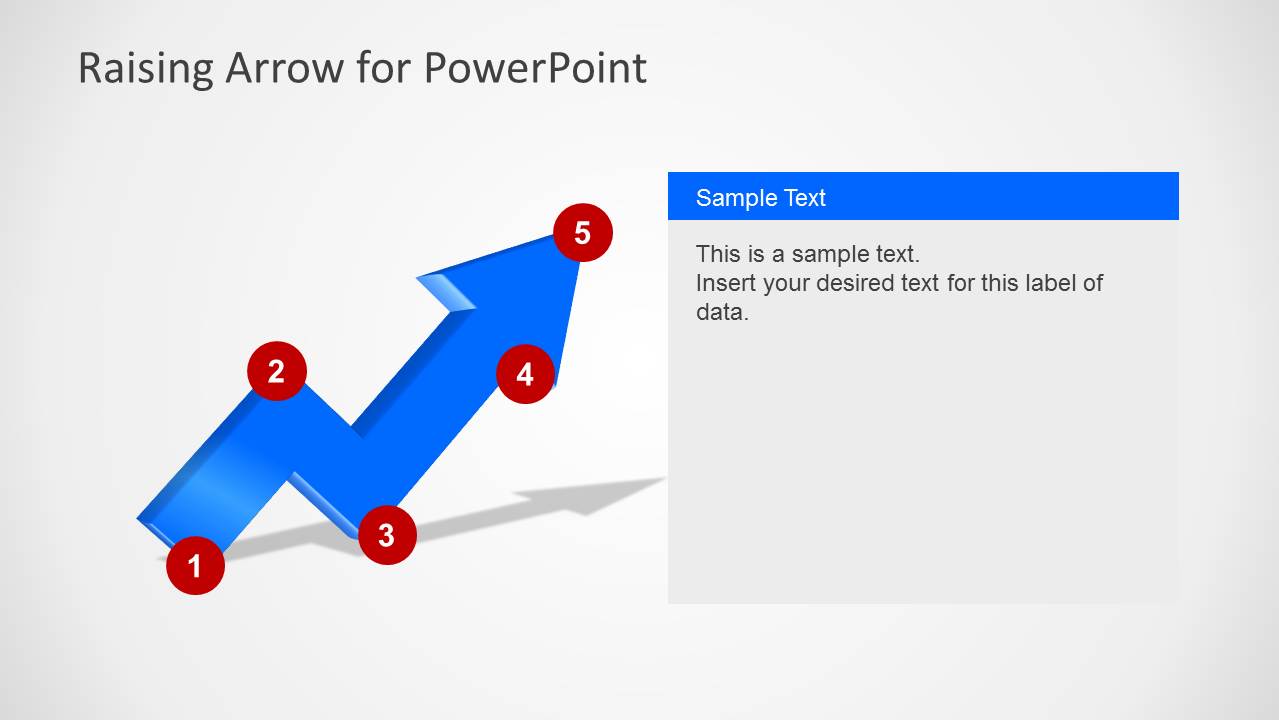
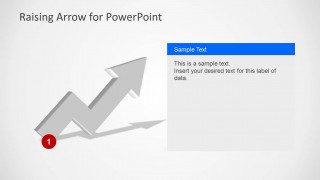
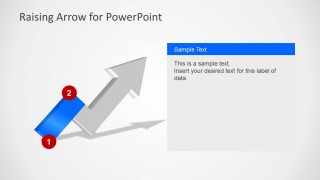
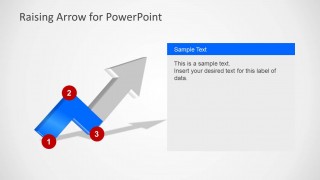
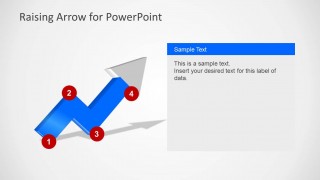
There are 6 unique slides compiled in the PowerPoint template. The first slide showcases a summary of all the steps included in the presentation. The blue color of the arrow means that all phases were completed. The number labels mark the start of every step. The second slide illustrates the beginning of the first phase. The shape is still in full gray shade. Whenever a step is finished, a blue gradient is filled in the part of the arrow. It is shown in the third to sixth slides.
Arrows in general are symbols for direction or position. In human application, they are used as weapons for hunting together with a bow. It has a pointed shaft and a straight body with a feathery edge. In other visual concepts, they are shapes with a pointed tip and a vane body.
Awesome Raising Arrow for PowerPoint can surely give an edge to any process report of until 5 steps. Checkout 4 Steps Workflow Layout PowerPoint Diagram for download at the SlideModel gallery.
What’s inside this template
Example presentation scenarios
- A project manager can use the five-step arrow overview to explain the sequence of milestones in a project kickoff or status meeting.
- A sales or strategy consultant can use the progressive arrow slides to show how a client moves from an initial state to a target growth outcome.
- A training facilitator can use the numbered phase panels to teach a repeatable method, introducing one step at a time as the arrow fills in blue.
- An operations leader can use the right-side text panels to report progress against a process improvement plan while the arrow indicates advancement.
Features
- 100% editable presentation template
- Compatible with Microsoft PowerPoint and Google Slides
- Scalable vector shapes, icons and illustrations
- AI-Ready for Microsoft Copilot and Claude
- Instant access and download
Frequently asked questions
Q: How should a presenter structure the message with this raising arrow diagram?
A: Start with Slide 1 to name the full five-step path and define the end goal. Then use Slides 2 through 6 to explain one phase at a time. Keep each right-side panel focused on the decision, activity, or milestone for that step so the audience sees progress without reading too much text.
Q: Who is this template best suited for?
A: This template works best for presenters explaining a process that moves upward toward a goal, such as project progress, team development, business growth, or a training method. It suits managers, consultants, instructors, and team leaders who need a clear sequence rather than a data-heavy report.
Q: Why does the upward arrow metaphor help the presentation?
A: The raising arrow gives the audience an immediate visual cue for direction, progress, and improvement. The gray-to-blue progression on later slides reinforces completion step by step, while the red numbered circles keep the sequence easy to follow. This reduces the need for long explanations of where the process is heading.


Raising Arrow for PowerPoint
6-slide PowerPoint presentation template for 5-step growth arrows and upward process milestones
Raising Arrow for PowerPoint is a 6-slide process diagram template built around a rising arrow metaphor. It includes a 5-step overview, progressive milestone slides, numbered red markers, and right-side text panels for explaining phases. It is for business, project, training, or academic presentations that need to show movement toward a goal.
- Rating

 Loading...
- Item ID
- 6205-02
- Colors
 Microsoft PowerPoint
  Microsoft Copilot
  Claude for PowerPoint
 Other formats supported
Subscribe today and get immediate
access to download our PowerPoint templates.