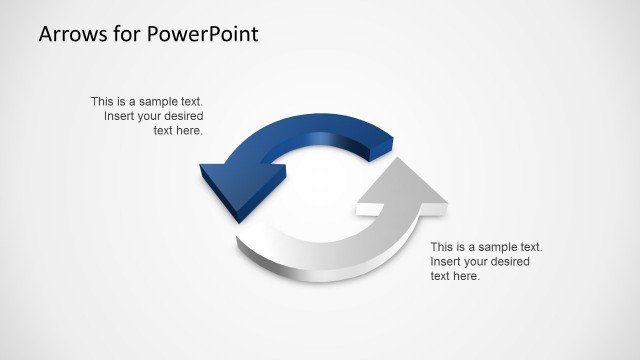
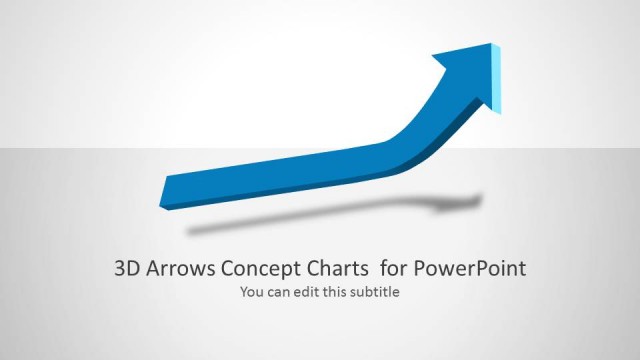
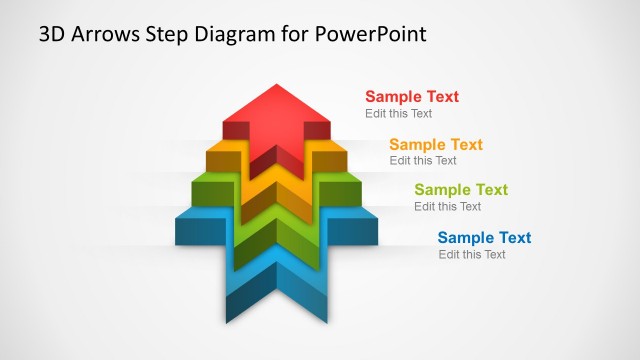
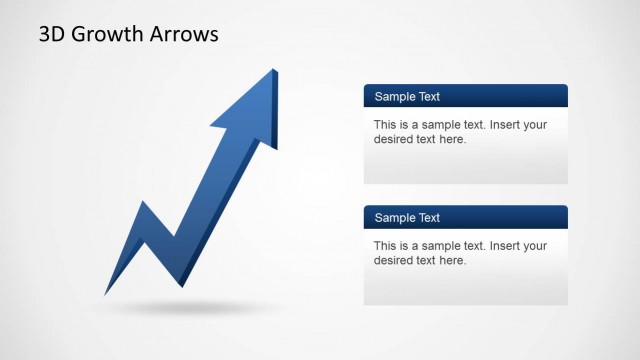
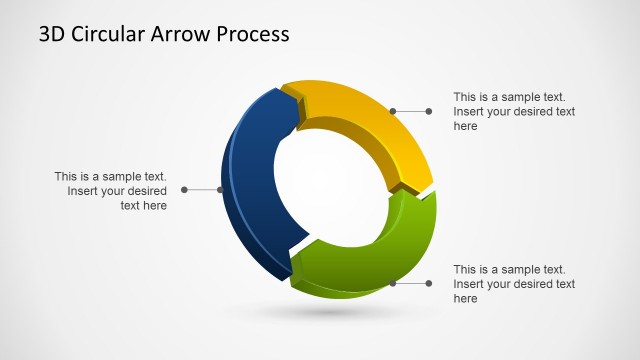
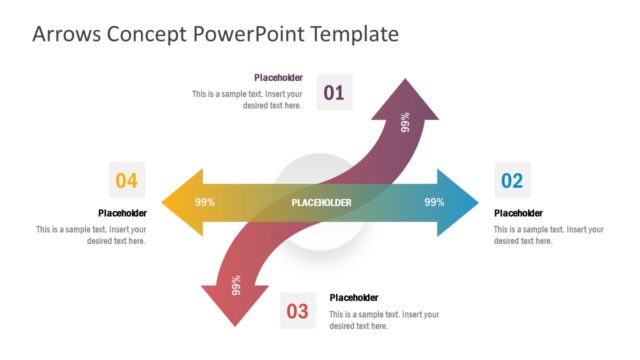
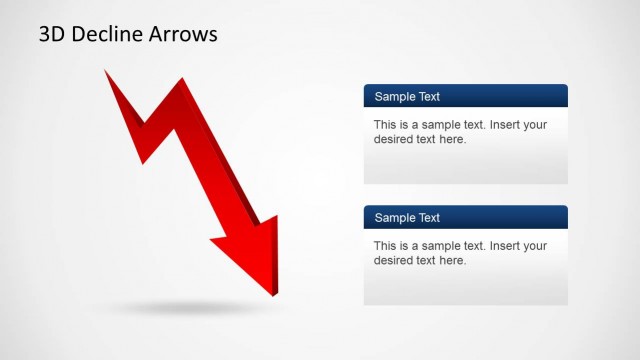
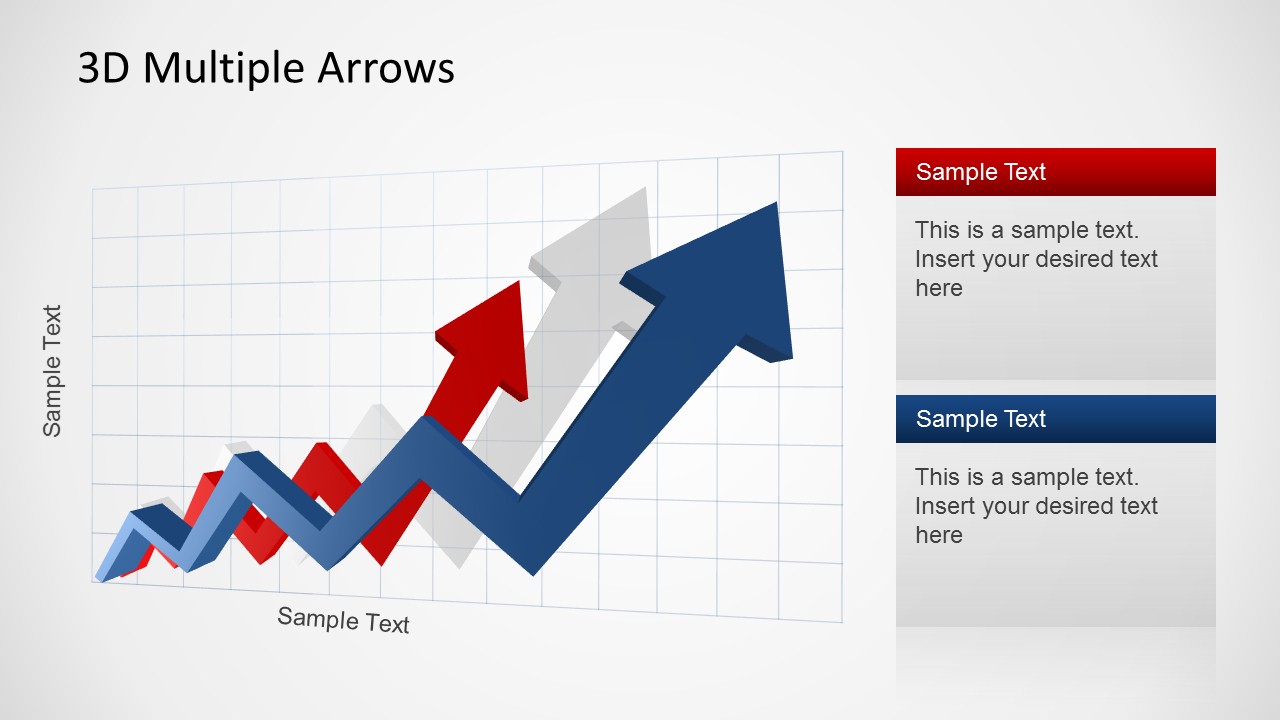
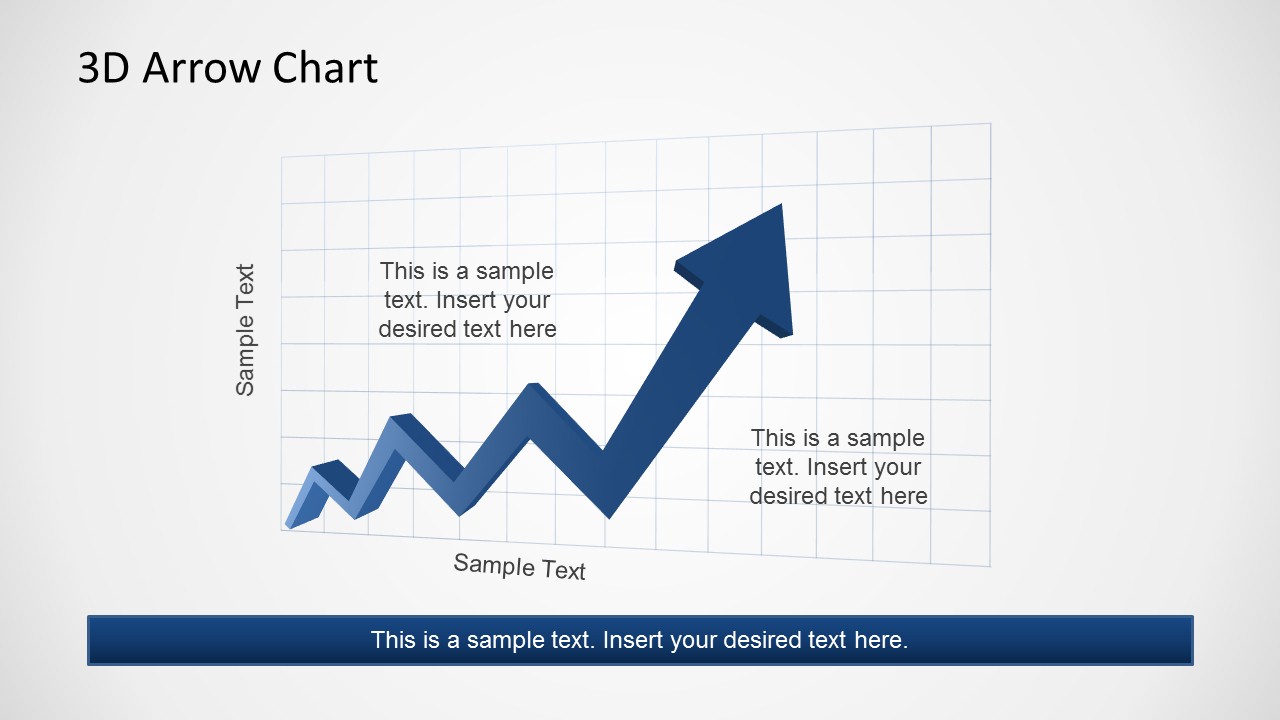
3D Arrow Progress Diagram Template for PowerPoint is a presentation template containing nice arrow designs created with 3D special effects in PowerPoint. This template uses 3D graphics and arrows that can help you to prepare financial PowerPoint presentations as well as any other presentation requiring to show a progress or evolution using an increasing arrow metaphor.
Every shape in this progress chart is created as PowerPoint objects, allowing the presenter to update and edit any feature and effect. Impress your audience and create outstanding PowerPoint Presentations that appeal to executive audiences.
What’s inside this template
Example presentation scenarios
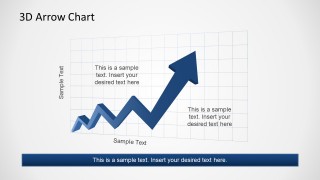
- A finance leader can use the single 3D arrow chart to explain improving revenue, margin direction, or another upward performance trend to executives.
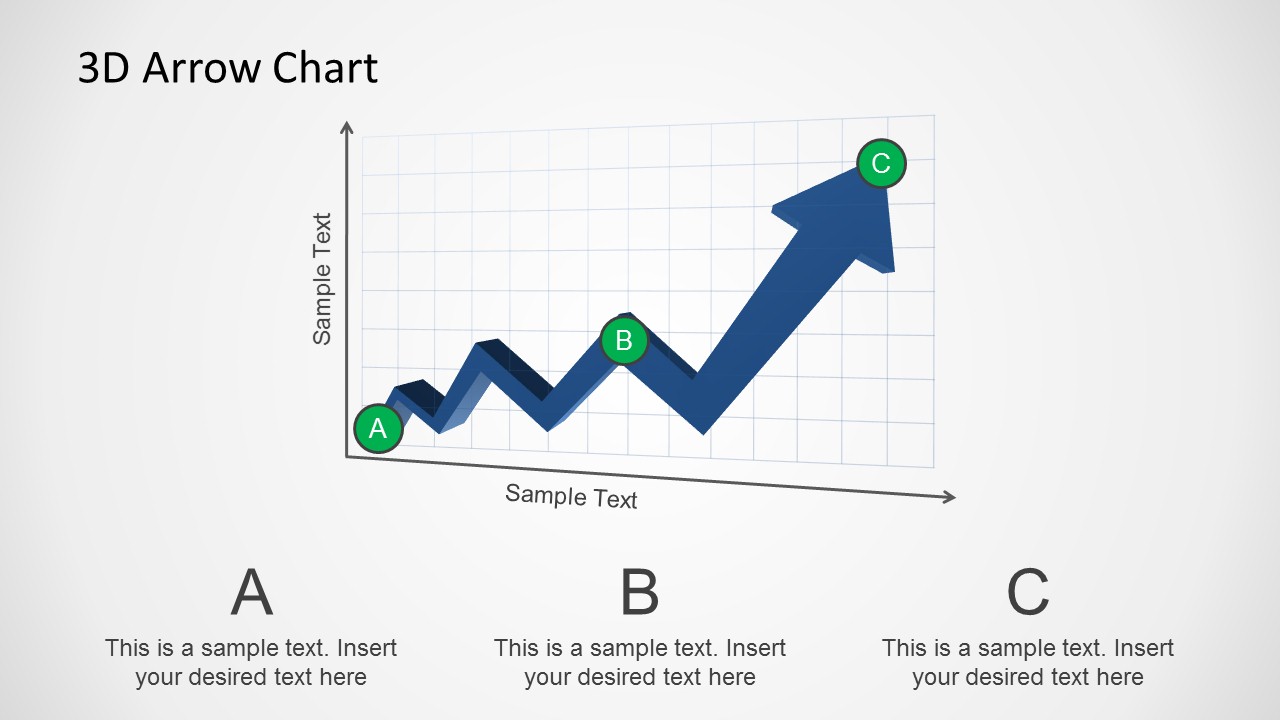
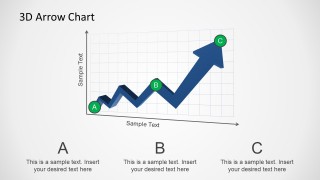
- A project manager can use the A-B-C milestone slide to show how a program moved through three visible checkpoints and where progress stands now.
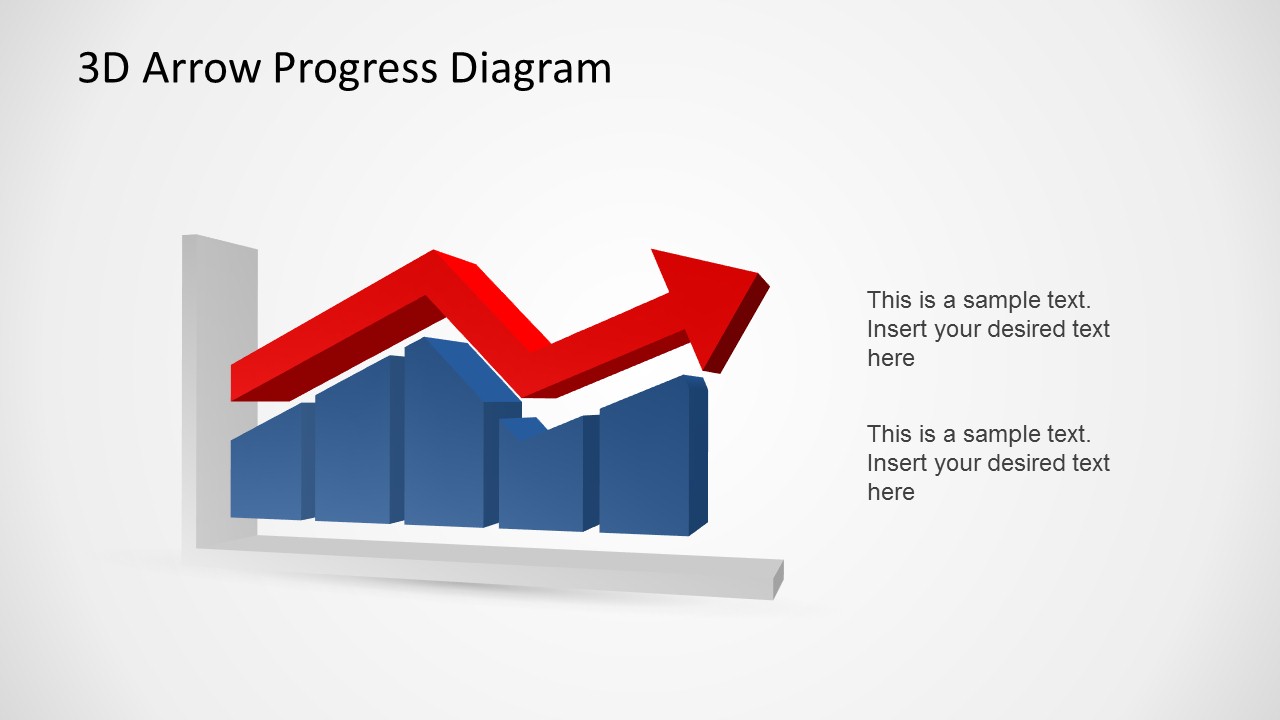
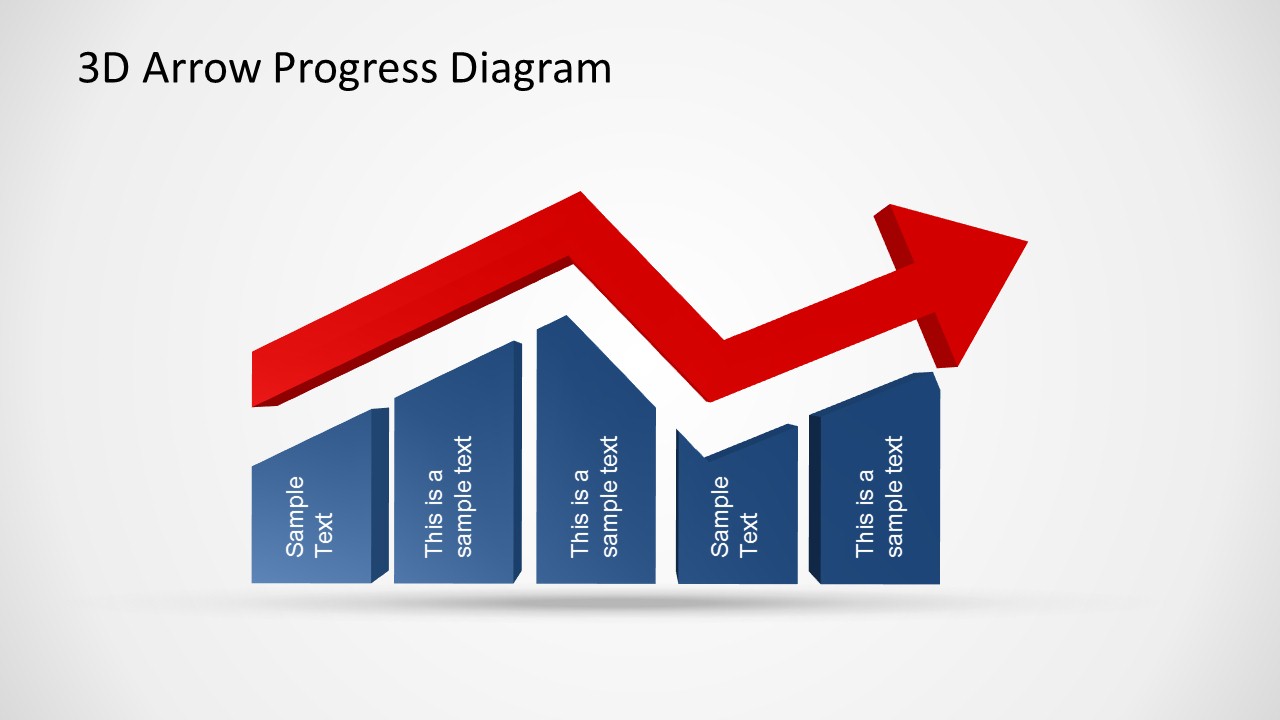
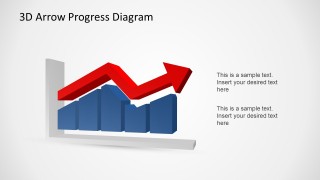
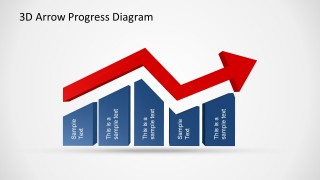
- A sales director can use the red arrow over blue bar blocks to present pipeline growth, quarterly improvement, or a staged sales acceleration story.
- A consultant can use the multiple arrows slide to compare concurrent growth paths, competing initiatives, or parallel improvement tracks in a client briefing.
Features
- 100% editable presentation template
- Compatible with Microsoft PowerPoint
- 16:9 aspect ratio slides
- Scalable vector shapes, icons and illustrations
- AI-Ready for Microsoft Copilot and Claude
- Instant access and download
Frequently asked questions
Q: How should I communicate a progress story with these 3D arrow slides?
A: Start with the clearest movement first: use the single arrow or arrow chart to establish the overall direction. Then add evidence with the A-B-C milestone slide or the bar block progress diagram. Keep labels short and tie each caption to a decision, result, or next action so the arrow does not become decoration.
Q: Who is this template best suited for in a business presentation?
A: This template is best for presenters who need to show directional improvement rather than detailed analysis. Finance leaders, sales managers, project owners, and consultants can use the upward arrows, milestone markers, and bar blocks to frame momentum, recovery, expansion, or execution progress for executive audiences.
Q: Why use a 3D arrow metaphor instead of a standard line chart?
A: The 3D arrow metaphor makes the message read as motion and intent, not just plotted history. The grid suggests measurement, while the arrowhead points the audience toward the desired end state. The bar block layouts add scale and weight, which helps a progress message feel concrete during a high-level briefing.

3D Arrow Progress Diagram Template for PowerPoint
6-slide PowerPoint presentation template for 3D arrow progress charts and upward trend diagrams
The 3D Arrow Progress Diagram Template for PowerPoint is a 6-slide diagram deck for showing upward movement, evolution, and performance trends. It includes multiple 3D arrow charts, a single zigzag arrow, A-B-C milestone callouts, and bar blocks with a rising arrow. Built for business, finance, and executive progress updates in PowerPoint.
- Category
- Diagrams
- Rating


 Loading...
- Aspect ratio
- 16:9, 4:3
- Item ID
- 6486-01
- Colors
 Microsoft PowerPoint
  Microsoft Copilot
  Claude for PowerPoint
 Other formats supported
Subscribe today and get immediate
access to download our PowerPoint templates.