Colorful Roadmap Arrow Concept for PowerPoint builds a simple yet striking presentation. Slides design are colorful with smart features that can entice any audience. Its neat layout makes the presentation look casually elegant.
Modern up a success field guide with Colorful Roadmap Arrow Concept for PowerPoint template. Success is a subjective idea. Although it is interpreted differently by every individual, there are common factors that can influence its achievement. One technique is creating short-term and long-term goals. List down these goals and assign each one a target date. Arrange the dates in an ascending, linear manner. The biggest goal can go at the top. Goals that can be achieved in a smaller time span can go first. Reaching these smaller goals can motivate the person. Whenever a goal is achieved, put a mark on them in the list that represents “accomplishment”. This can produce more energy towards the larger goals. And there, success is only at the person’s fingertips.
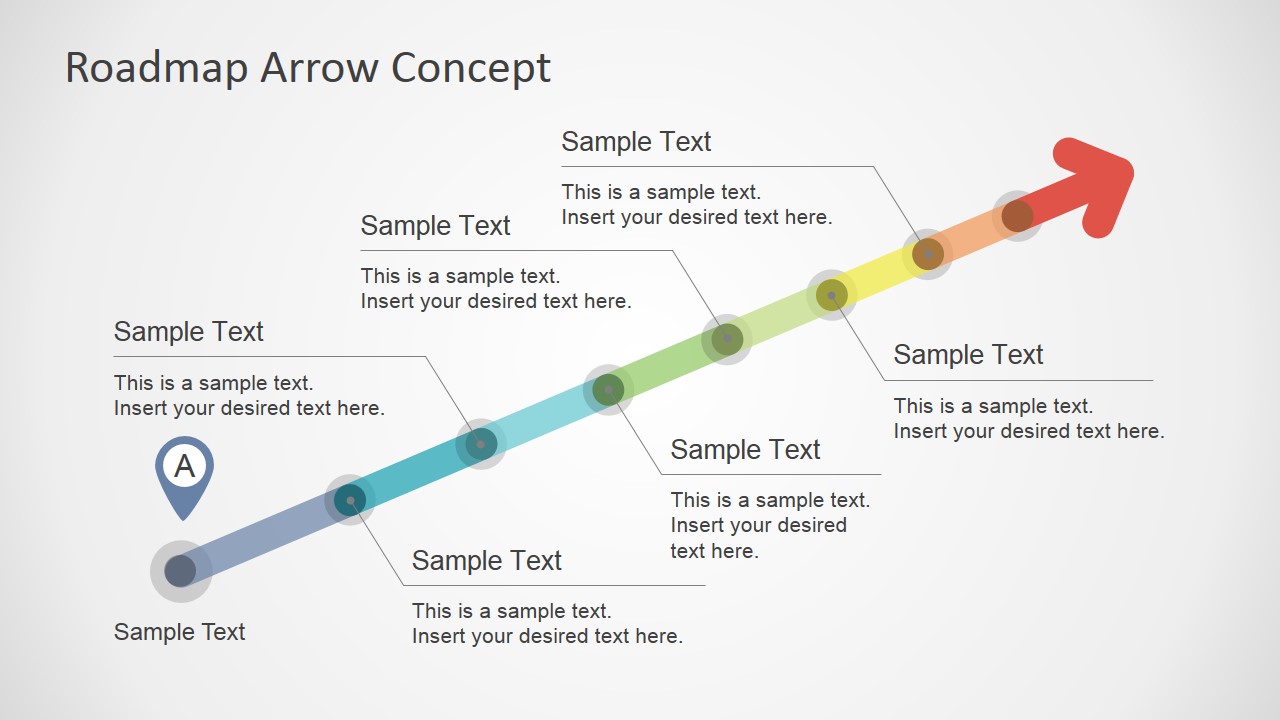
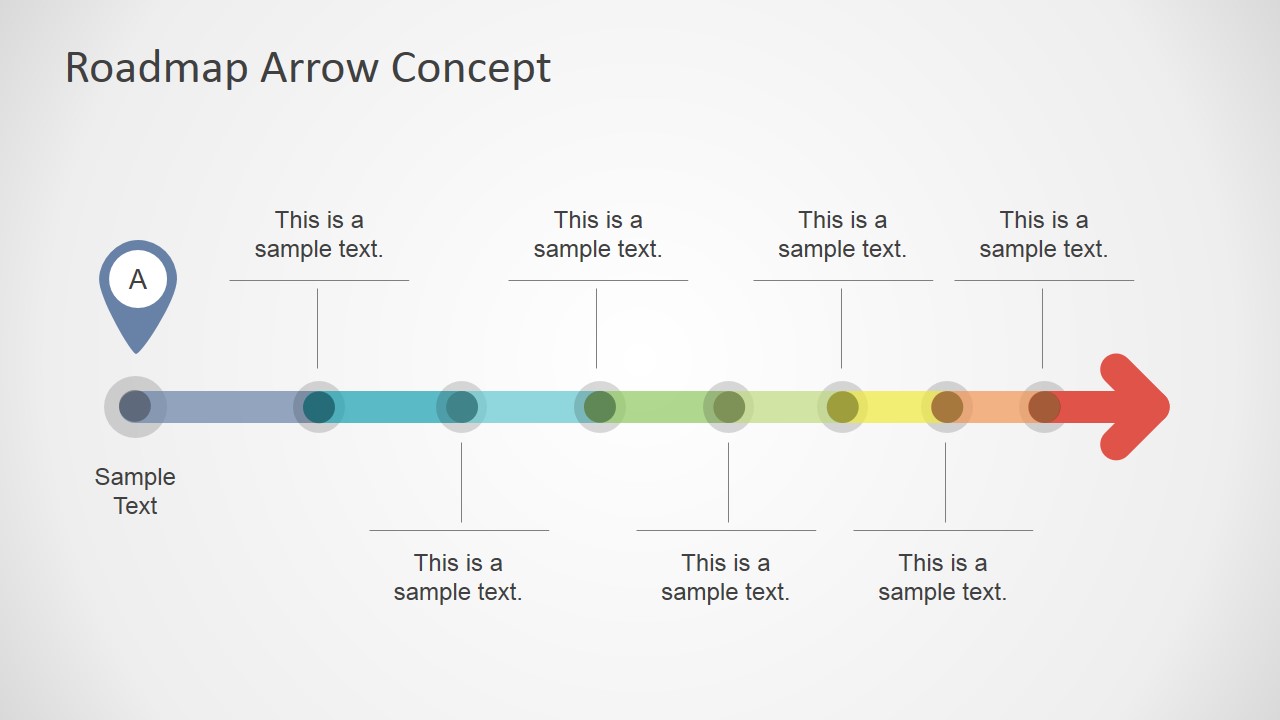
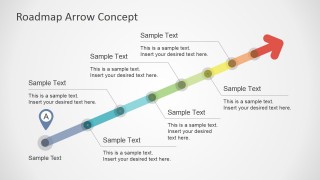
The design includes an arrow PowerPoint shape. This denotes that the path can only be taken in a forward direction and not backwards. It is made up of different vibrant colors. Each phase of the journey towards attaining success can be assigned one color. Every ending of a phase is marked by a round, semi-transparent figure. The milestone marker is connected to text placeholder. The user can attach text to describe the particular phase or goal. The presenter can also enter populate plans or strategies that can come in handy.
The powerpoint slides with milestones is perfect for roadmap presentation samples, goal-setting or project roadmaps. It is widely used in planning projects, research studies and lesson plans. A road map is an excellent navigational guide in giving directions. In business, it is an outstanding tool where businessmen are able to visualize the company’s objectives through time.
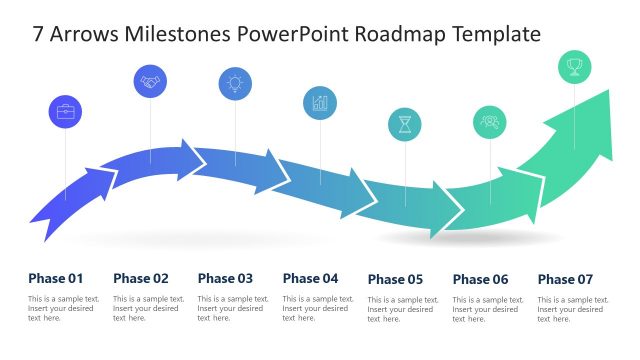
The user can check the Curved Road Map Concept for PowerPoint, downloadable at the SlideModel gallery. Move your audience and set them in direction with this wonderful ppt milestone chart. Everything- shapes, color, text and position, is 100% editable providing the user the ability to customize the Roadmap Template through PowerPoint tools.
What’s inside this template
Example presentation scenarios
- A project manager can present an implementation plan by mapping each work phase on the diagonal milestone arrow and using the callouts to explain owners, dates, or deliverables.
- A product manager can summarize a release path with the horizontal arrow roadmap, placing upcoming features or checkpoints above and below the timeline.
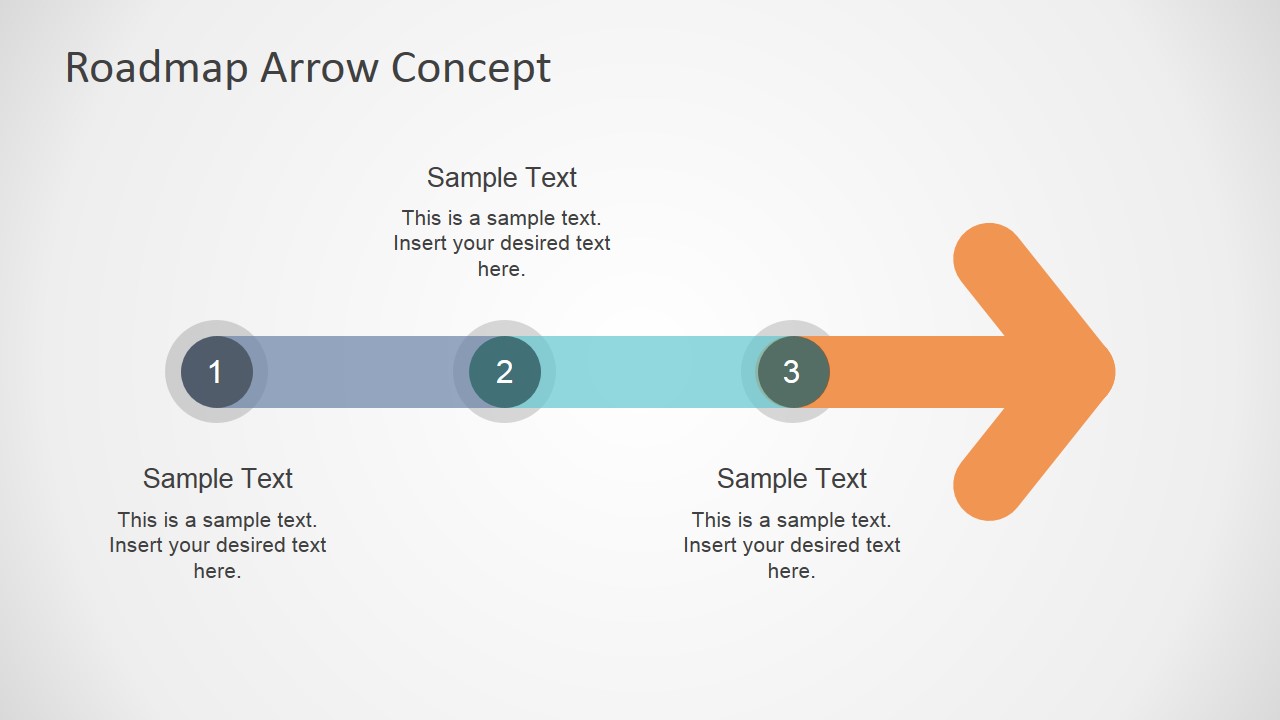
- A consultant can simplify a client transformation plan with the three-step numbered arrow, using each marker to explain current state, transition, and target outcome.
- An educator or trainer can show a learning path with the colored arrow segments, connecting each milestone to lessons, activities, or assessment points.
Features
- 100% editable presentation template
- Compatible with Microsoft PowerPoint and Google Slides
- 16:9 aspect ratio slides
- Scalable vector shapes, icons and illustrations
- AI-Ready for Microsoft Copilot and Claude
- Instant access and download
Frequently asked questions
Q: How should I present a roadmap message with this arrow concept?
A: Start by naming the destination, then move through the arrow from left to right or bottom left to top right. Keep each callout focused on one phase, decision, or milestone. Use the colored segments to signal progression, not decoration, so the audience understands what changes at each step.
Q: Who benefits most from this template in a business presentation?
A: This template is best for presenters who need to explain progress without a dense schedule. Project managers, product leads, consultants, and team leaders can use the roadmap arrows to align stakeholders around phases, milestones, and the next action. It works well when the goal is clarity, direction, and shared timing.
Q: Why does the arrow metaphor work for milestones and planning?
A: The arrow gives the audience an immediate visual direction, which makes the plan feel linear and purposeful. Circular nodes mark decision points or accomplishments along that path. The diagonal version adds a sense of upward progress, while the horizontal version reads like a timeline, supporting quick comparison across phases.



Colorful Roadmap Arrow Concept for PowerPoint
4-slide presentation template for colorful roadmap arrows, project milestones, and progress planning
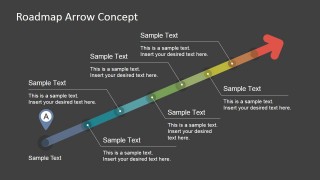
Colorful Roadmap Arrow Concept for PowerPoint is a 4-slide roadmap diagram template for project planning, goal setting, and progress updates. It includes a diagonal milestone arrow, horizontal milestone arrow, three-step numbered arrow, and dark-background roadmap variant for Microsoft PowerPoint and Google Slides.
- Category
- Timelines & Planning
- Rating


 Loading...
- Aspect ratio
- 16:9
- Item ID
- 6938-01
- Colors
 Microsoft PowerPoint
  Microsoft Copilot
  Claude for PowerPoint
 Other formats supported
Subscribe today and get immediate
access to download our PowerPoint templates.