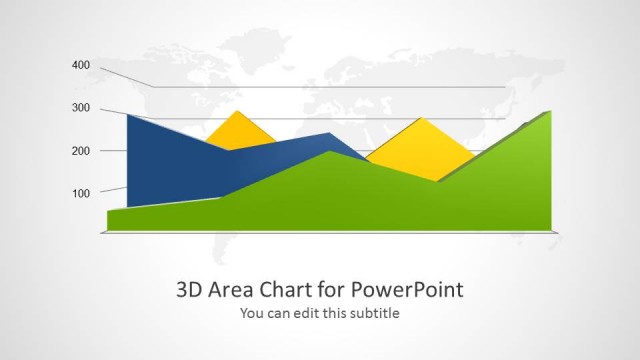
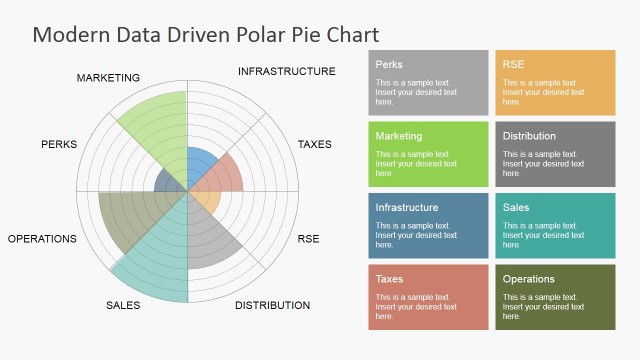
Area Chart Template for PowerPoint is a presentation template for Microsoft PowerPoint containing a nice area chart design that you can customize to prepare awesome presentations.
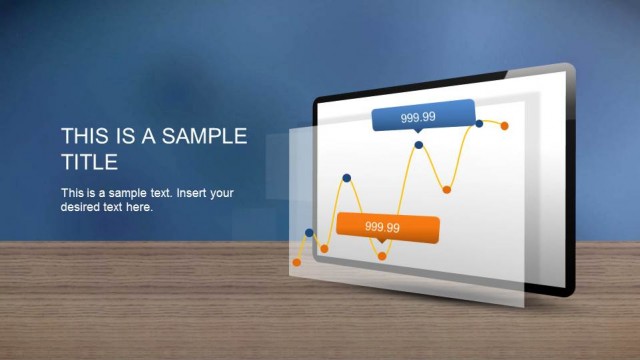
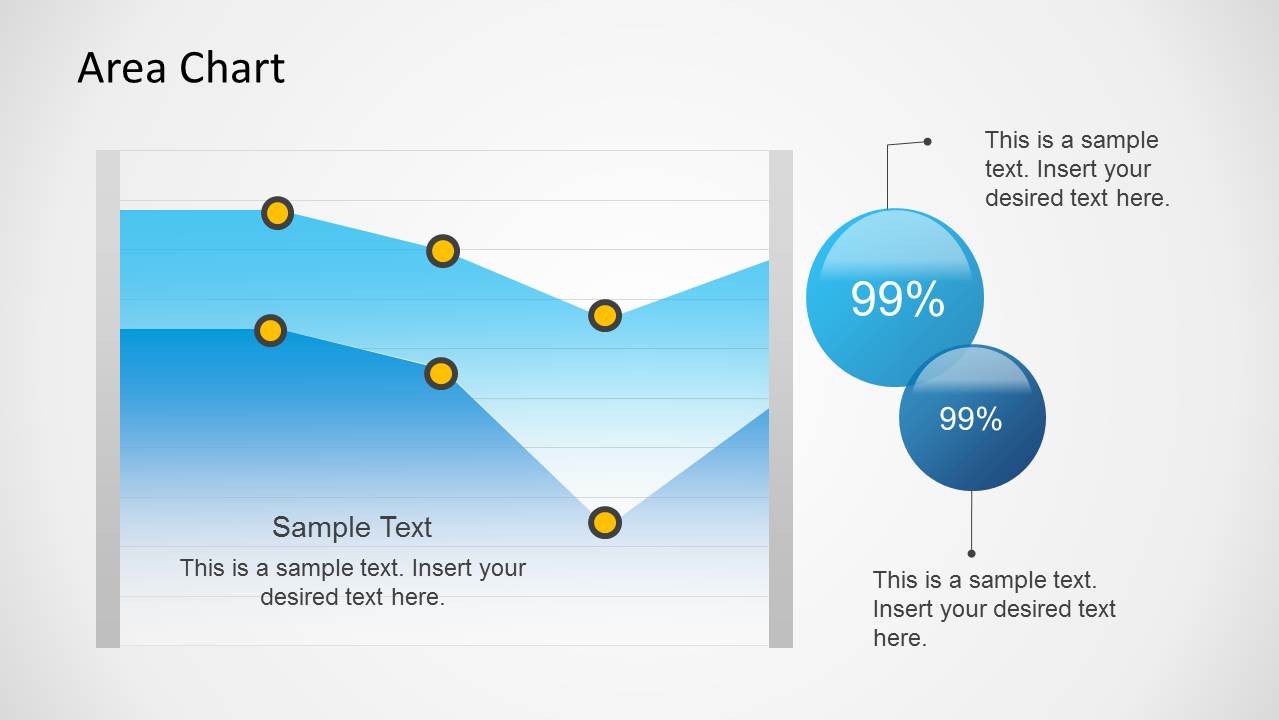
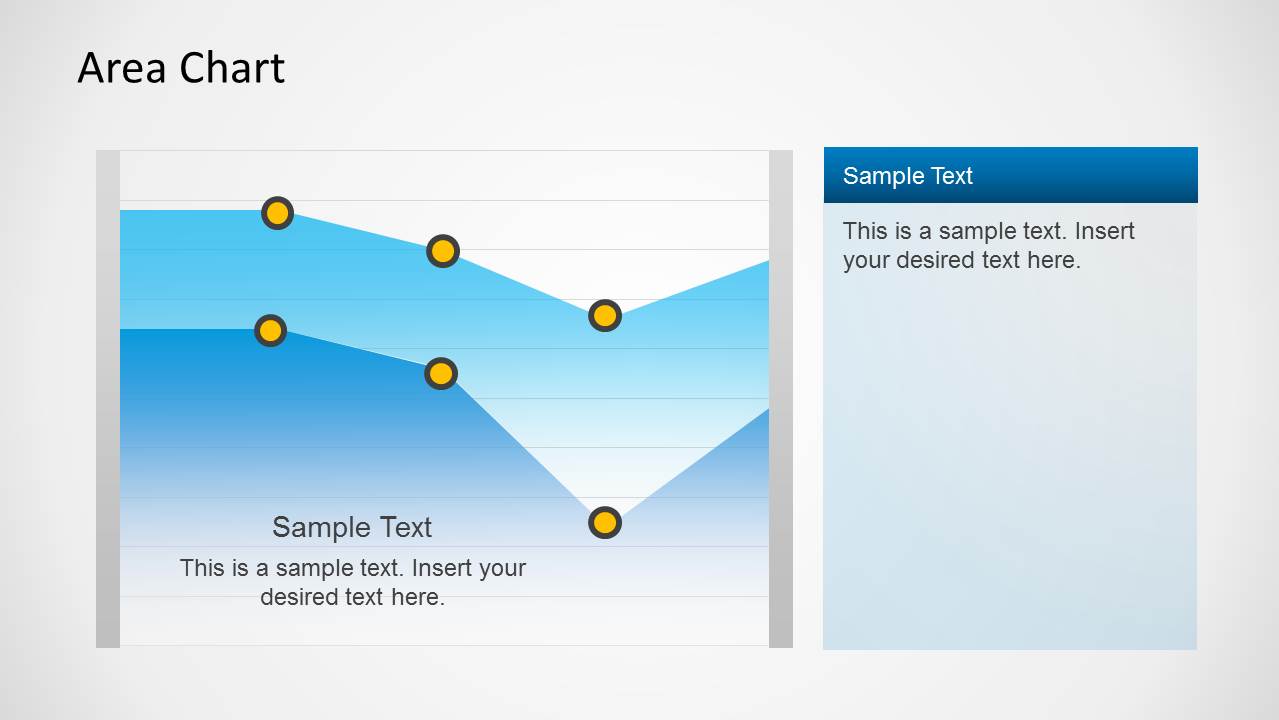
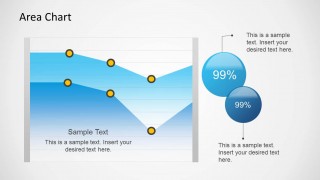
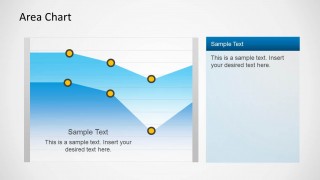
This area chart design for PowerPoint combines a blue gradient style with creative markers using yellow colors. You can also use the first slide in this area chart PowerPoint template to show up to 2 KPI or Key Performance Indicators for business presentations. The 3rd. slide contains a simple text box on the right side of the slide so you can easily describe the chart.
In order to edit the chart, you can select the chart area and then right click to Edit Data and customize the chart with your own data in Excel.
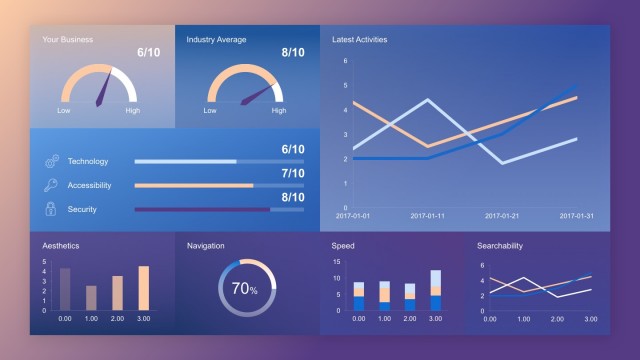
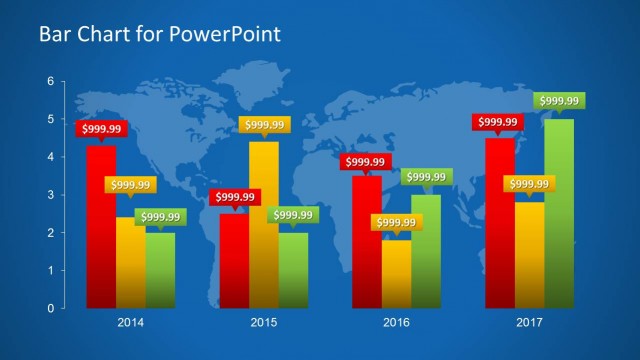
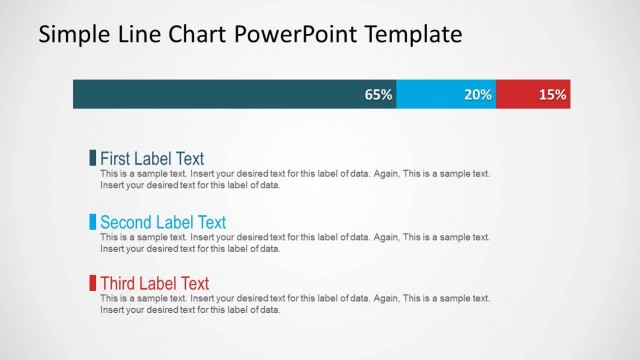
Alternatively, you can download other data-driven PPT templates for presentations, including creative dashboard templates, data charts and slide designs with creative layouts.
What’s inside this template
Example presentation scenarios
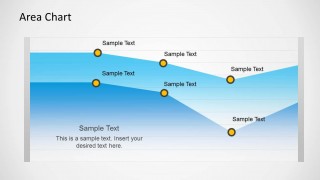
- A business analyst can use the labeled area chart to explain month-to-month performance changes and call out the data points that need management attention.
- A sales manager can use the KPI bubble slide to connect a trend line with two headline metrics during a quarterly revenue update.
- An operations leader can use the side text panel layout to show a performance trend on the left and summarize causes, risks, or next actions on the right.
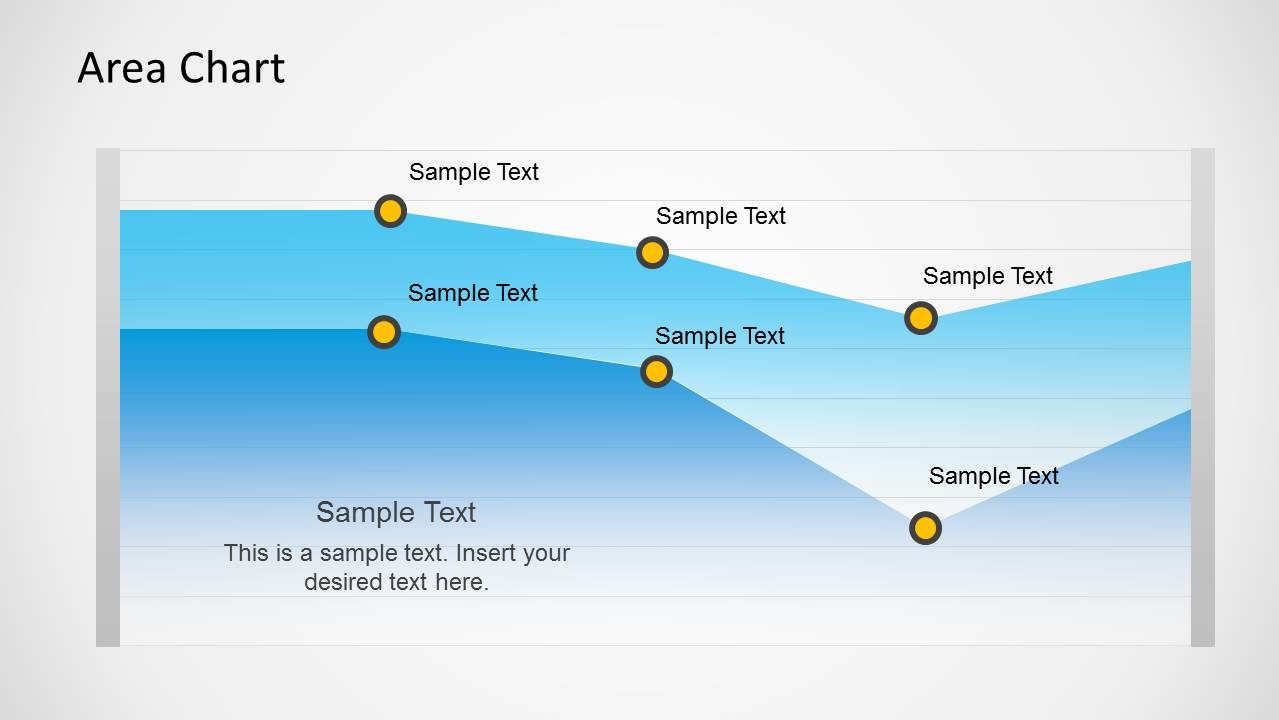
- A finance presenter can use the full-width chart layout to compare movement across a reporting period while keeping supporting commentary below the visual.
Features
- 100% editable presentation template
- Compatible with Microsoft PowerPoint and Google Slides
- 16:9 aspect ratio slides
- Scalable vector shapes, icons and illustrations
- Data-driven charts, editable in Microsoft Excel
- AI-Ready for Microsoft Copilot and Claude
- Instant access and download
Frequently asked questions
Q: How should I present the area chart so the audience understands the trend quickly?
A: Start by naming the metric and time period before discussing individual points. Use the yellow markers as speaking anchors: first the starting level, then the peak or dip, then the final movement. Keep the text box to one interpretation, such as the business driver or recommended action, rather than restating every visible point.
Q: Who is this template best suited for in a business presentation?
A: This template fits analysts, finance teams, sales managers, and operations leaders who need to report a trend without building a full dashboard. It works best when the message is one measured movement, supported by a small number of labels, KPI bubbles, or a concise explanation beside the chart.
Q: Why use shaded areas, circular markers, and KPI bubbles instead of a plain line chart?
A: The filled area creates visual weight, so the trend feels like a measurable volume rather than a thin trace. Yellow markers guide attention to specific moments, while the KPI bubbles on the first slide separate headline results from the chart. This design helps the presenter move from pattern to proof to meaning.
Area Chart Template for PowerPoint
3-slide presentation template for area charts, KPI callouts, and business performance summaries
Area Chart Template for PowerPoint is a 3-slide data-driven presentation template for showing business trends. It includes an area chart with KPI bubbles, a full-width area chart with point labels, and an area chart with a side text panel. It is designed for analysts, managers, and reporting teams using PowerPoint or Google Slides.
- Category
- Data & Charts
- Rating

 Loading...
- Aspect ratio
- 16:9
- Item ID
- 6057-01
 Microsoft PowerPoint
  Microsoft Copilot
  Claude for PowerPoint
 Other formats supported
Subscribe today and get immediate
access to download our PowerPoint templates.