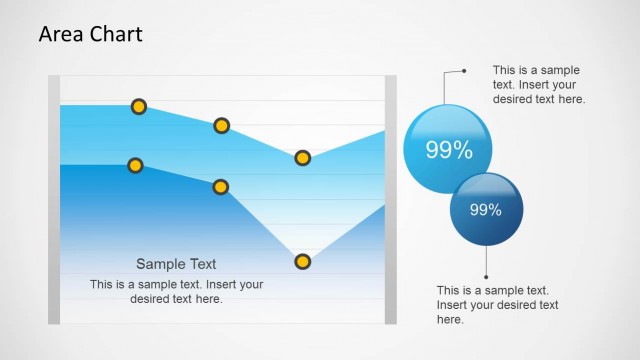
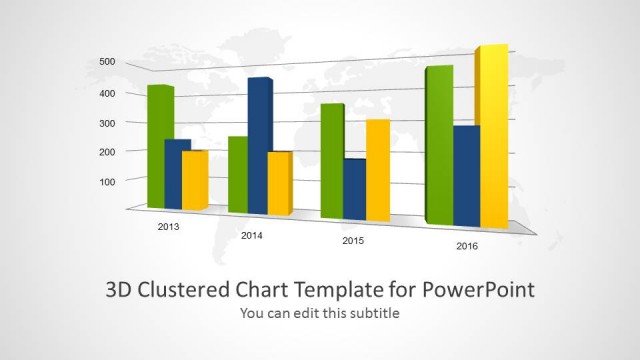
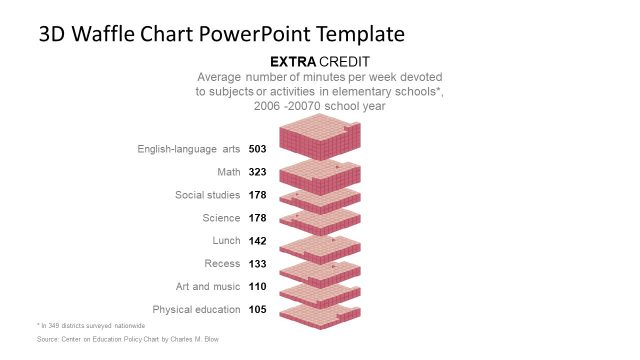
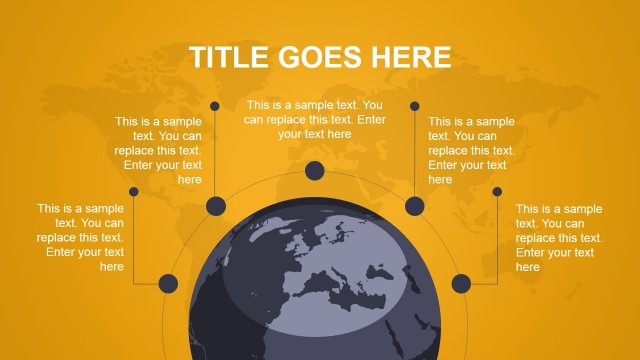
Appeal to professional audiences using creative demographics from 3D Area Chart for PowerPoint. Attractive visuals always stimulate focus and interaction with presentations. Step up with impressive 3D PowerPoint shapes. The comprehensive design can absolutely deliver easy understanding and good memory retention.
Ideal for geographical reports, the PowerPoint template simply collects different areas to one diagram. It is perfect for business planning that includes area management, landscaping, construction and architecture. The corresponding companies study the platform, terrain and other matters regarding geography. Before venturing to an expansion for example, an entity has to make sure that the location is according to plan. Other concepts such as archaeology, strategic planning, and community development can also find this layout useful.
Area charts illustrate quantitative data through meaningful and graphical diagrams. In general, they showcase two or more quantities. The polygon shape after tracing all the points is usually filled with color or texture. Sometimes the shapes overlap while in some cases, they are stacked on each other. Their outputs are presented in percentage form.
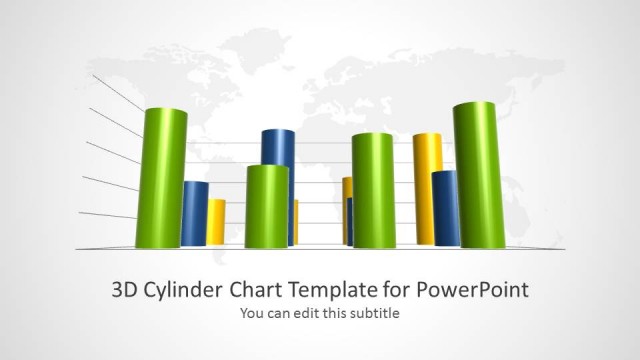
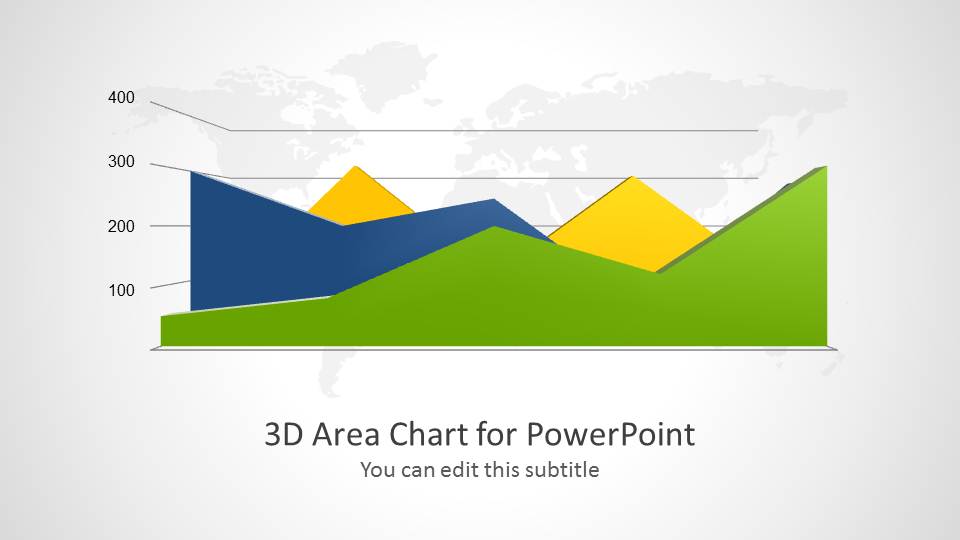
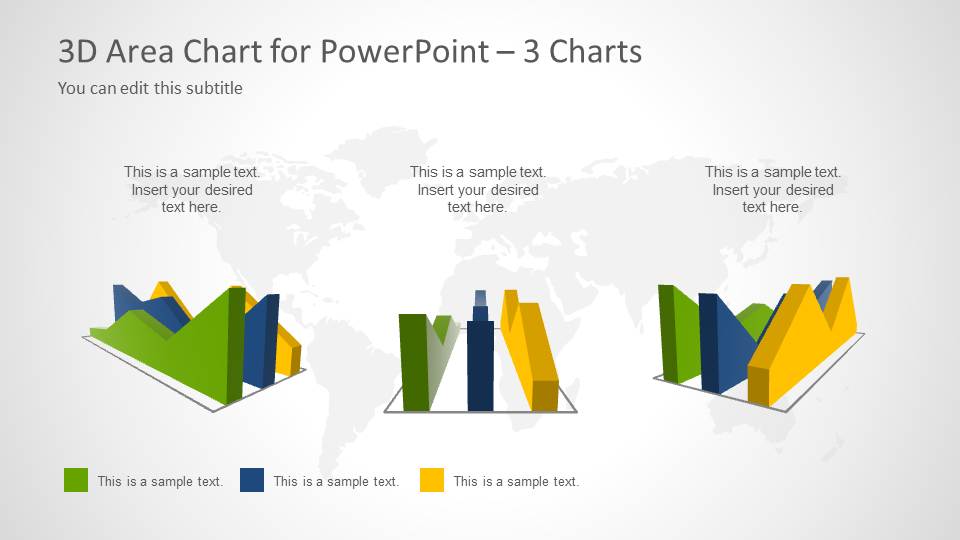
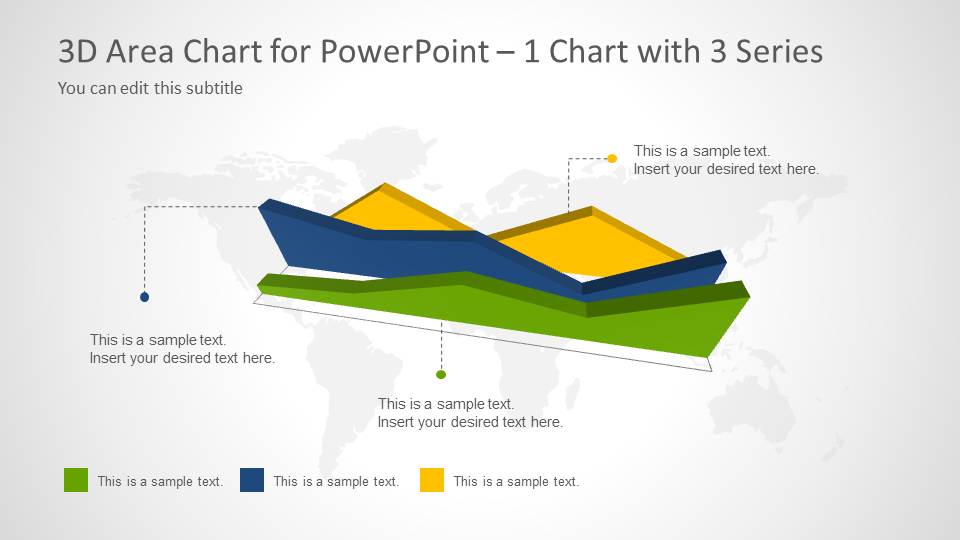
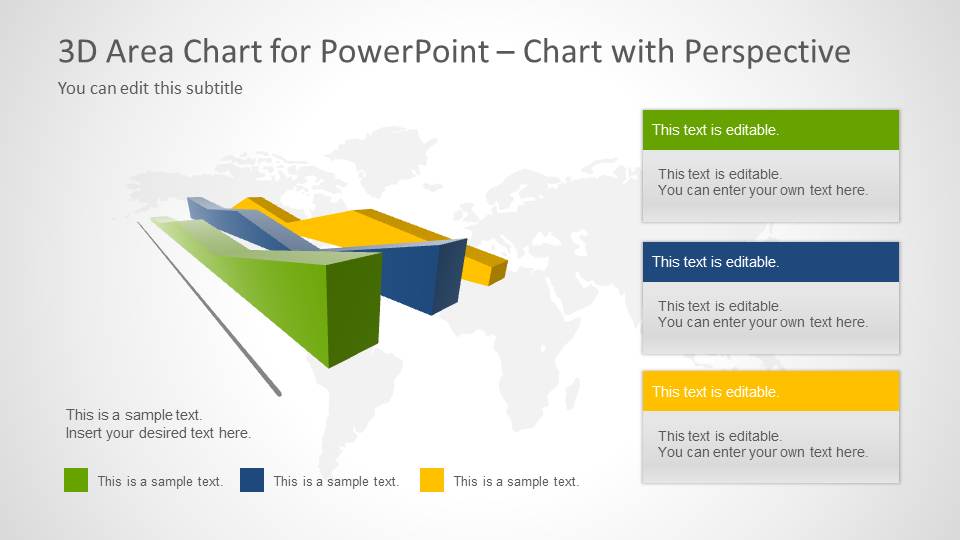
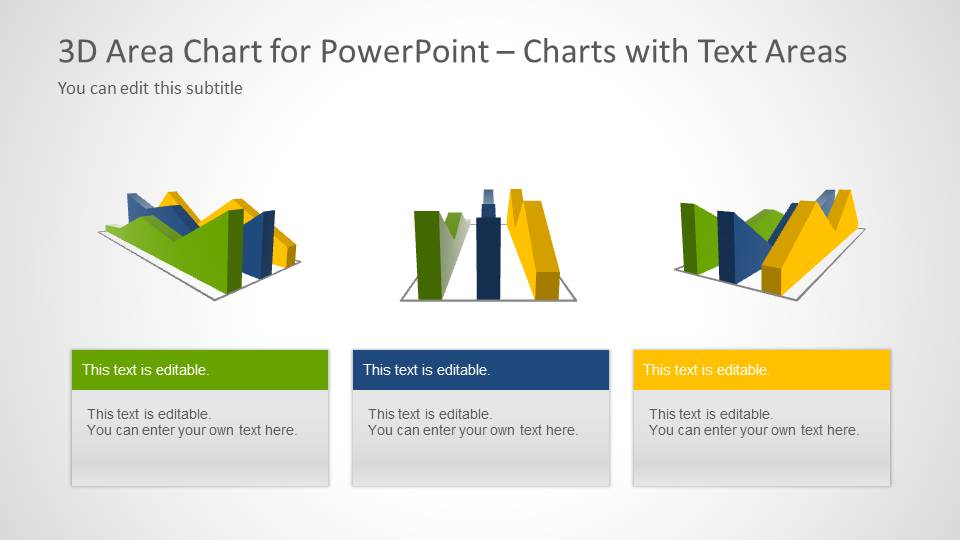
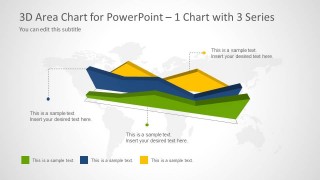
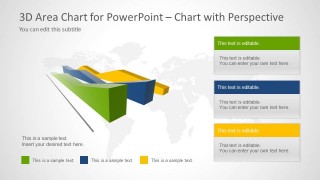
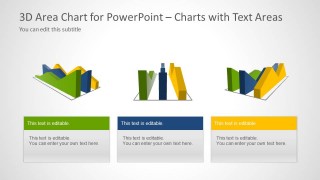
There are 5 unique slides in the PowerPoint template. The first 4 slides have a light grey world map outline. The first slide displays the diagram in a front perspective. A graphical grid is also shown which makes it easier for the audience to identify the values. The 2nd slide features 3 sets of diagrams. On the bottom part, the presenter can create a color legend. The 3rd slide has an overhead angle on the area chart. The user can write descriptions on corresponding text boxes on the 4th slide. The final slide has 3 sets of charts like the 2nd slide. Here, the user can use the text boxes on the bottom for a quick explanation.
Expand ideas with smart diagrams with 3D Area Chart for PowerPoint. Area Chart Template for PowerPoint is another stunning area chart collection. It can be downloaded at the SlideModel gallery together with other creative templates. Alternatively, you can download other area chart PPT templates ready for Microsoft PowerPoint and Google Slides.
What’s inside this template
Example presentation scenarios
- A business analyst can use the front-view 3D area chart to explain how three area series compare across a planning horizon or ranked category set.
- A regional operations manager can use the three-chart comparison layout to contrast territories, sites, or operating zones while keeping one shared color legend.
- An urban planning presenter can use the perspective chart with text panels to connect map-based discussion, terrain concepts, and written explanations on one slide.
- A consultant can use the single chart with callouts to focus stakeholders on specific peaks, dips, or series differences before discussing recommendations.
Features
- 100% editable presentation template
- Compatible with Microsoft PowerPoint and Google Slides
- 16:9 aspect ratio slides
- Scalable vector shapes, icons and illustrations
- AI-Ready for Microsoft Copilot and Claude
- Instant access and download
Frequently asked questions
Q: How should a presenter explain overlapping 3D area series without confusing the audience?
A: Start with the color legend and define what each series represents before discussing the shape. On the front-view slide, speak from left to right across the grid. For the perspective layouts, use callouts or text panels to isolate one observation at a time, because the depth effect can make simultaneous comparison harder.
Q: Who is this template best suited for in a business presentation?
A: This template fits analysts, planners, consultants, and managers who need to communicate area-based comparisons as a visual model rather than a detailed spreadsheet. It works well for regional performance, territory planning, construction site discussion, or strategic planning where the presenter wants a memorable shape, a map backdrop, and concise explanatory notes.
Q: Why use a 3D area chart and map backdrop instead of a flat chart?
A: The 3D area chart creates a terrain-like metaphor that connects well with geography, land, regions, and layered business coverage. The world map background reinforces that spatial reading without becoming a detailed map. This design is strongest when the goal is to show relative magnitude, direction, or comparison rather than exact measurements.
3D Area Chart for PowerPoint
5-slide 3D area chart presentation template with perspective series, maps, callouts, and comparison layouts
3D Area Chart for PowerPoint is a 5-slide chart presentation template with editable 3D area chart shapes, a world map backdrop, front-view grid chart, three-chart comparison, single chart with callouts, and chart text-area layouts. It is built for business, geographic, planning, and reporting presentations in Microsoft PowerPoint and Google Slides.
- Category
- Data & Charts
- Rating


 Loading...
- Aspect ratio
- 16:9
- Item ID
- 6054-01
- Colors
 Microsoft PowerPoint
  Microsoft Copilot
  Claude for PowerPoint
 Other formats supported
Subscribe today and get immediate
access to download our PowerPoint templates.