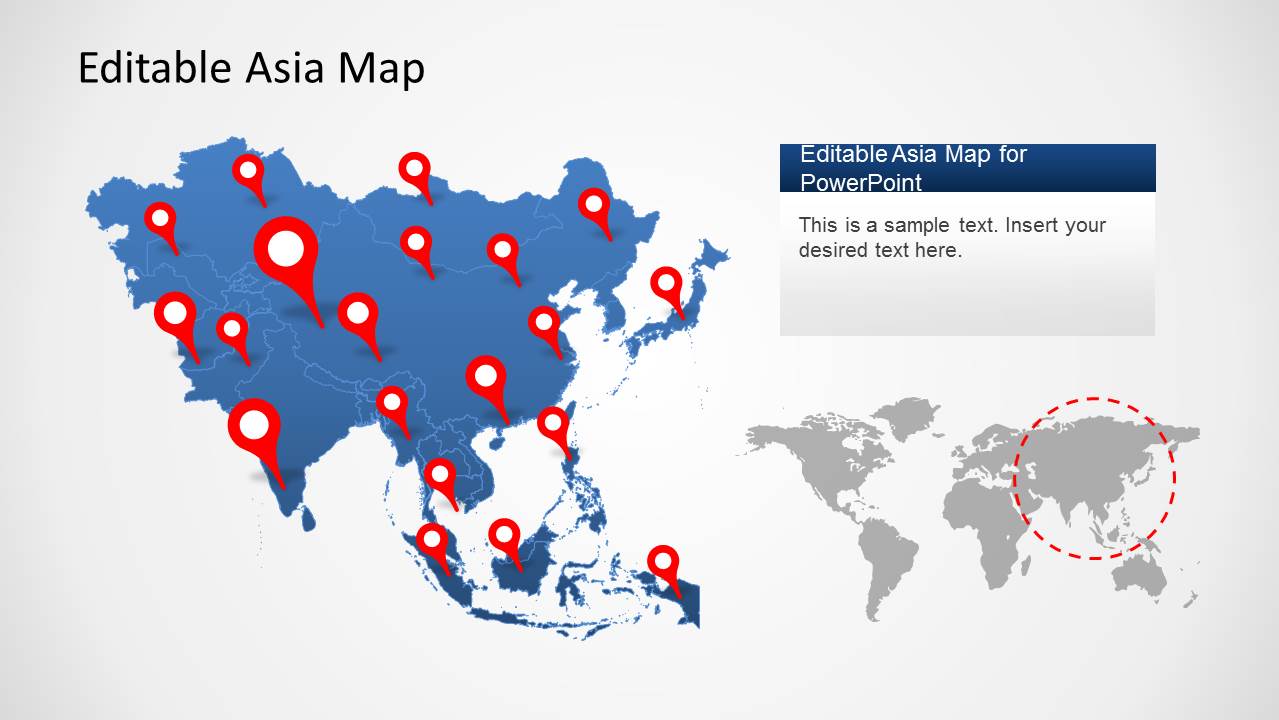
The Asia Map Template for PowerPoint provides an editable map of Asia. You can separate and highlight maps from different Asian countries via drag and drop. This can help you create a custom map that can be easily adjusted according to the specific topic of your presentation.
This template is among our collection of Asia Map Templates for PowerPoint, which includes individual map templates for China, India, Malaysia and other Asian countries.
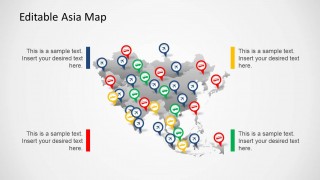
The Asia Map Template comes with different map layouts and GPS pointers to help you highlight different parts of Asia with precision; be it for a presentation depicting a marketing strategy, business plan, market segment or whether you require an editable map of Asia for an academic presentation such as a class lecture of school presentation.
Alternatively, you can download other map PPT templates for PowerPoint, including country maps and maps for territories. You can also learn how to create your own maps for presentations in PowerPoint.
What’s inside this template
Example presentation scenarios
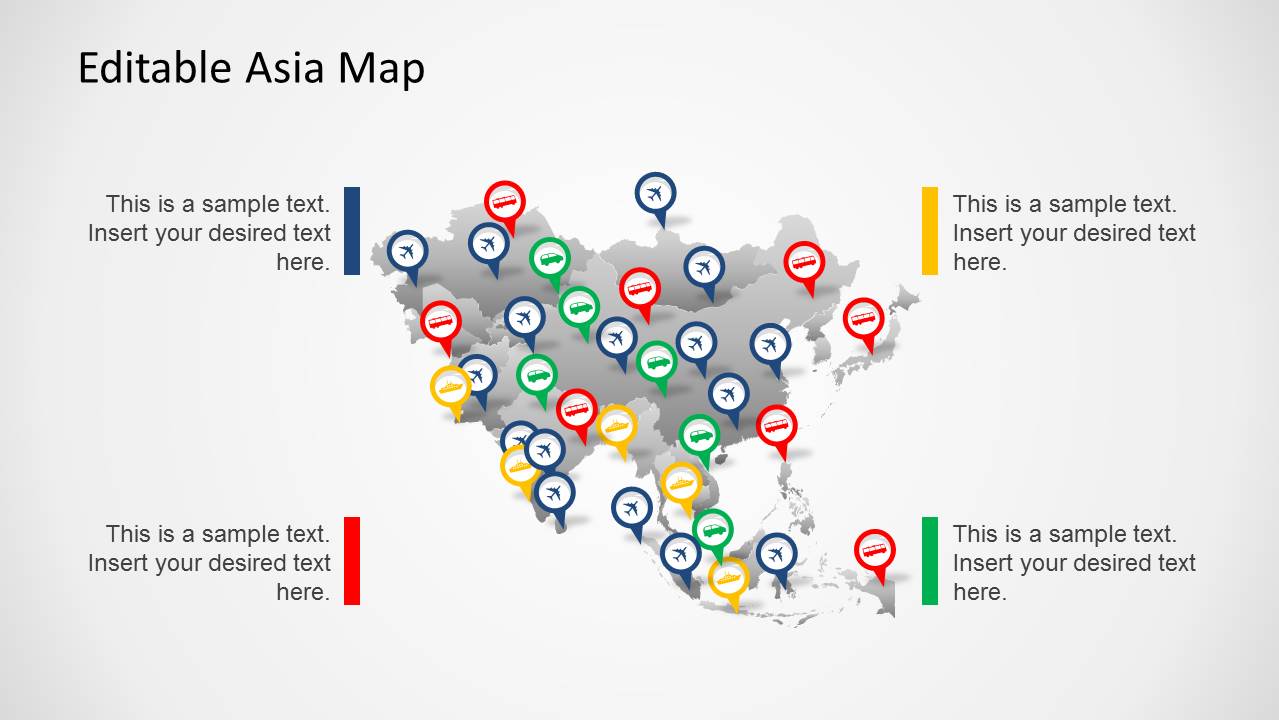
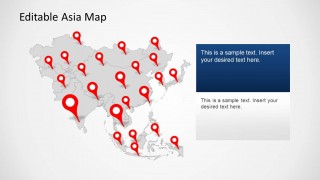
- A market analyst can present Asian expansion priorities by placing red pins on the gray locator map and using the right-side text panels to explain each regional cluster.
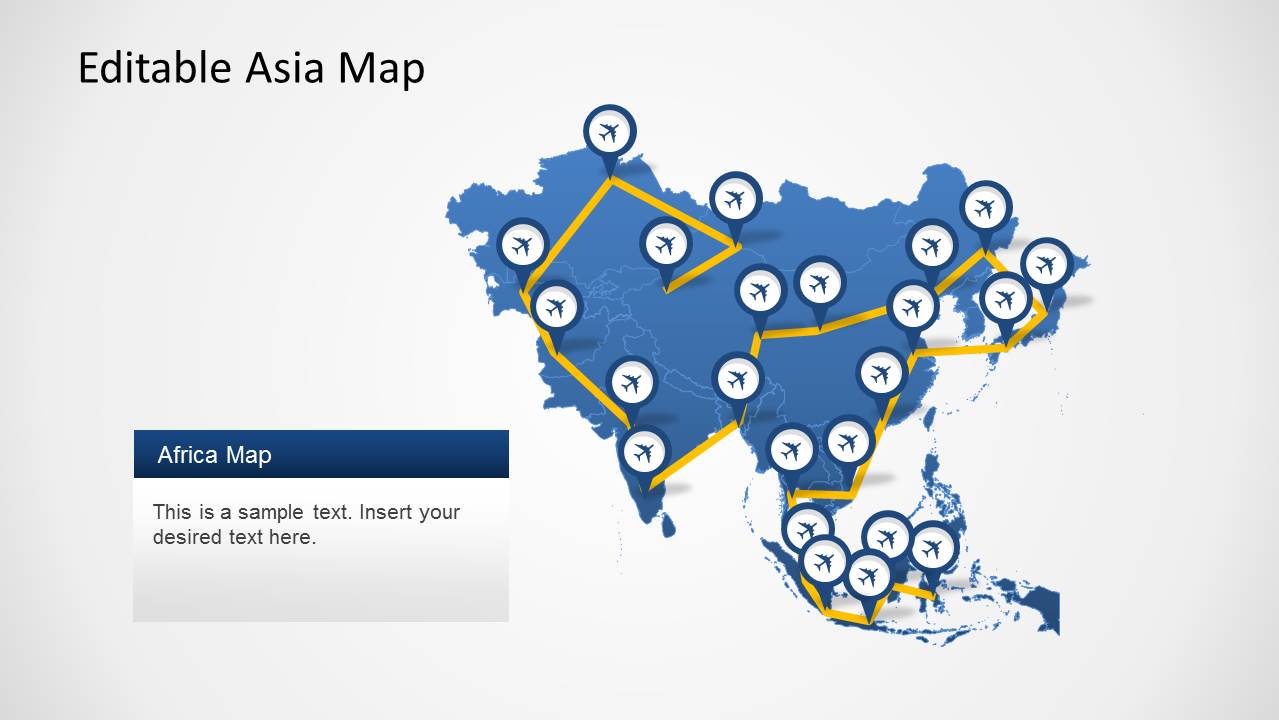
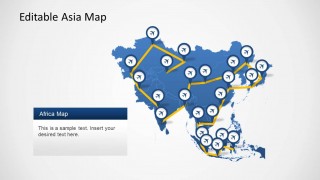
- A logistics planner can explain travel or distribution paths with the yellow route map and airplane markers, connecting hubs across the region.
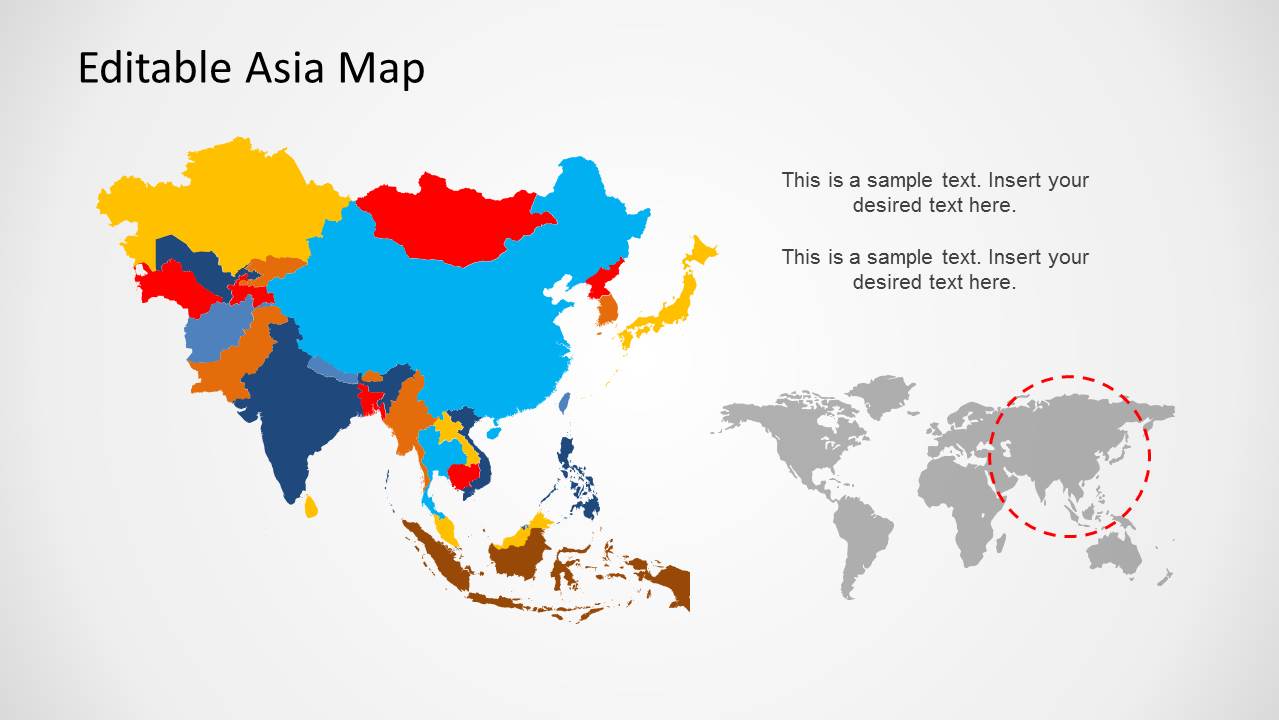
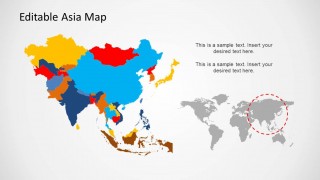
- A sales leader can map territory ownership by recoloring the multicolor country map and pairing it with the world locator inset for global context.
- An educator can introduce Asian geography by using the country map and pin-based slides to identify countries, capitals, or regional examples.
Features
- 100% editable presentation template
- Compatible with Microsoft PowerPoint and Google Slides
- 16:9 aspect ratio slides
- Scalable vector shapes, icons and illustrations
- AI-Ready for Microsoft Copilot and Claude
- Instant access and download
Frequently asked questions
Q: How should a presenter organize a message with this Asia map template?
A: Start with the blue pin map to orient the audience to the region, then move into either routes, territories, or priority locations depending on the story. Keep each pin tied to one decision or insight, not a long description. Use the world inset only to establish geographic context before focusing on Asia.
Q: Who is this template best suited for?
A: This template fits presenters who need to explain where activity is happening across Asia rather than show detailed statistics. It works well for consultants mapping market entry, sales teams defining territories, educators teaching regional geography, and logistics teams describing routes. The visible pins, country fills, and route lines make location the main message.
Q: Why do the pin, route, and country-color layouts work together?
A: The layouts use familiar map metaphors that audiences read quickly: pins mean locations, lines mean movement, and colored countries mean grouped territories. This reduces explanation time and helps the presenter move from broad orientation to specific geographic focus. The repeated Asia outline also keeps the audience anchored across slides.

Asia Map Template for PowerPoint
5-slide Asia map presentation template with country maps, location pins, and route markers
The Asia Map Template for PowerPoint is a 5-slide editable map deck for regional business, education, and territory planning. It includes a blue Asia map with pins, an airline route map, gray locator maps, transportation markers, and a multicolor country map. It is built for Microsoft PowerPoint and Google Slides.
- Category
- Maps
- Rating


 Loading...
- Aspect ratio
- 16:9, 4:3
- Item ID
- 6375-01
- Colors
 Microsoft PowerPoint
  Microsoft Copilot
  Claude for PowerPoint
 Other formats supported
Subscribe today and get immediate
access to download our PowerPoint templates.