Present the strategy for implementing AI into business solutions in your stakeholder presentations with our AI Business Plan PowerPoint Template. Artificial Intelligence is becoming the most important success factor in this era. It implies high-level efficiency, improved productivity, and faster outcomes that used to take hours or weeks. To leverage this advantage, companies have started investing more in AI-based product development. This template enables strategic leaders to share their complete AI product-building strategy in investor presentations. They share the business model, traction, and market opportunity to gain trust and secure funds for their venture. Product directors discuss the problem and the AI solution framework with the executive members using the editable AI business plan slide layout. They discuss competitive positioning and revenue-generation ideas with their teammates. Business consultants use this animated PPT to communicate AI solutions and business plans in client presentations.
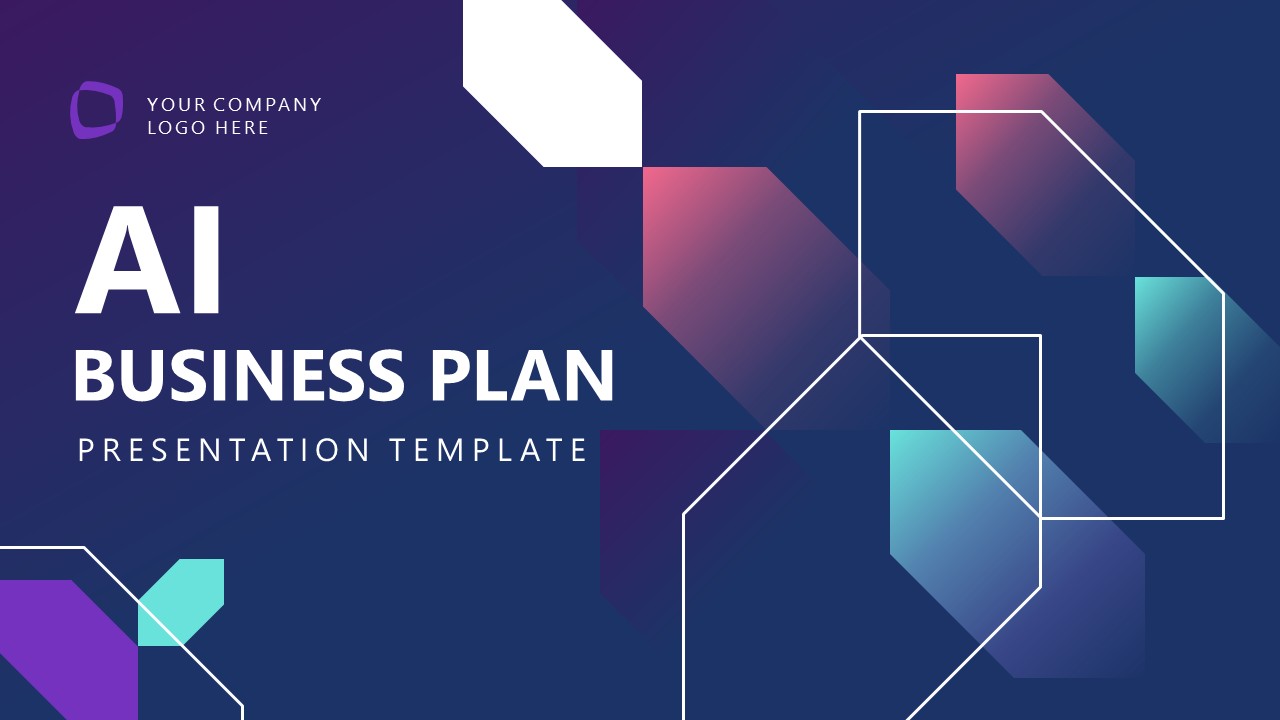
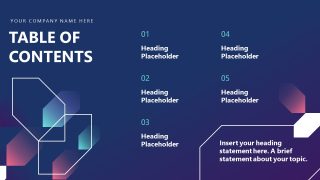
The cover slide of the AI business plan PPT template features the presentation title, along with multiple shapes and a gradient color scheme to give it an impactful look. After that, there is a table of contents slide, placeholder header slides, and the following customizable slides:
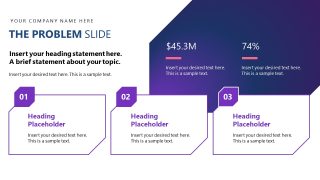
- The Problem Slide
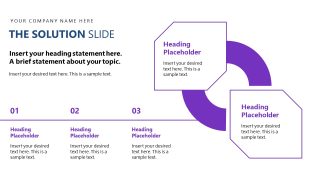
- The Solution Slide
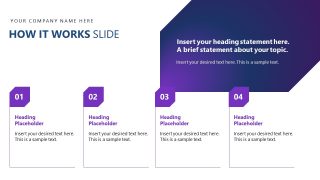
- How It Works Slide
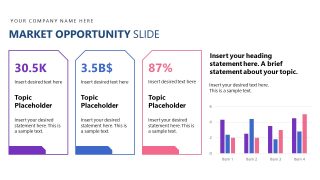
- Market Opportunity Slide
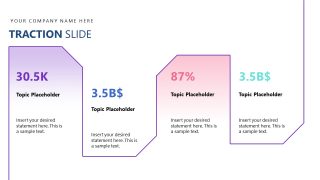
- Traction Slide
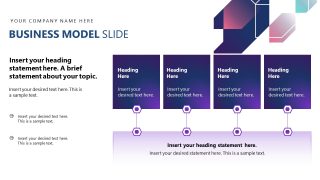
- Business Model Slide
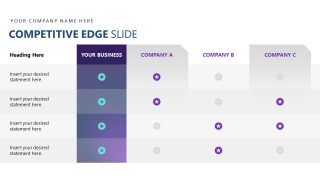
- Competitive Edge Slide
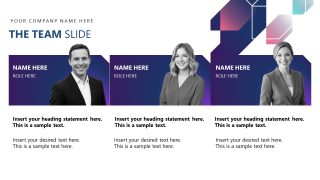
- The Team Slide
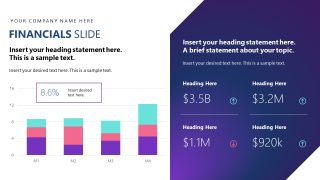
- Financials Slide
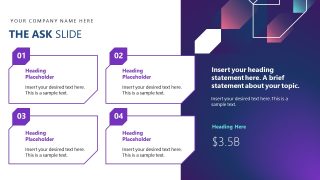
- The Ask Slide
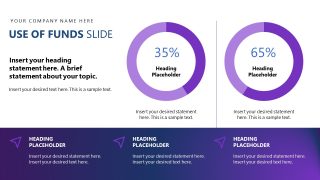
- Use of Funds Slide
- Q&A Slide
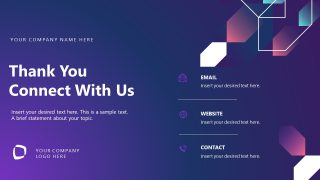
- Thank You / Contact Us Slide
Project managers edit the AI Business Plan PowerPoint Template to share the financial data, market positioning, solution framework, and funding amount required for an AI project. They use multiple infographics, data charts, and comparison tables to convey their thoughts and research effectively. Further, this layout is fully compatible with Google Slides. Download the AI business plan slide deck for executive presentations and share your strategic approach to implementing AI for business problems.
What’s inside this template
Example presentation scenarios
- A startup founder can use the problem, market opportunity, traction, and financials slides to explain an AI venture to investors and connect the funding ask to evidence.
- A product director can use the solution, how it works, and business model slides to brief executives on how an AI product will solve a business problem and create revenue.
- A strategy consultant can use the competitive edge matrix and use of funds slide to compare an AI proposal against alternatives and show how resources should be allocated.
- A project manager can use the table of contents, section divider, and Q&A slide to organize an internal approval meeting around scope, evidence, budget, and open questions.
Features
- 100% editable presentation template
- Compatible with Microsoft PowerPoint and Google Slides
- 16:9 aspect ratio slides
- Scalable vector shapes, icons and illustrations
- Ready with Animations & Transitions in PowerPoint
- AI-Ready for Microsoft Copilot and Claude
- Instant access and download
Frequently asked questions
Q: How should the presenter use this deck to make the AI business plan clear?
A: Build the story in the order shown: open with the problem, define the solution, then use the how it works slide to make the idea concrete. Move to market opportunity, traction, and financials before asking for funding. This keeps the audience from seeing the ask as a guess and ties it to proof.
Q: Who is this template best suited for, and in what type of meeting?
A: This template fits founders, product leaders, consultants, and project managers who need approval for an AI product, venture, or implementation plan. It is most useful in investor meetings, executive steering committees, and client strategy sessions where the audience expects both the opportunity story and the commercial model.
Q: Why does the geometric AI visual style support the message?
A: The gradient blocks, angled cards, and connected line motifs create a visual metaphor for AI systems and data connections without needing technical diagrams. Numbered cards and metric panels separate complex business ideas into readable units, while the dark technology palette signals an AI-focused topic before the presenter explains the details.



AI Business Plan PowerPoint Template
16-slide AI business plan presentation template with market opportunity, traction charts, and funding ask layouts
AI Business Plan PowerPoint Template is a 16-slide 16:9 presentation template for explaining an AI venture or implementation plan. It includes a table of contents, problem and solution slides, process steps, market opportunity metrics, traction and financial charts, competitor matrix, team slide, funding ask, use of funds, Q&A, and contact close for PowerPoint and Google Slides.
- Category
- Business PowerPoint Templates
- Rating

 Loading...
- Aspect ratio
- 16:9
- Item ID
- 85347-01
- Colors
 Microsoft PowerPoint
  Microsoft Copilot
  Claude for PowerPoint
 Other formats supported
Subscribe today and get immediate
access to download our PowerPoint templates.