Download our Digital Transformation PowerPoint Template and create presentations about implementing software solutions in your business. Digital transformation is introducing and adopting innovative technology in your organization for workflow automation or to develop better products and solutions for their customers. Digital transformation has become a trend; every organization and even small teams are implementing technology in their everyday workflows to catalyze their growth & earnings. In this presentation template, we have provided all the required slides for discussing the strategy and process of digital transformation. This professional slide deck has a blue palette with a uniformly designed SlideMaster. It starts with the title and table of contents slide, carrying images of hands typing on the keyboard. Presenters can mention their contents list in the list format and display their company name with the logo on these slides.
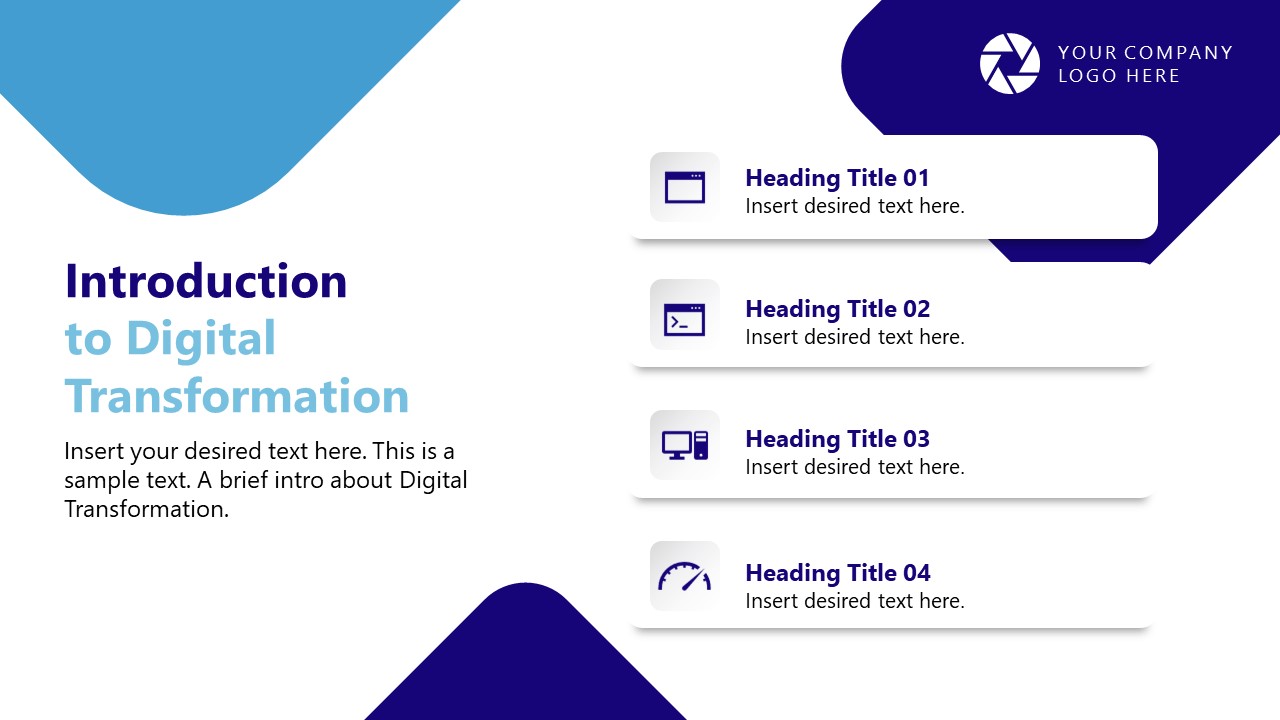
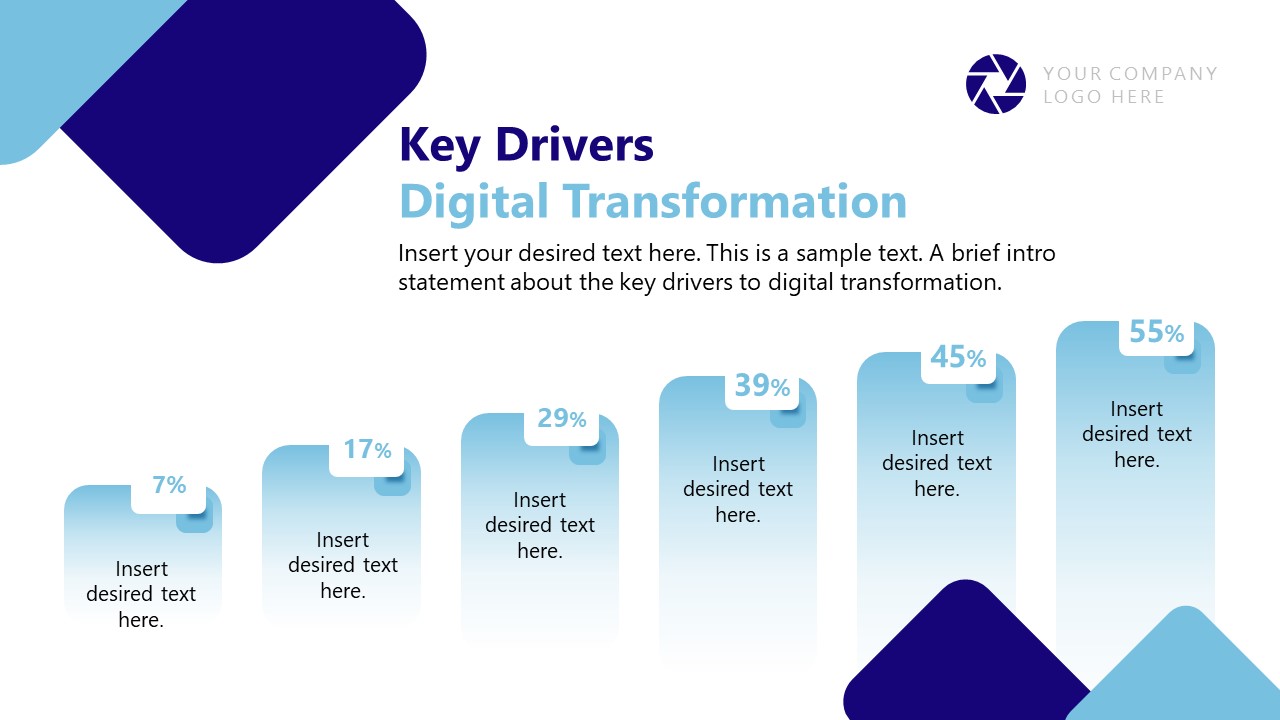
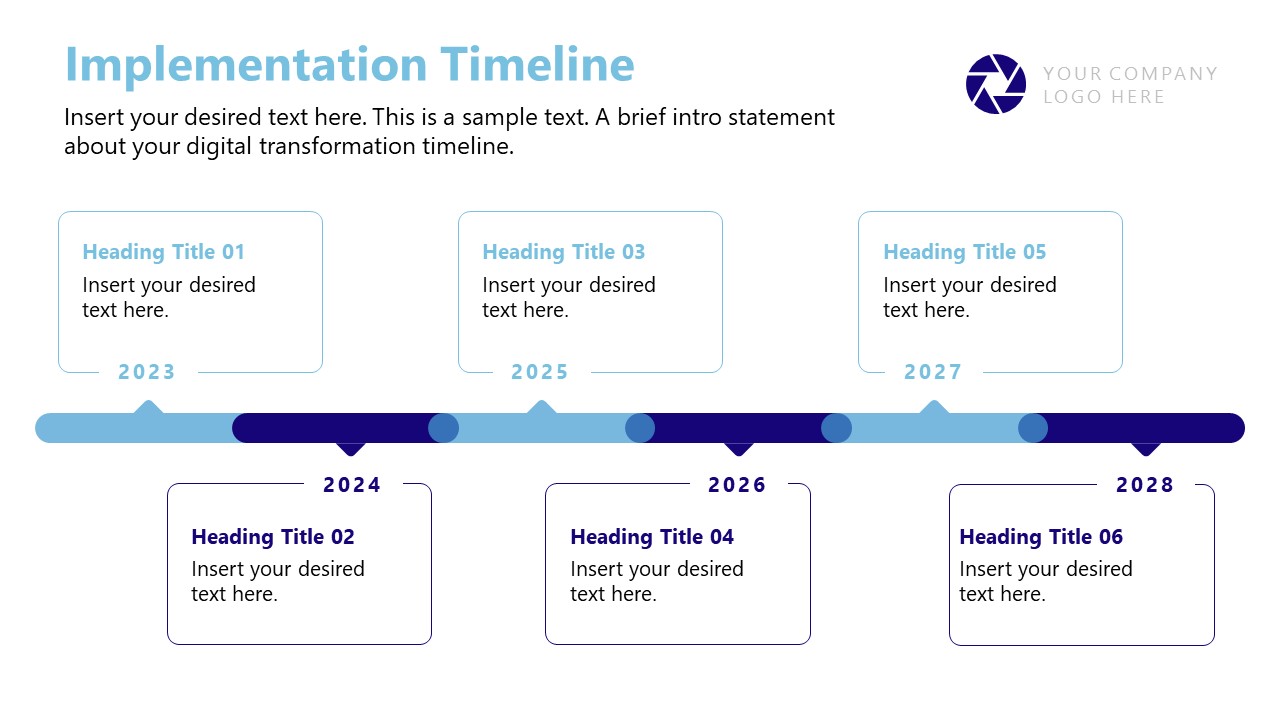
This Digital Transformation PowerPoint Template has the slides for introduction, key objectives, key drivers, implementation timelines, challenges, evaluation, and case study slides. These slides have representative figures with editable text boxes to add presentation points. For instance, the key objectives slide has three boxes with infographic icons and headings to showcase the objectives. Likewise, there is a five-step timeline diagram for discussing the implementation roadmap. In addition, slides with attractive data visualizations(charts and graphs) help professionals explain the statistical information concisely.
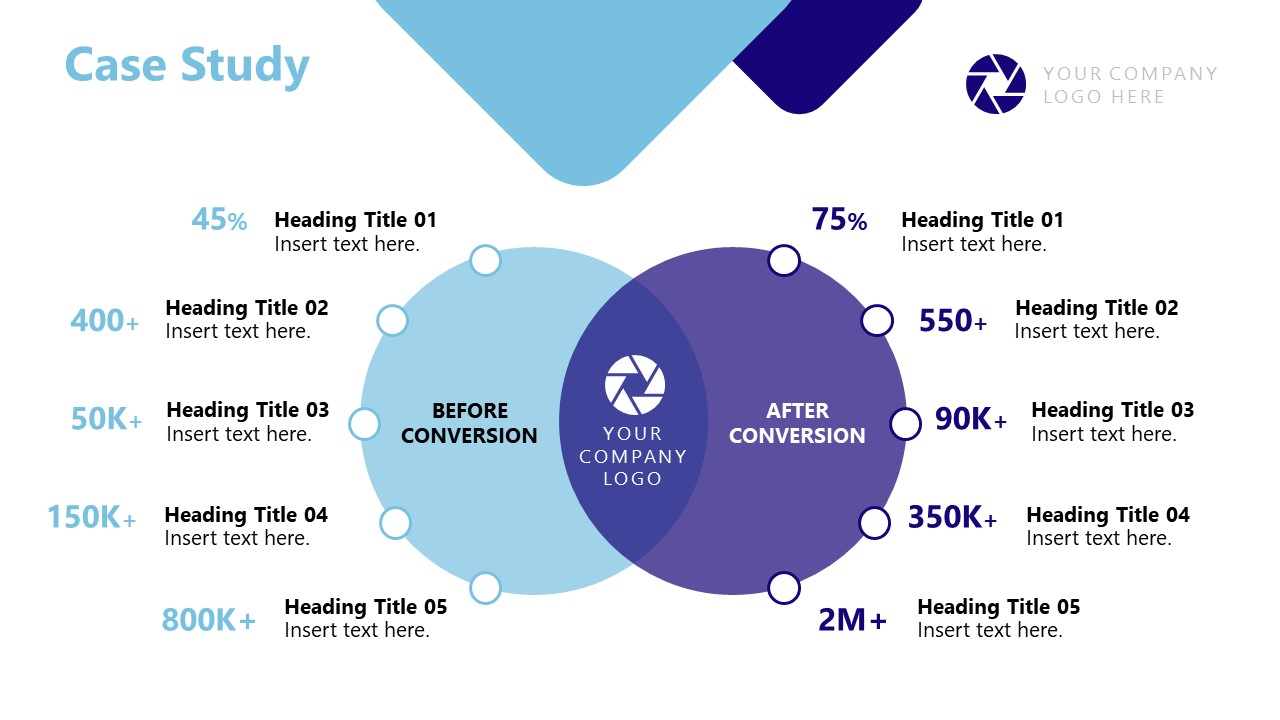
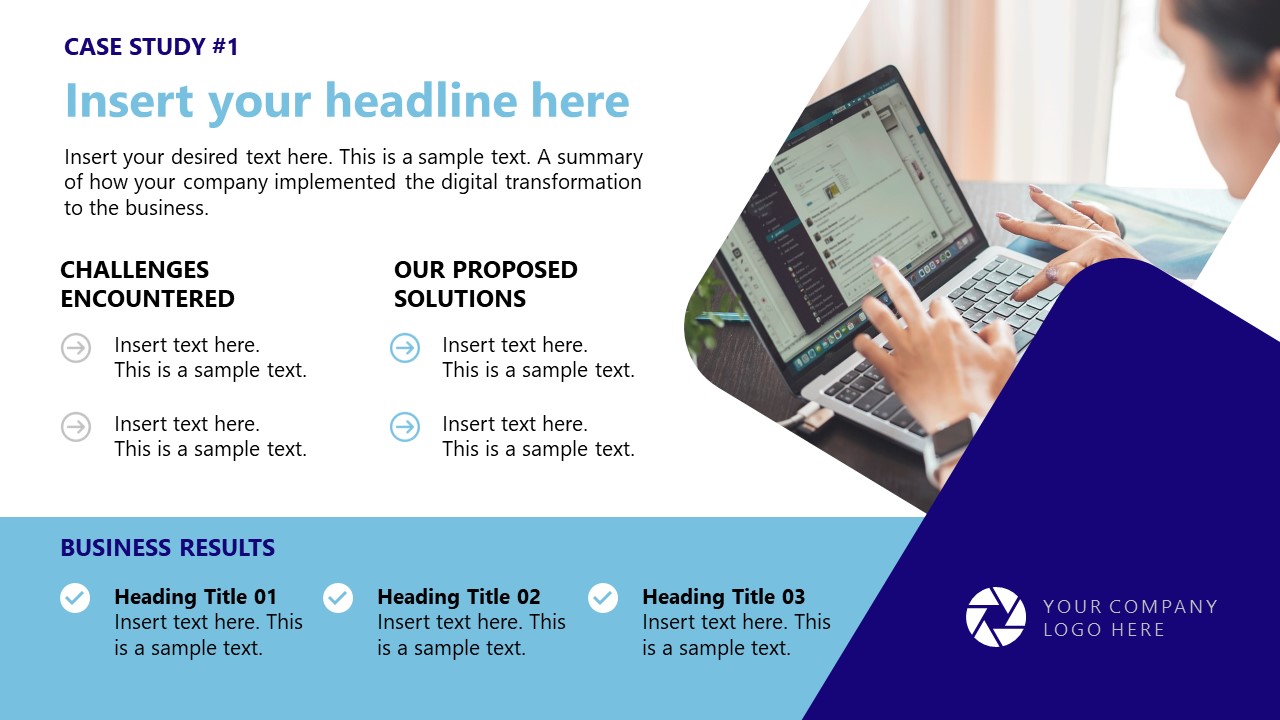
Moreover, users can also edit the case study slide to present the impact of digital transformation on companies and the percentage increase in growth. For example, the use of AI chatbots for customer support, cloud computing, blockchain development, and the Internet of Things (IoT). Also, users can modify the features of the template to fit their needs. Download our digital transformation presentation template for Google Slides and PowerPoint today!
Alternatively, check our complete collection of best PowerPoint templates and Google Slides themes.
What’s inside this template
Example presentation scenarios
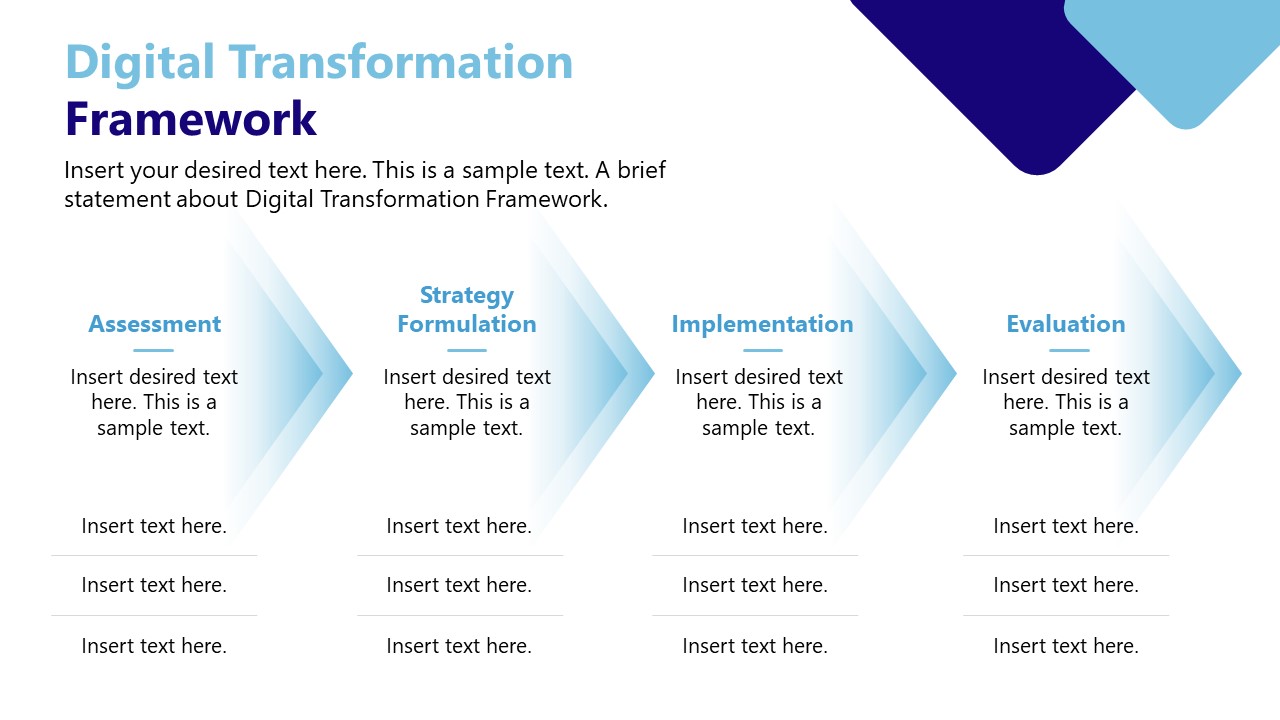
- A CIO can use the implementation timeline and framework slides to explain a phased modernization plan to executives and align teams around assessment, strategy, rollout, and evaluation.
- A consulting presenter can use the key objectives cards and challenges and solutions matrix to frame a client workshop on workflow automation and technology adoption risks.
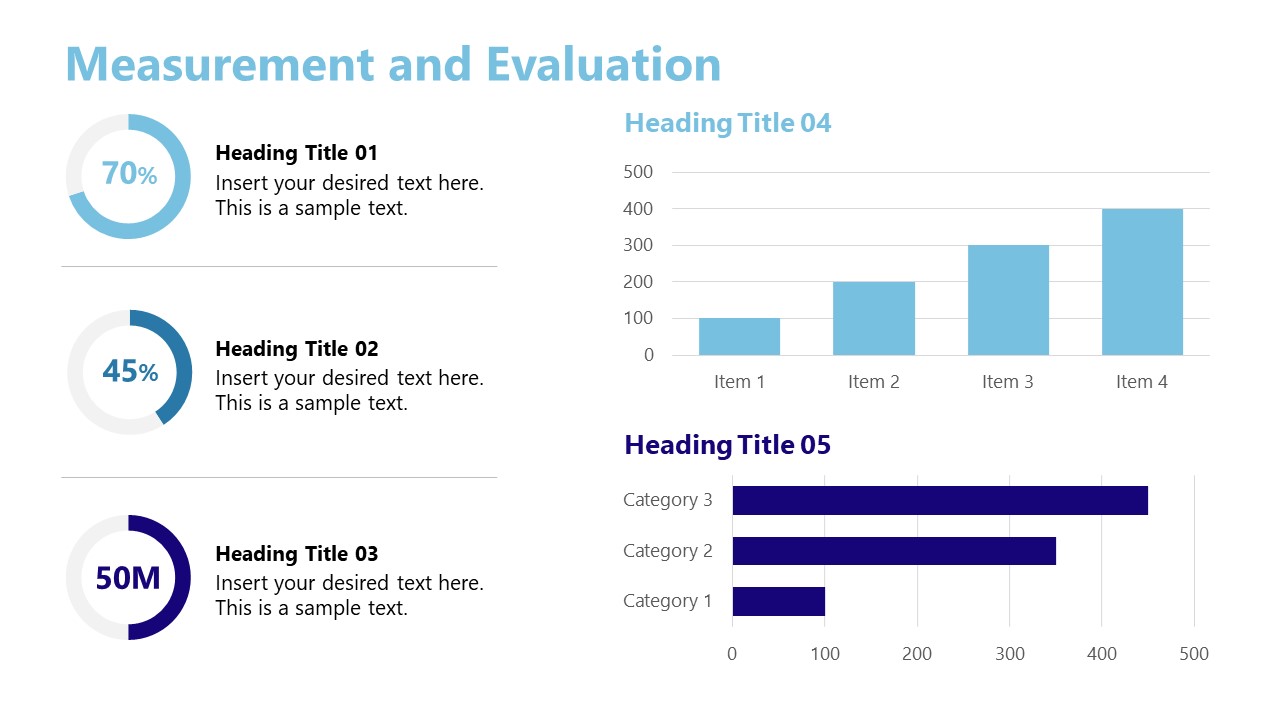
- A project manager can use the measurement and evaluation dashboard to report early transformation KPIs, compare progress, and connect performance data to next-step decisions.
- A business development team can use the case study slides to show before-and-after impact and turn a completed digital transformation project into a clear proof story.
Features
- 100% editable presentation template
- Compatible with Microsoft PowerPoint
- 16:9 aspect ratio slides
- Scalable vector shapes, icons and illustrations
- AI-Ready for Microsoft Copilot and Claude
- Instant access and download
Frequently asked questions
Q: How should a presenter structure the digital transformation message with this deck?
A: Start with the agenda and introduction to set the business context, then use the objectives, drivers, and framework slides to define why the program matters. Move next to the enablers and implementation timeline, then address objections with the challenges and solutions matrix. Finish with the evaluation dashboard and case study to show evidence.
Q: Who is this template best suited for in a business setting?
A: This template fits IT leaders, transformation consultants, operations executives, and project sponsors who need to explain a digital adoption plan to decision makers. It is strongest when the goal is to connect strategy, enabling technologies, execution milestones, risks, metrics, and a proof example in one executive-level conversation.
Q: Why does the template use circles, chevrons, and timelines for this topic?
A: The visual metaphors match the transformation story. Chevrons show forward motion across assessment, strategy, implementation, and evaluation. The hub-and-spoke diagram positions digital transformation as the center of related workstreams. The timeline turns a broad change program into ordered milestones, which helps audiences see progress instead of isolated initiatives.








Digital Transformation PowerPoint Template
14-slide presentation template for digital transformation strategy, timelines, enablers, metrics, and case studies
Digital Transformation PowerPoint Template is a 14-slide deck for explaining technology adoption plans in Microsoft PowerPoint. Built for business and IT presenters, it includes a table of contents, key objectives cards, driver chart, transformation framework, hub-and-spoke diagram, enabler list, implementation timeline, challenges and solutions matrix, measurement dashboard, case study comparison, and contact slide.
- Category
- Template Backgrounds
- Rating

 Loading...
- Aspect ratio
- 16:9
- Item ID
- 85112-01
- Colors
 Microsoft PowerPoint
 Microsoft Copilot
 Claude for PowerPoint
Other formats supported
Subscribe today and get immediate
access to download our PowerPoint templates.