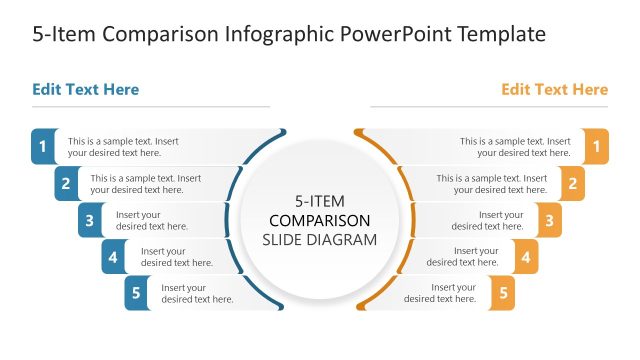
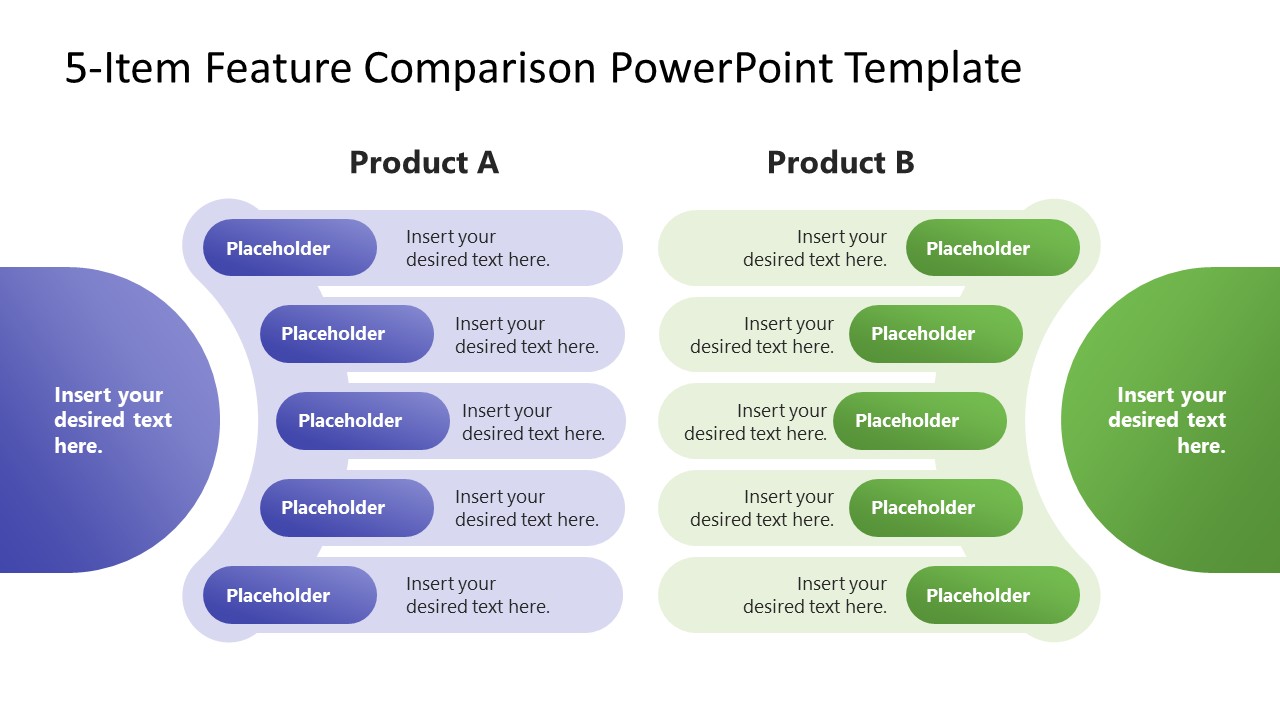
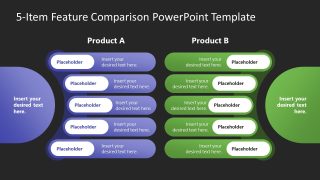
Showcase a comparison between two SaaS or retail products in stakeholder presentations with our editable 5-Item Feature Comparison PowerPoint Template. The five-item feature comparison template features a slide design with two identical sections. Each section has an overshaped segment to highlight the title with five bars in front of each. Each bar is useful for showcasing one feature or key point of the items being compared. The bars are linked and arranged along the curved plane. This consistency in the design is ideal for communicating distinct ideas or comparable points simultaneously. Additionally, this animated PPT template is customizable in both Google Slides and legacy PowerPoint versions.
The two-segment layout helps project managers share the impact of AI automation on business systems and provide a before-and-after report. HR managers compare two business teams in executive presentations to determine which is the best fit for a specific project. Marketing directors in their team presentations discuss the performance of two ad campaigns in generating sales. They can visualize the key parameters between both campaigns and decide where to double down and which campaign needs adjustment. Product developers, in their competitive analysis presentations, use this five-item comparison template to highlight the features of products A and B. It can be used for two products from the same company or competitors.
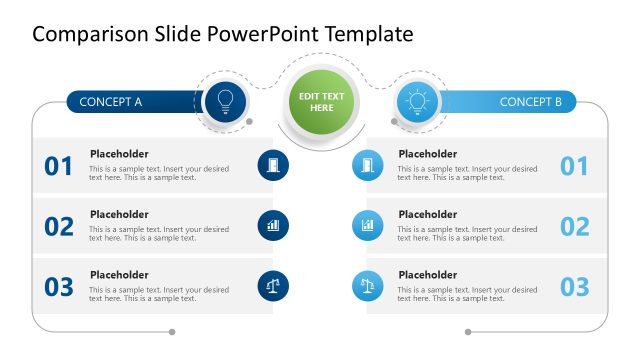
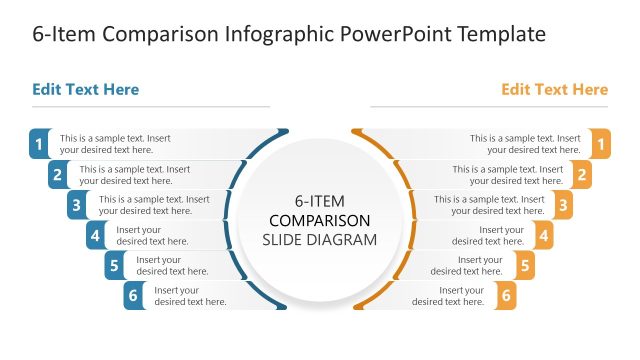
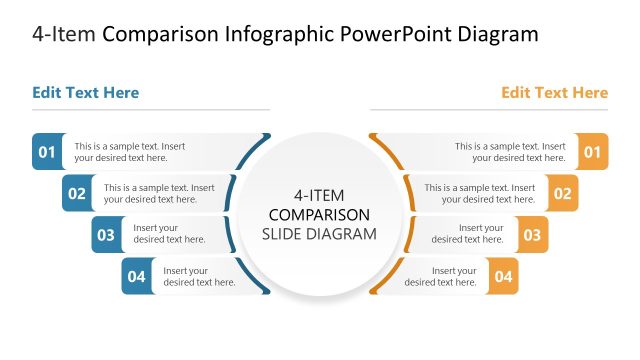
This 5-Item Feature Comparison PowerPoint Template has two slides with the same diagram but different background colors. Entrepreneurs can use either slide in their investor pitch decks. In addition, we have other PPT versions of comparison templates to help you select the relevant design. Download the 5-item feature comparison template for your team presentations and discuss product features or before-and-after scenarios effectively.
What’s inside this template
Example presentation scenarios
- A product manager can compare two software releases for executives by mapping five feature differences into the Product A and Product B columns.
- A marketing director can evaluate two campaigns for a leadership meeting by placing performance factors in the five horizontal comparison bars.
- A sales presenter can explain a competitive product comparison to prospects by using the mirrored green and purple sections to separate each offer.
- An HR manager can compare two internal teams for a project assignment by listing five relevant strengths or requirements in the paired feature rows.
Features
- 100% editable presentation template
- Compatible with Microsoft PowerPoint and Google Slides
- 16:9 aspect ratio slides
- Scalable vector shapes, icons and illustrations
- Ready with Animations & Transitions in PowerPoint
- AI-Ready for Microsoft Copilot and Claude
- Instant access and download
Frequently asked questions
Q: How should a presenter structure the five comparison points for the clearest message?
A: Use the same criteria in the same row position for both products so the audience compares across the slide, not down separate lists. Put the most decision-critical point near the top, group related points together, and keep each bar label short enough to scan while the speaker explains the evidence.
Q: Who gets the most value from this feature comparison layout?
A: This template fits presenters who must help stakeholders choose between two options without a large analytical appendix. Product, marketing, sales, HR, and operations teams can use the paired Product A and Product B columns to compare features, campaign attributes, team strengths, or before-and-after changes across five consistent criteria.
Q: Why does the mirrored purple and green design improve comparison?
A: The mirrored layout gives each option equal visual weight, which reduces perceived bias before the presenter explains the recommendation. The curved side panels act like anchors for summary text, while the five aligned bars create a rhythm that helps the audience evaluate point-by-point differences quickly.

5-Item Feature Comparison PowerPoint Template
2-slide feature comparison presentation template for product features, performance, and side-by-side decision discussions
The 5-Item Feature Comparison PowerPoint Template is a 2-slide, 16:9 comparison diagram for presenting Product A versus Product B. It includes a mirrored two-column product comparison, five horizontal feature bars per side, and light and dark background versions for stakeholder, sales, product, or marketing presentations in Microsoft PowerPoint and Google Slides.
- Category
- Multi-purpose
- Rating

 Loading...
- Aspect ratio
- 16:9
- Item ID
- 23769-01
- Colors
 Microsoft PowerPoint
  Microsoft Copilot
  Claude for PowerPoint
 Other formats supported
Subscribe today and get immediate
access to download our PowerPoint templates.