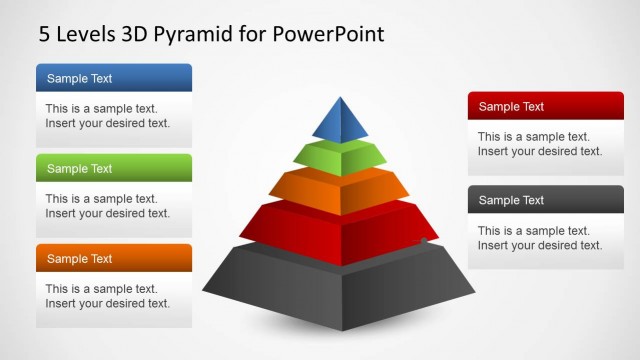
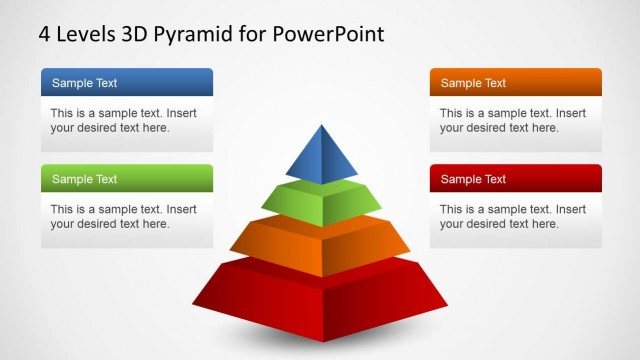
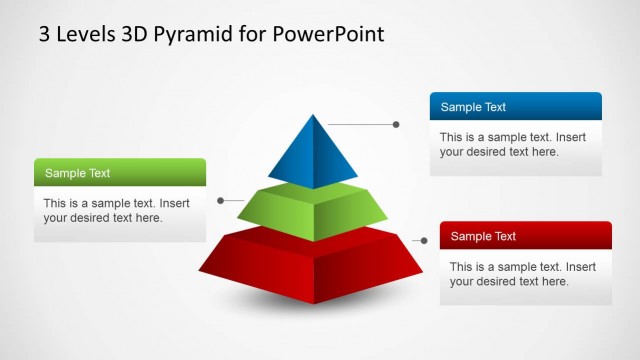
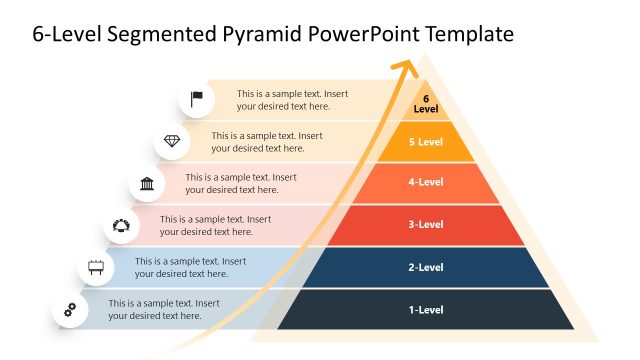
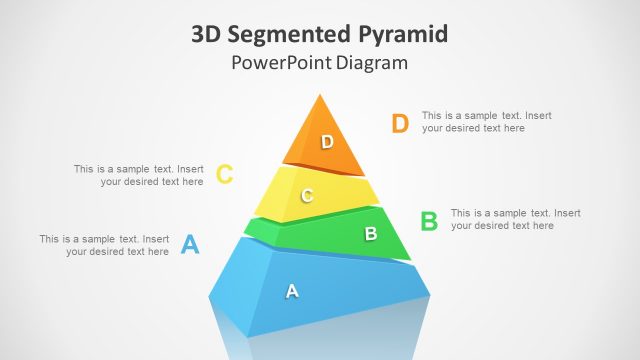
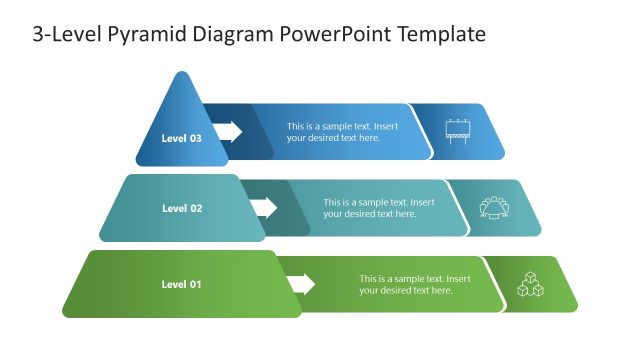
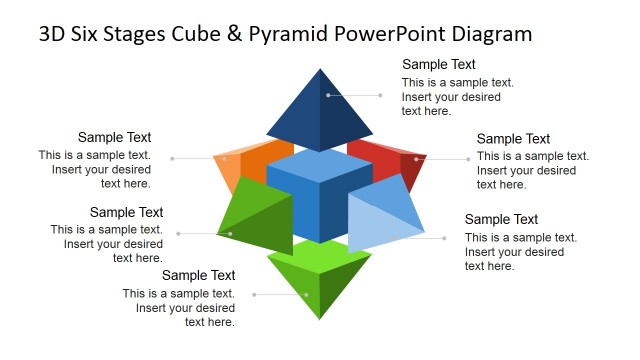
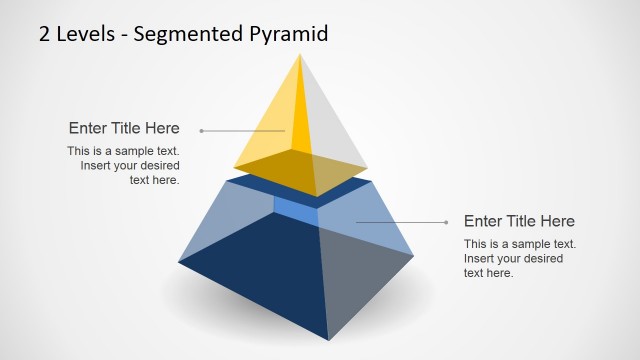
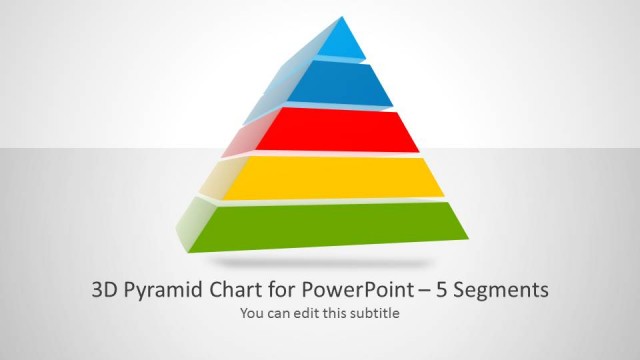
The 6 Levels 3D Pyramid Template for PowerPoint is an innovative diagram design. It is a flat vector PowerPoint diagram template providing an enhanced view of the 3D layout. It contains three separate pyramid designs for 6 levels diagrams. Although, the pyramid diagrams are ideal to present the models organized in a hierarchical format. The segments here show the proportional phases which create logical relation. The organizations can discuss several hierarchal divisions including its functional and work breakdown structure. This presentation is a colorful 3D view with the text placeholders on both sides. These placeholders represent each level through their colors. Further, the placeholders have a title and description bars to add headings and keynotes for each phase. And, the diagram also contains textboxes at each level to enter headings.
The 6 Levels 3D Pyramid Template for PowerPoint has two slides of segmented diagrams. These are the 3D levels with a gap between them. Whereas, the next two templates illustrate the stacked pyramids. Also, the last slide shows the horizontal layout of 6 pyramids in matching size. The editable diagram of 6 levels 3D pyramid PowerPoint offers the number of options to customize the design. For example, change the colors from a shape fill option. Each level of the hierarchy pyramid template is a set of flat vectors creating an illusion of 3D shapes. This feature assists the users to create their desire 3D effects by color shading.
The PowerPoint Pyramid template of 6 levels diagram is a multi-purpose collection of slides. These are the professional looking templates for business and academic presentation. Alternatively, you can find other variants of this diagram including:
The users can copy their desired template to an existing presentation. This way, they can either continue with the theme source formatting or choose to manually edit it.
What’s inside this template
Example presentation scenarios
- A strategy consultant can present a six-level maturity model to executives using the stacked pyramid and side callouts to connect each stage with a business implication.
- A project manager can explain a work breakdown structure to stakeholders by placing major deliverables or phases into the separated 3D pyramid tiers.
- A training facilitator can teach a progressive skills framework by using the pyramid labels for levels and the surrounding text blocks for behaviors or learning outcomes.
- An academic presenter can compare six conceptual categories with the horizontal row of individual pyramid markers and supporting text placeholders.
Features
- 100% editable presentation template
- Compatible with Microsoft PowerPoint
- 16:9 aspect ratio slides
- Scalable vector shapes, icons and illustrations
- AI-Ready for Microsoft Copilot and Claude
- Instant access and download
Frequently asked questions
Q: How should I structure content across the six pyramid levels?
A: Start with the broadest or most foundational idea at the base, then move upward toward the most advanced, narrow, or strategic point. Keep each tier label short and use the side callouts for evidence, actions, or definitions. This keeps the pyramid from becoming text-heavy while preserving a clear hierarchy.
Q: Who is this pyramid diagram best suited for?
A: This template fits presenters who need to explain ranked ideas rather than tell a long story. Consultants, managers, trainers, and educators can use it for maturity models, capability ladders, priority levels, and organizational layers. The six separate markers on the final slide also support quick comparisons between categories.
Q: Why use a 3D pyramid instead of a flat list?
A: The pyramid metaphor shows both order and proportion at a glance. Wider lower tiers communicate foundation or scale, while the top tier reads as the most focused or advanced level. The 3D shading adds separation between tiers, making six stages easier to scan than a dense numbered list.


6 Levels 3D Pyramid Template for PowerPoint
5-slide presentation template for six-level 3D pyramid diagrams, hierarchy models, and staged process explanations
This 5-slide 6 Levels 3D Pyramid Template for PowerPoint is a diagram template for showing six-part hierarchies, maturity levels, or staged models. It includes separated 3D pyramid levels, stacked pyramid views, side callout layouts, and a row of individual pyramid markers for business, consulting, training, and academic presentations in Microsoft PowerPoint.
- Category
- Diagrams
- Rating


 Loading...
- Aspect ratio
- 16:9
- Item ID
- 7821-01
- Colors
 Microsoft PowerPoint
 Microsoft Copilot
 Claude for PowerPoint
Other formats supported
Subscribe today and get immediate
access to download our PowerPoint templates.