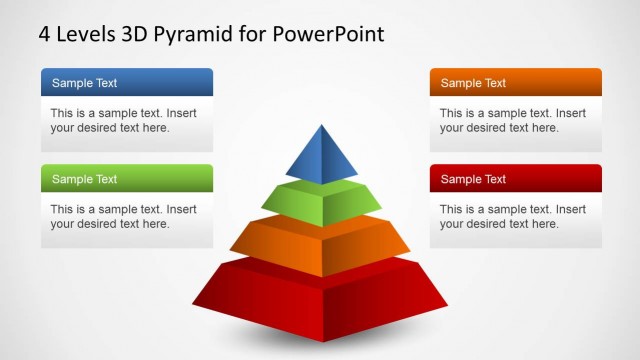
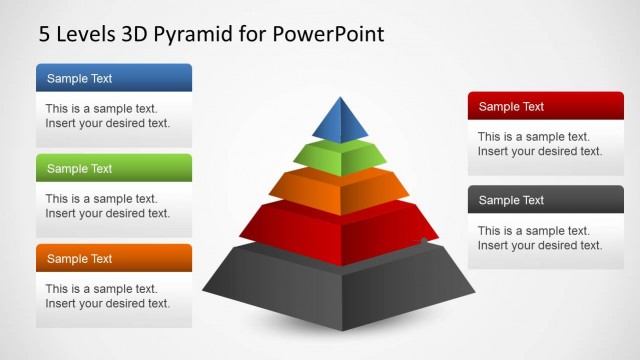
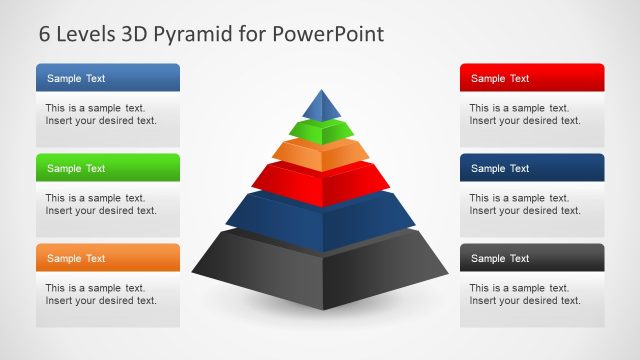
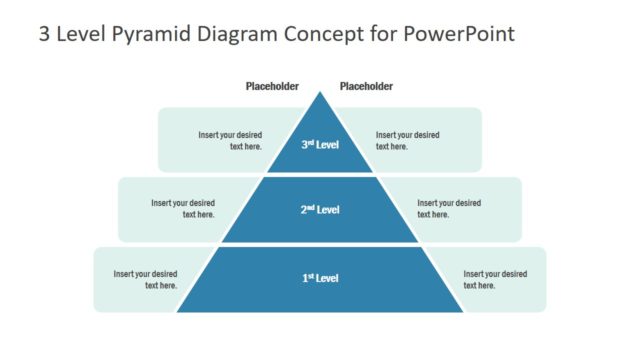
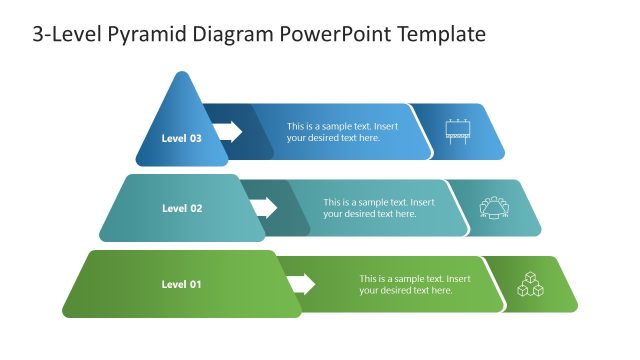
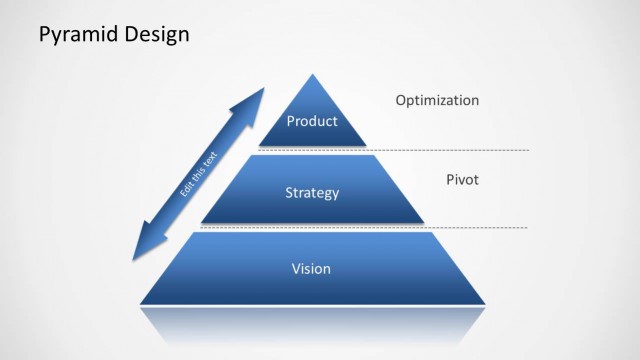
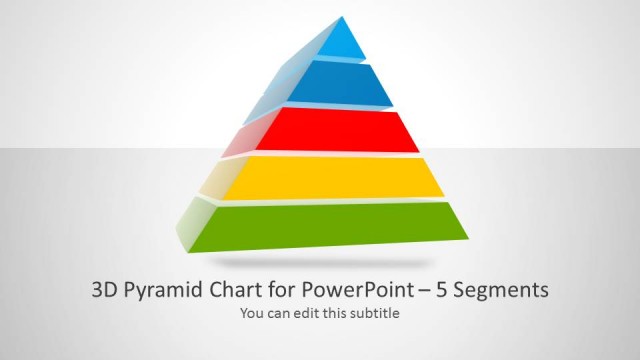
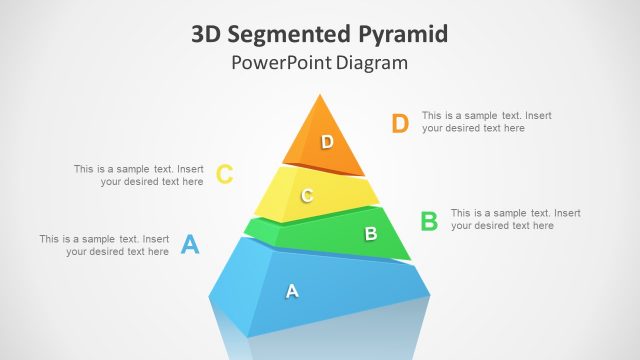
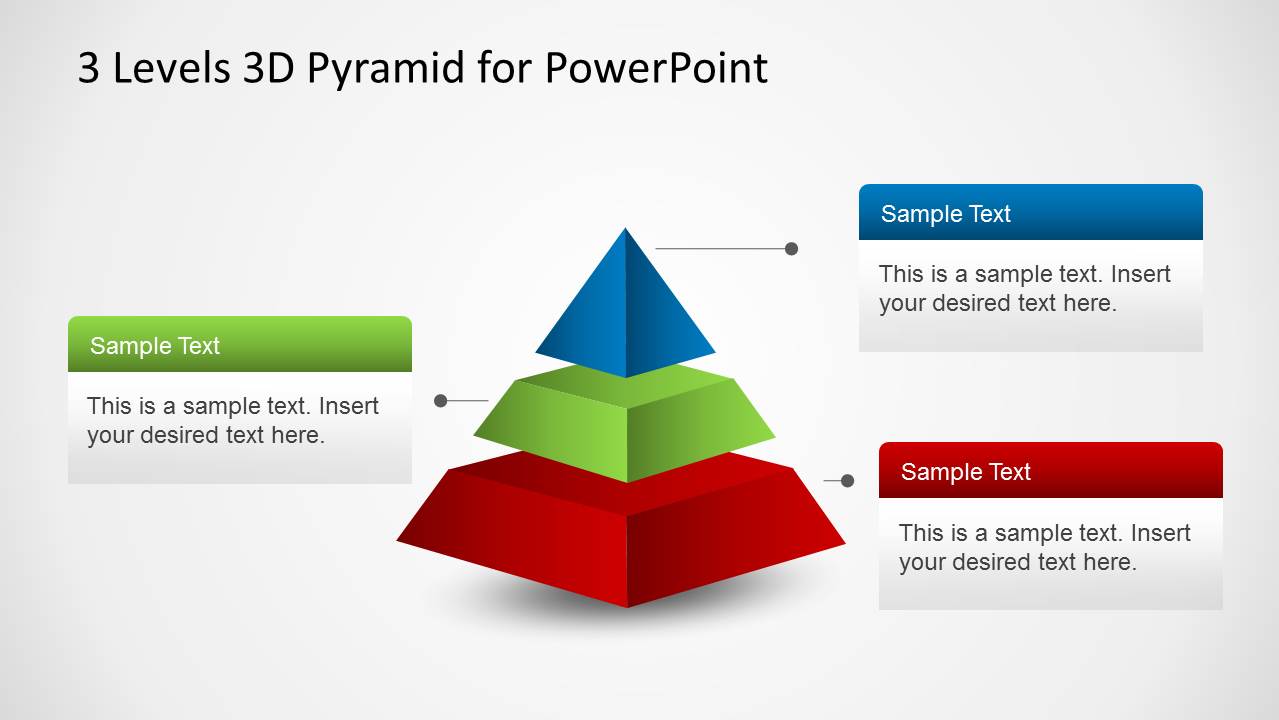
3 Levels 3D Pyramid Template for PowerPoint is a presentation template containing useful slide designs with a 3D Pyramid design showing three levels of information. You can use this 3D Pyramid template to prepare presentations on corporate strategy and vision, as well as describing a business concept.
Alternatively there are other 2D pyramid diagrams for PowerPoint with three levels that you can download and use. Although other diagrams may look much simpler these can be useful for presentations that don’t require 3D diagrams.
What’s inside this template
Example presentation scenarios
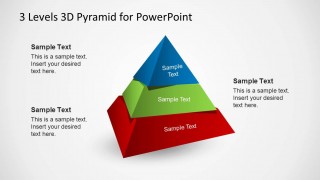
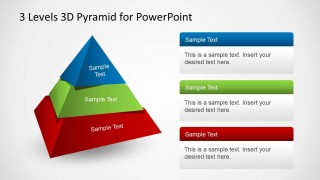
- A strategy consultant can use the segmented 3D pyramid to explain how foundational, middle, and top-level priorities fit into one business framework.
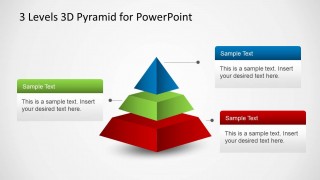
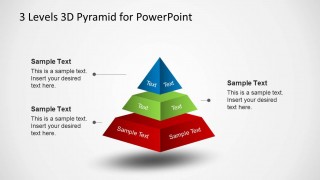
- A product manager can use the labeled pyramid slide to present three layers of a roadmap, such as core capabilities, differentiators, and long-term vision.
- A trainer can use the annotated pyramid layouts to teach a three-step concept while keeping definitions in the surrounding text blocks.
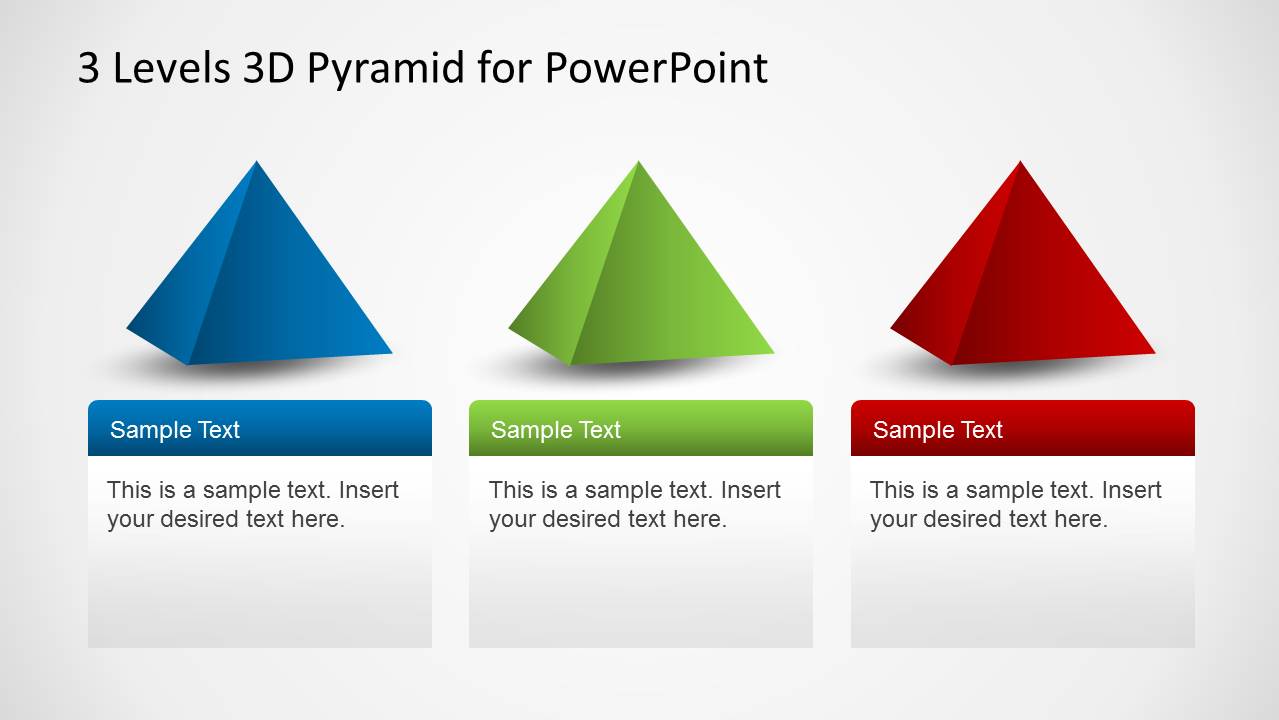
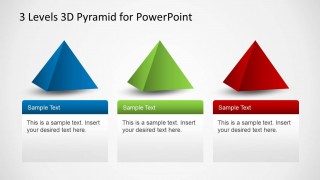
- An executive can use the three separate pyramid icons to compare three departments, initiatives, or investment areas using the same visual structure.
Features
- 100% editable presentation template
- Compatible with Microsoft PowerPoint and Google Slides
- Scalable vector shapes, icons and illustrations
- AI-Ready for Microsoft Copilot and Claude
- Instant access and download
Frequently asked questions
Q: How should I explain a three-level model with this pyramid template?
A: Start with the full pyramid to establish the hierarchy, then use the labeled and annotated versions to define each tier. Keep each level to one idea, such as foundation, capability, and outcome. Use the callout boxes for implications or examples rather than repeating the labels printed on the pyramid.
Q: Who is this template best suited for?
A: This template fits presenters who need to simplify a layered business idea without building a long deck. Consultants, managers, trainers, and executives can use it for strategy tiers, maturity levels, service packages, or priority rankings where three levels are enough to explain the concept clearly.
Q: Why use a 3D pyramid instead of a flat list?
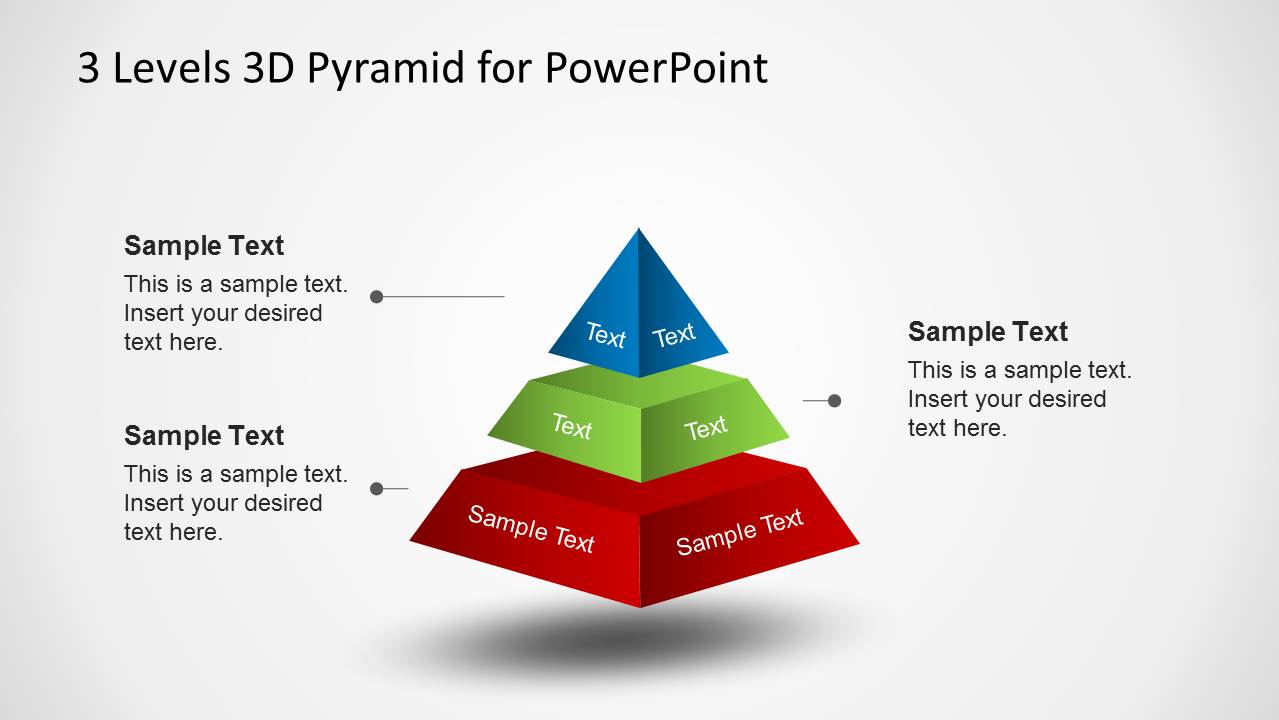
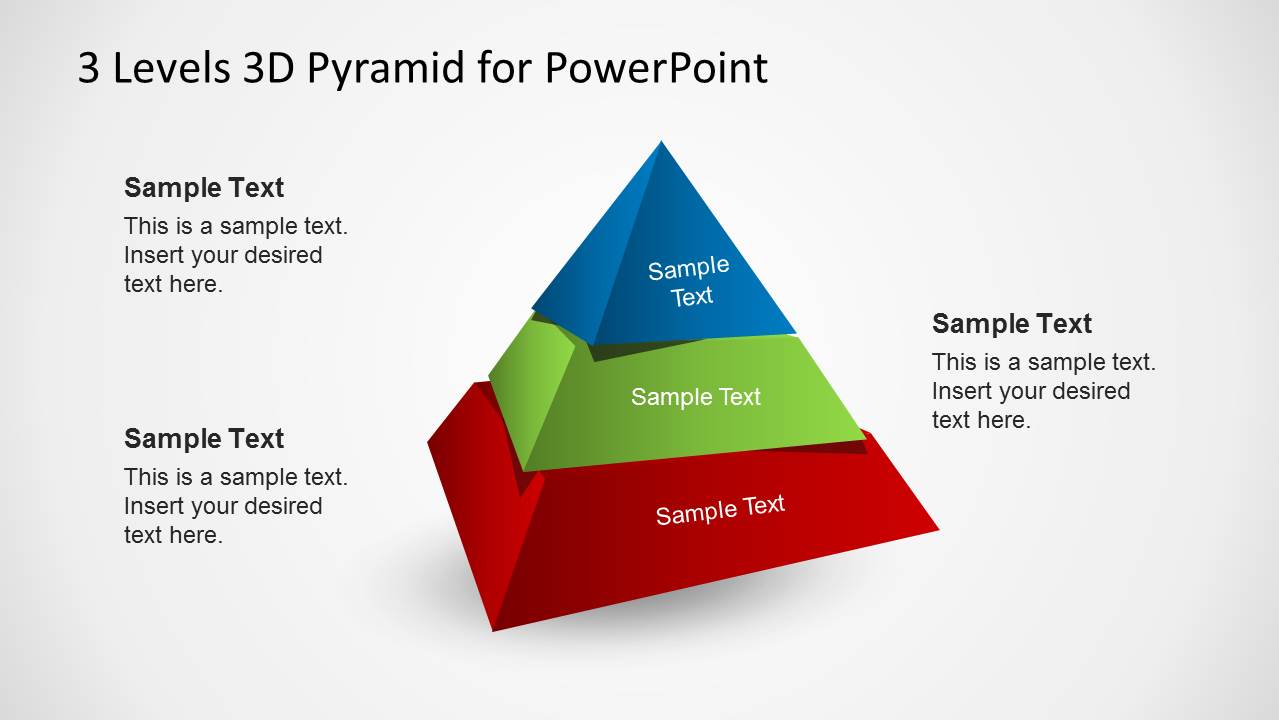
A: The 3D pyramid metaphor makes hierarchy visible before the audience reads the text. The broad red base implies support or volume, the green middle implies development, and the blue top suggests focus or peak value. That shape helps viewers understand dependency and relative position faster than three equal bullets.

3 Levels 3D Pyramid Template for PowerPoint
5-slide PowerPoint presentation template with 3D pyramid diagrams for three-level concepts and hierarchy
3 Levels 3D Pyramid Template for PowerPoint is a 5-slide diagram template for presenting three-tier ideas, priorities, or hierarchy. Visible layouts include a central segmented 3D pyramid with callout boxes, labeled pyramid layers, side annotation text, and three separate pyramid icons. It is intended for business presenters explaining structured concepts in PowerPoint.


 Loading...
 Microsoft PowerPoint
  Microsoft Copilot
  Claude for PowerPoint
 Other formats supported
Subscribe today and get immediate
access to download our PowerPoint templates.