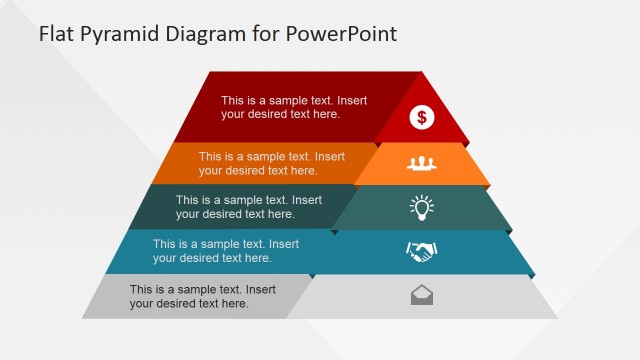
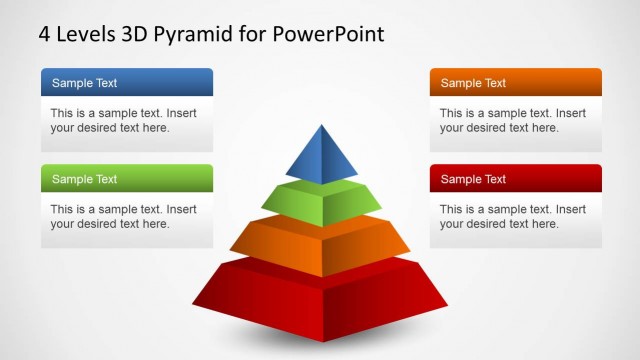
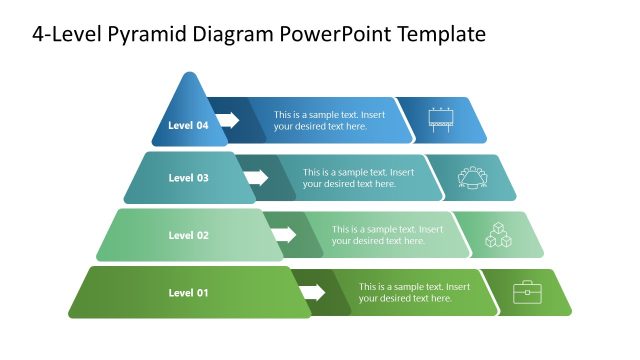
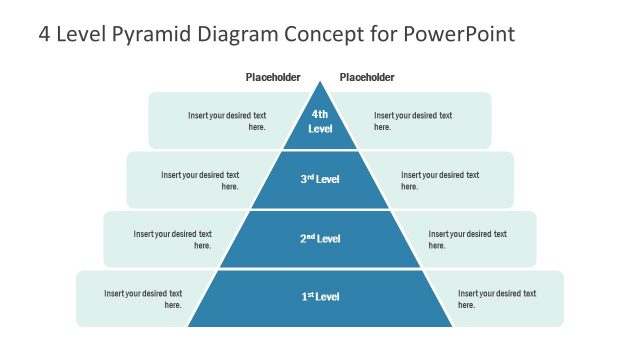
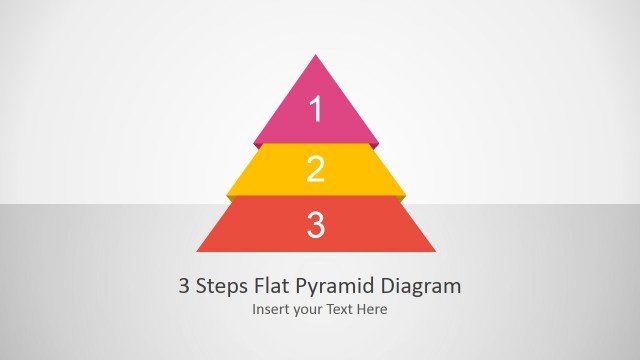
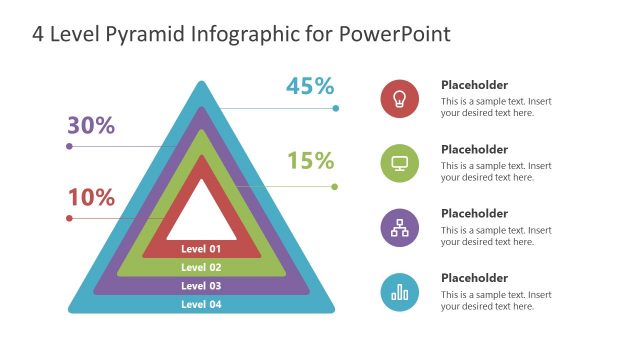
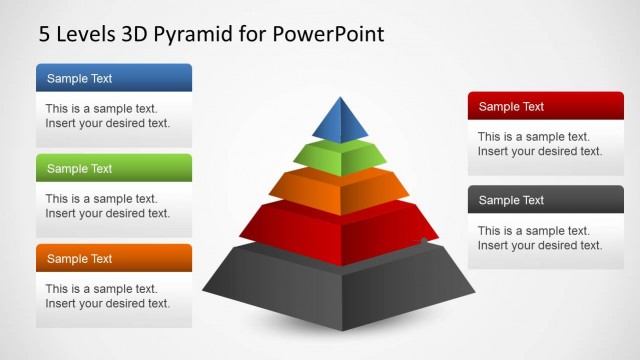
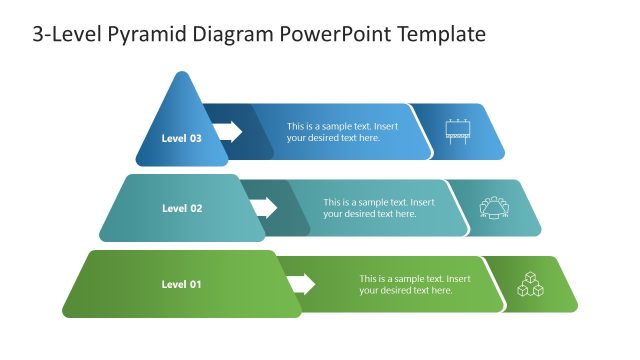
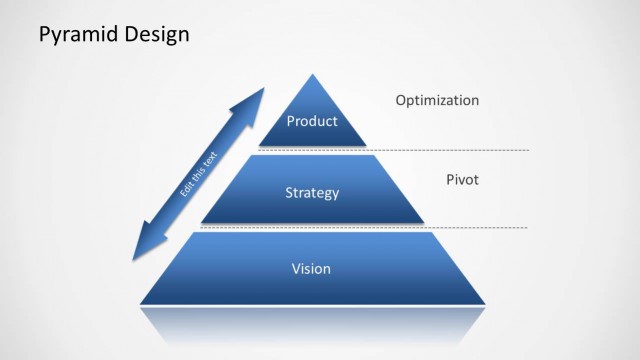
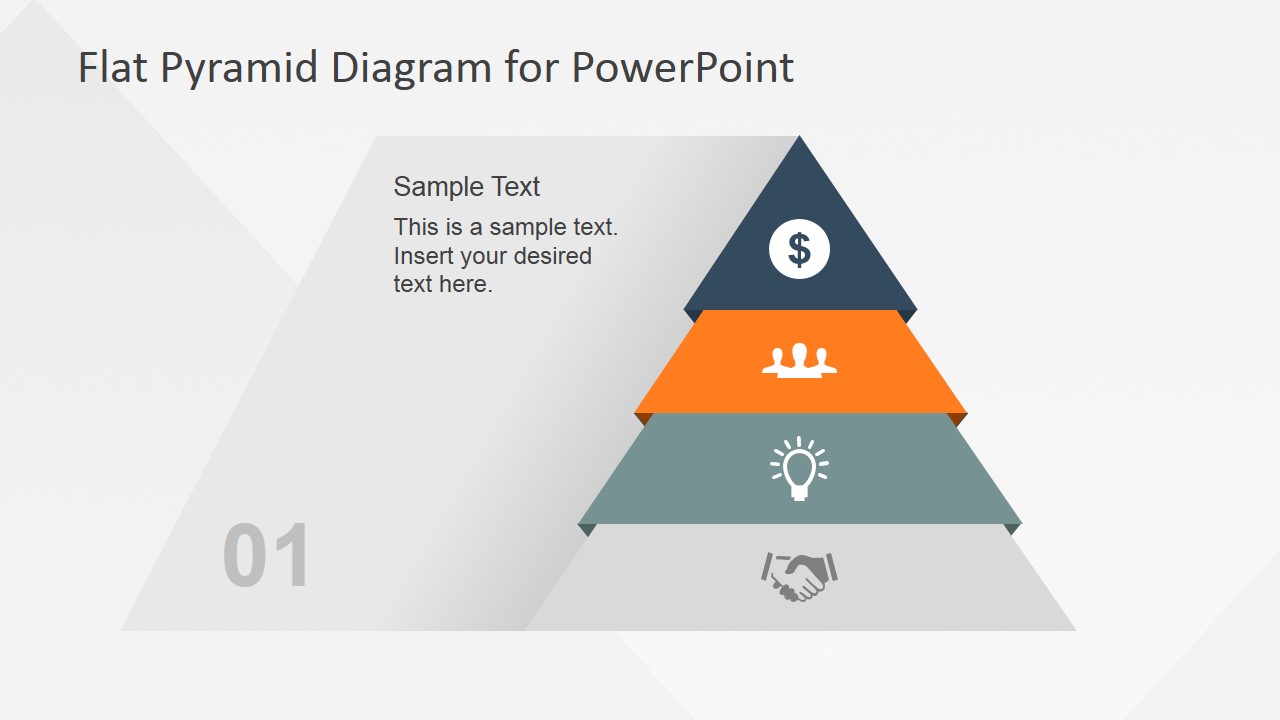
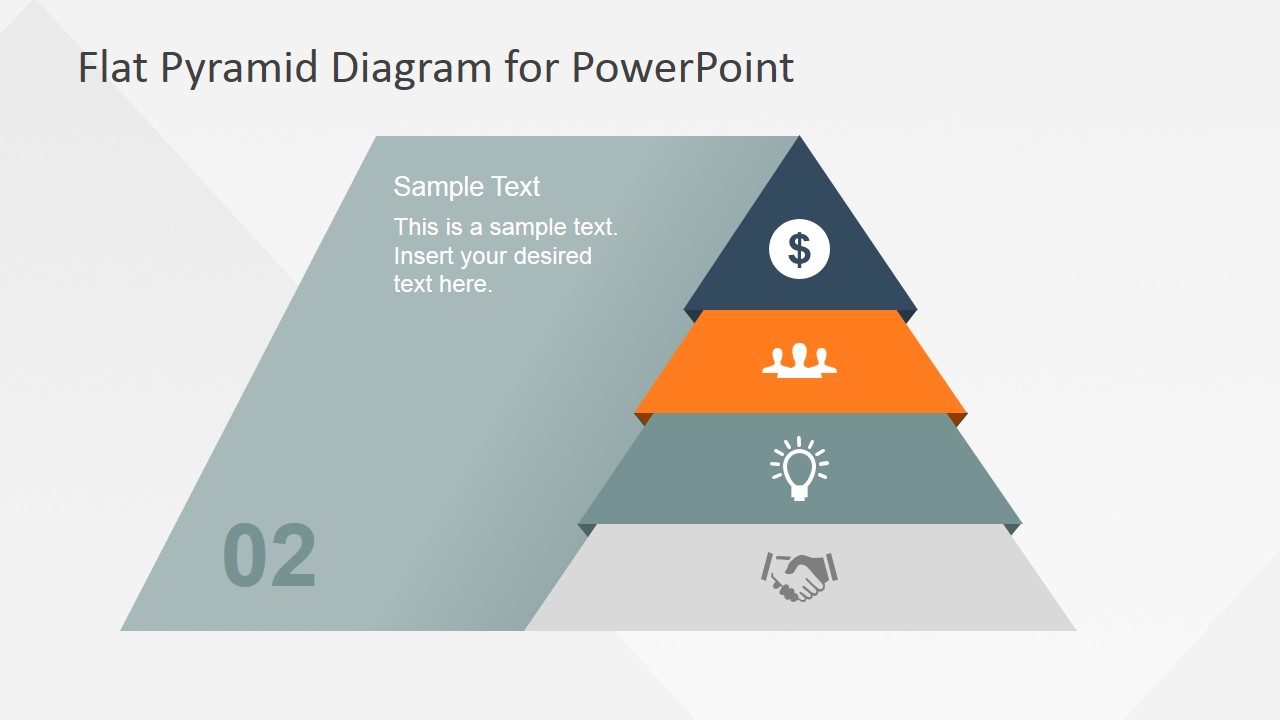
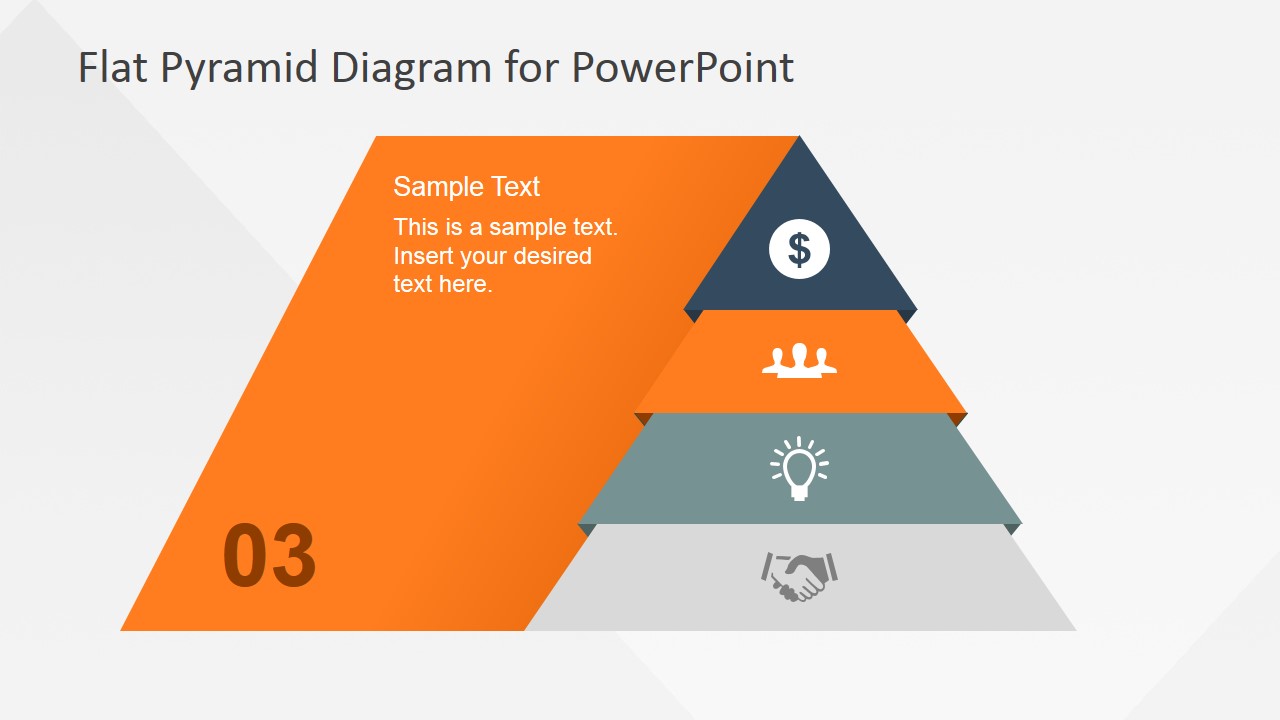
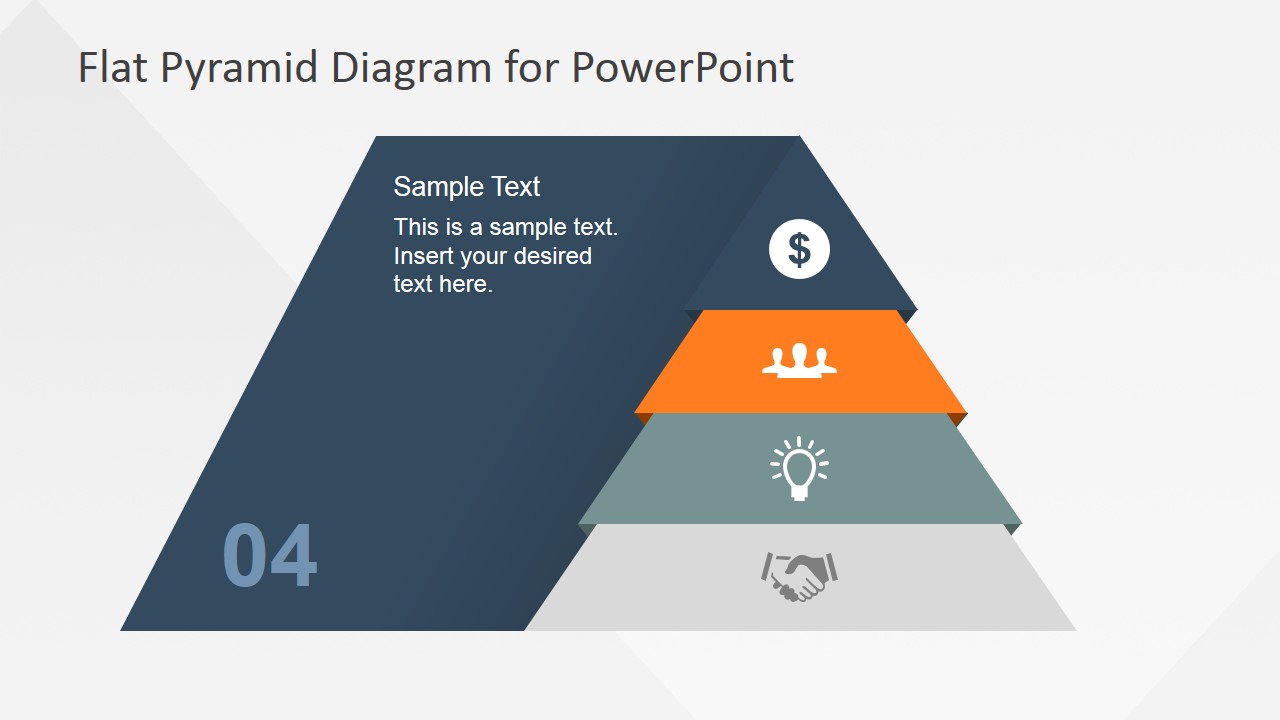
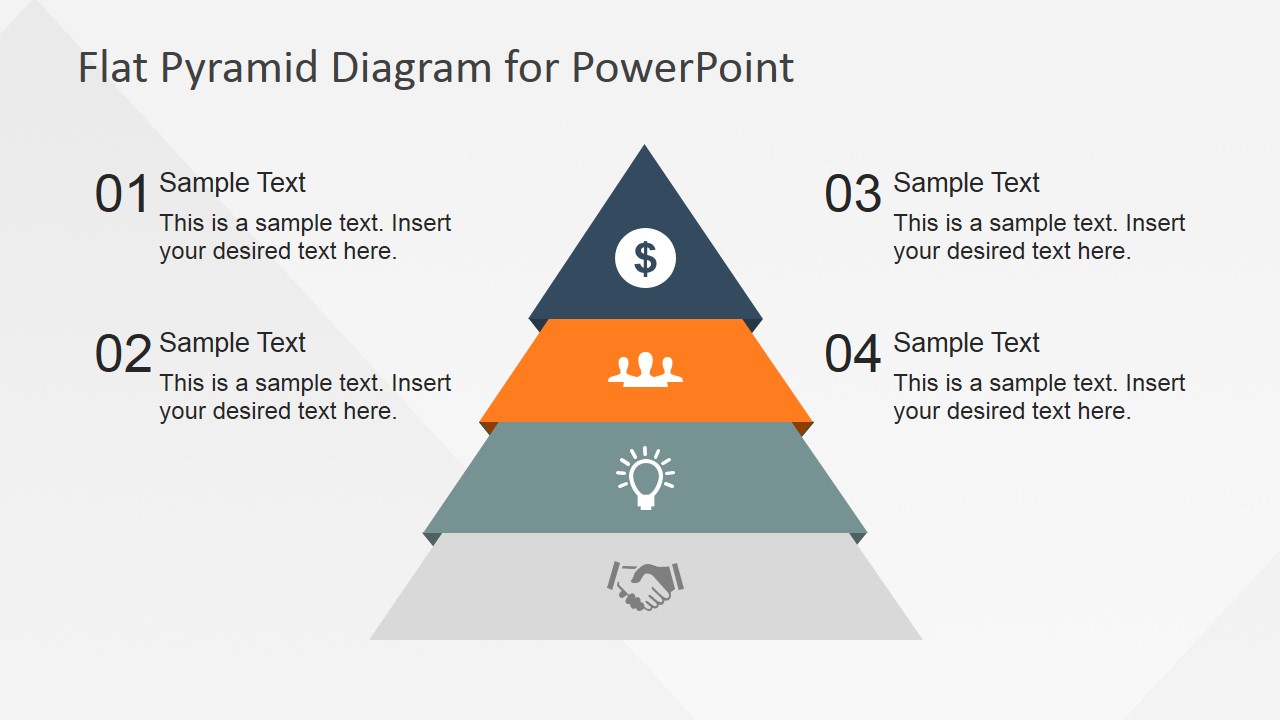
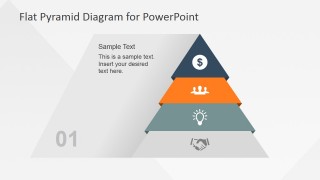
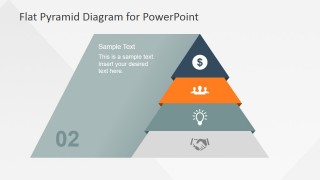
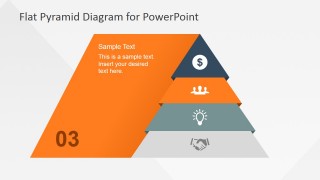
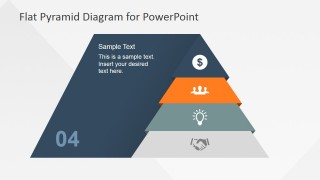
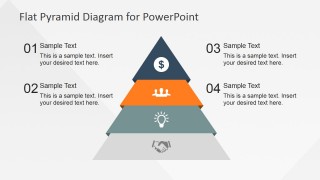
4 Levels Flat Pyramid Diagram Template for PowerPoint is a presentation diagram design that you can use to decorate your business slides. It contains a segmented pyramid design with flat styles and four levels.
We have created a separate slide in order you can describe each level. Each individual slide contains a space to enter the step or level number with a brief description text. Moreover, each step in the segmented pyramid diagram is decorated with a PowerPoint clipart that you can easily replace by any other clipart or icon in our templates gallery.
What’s inside this template
Example presentation scenarios
- A strategy consultant can use the level-by-level pyramid slides to explain a four-tier maturity model, moving from foundational capabilities at the base to a top-level business outcome.
- A sales leader can present a value framework to customers by using the callout pyramid summary to connect each numbered level with a short benefit statement.
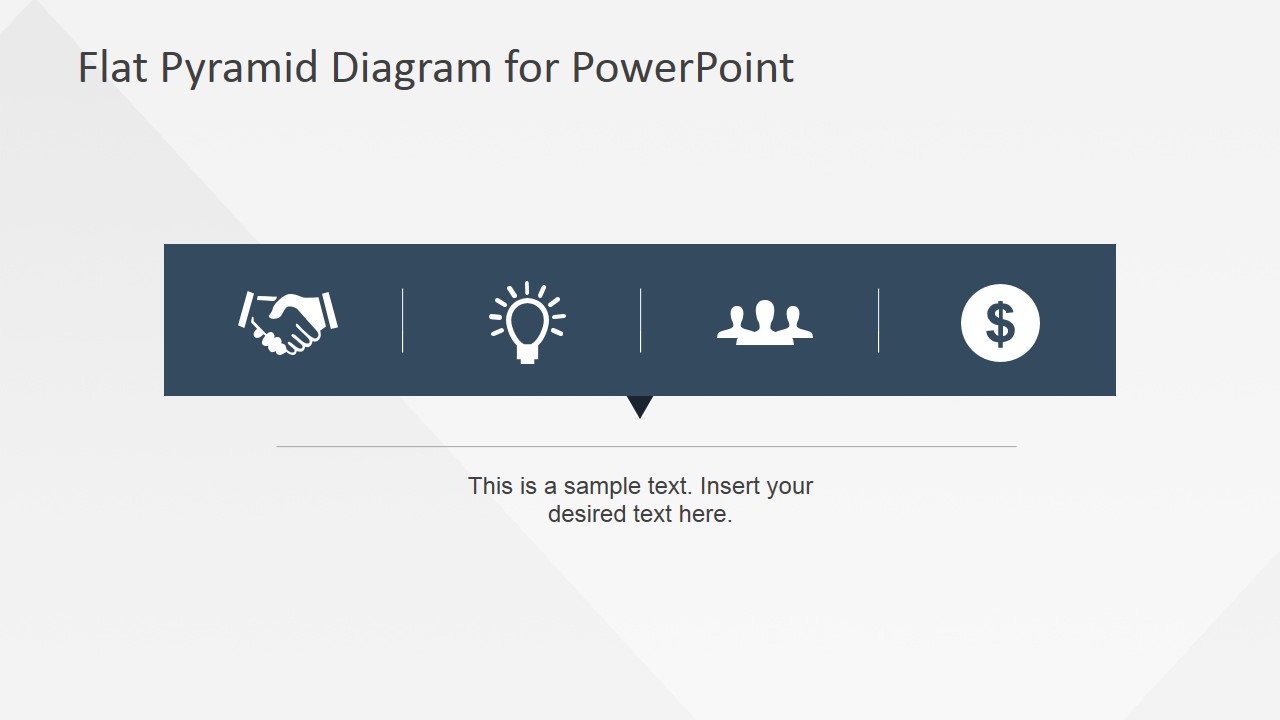
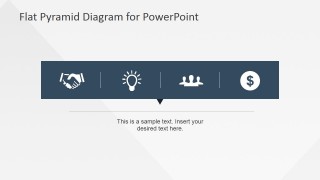
- A training facilitator can introduce a four-step learning path with the horizontal icon strip, then use the pyramid summary to show how each step builds on the previous one.
- A product manager can map product priorities by assigning the editable pyramid layers to foundation work, user adoption, team alignment, and revenue impact.
Features
- 100% editable presentation template
- Compatible with Microsoft PowerPoint and Google Slides
- Scalable vector shapes, icons and illustrations
- AI-Ready for Microsoft Copilot and Claude
- Instant access and download
Frequently asked questions
Q: How should I present the four pyramid levels so the audience follows the logic?
A: Start with the full pyramid to establish the hierarchy, then use the focused level slides to explain one layer at a time. Keep the same base-to-top order throughout the talk, and tie each icon to a short message. Finish with the callout summary so the audience can compare all four levels at once.
Q: What type of business message is this template best suited for?
A: This template works best when the presenter needs to show that four ideas have different levels of importance or dependency. It fits maturity models, value ladders, capability stacks, training paths, and strategic priorities. It is especially useful for executives, consultants, product teams, and trainers who need a concise framework rather than a data-heavy report.
Q: Why does the pyramid metaphor help communicate this framework?
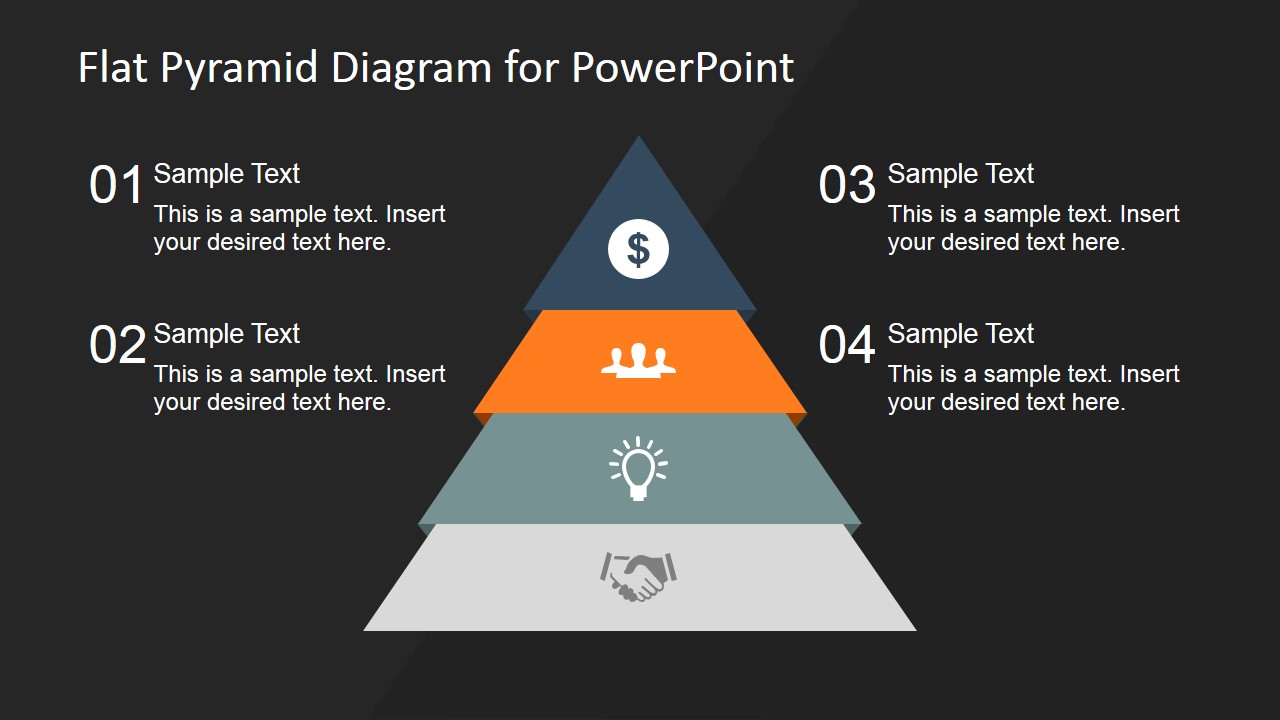
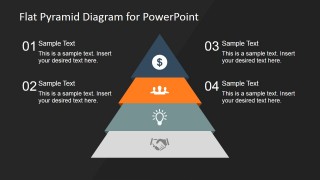
A: The pyramid shape makes dependency visible: lower layers read as foundations, while the top layer reads as the outcome or highest priority. The separate icons reduce text load and create memory anchors for each tier. The light and dark summary slides also let presenters choose the contrast level that best fits the setting.
4 Levels Flat Pyramid Diagram Template for PowerPoint
7-slide presentation template with four-level pyramid diagrams, icon steps, and hierarchy callouts
This 7-slide diagram template presents a four-level flat pyramid for explaining hierarchy, priorities, maturity, or staged processes. Visible layouts include level-by-level pyramid detail slides, a horizontal four-icon step strip, and light and dark callout pyramid summaries. It is built for business presenters working in Microsoft PowerPoint or Google Slides.


 Loading...
 Microsoft PowerPoint
  Microsoft Copilot
  Claude for PowerPoint
 Other formats supported
Subscribe today and get immediate
access to download our PowerPoint templates.