Slide 6 of 7 from 3D Cubes Network Template for PowerPoint
6105-01-3d-cubes-network-6
3D Cube Layout for Presentations
- Diagram
- Other
- Concept Explanation Slide
- 16:9
- 100% Editable
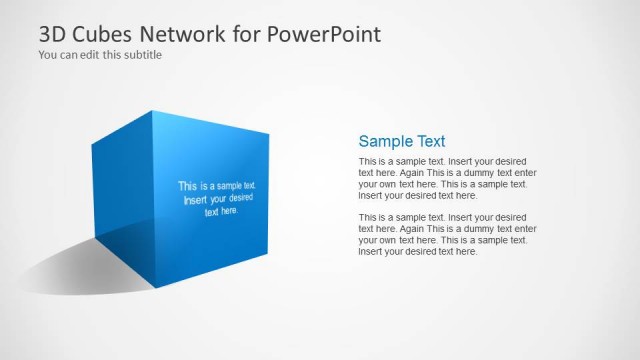
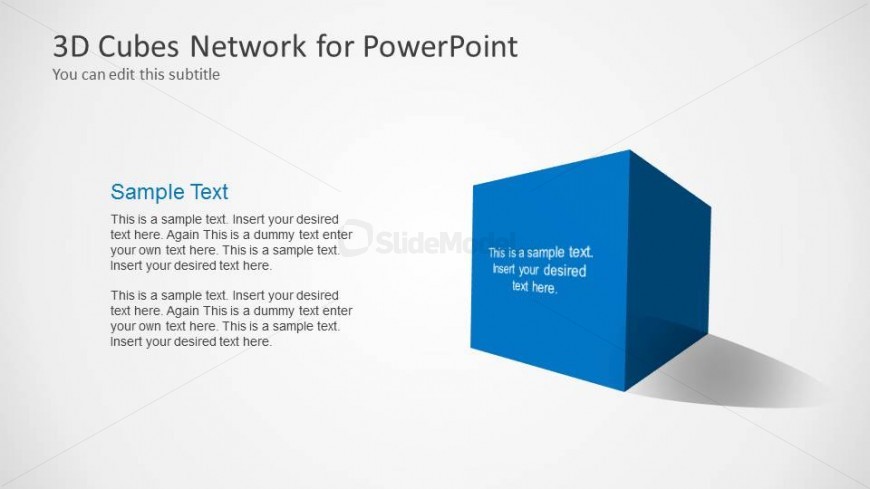
The 3D Cube Layout with Text from the 3D Cubes Network Template for PowerPoint offers a clear and visually engaging way to highlight key concepts or product features. This slide template uses editable shapes and text placeholders arranged around a prominent blue 3D cube, making it suitable for business presentations and project overviews. Its design supports concise content presentation within a corporate presentation or pitch deck template.
What’s on This Slide
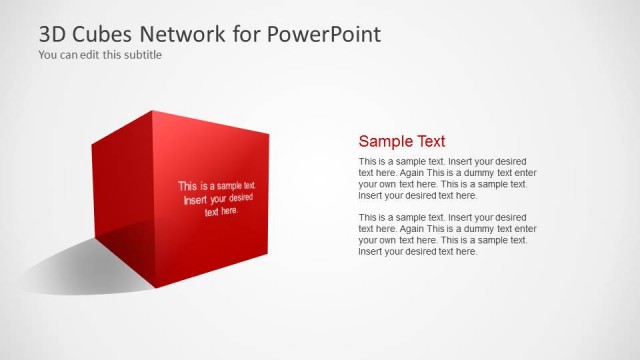
The layout features a prominent blue 3D cube positioned to the right, casting a shadow on the background. The cube has three visible faces, each containing text placeholders aligned to the center, with the top face displaying a title and the front face showing body text. To the left, there is a subtitle placeholder positioned above the cube. The background is light with a subtle gradient, enhancing the cube's visibility. The overall composition emphasizes the cube as the focal point, with text elements clearly structured around it.
How to Use It
This layout serves as a single-cube concept slide, ideal for highlighting a specific idea or topic in a presentation. It fits well after introductory slides, providing a clear focus on a key point. Real-world applications include business presentations for product features, project highlights, or conceptual explanations. The structure allows for concise text, making it suitable for summarizing important information while maintaining visual interest.
Text Placeholders & Capacity
Keep your copy within these limits so it fits without resizing. Body slots can hold about 15-20 words each.
| Placeholder | Count | Max characters (approx.) |
|---|---|---|
| Slide title | 1 | 30 |
| Subtitle | 1 | 50 |
| Item body | 3 | 80 |
Slide Keywords
Download unlimited PowerPoint templates, charts and graphics for your presentations with our annual plan.
DOWNLOADReturn to 3D Cubes Network Template for PowerPoint.