Slide 7 of 7 from 3D Cubes Network Template for PowerPoint
6105-01-3d-cubes-network-7
3D Cube Comparison Layout for Presentations
- Diagram
- Comparison Split
- Comparison Slide
- 16:9
- 100% Editable
The 3D Cube Comparison Layout from the 3D Cubes Network Template for PowerPoint offers a clear visual method for contrasting two ideas or products. This slide template uses editable shapes and vector icons to enhance business presentations, making it suitable for product comparisons, feature highlights, or strategy contrasts within a corporate presentation or pitch deck template.
What’s on This Slide
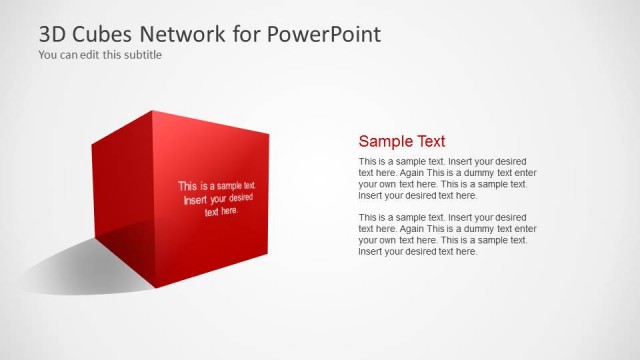
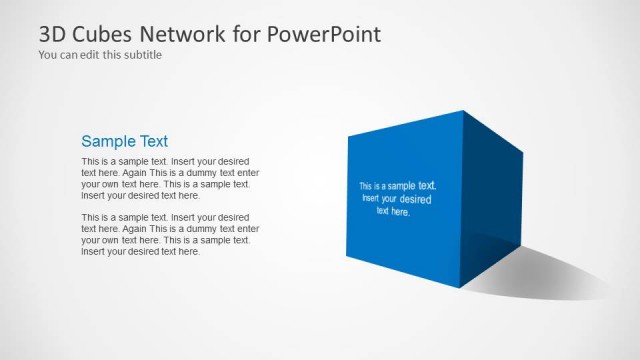
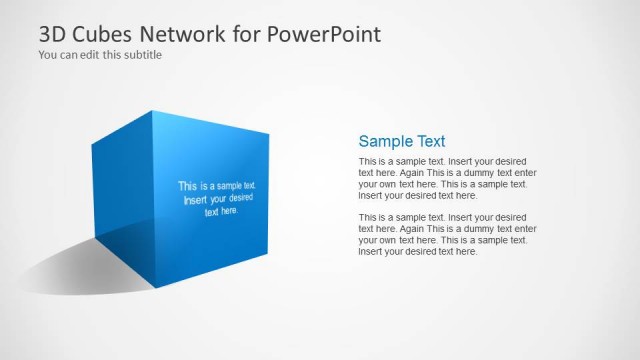
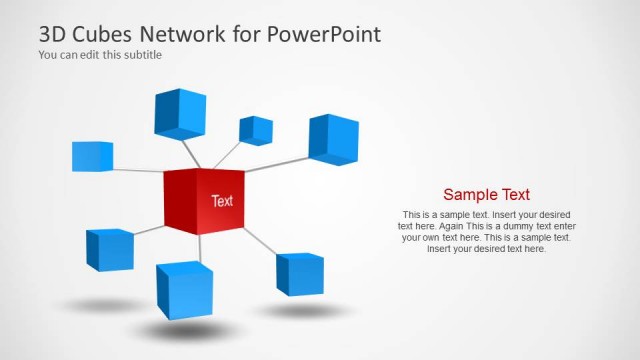
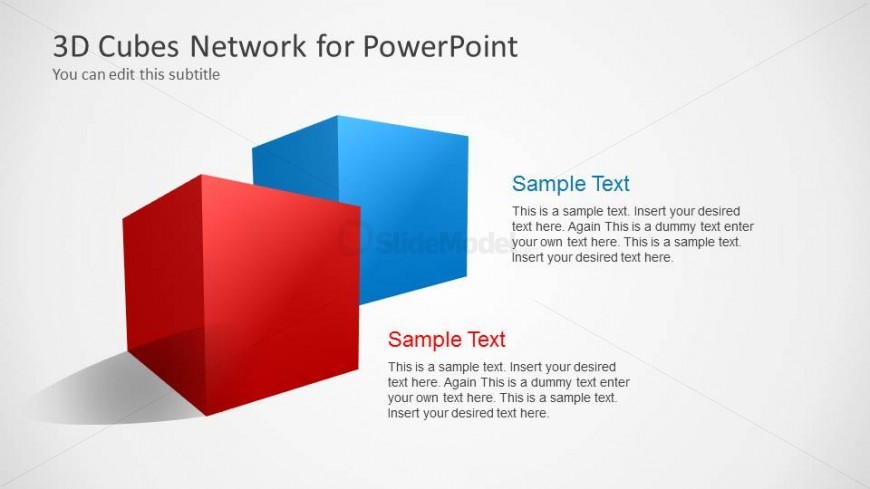
The layout features two 3D cubes positioned at the center, one in red and the other in blue. The red cube is slightly lower and to the left, while the blue cube is elevated and to the right. Each cube contains a text placeholder aligned to the left, with a larger title placeholder above. The background is a light gradient, enhancing the 3D effect. The cubes have a glossy finish, adding depth. Text placeholders are present for titles and descriptions, with a clear visual hierarchy emphasizing the cube titles.
How to Use It
This layout serves as a comparison tool, ideal for showcasing two concepts or ideas side by side. It fits well in a presentation sequence after introducing a topic, allowing for a detailed analysis of two elements. Common scenarios include product comparisons, feature highlights, or contrasting strategies in business discussions. The structure allows for easy readability and visual engagement, making it suitable for various professional contexts.
Text Placeholders & Capacity
Keep your copy within these limits so it fits without resizing. Node body slots can accommodate roughly 25-30 words each.
| Placeholder | Count | Max characters (approx.) |
|---|---|---|
| Slide title | 1 | 30 |
| Subtitle | 1 | 50 |
| Item heading | 2 | 20 |
| Item body | 2 | 150 |
Slide Keywords
Download unlimited PowerPoint templates, charts and graphics for your presentations with our annual plan.
DOWNLOADReturn to 3D Cubes Network Template for PowerPoint.