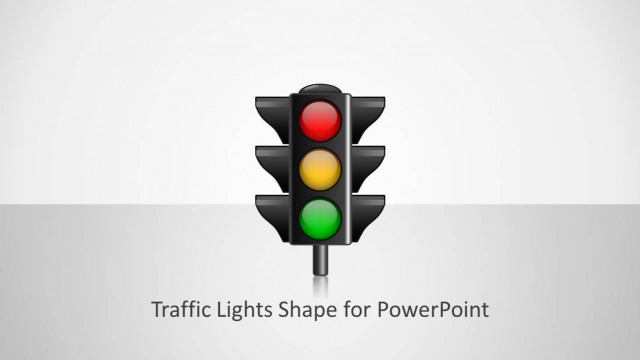
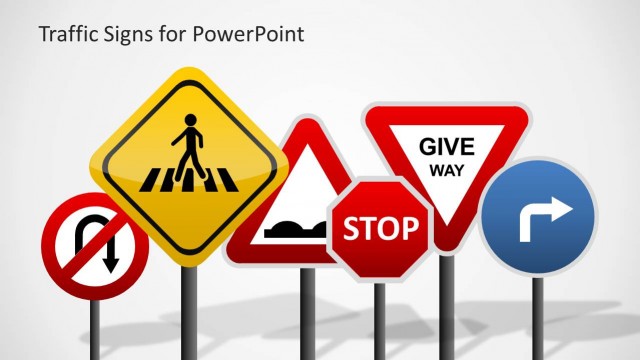
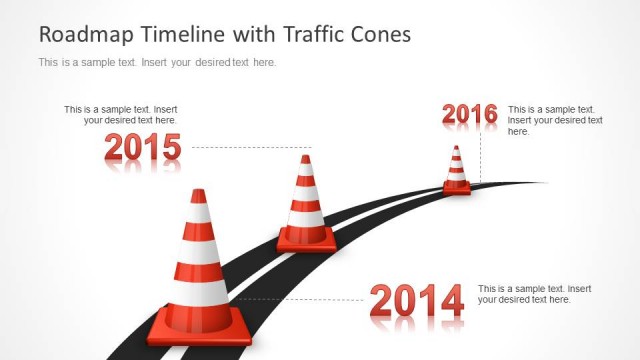
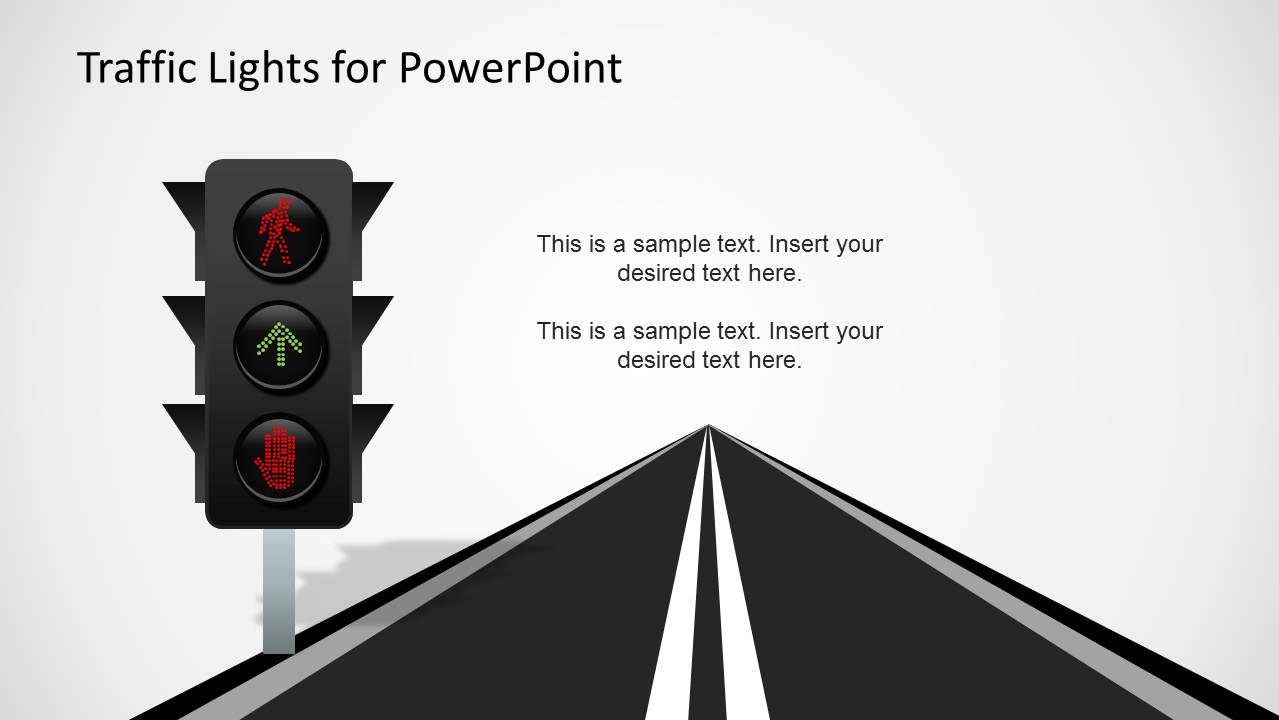
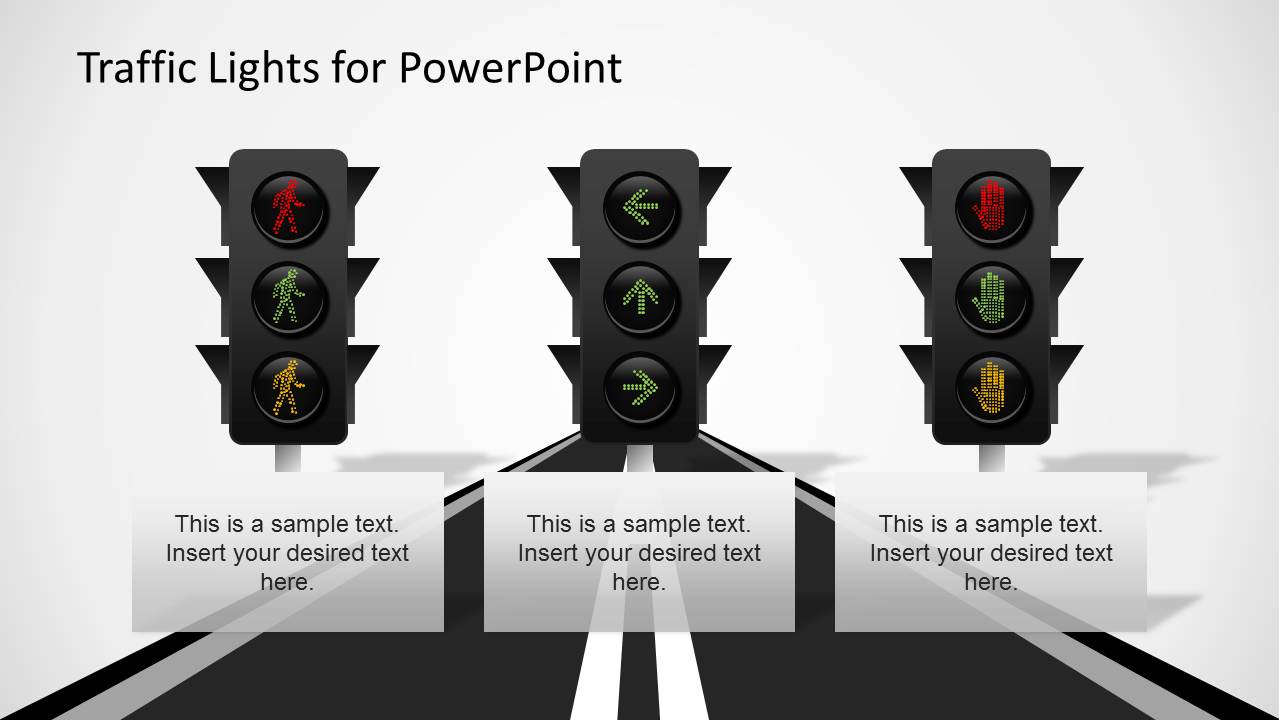
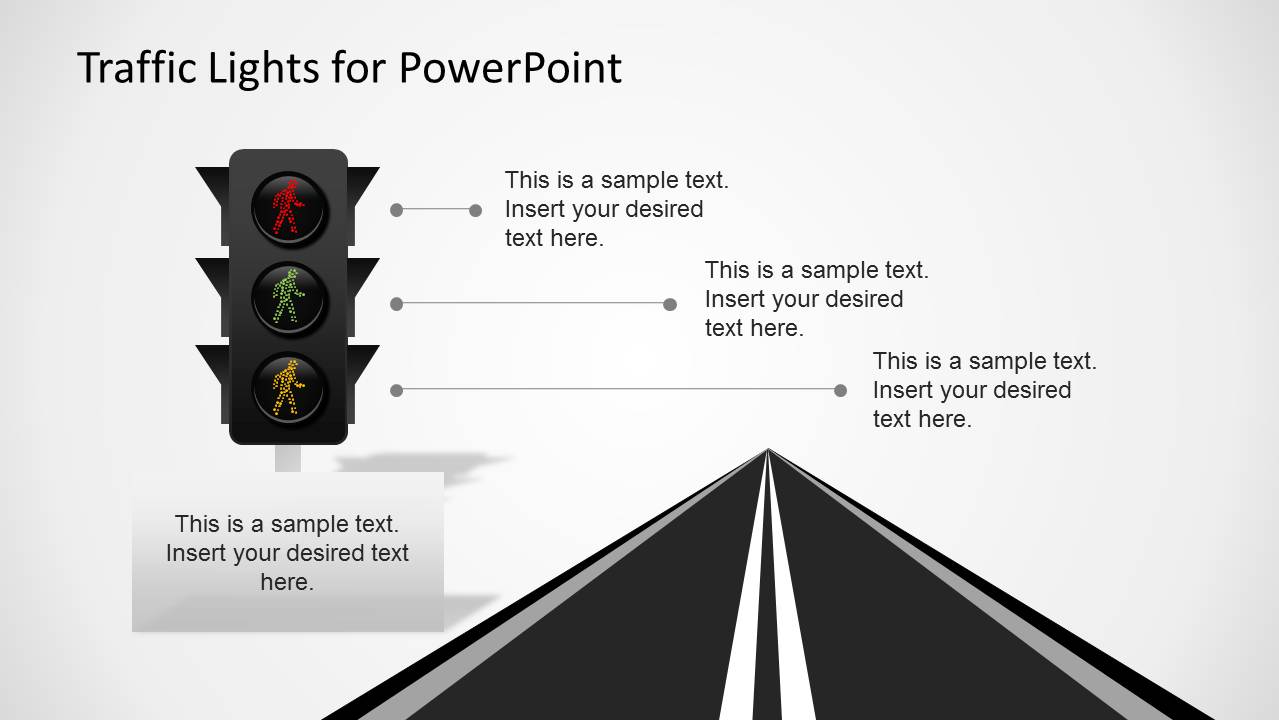
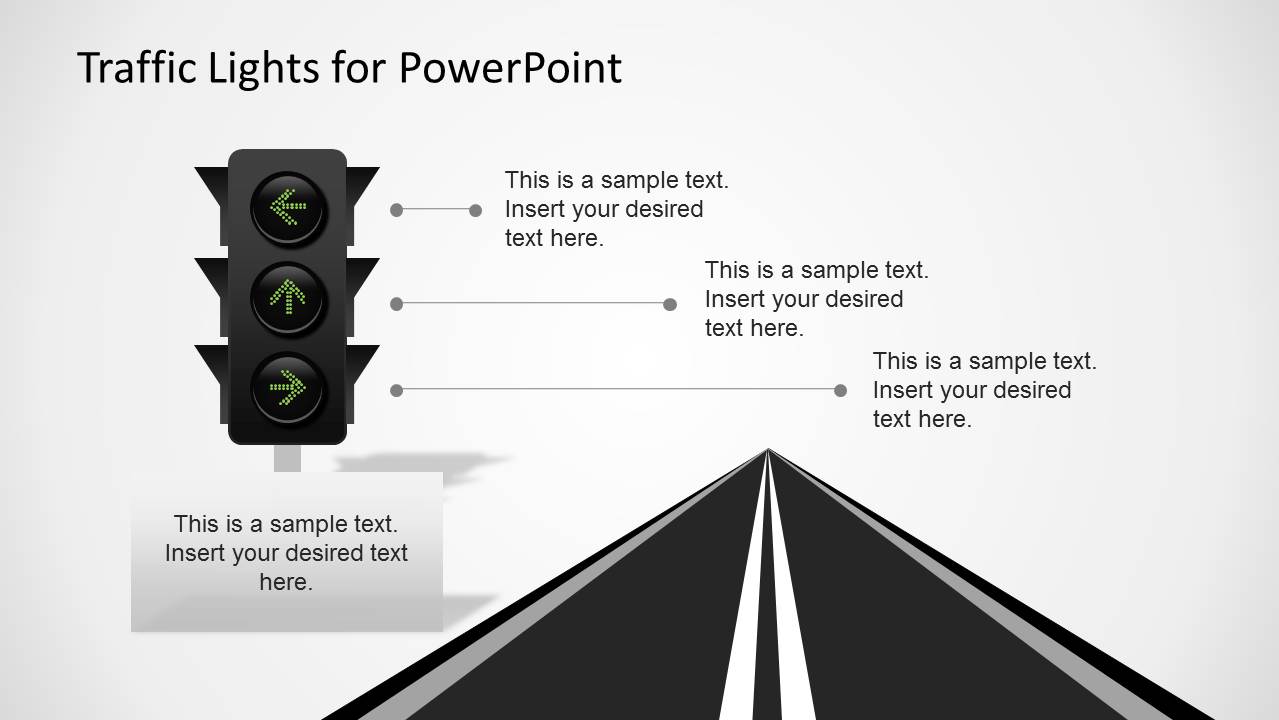
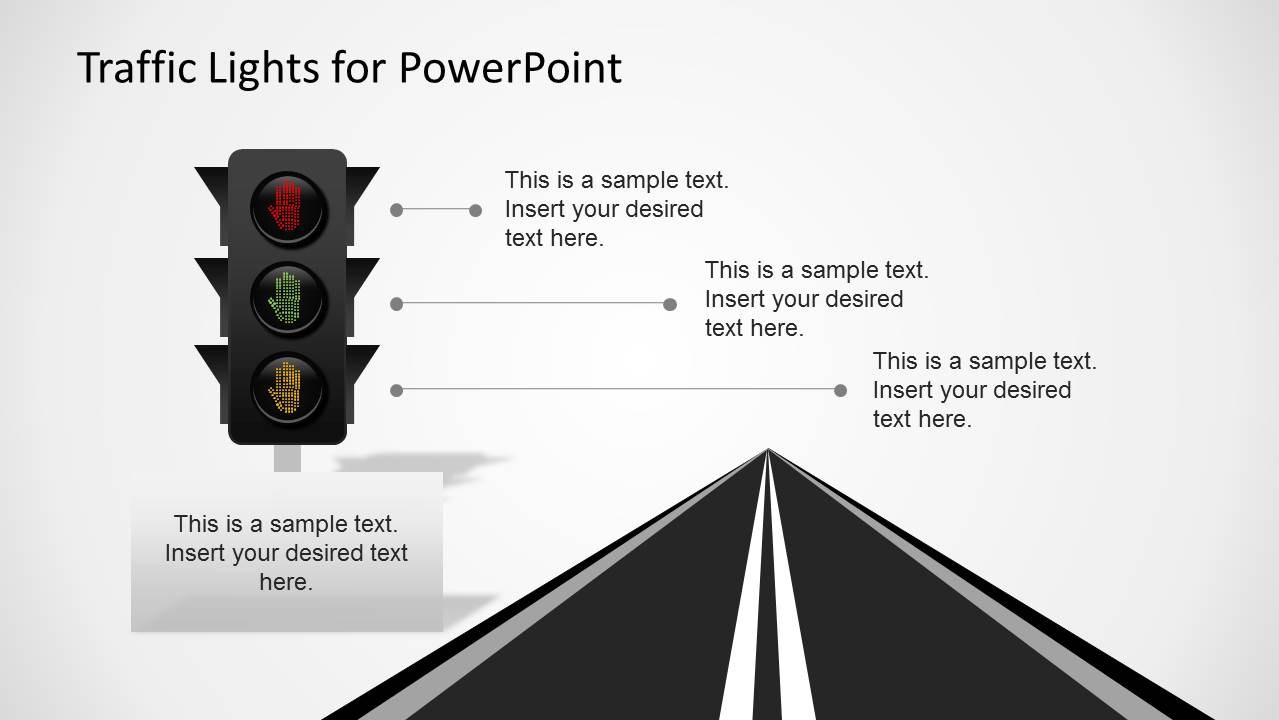
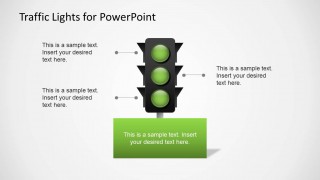
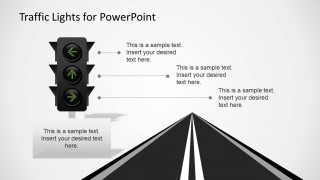
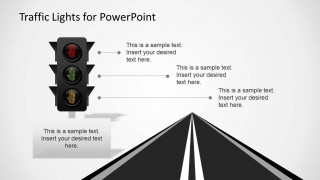
Traffic Lights PowerPoint Template is an awesome PowerPoint presentation containing traffic light shapes for PowerPoint that you can use to decorate your presentations. You can download this presentation template if you are looking to use traffic light illustrations in your PowerPoint presentations including several traffic light options like Pedestrian Traffic Lights, Turn Left or Right Traffic Lights as well as other traffic lights simulating LED illustrations or LED effects.
Alternatively you can download other traffic lights PowerPoint designs or traffic signs and road timelines for presentations. These presentation slides can help you prepare traffic presentations with visually appealing slides.
What’s inside this template
Example presentation scenarios
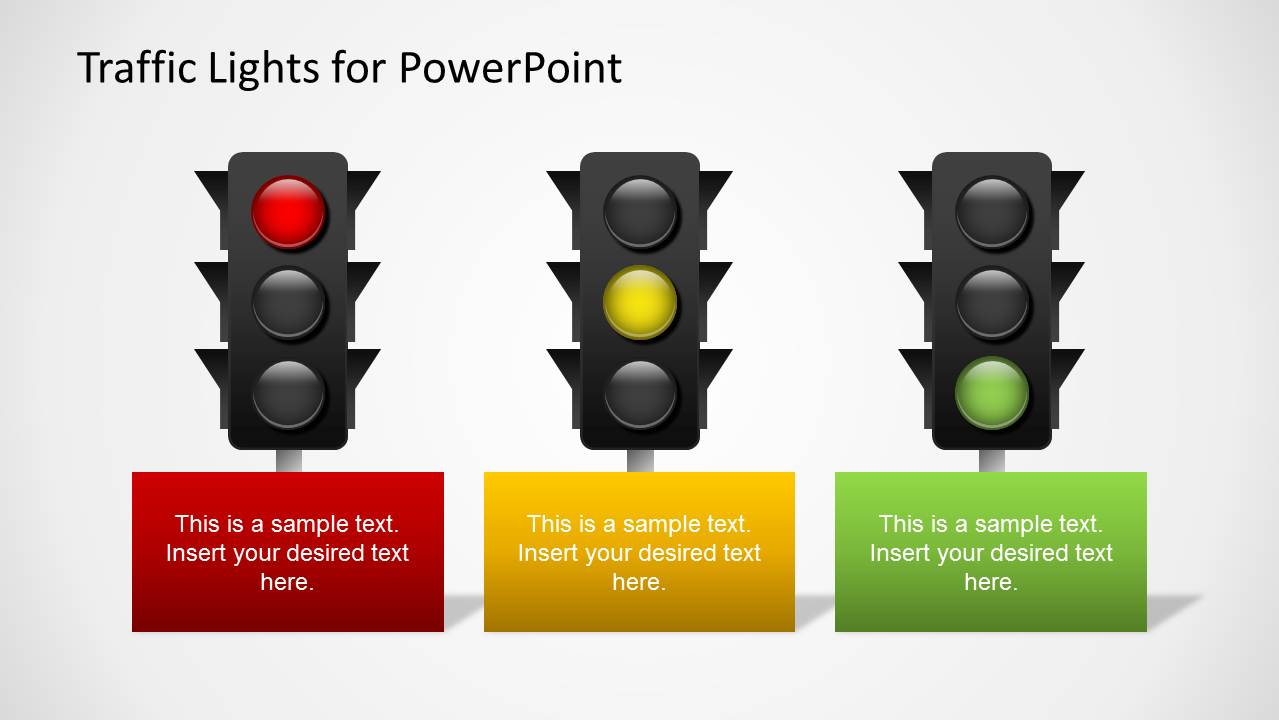
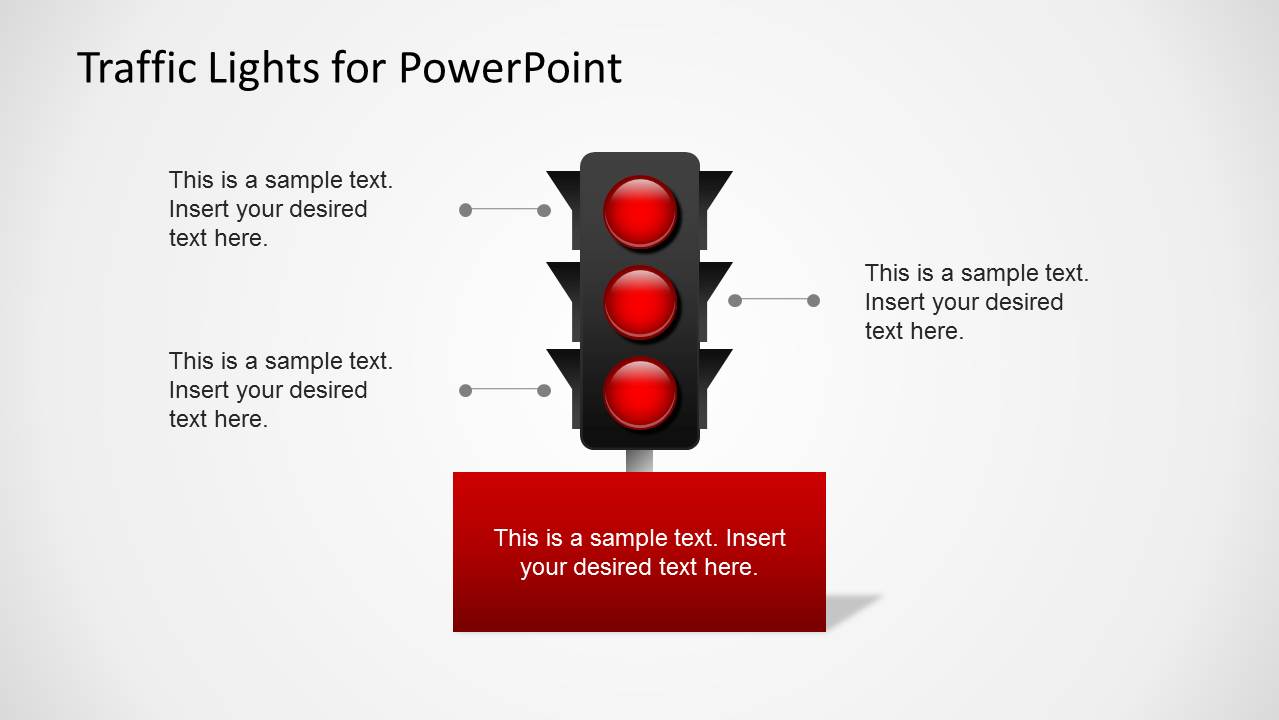
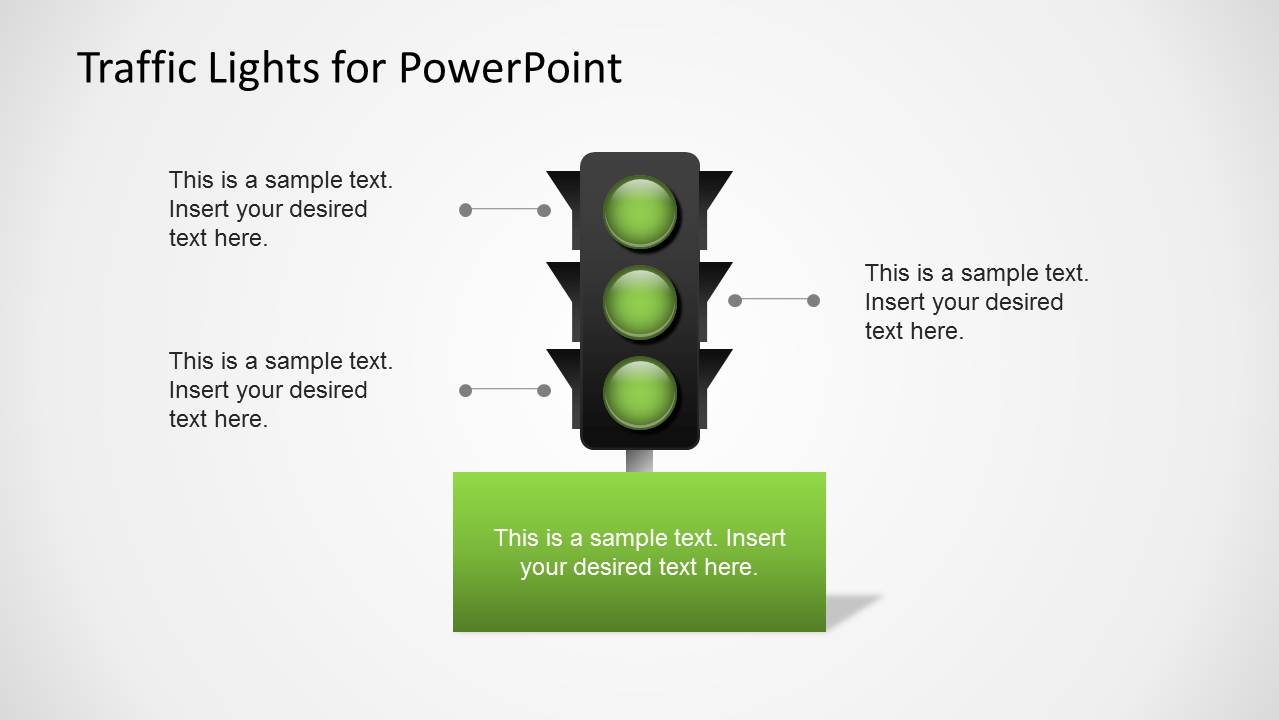
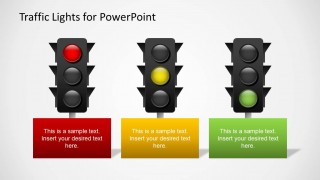
- A project manager can report portfolio health by mapping stop, caution, and go conditions to the red-yellow-green signal slides.
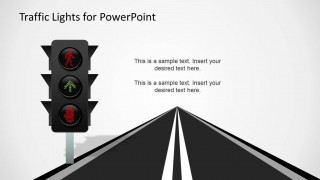
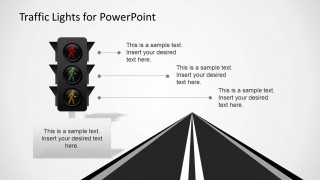
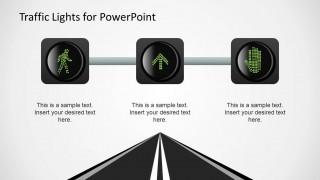
- A safety trainer can explain pedestrian crossing rules or workplace hazard levels with the pedestrian light icons and road scene callouts.
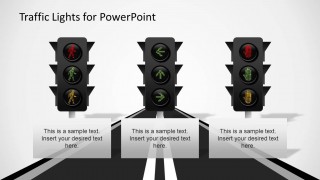
- A transportation planner can present traffic control concepts using the vertical signal layouts, directional arrow lights, and road perspective slides.
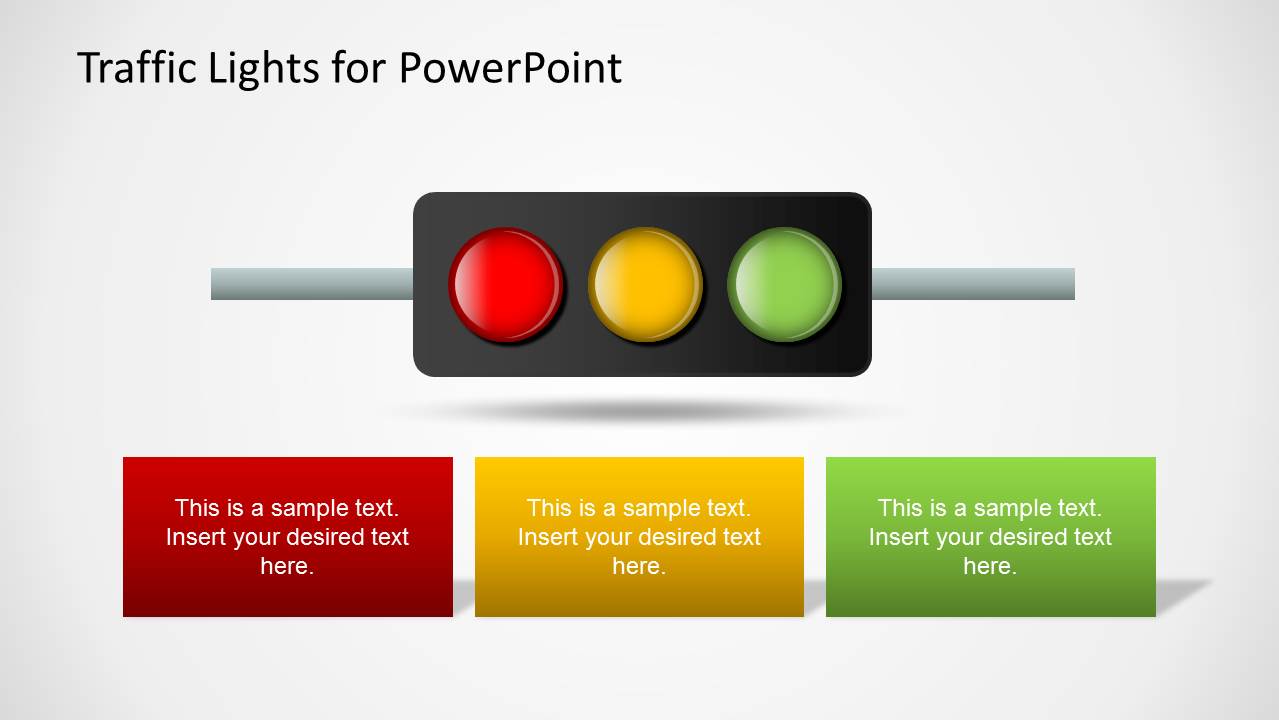
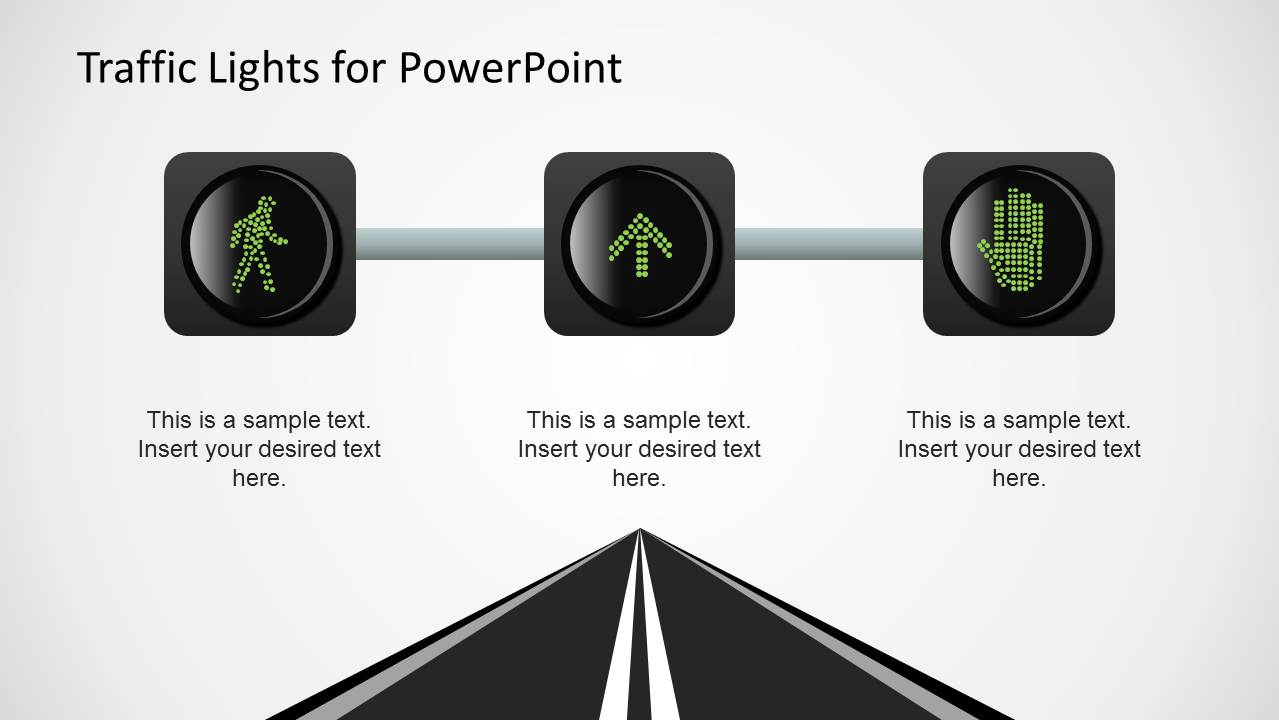
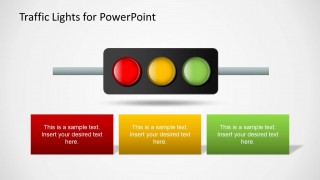
- An operations lead can show approval gates or escalation stages with the horizontal three-light signal and matching colored caption boxes.
Features
- 100% editable presentation template
- Compatible with Microsoft PowerPoint and Google Slides
- 16:9 aspect ratio slides
- Scalable vector shapes, icons and illustrations
- AI-Ready for Microsoft Copilot and Claude
- Instant access and download
Frequently asked questions
Q: How should a presenter assign meaning to the traffic light colors?
A: Define the color logic before showing the first status slide. Red should mean stop, blocked, high risk, or urgent action; yellow should mean caution, pending decision, or watch item; green should mean approved, safe, or on track. Keep the same meaning across the vertical signals, horizontal signal, and caption panels.
Q: Who benefits most from using this traffic light metaphor?
A: This template fits presenters who need fast audience judgment rather than detailed analysis. Project managers, operations leaders, safety trainers, and transportation teams can use the signal icons to classify issues, instructions, and decision gates. The metaphor works best when the audience already understands stop, caution, and go behavior.
Q: Why do the road scenes and signal layouts help communication?
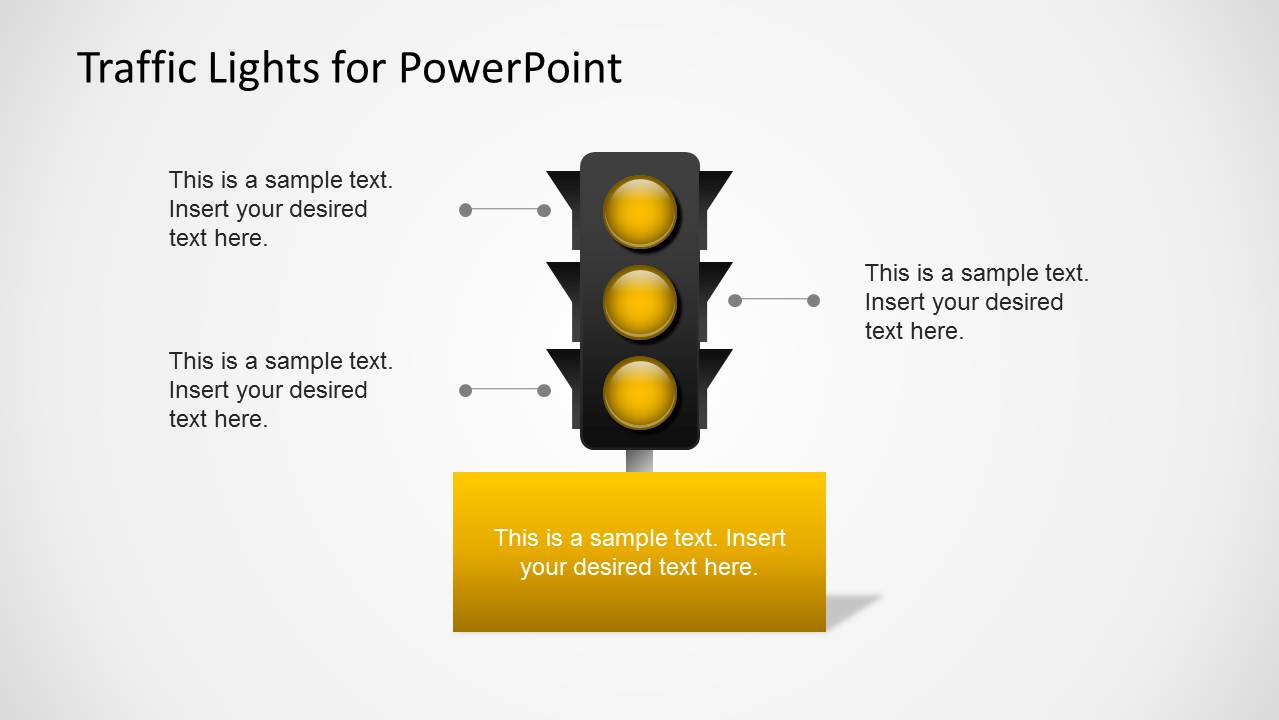
A: The road perspective creates an immediate sense of direction, while the traffic lights provide a simple visual hierarchy. Viewers can identify the active state before reading the text. The callout lines then explain the reason behind each state, which keeps attention on the decision or instruction instead of the decoration.
Traffic Lights PowerPoint Template
11-slide presentation template with traffic lights, LED indicators, road scenes, and status signal diagrams.
Traffic Lights PowerPoint Template is an 11-slide shape presentation for Microsoft PowerPoint and Google Slides. It includes red-yellow-green signal sets, pedestrian light icons, directional arrow lights, road scene callouts, and status indicator panels for presenters who need to show risk, priority, approval, safety, or traffic-related messages.
- Category
- Shapes
- Rating


 Loading...
- Aspect ratio
- 16:9
- Item ID
- 6329-01
 Microsoft PowerPoint
  Microsoft Copilot
  Claude for PowerPoint
 Other formats supported
Subscribe today and get immediate
access to download our PowerPoint templates.