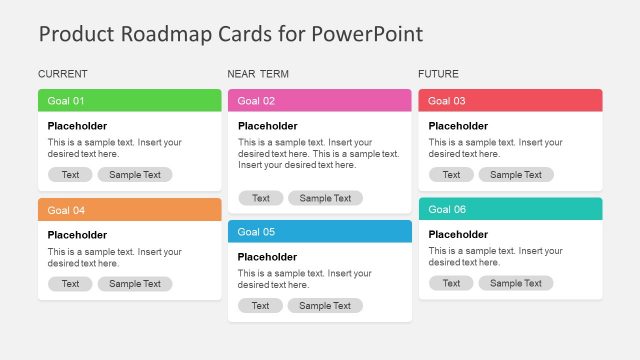
Timeline Roadmap PowerPoint Template is a roadmap presentation design for Microsoft PowerPoint that you can use to create awesome product roadmap slides. This timeline template for PowerPoint with roadmap slide design can be used as a PowerPoint timeline graphic and template for strategic PowerPoint presentations or product development presentations.
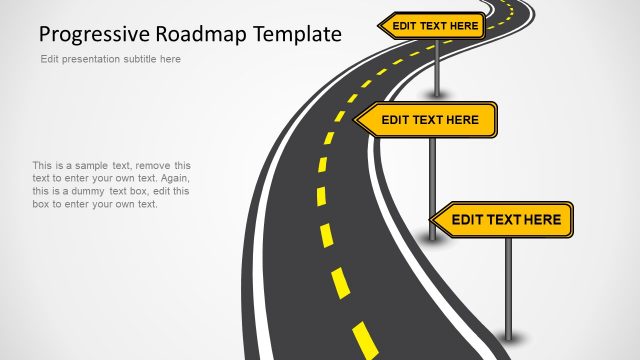
The timeline presentation template contains a road metaphor and orange and dark trees on each side of the road. Product roadmap template for PowerPoint with awesome road timeline can be used to create presentations on Project Management and Product Development. The presentation template comes with different slide designs and layouts including a vertical timeline roadmap, horizontal timeline roadmap and other variants including the U shaped timeline or a perspective timeline design.
What’s inside this template
Example presentation scenarios
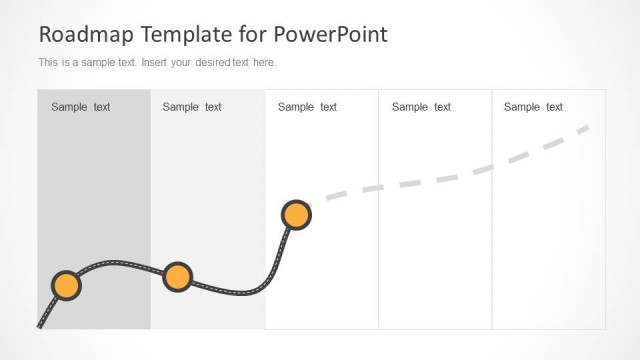
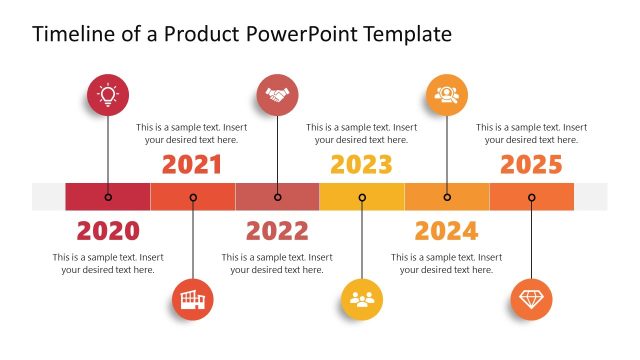
- A product manager can use the straight horizontal roadmap to explain release years, key checkpoints, and supporting notes during a product planning meeting.
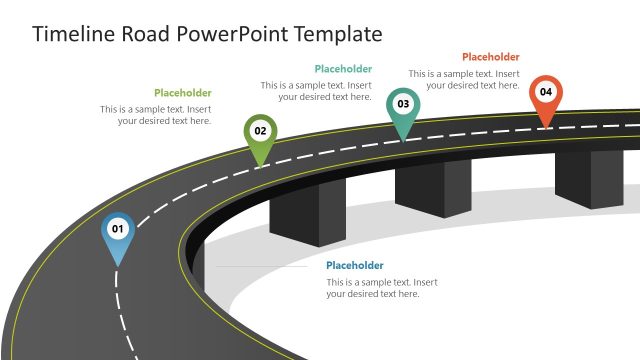
- A project manager can use the U-shaped roadmap to show how a plan changes direction while still moving through defined milestones.
- A consultant can use the perspective road slides to present a strategic journey, placing near-term and future actions along the visual route.
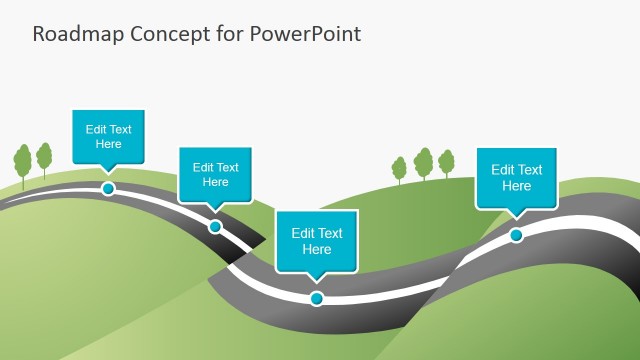
- A program lead can use the curved road timeline to summarize completed, current, and upcoming phases in an executive status update.
Features
- 100% editable presentation template
- Compatible with Microsoft PowerPoint and Google Slides
- Scalable vector shapes, icons and illustrations
- AI-Ready for Microsoft Copilot and Claude
- Instant access and download
Frequently asked questions
Q: How should a presenter explain a roadmap without making the road metaphor feel decorative?
A: Start by defining what the road represents, such as product releases, project phases, or strategic checkpoints. Then assign each circle to one milestone and keep the callout text short. The U-shaped, straight, and perspective road layouts work best when the presenter treats the road as the sequence, not as background art.
Q: Who is this roadmap template best suited for?
A: This template is best for project managers, product managers, and consultants who need to communicate sequence and timing at a planning level. It fits roadmap reviews, release briefings, and milestone updates where the audience needs the big path forward rather than task-level scheduling details.
Q: Why use a road visual instead of a standard timeline?
A: The road metaphor makes progress feel directional and helps the audience see milestones as part of a journey. The perspective slides create depth for long-term planning, while the straight and curved road layouts make order easy to scan. This visual logic is useful when the story is about movement from today to a future state.


Timeline Roadmap PowerPoint Template
5-slide PowerPoint timeline roadmap presentation template with road milestones and product planning layouts
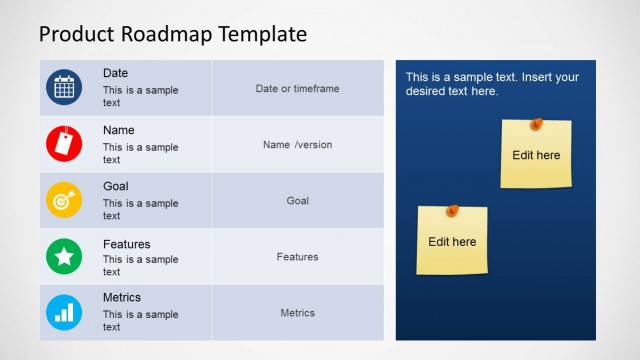
Timeline Roadmap PowerPoint Template is a 5-slide PowerPoint presentation template for project planning and product roadmap communication. It uses road metaphor layouts, including a U-shaped timeline, straight horizontal roadmap, perspective road, curved road timeline, and milestone callouts for teams explaining dates, phases, and next steps.


 Loading...
 Microsoft PowerPoint
 Microsoft Copilot
 Claude for PowerPoint
Other formats supported
Subscribe today and get immediate
access to download our PowerPoint templates.