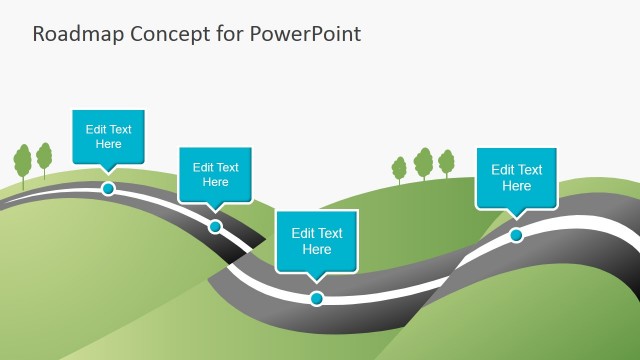
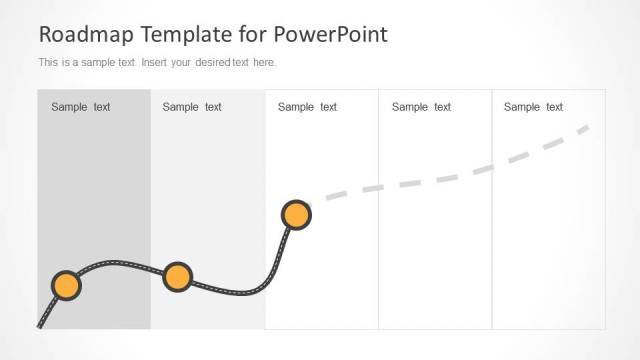
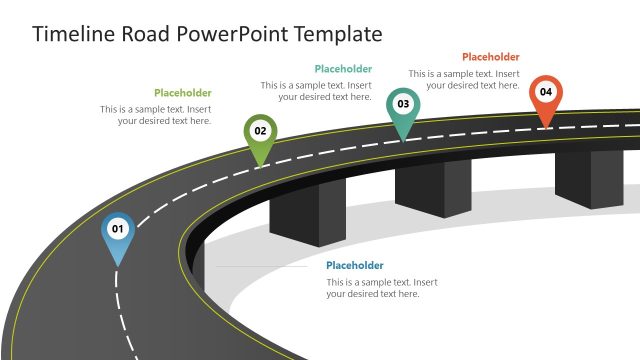
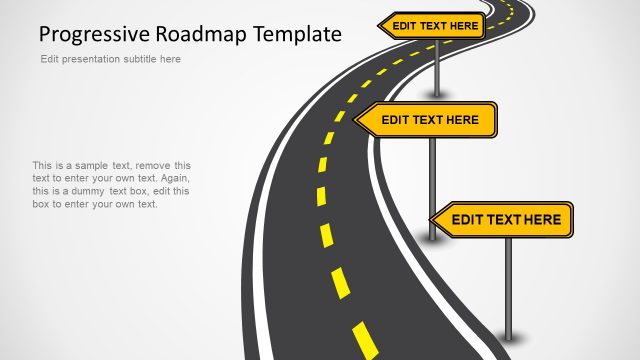
Creative Roadmap Timeline with Traffic Cones for PowerPoint is a roadmap presentation containing several slide designs that you can use to represent a timeline using a road metaphor and road cones as milestones.
You can download this roadmap template with a creative timeline design following a road style and created with construction cones as a metaphor of milestones to make detailed and stunning timeline designs in PowerPoint. Alternatively, you can download other timeline slides for presentations, or learn how to make a timeline infographic in PowerPoint or Google Slides.
What’s inside this template
Example presentation scenarios
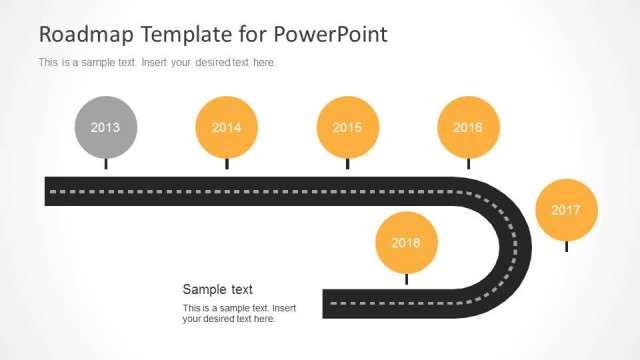
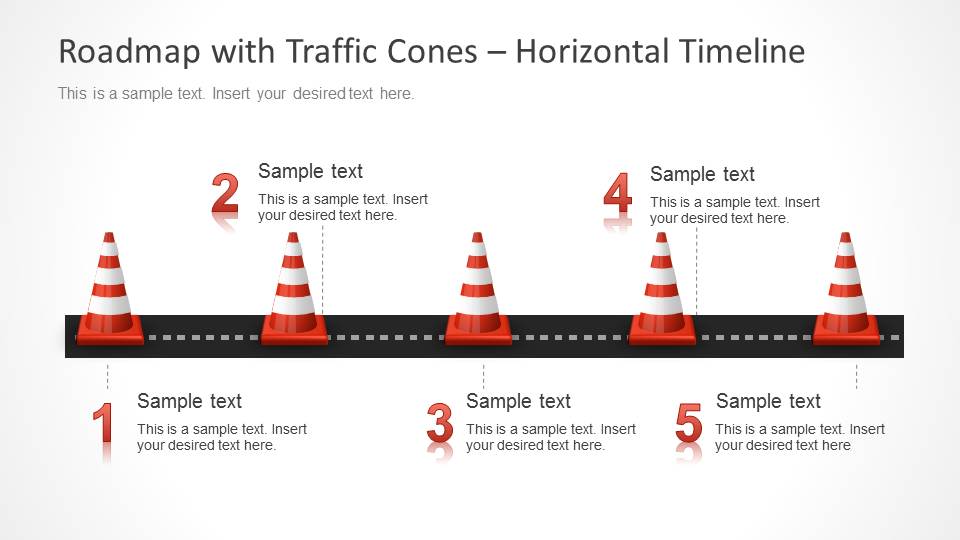
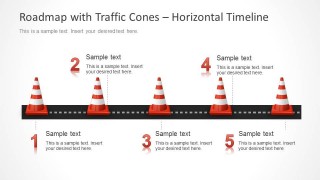
- A project manager can present an implementation plan to stakeholders by using the horizontal five-step road timeline to show milestones, owners, and expected checkpoints.
- A construction coordinator can brief a client on site phases with the traffic cone milestones, using the road metaphor to distinguish active work zones from completed stages.
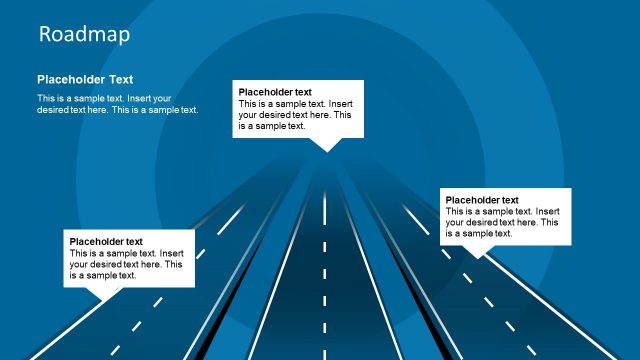
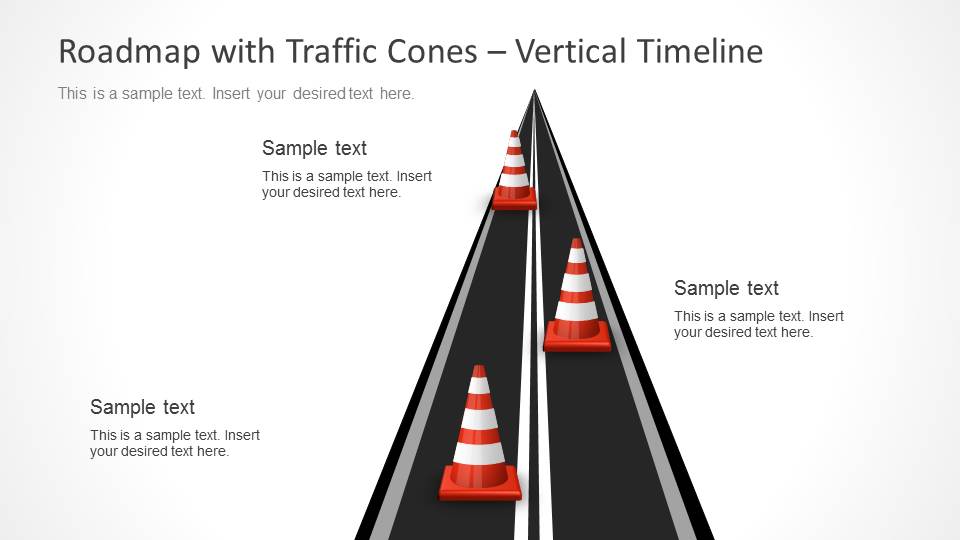
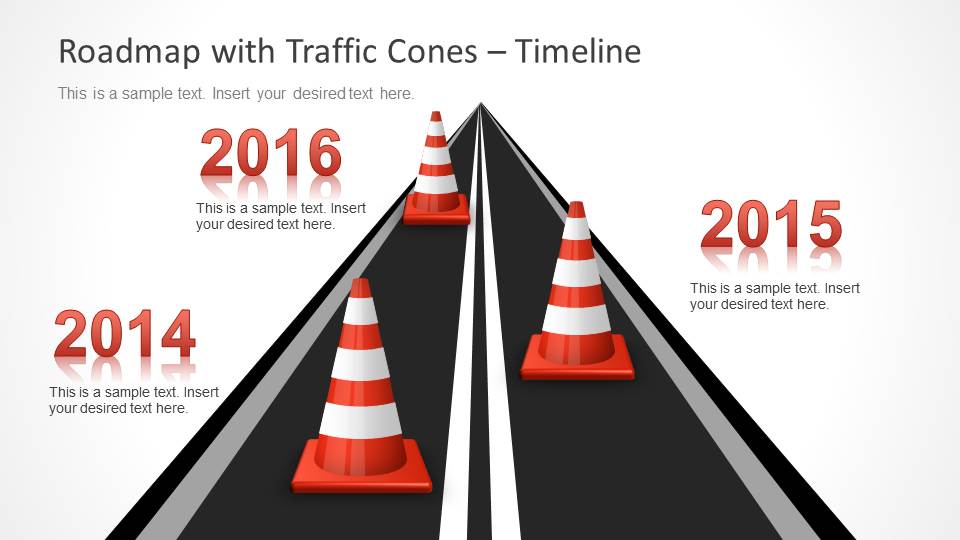
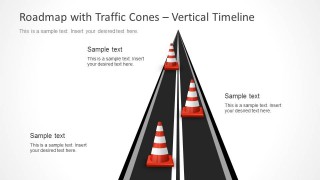
- A consultant can explain a transformation roadmap to executives with the vertical perspective timeline, placing the most important checkpoints along the road to the final objective.
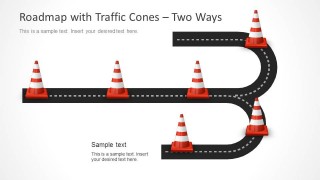
- An operations leader can compare alternate execution paths with the two-way road diagram, showing where teams may continue, branch, or adjust priorities.
Features
- 100% editable presentation template
- Compatible with Microsoft PowerPoint and Google Slides
- Scalable vector shapes, icons and illustrations
- AI-Ready for Microsoft Copilot and Claude
- Instant access and download
Frequently asked questions
Q: How should the presenter communicate milestones without making the traffic cones feel decorative?
A: Assign one meaning to every cone before writing the slide: a milestone, checkpoint, risk gate, or decision point. Keep the text labels short and place only the most important events on the road. The visual metaphor works best when the audience can connect each cone to a specific action or timing point.
Q: Who is this roadmap template best suited for?
A: This template is best for presenters explaining staged progress, especially project managers, consultants, operations teams, and construction-related coordinators. The road and cone layouts make sense when the message involves movement, constraints, checkpoints, or work zones. It is less appropriate for dense financial reporting or metric-heavy performance reviews.
Q: Why does the road and traffic cone metaphor help a planning presentation?
A: A road naturally suggests sequence, direction, and forward movement, while cones signal attention points or controlled areas. This makes the metaphor useful for timelines with dependencies, risks, or gated milestones. The perspective road slides add depth, and the horizontal layout gives a cleaner step-by-step view when precision matters.




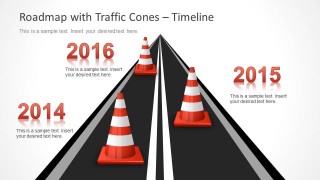

Roadmap Timeline with Traffic Cones for PowerPoint
7-slide PowerPoint presentation template with traffic cone roadmap timelines and milestone road diagrams
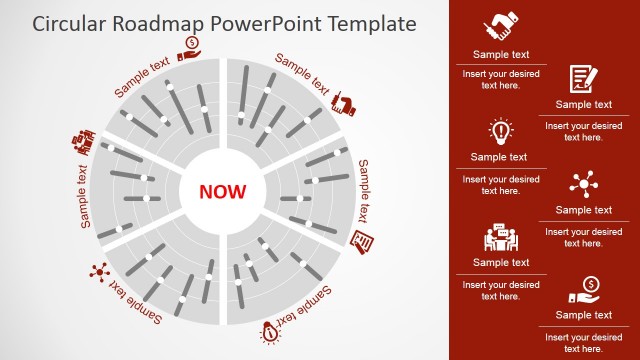
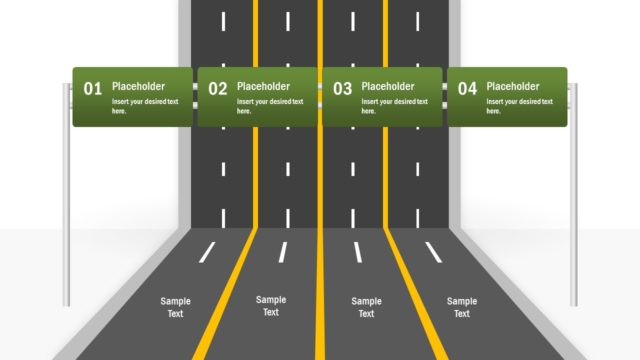
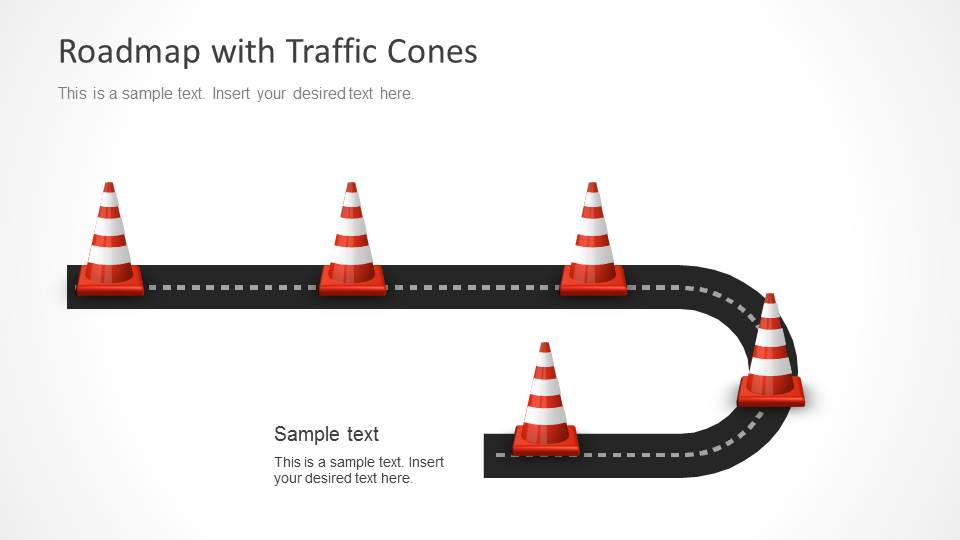
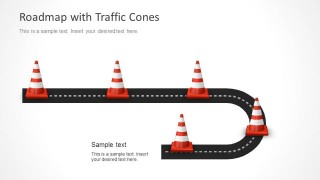
Roadmap Timeline with Traffic Cones for PowerPoint is a 7-slide presentation template for showing plans as road-based timelines. It includes a curved milestone road, vertical perspective timeline, horizontal five-step timeline, two-way road diagram, and reusable road and cone shapes for project managers, consultants, and operations teams.


 Loading...
 Microsoft PowerPoint
  Microsoft Copilot
  Claude for PowerPoint
 Other formats supported
Subscribe today and get immediate
access to download our PowerPoint templates.