Use the Traffic Signs Template for PowerPoint to present rules and warnings. Liven up employee orientation with the interactive road design, bringing the audience right into the presentation. The presentation template contains attractive traffic sign clipart and PowerPoint shapes that can be used in any PowerPoint presentations.
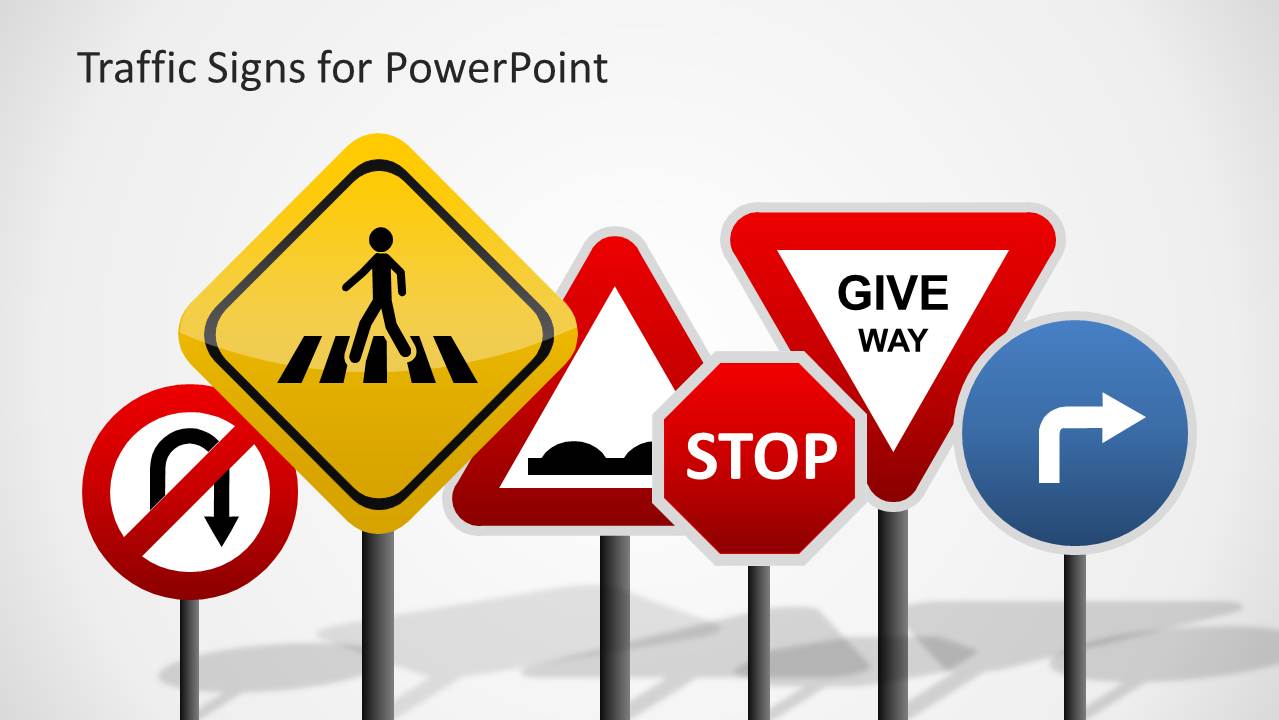
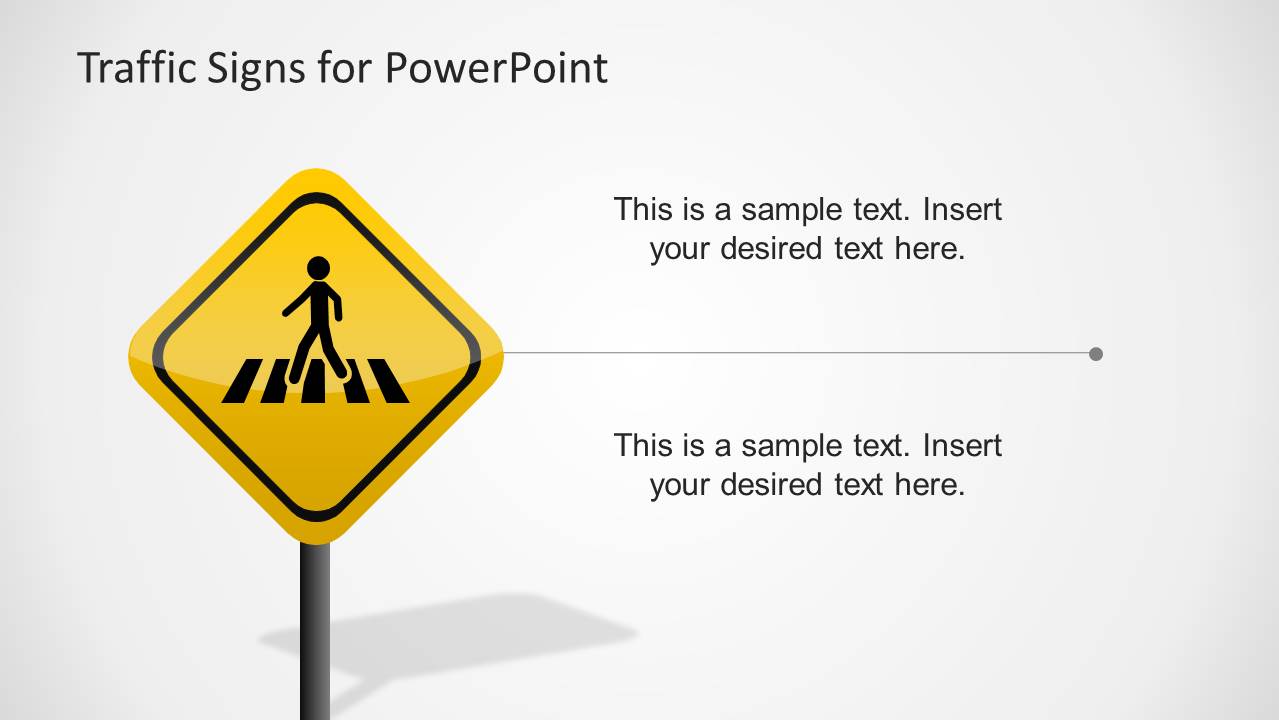
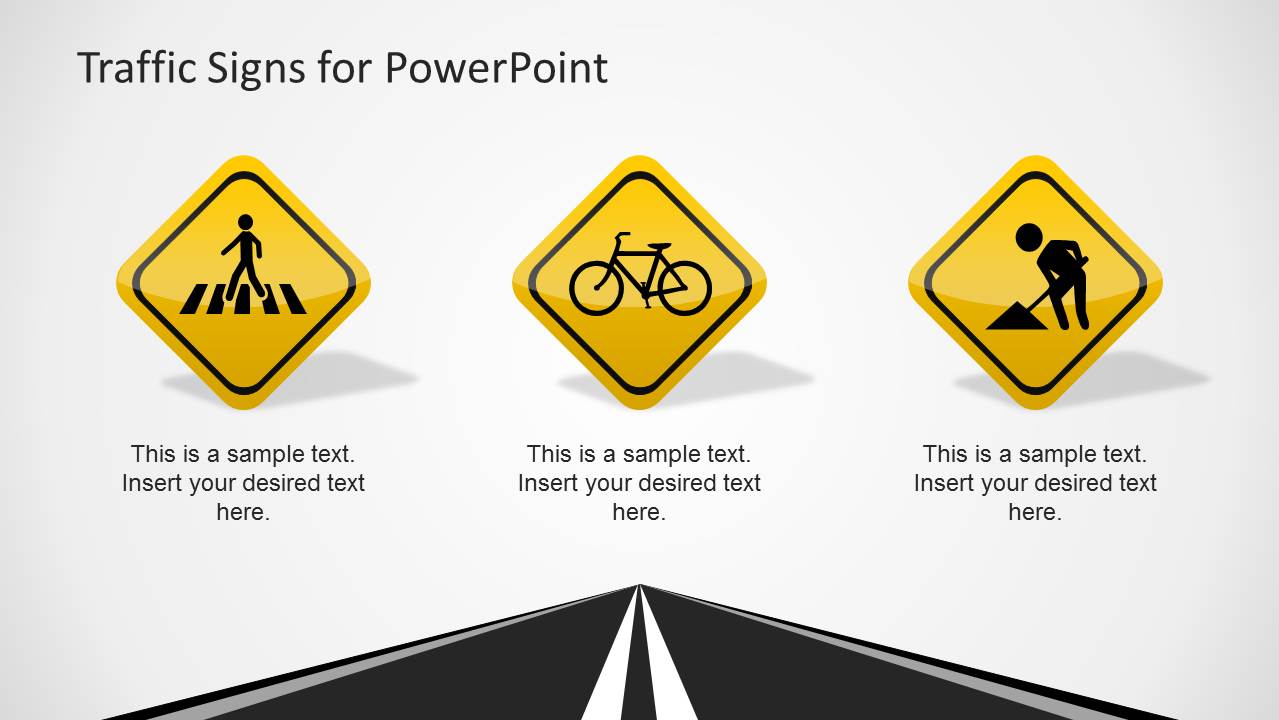
The PowerPoint template contains vector drawings of common road signs. It features signs for pedestrian crossing, no U-turn, roadblocks, and stop. The presenter can show these signs as metaphors for guidelines in a business setting.
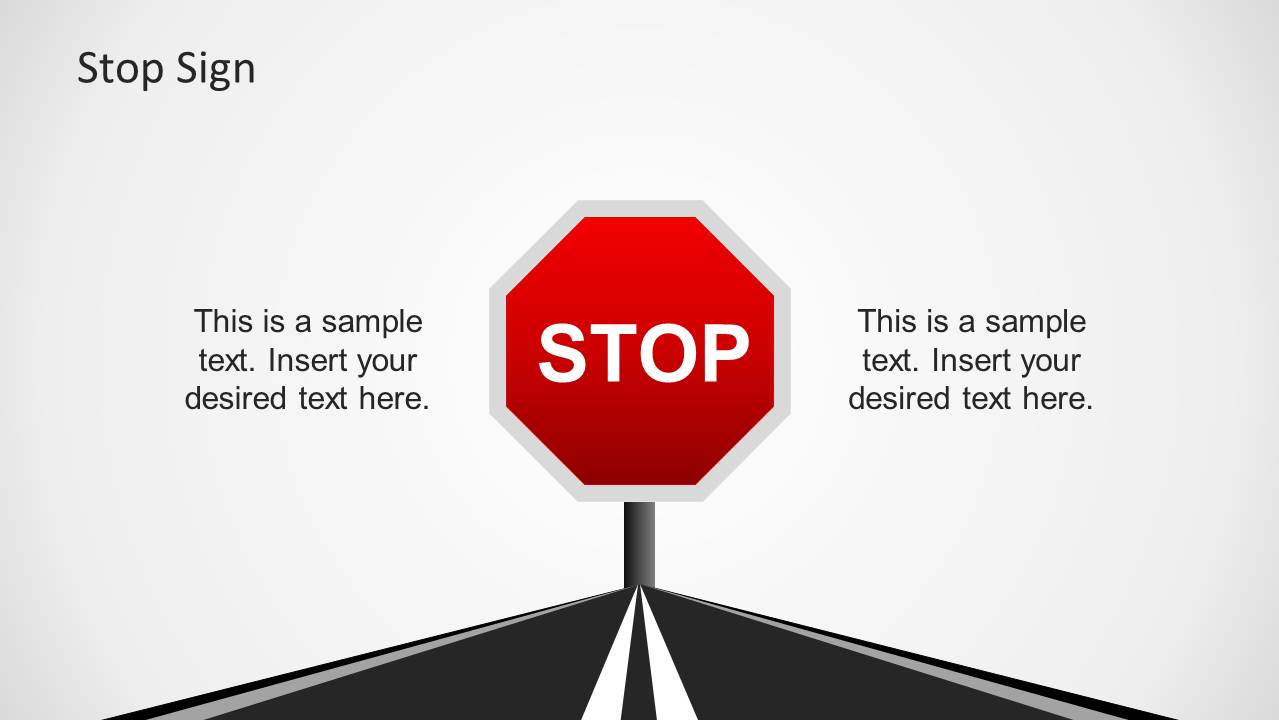
The Stop sign, one of the most familiar traffic signs, can be utilized as a tool to inform employees about when to stop, whether it be in production, or in corporate processes. This can refer to situations like emergency abortion of production when certain product defects are detected. The slide can include certain characteristics or procedures in spotting defective production batches.
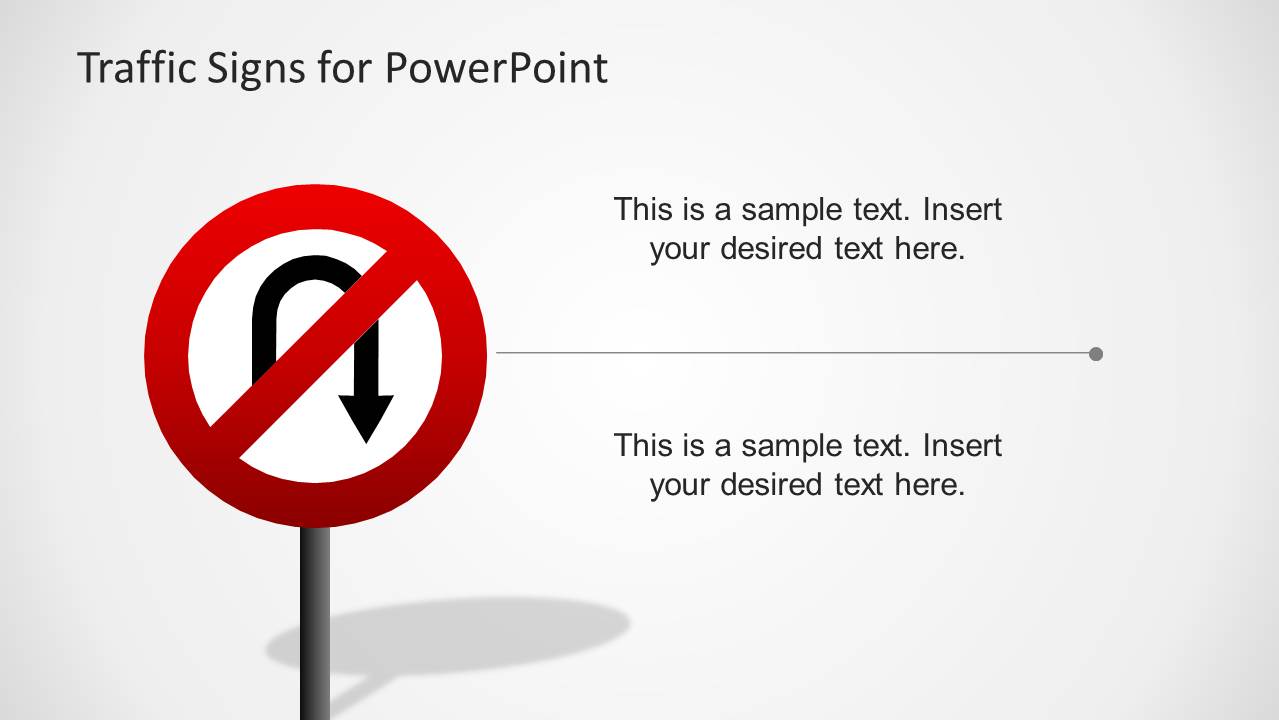
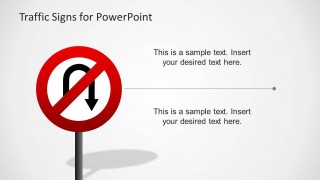
A traffic sign barring U-turns is featured on one of the PowerPoint slides. The presenter can use this to emphasize that there are rarely any second chances or rewinds when it comes to production. Errors in product deployment cannot be retracted once they are out on the market. This leads to lengthy legal discussions and high take-back costs.
Another use for the PowerPoint template is to orient the audience on certain traffic rules which apply near the business area. It can also be applied in other venues. The easily identifiable signs quickly relate to their definition. However, there are cases where the signs must be further discussed.
The Traffic Signs Template for PowerPoint is best used in informative presentations. The simple PowerPoint graphics and placeholders allow for a greater room for discussion. They are also fully customizable and editable to allow the presenter to modify them to the specifications of the presentation. Each of the traffic sign is 100% editable, created with PowerPoint shapes. The presenter can also choose to download other PowerPoint templates, like the Traffic Lights PowerPoint Template.
What’s inside this template
Example presentation scenarios
- An HR trainer can use the stop sign and no U-turn layouts to explain workplace behaviors that must stop immediately during employee orientation.
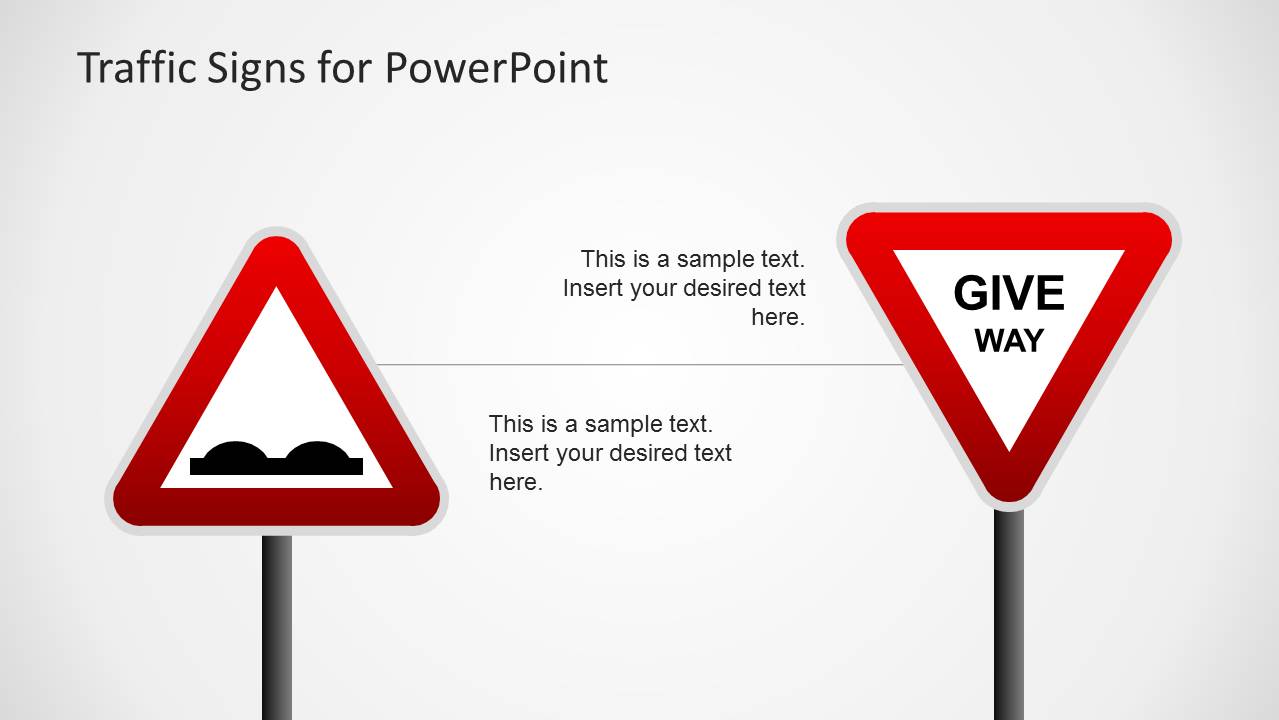
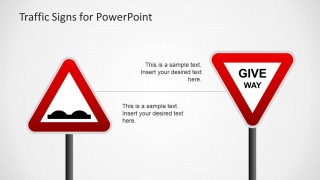
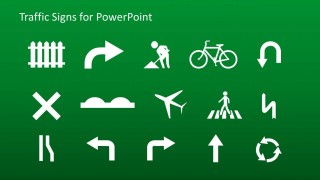
- A safety manager can present the pedestrian crossing, road work, and road bump warning signs to teach hazard awareness before a site visit or facility tour.
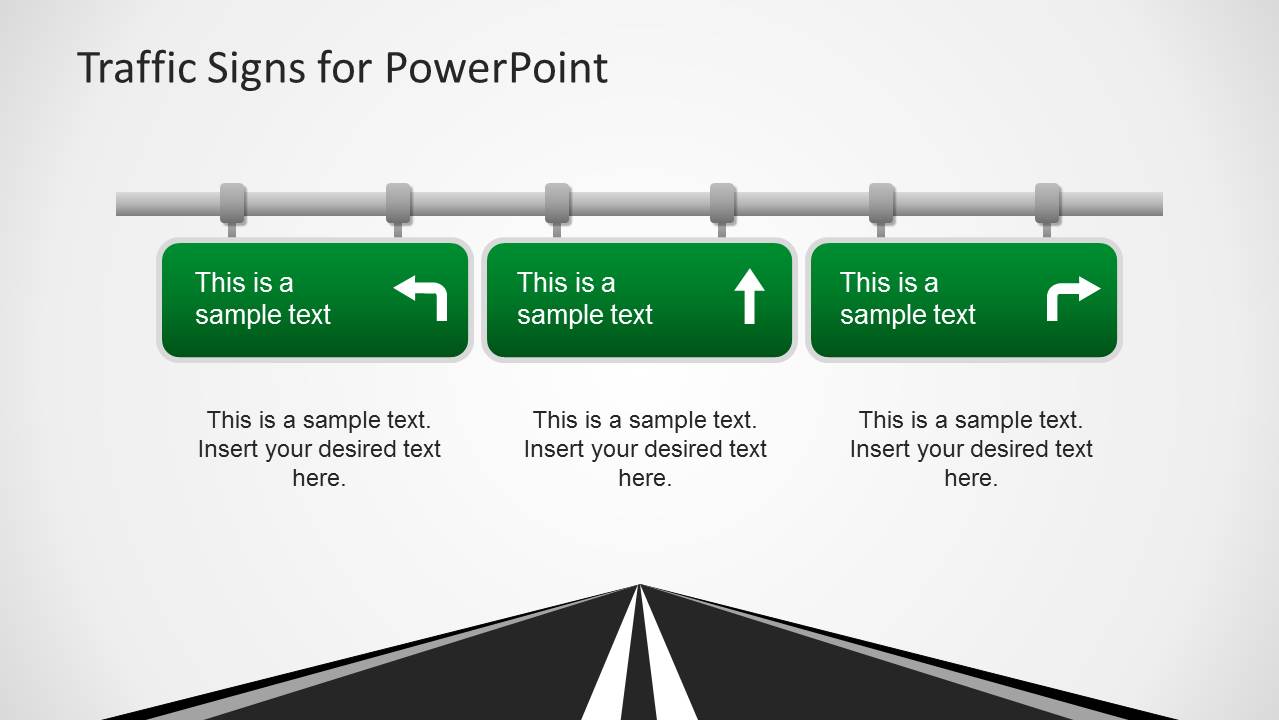
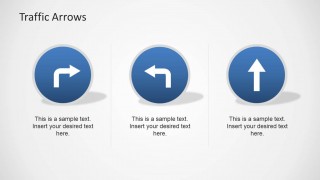
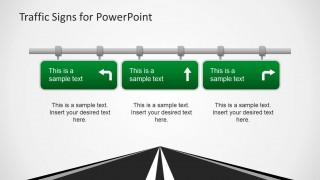
- An operations leader can use the highway direction panels and traffic arrow slides to show process routes, escalation paths, or decision options during a team briefing.
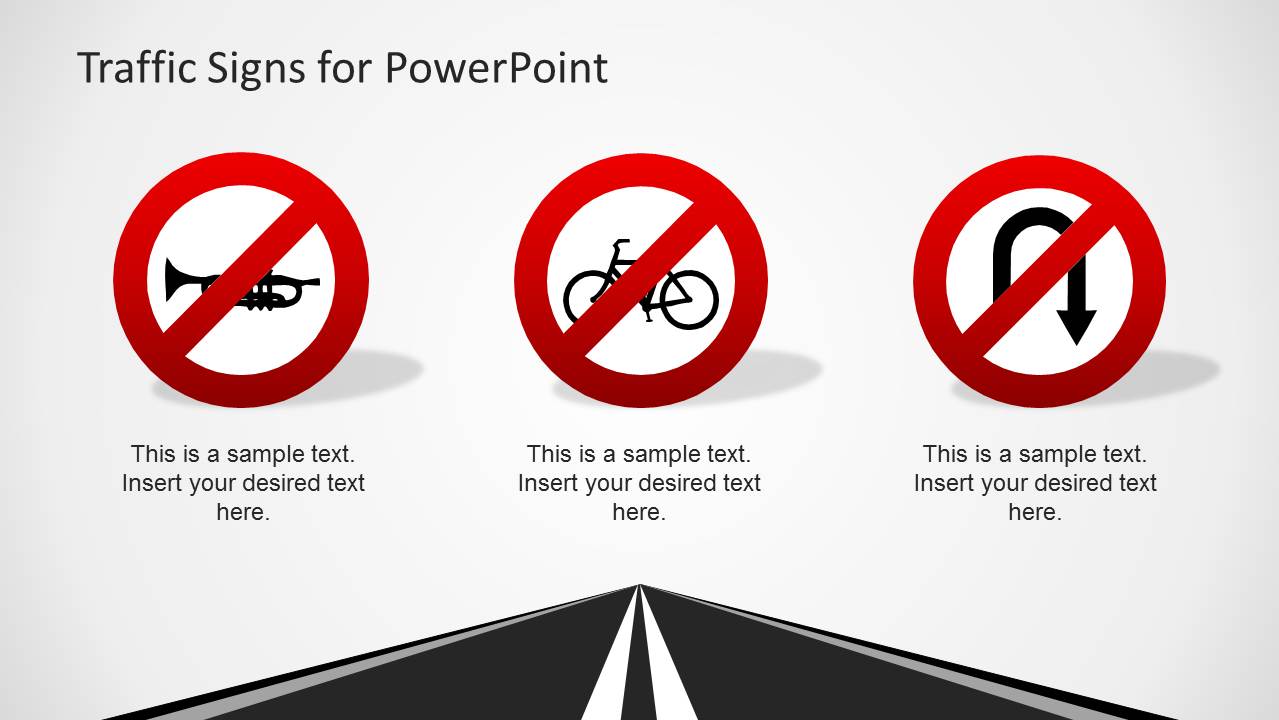
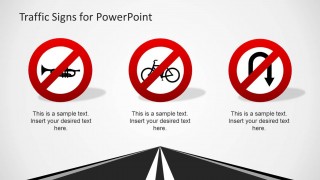
- A compliance presenter can use the prohibition sign layouts to explain actions that are not allowed and pair each icon with a short policy reminder.
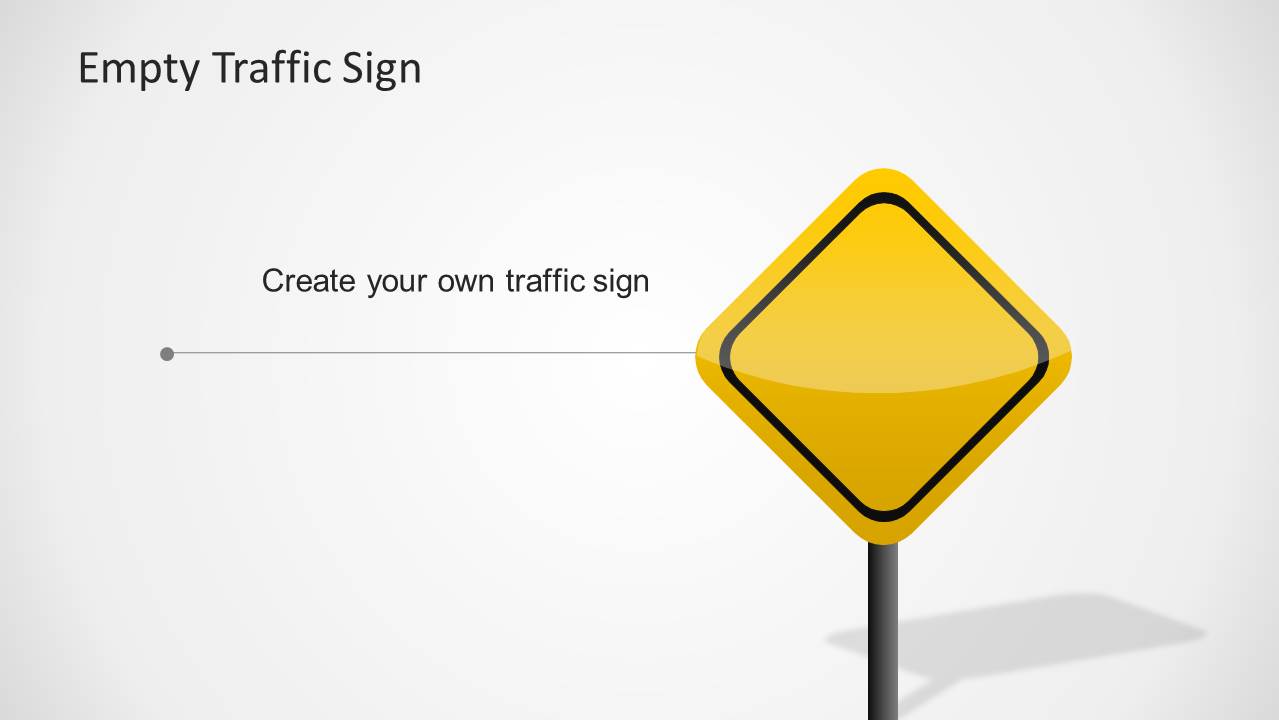
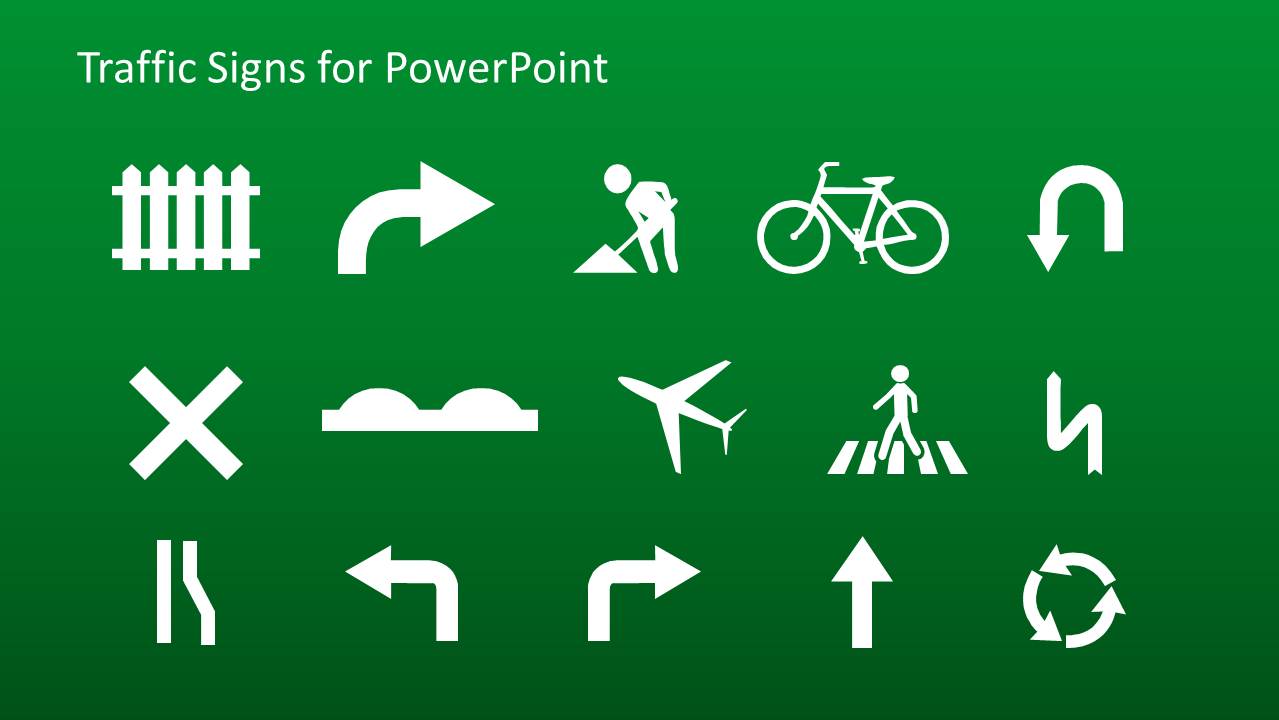
- A facilities team can adapt the blank yellow sign and icon sheet to create location-specific guidance for parking, pedestrian flow, or restricted areas.
Features
- 100% editable presentation template
- Compatible with Microsoft PowerPoint and Google Slides
- 16:9 aspect ratio slides
- Scalable vector shapes, icons and illustrations
- AI-Ready for Microsoft Copilot and Claude
- Instant access and download
Frequently asked questions
Q: How should a presenter turn traffic signs into a clear training message?
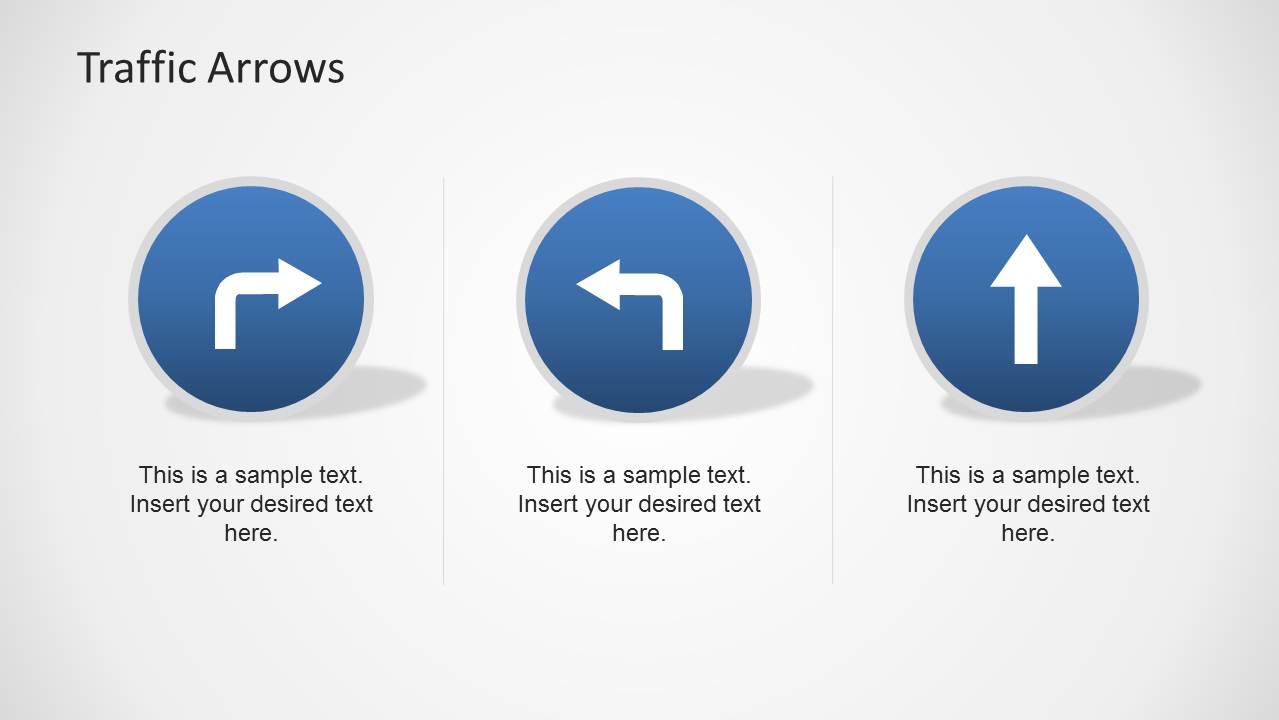
A: Start with the rule or behavior before explaining the sign. For example, use the stop sign slide for actions that require immediate pause, the no U-turn slide for irreversible decisions, and the traffic arrows slide for approved next steps. Keep each caption short so the symbol carries the main memory cue.
Q: Who is this template best suited for in a business setting?
A: This template works best for HR, safety, compliance, facilities, and operations presenters who need to explain rules without dense policy text. The familiar traffic signs make it easier to introduce workplace conduct, site safety, process boundaries, or local traffic guidance to mixed audiences during orientation or brief training sessions.
Q: Why do road sign metaphors work well for rules and warnings?
A: Road signs are recognized quickly because their shapes and colors already signal action, caution, or restriction. This deck applies that recognition to business communication: red prohibition signs frame what not to do, yellow warning signs create caution, and green direction panels guide the audience toward approved actions.

Traffic Signs Template for PowerPoint
11-slide traffic signs presentation template with road signs, stop signs, and direction arrows
Traffic Signs Template for PowerPoint is an 11-slide presentation template of editable road sign metaphors for training and rules communication. It includes a sign collage cover, pedestrian crossing callouts, prohibition sign layouts, stop sign slide, direction arrows, highway sign panels, and a traffic icon sheet for Microsoft PowerPoint and Google Slides.
- Category
- Shapes
- Rating


 Loading...
- Aspect ratio
- 16:9, 4:3
- Item ID
- 6329-02
- Colors
 Microsoft PowerPoint
  Microsoft Copilot
  Claude for PowerPoint
 Other formats supported
Subscribe today and get immediate
access to download our PowerPoint templates.