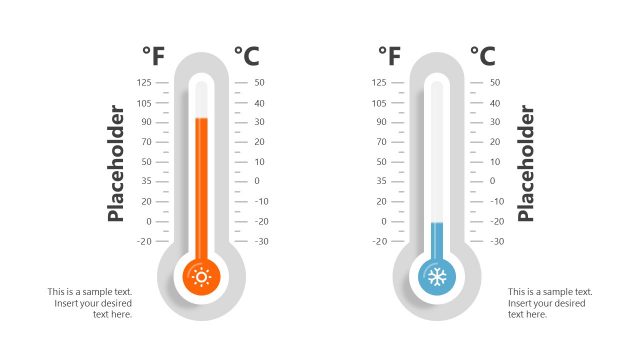
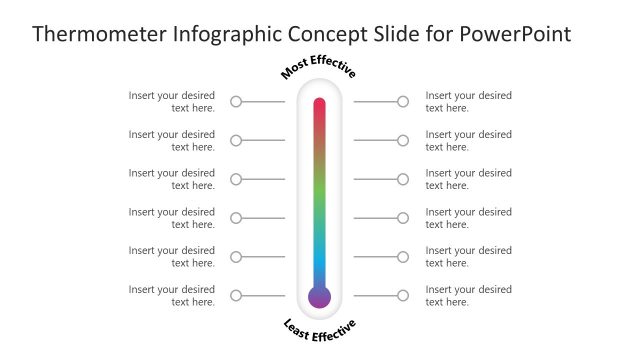
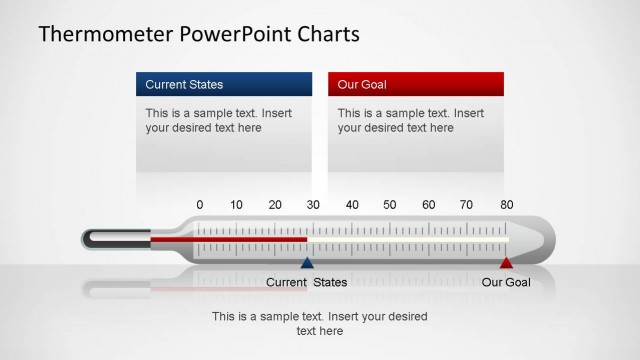
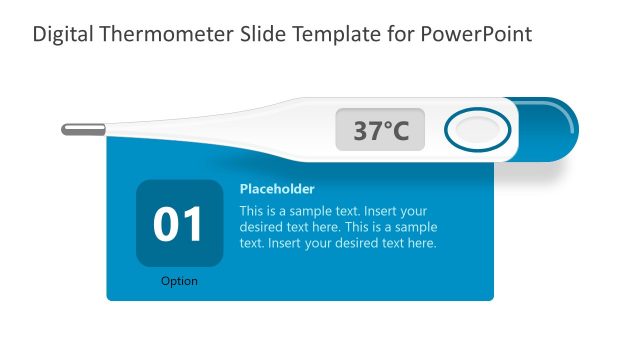
Use the Thermometer Shapes for PowerPoint to generate professional presentation regarding atmospheric temperature. The thermometer shape in power point give a personalized look on the design. Varying colors of each thermometer level draw the attention of the audience, keeping them mindful throughout the discussion.
Atmospheric temperature is measured by an aneroid barometer. It is defined as Earth’s temperature in different levels. It is influenced by altitude, weather, amount of radiation, humidity and many other factors. A certain period of time and location are two important variables in measuring atmospheric temperature. Its study is a vital part of Physics and Earth Science. The most relevant issue where its records are used is climate change. Records show that Earth’s temperature has been gradually increasing. Having known this information, countries can act accordingly. They can come up with solutions to prevent further damage. The thermometer shape template can be applied in scientific research presentations describing variation on atmospheric temperature. The PowerPoint template can be easily edited to showcase these variation in atmospheric temperature. The shape thermometer for powerpoint is also applicable to other concepts. It can represent body temperature, weather changes, degree comparison (Fahrenheit vs Celsius) and many more. They can even act as elements for dashboards.
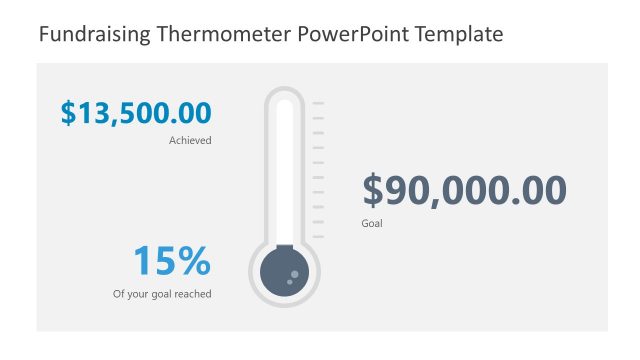
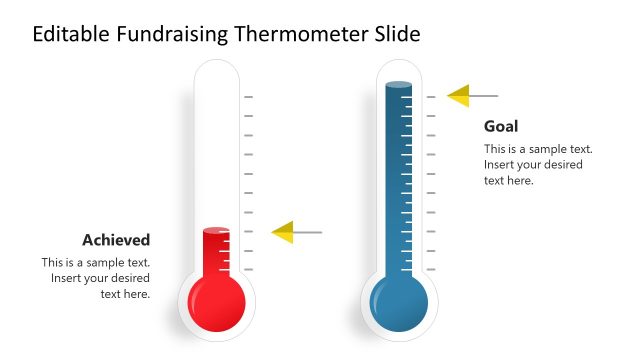
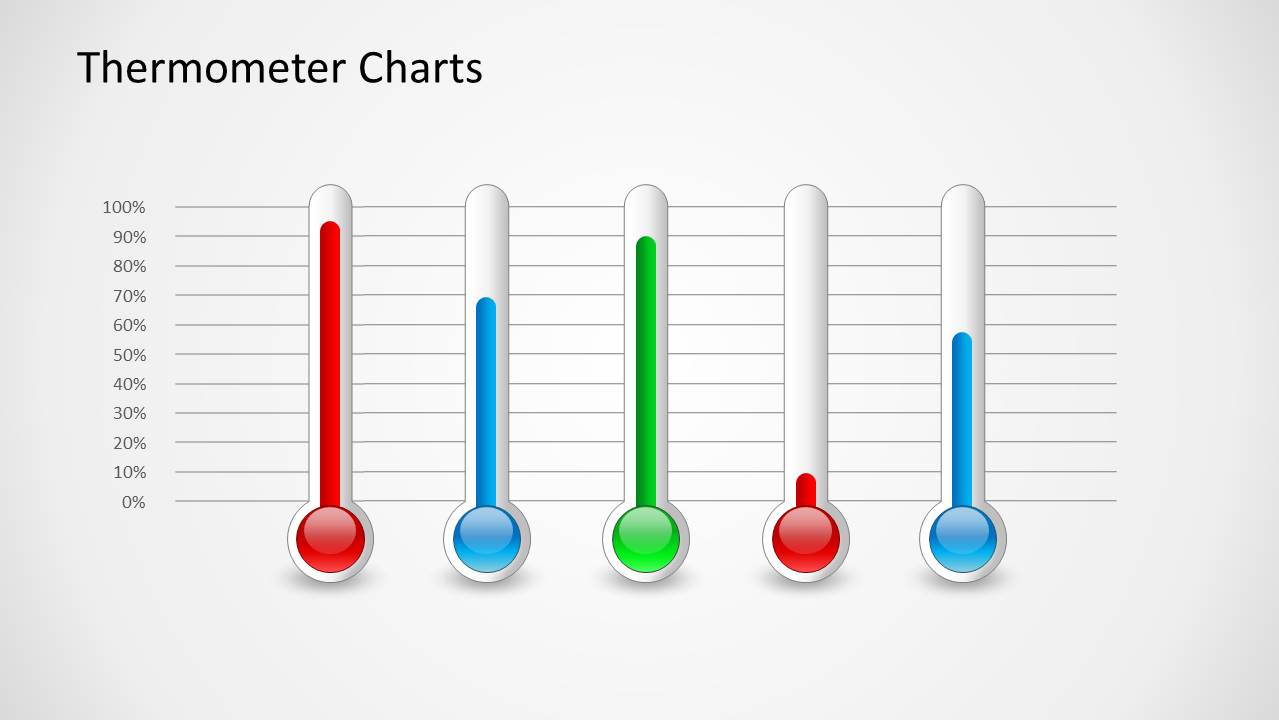
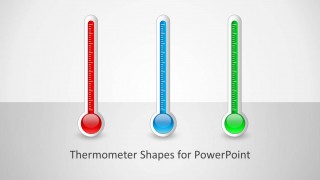
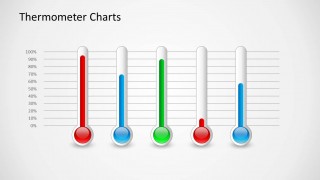
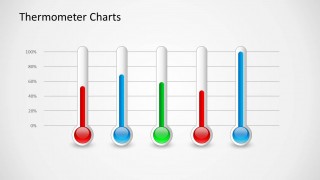
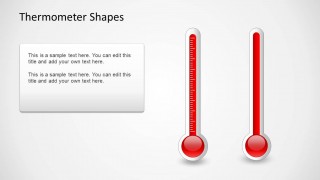
Featured on the slide designs are thermometer shapes. The shapes can be enlarged or shrunk depending on the user’s needs and wants. The colors of the temperature levels can be modified to represent a variable. Each level can be easily adjusted by dragging them up and down using PowerPoint shapes. The first and second slides include a horizontal grid. This makes it easier for the audience to compare the different measurements. It is also a tool for the user to present a trend. The thermometer shape in powerpoint is created with vectors, allowing the user to fully customize its appearance.
Hook the audience through the impressive Thermometer Shapes for PowerPoint. It’s catchy visuals and customizable elements allow the user to be extra creative with the presentation. Related designs like Thermometer PowerPoint Charts are downloadable thru the SlideModel gallery.
What’s inside this template
Example presentation scenarios
- An environmental science educator can explain temperature levels or climate readings using the vertical thermometer chart with a 0% to 100% grid.
- A business analyst can present goal progress to leadership using the five-gauge comparison slides to show different departments or initiatives side by side.
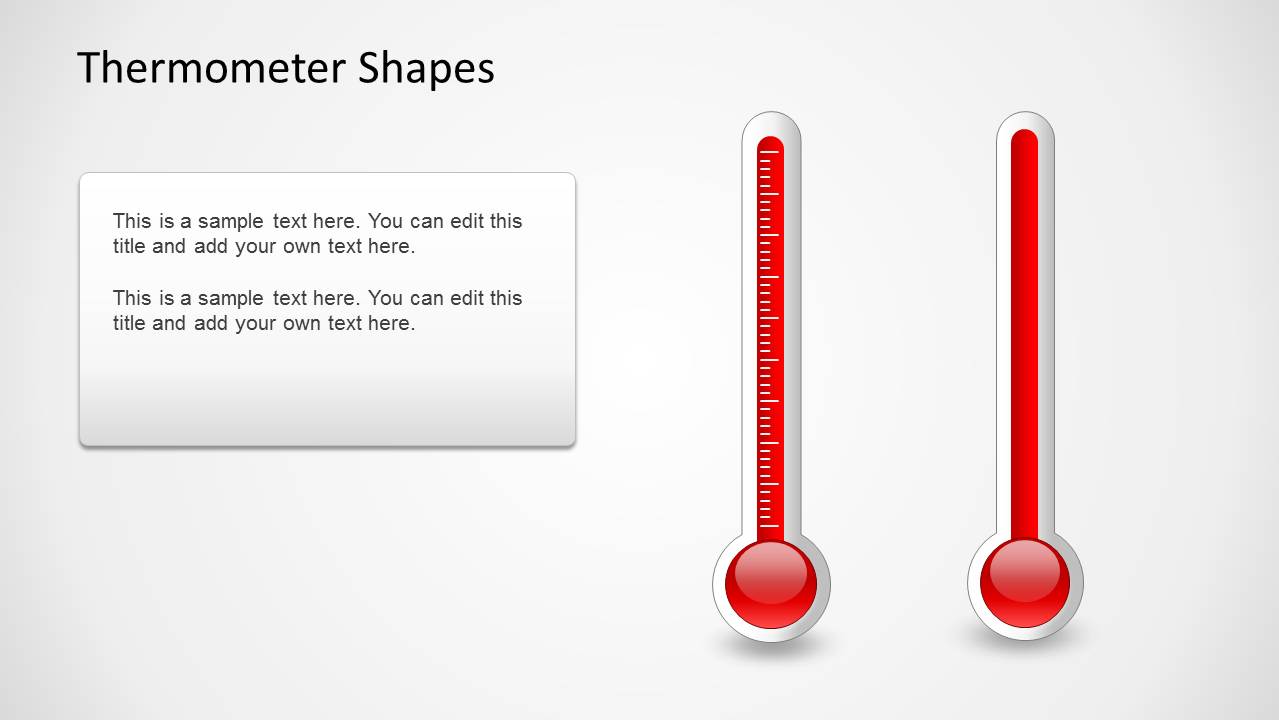
- A healthcare presenter can discuss fever ranges or monitoring thresholds using the red vertical thermometers and the text callout layout.
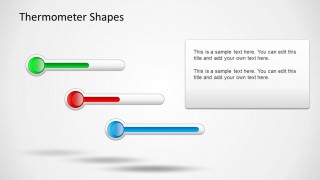
- An operations manager can show capacity, risk, or performance levels using the horizontal meter shapes with a short explanatory note.
Features
- 100% editable presentation template
- Compatible with Microsoft PowerPoint and Google Slides
- 16:9 aspect ratio slides
- Scalable vector shapes, icons and illustrations
- AI-Ready for Microsoft Copilot and Claude
- Instant access and download
Frequently asked questions
Q: How should a presenter use the thermometer visuals without making the message feel decorative?
A: Tie each thermometer to one measurable idea: temperature, progress, capacity, or threshold. Use the percentage grid slides when comparison matters, and use the callout slide when a single reading needs interpretation. Keep labels short so the audience reads the gauge first and the explanation second.
Q: Who is this thermometer template best suited for?
A: It fits presenters who need a familiar level metaphor rather than a detailed chart. Educators can explain measurement scales, analysts can compare target completion, and health or safety presenters can discuss threshold conditions. The strongest use case is a short visual explanation where the exact level matters more than dense data tables.
Q: Why use a thermometer metaphor for progress or measurement?
A: A thermometer immediately suggests rising, falling, and thresholds, so audiences understand the visual before reading the text. The vertical gauges support percentage comparisons, while the horizontal meters work well for status indicators. This reduces explanation time and lets the presenter focus on what the current level means.
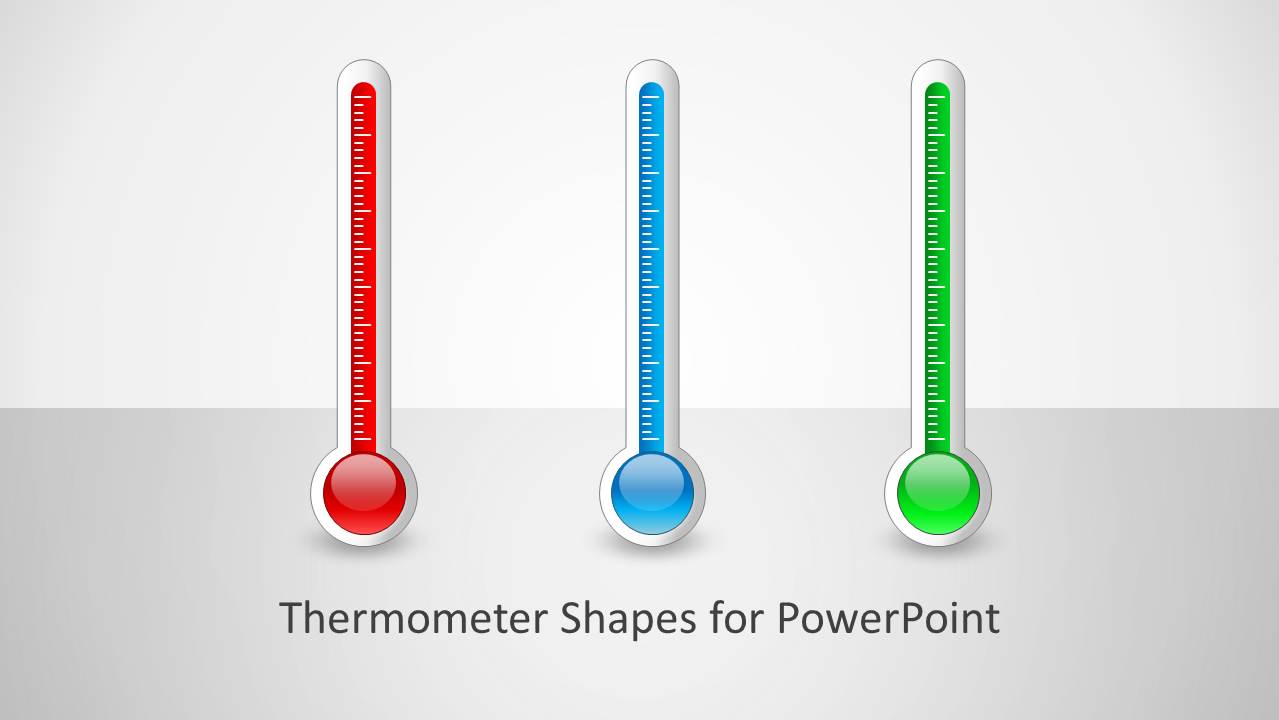


Thermometer Shapes for PowerPoint
5-slide thermometer shapes presentation template with gauge meters, percentage scales, and level indicators
Thermometer Shapes for PowerPoint is a 5-slide 16:9 presentation template for showing levels, temperature, progress, or capacity. It includes a cover with three vertical thermometers, percentage thermometer charts, horizontal meter shapes, and a text callout layout. It is built for Microsoft PowerPoint and Google Slides users.
- Category
- Shapes
- Rating


 Loading...
- Aspect ratio
- 16:9
- Item ID
- 1068
- Colors
 Microsoft PowerPoint
  Microsoft Copilot
  Claude for PowerPoint
 Other formats supported
Subscribe today and get immediate
access to download our PowerPoint templates.