Slide 1 of 5 from Thermometer Shapes for PowerPoint
1068-thermometer-shape-1
Thermometer Shapes for PowerPoint
- Shape Object
- Other
- Context Slide
- 16:9
- 100% Editable
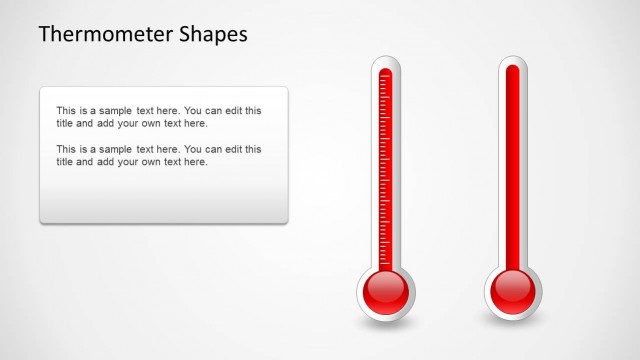
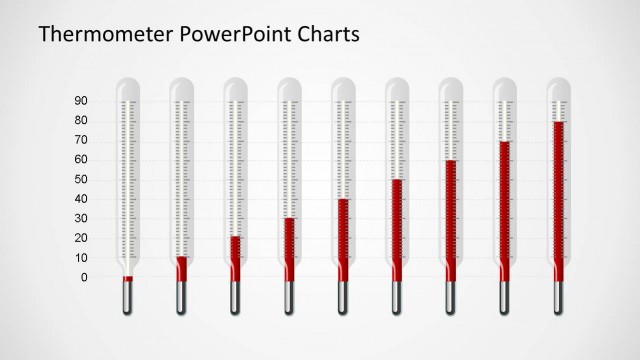
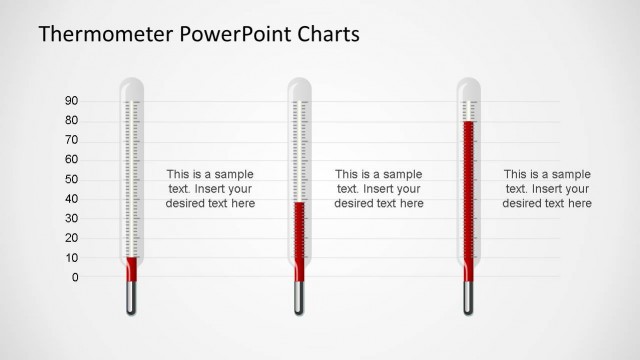
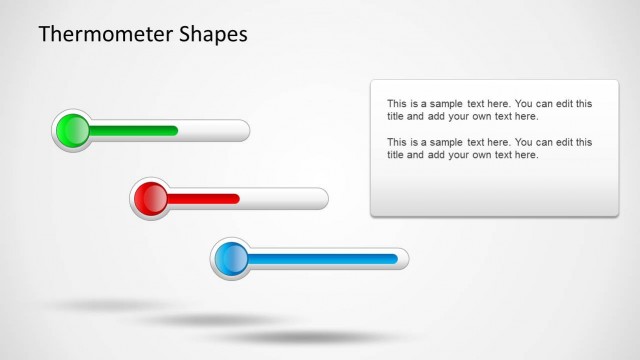
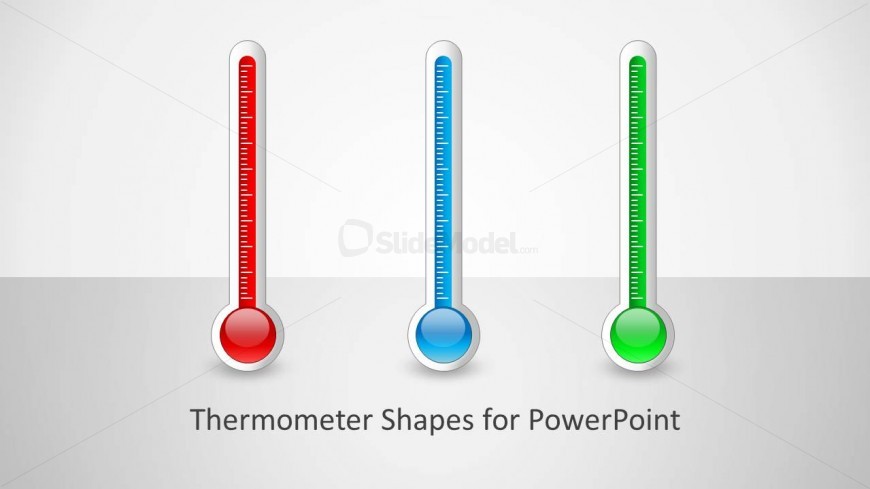
The Thermometer Shapes Layout from the Thermometer Shapes for PowerPoint template offers a clear visual format for displaying performance metrics and project status updates. This slide uses editable shapes and vector icons to represent capacity indicators through three distinct thermometer graphics, making it suitable for corporate presentations and business presentation slide decks that require straightforward data visualization.
What’s on This Slide
The layout features three vertical thermometer shapes aligned horizontally at the top of the slide. Each thermometer has a circular base and a vertical column with a gradient fill in red, blue, and green, indicating different levels. The thermometers are outlined in white with a slight shadow for depth. Below the thermometers, there is a centered text placeholder for the title, which is bold and prominent. The background is light gray, creating contrast with the thermometers. The overall composition is clean and straightforward, focusing on the thermometer shapes.
How to Use It
This layout serves as a visual representation of levels or progress, suitable for presentations on performance metrics, project status, or capacity indicators. It fits well as an introductory slide in a series that discusses various metrics or comparisons. The thermometer shapes can be used to convey temperature-like data or to illustrate varying degrees of achievement. This layout is effective in business contexts where visual data representation is essential for clarity and engagement.
Text Placeholders & Capacity
Keep your copy within these limits so it fits without resizing. The title slot can accommodate approximately 6-8 words comfortably.
| Placeholder | Count | Max characters (approx.) |
|---|---|---|
| Slide title | 1 | 40 |
Slide Keywords
Download unlimited PowerPoint templates, charts and graphics for your presentations with our annual plan.
DOWNLOADReturn to Thermometer Shapes for PowerPoint.