Slide 5 of 5 from Thermometer Shapes for PowerPoint
Red Thermometer Shape Template for PowerPoint
Thermometer Shapes for PowerPoint Presentation
- Shape Object
- Other
- Process Slide
- 16:9
- 100% Editable
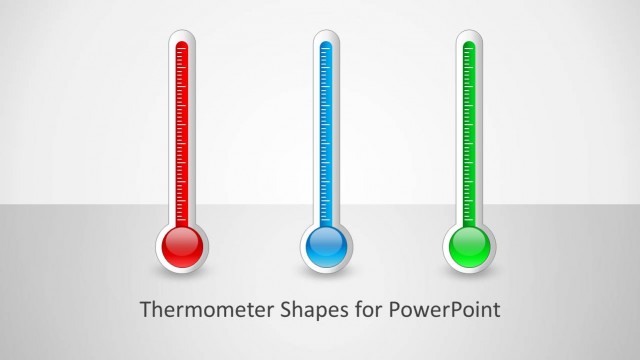
The Thermometer Shapes slide from the Thermometer Shapes for PowerPoint template offers a clear way to visualize performance metrics and goal tracking. Featuring editable shapes of vertically oriented thermometers alongside a text placeholder, this layout supports business presentations and project updates by combining vector icons with concise data representation in a professional slide deck.
What’s on This Slide
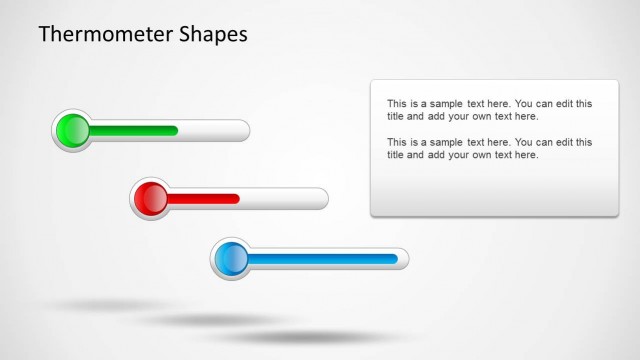
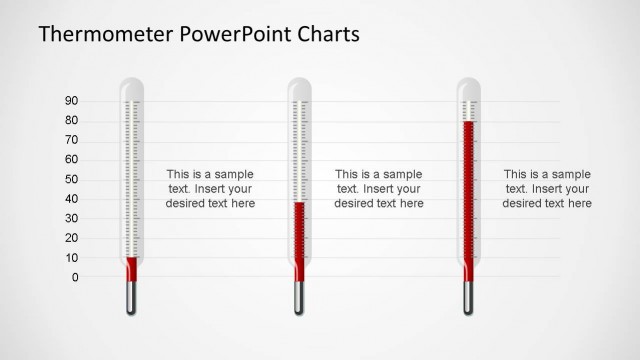
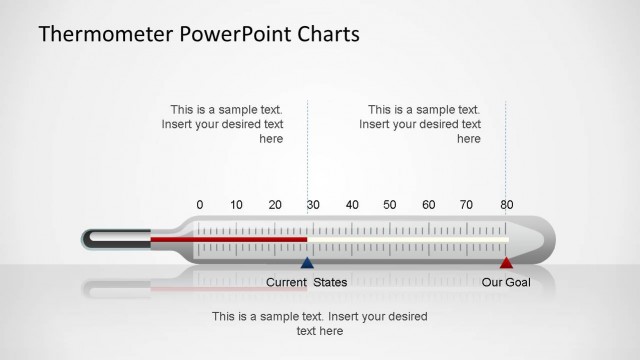
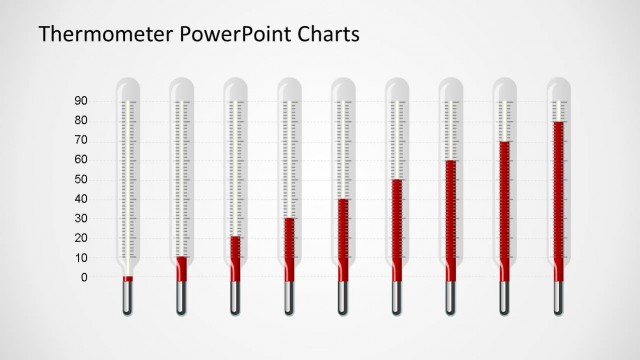
The layout features two thermometer shapes positioned on the right side, with a text placeholder on the left. The thermometers are vertically oriented with red levels displayed inside clear containers. The text box is rectangular, located centrally on the left, and contains two lines of placeholder text, aligned to the top. The background is light gray, providing contrast to the red thermometers. The overall composition balances visual elements with text, ensuring clarity and focus on the thermometer shapes.
How to Use It
This layout serves to visually represent levels, progress, or capacity using thermometer shapes. It fits well in presentations discussing performance metrics, project status, or goal achievement. Ideal scenarios include business reviews, project updates, or educational contexts where visual data representation enhances understanding. This slide can effectively communicate quantitative information in a clear and engaging manner.
Text Placeholders & Capacity
Keep your copy within these limits so it fits without resizing. Body slots can hold roughly 20-25 words each.
| Placeholder | Count | Max characters (approx.) |
|---|---|---|
| Slide title | 1 | 30 |
| Body paragraph | 2 | 150 |
Slide Keywords
Download unlimited PowerPoint templates, charts and graphics for your presentations with our annual plan.
DOWNLOADReturn to Thermometer Shapes for PowerPoint.