Present interesting reports with the technology-inspired Digital Slide Design for PowerPoint. Make a presentation that is relevant as well as trendy, considering today’s faster-than-light technological growth. Using the template, the presentation becomes both eye-catching and professional.
The template uses the primary concept of a motherboard or circuit board to showcase different information types. A circuit board refers to a key electronic component that contains electrical circuits. The role of the circuit board is to act as a conduit for electrical impulses, sending data throughout the system.
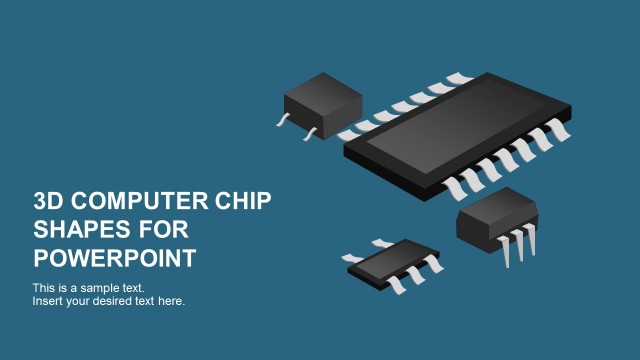
The concept of the circuit board clipart can be used in the PowerPoint template as a metaphor to refer to the way different types of information are connected. The presentation template can represent a technology product or technology-related topics during a PowerPoint presentation. The chip digital design can be used by tech start-ups and technology firms.
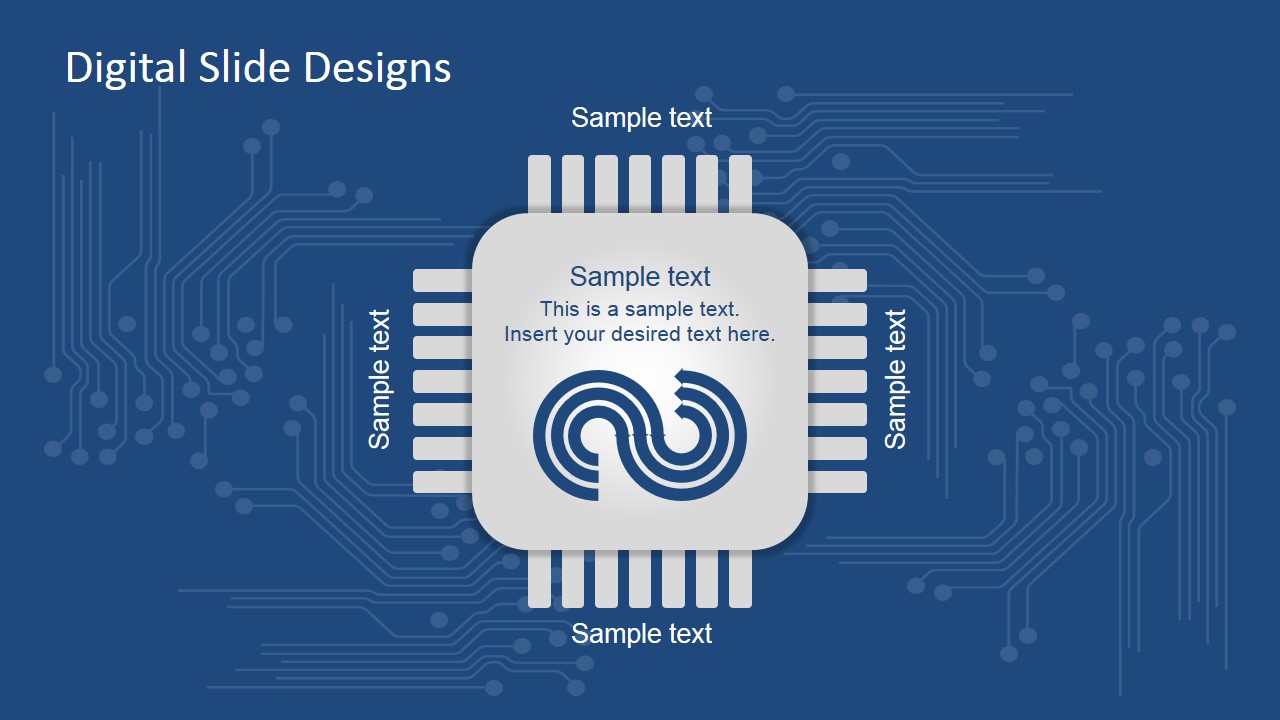
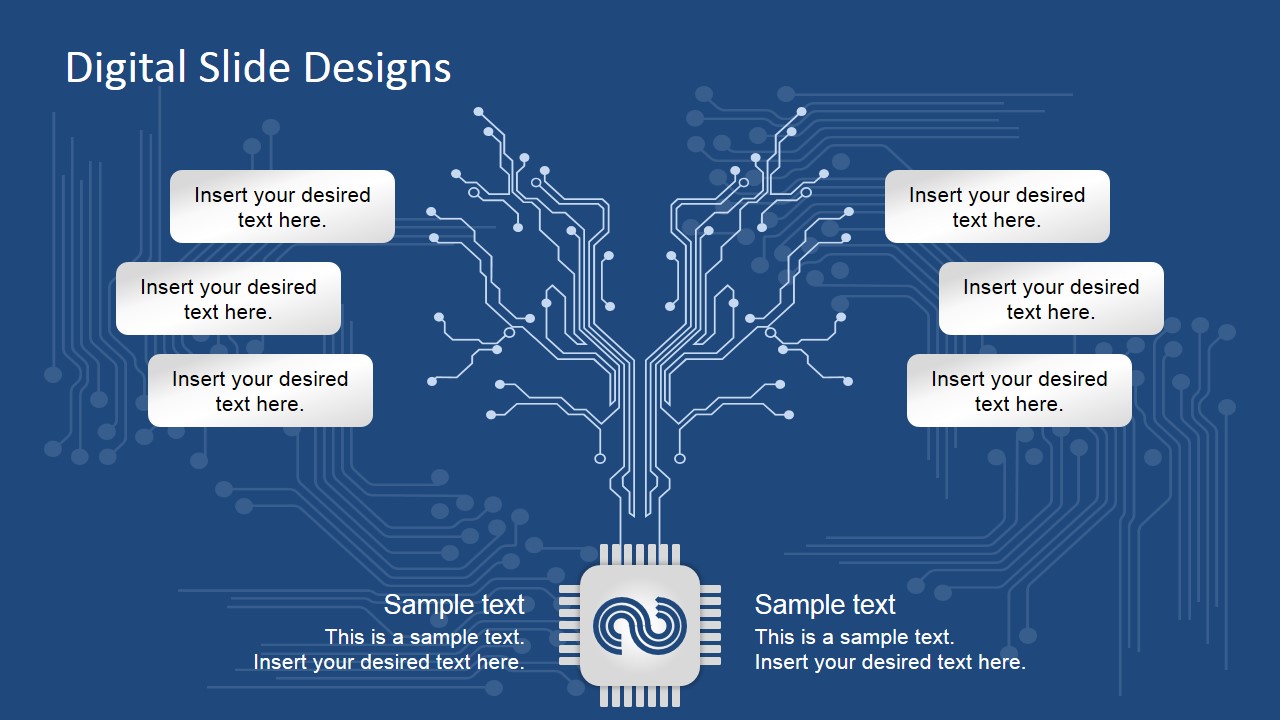
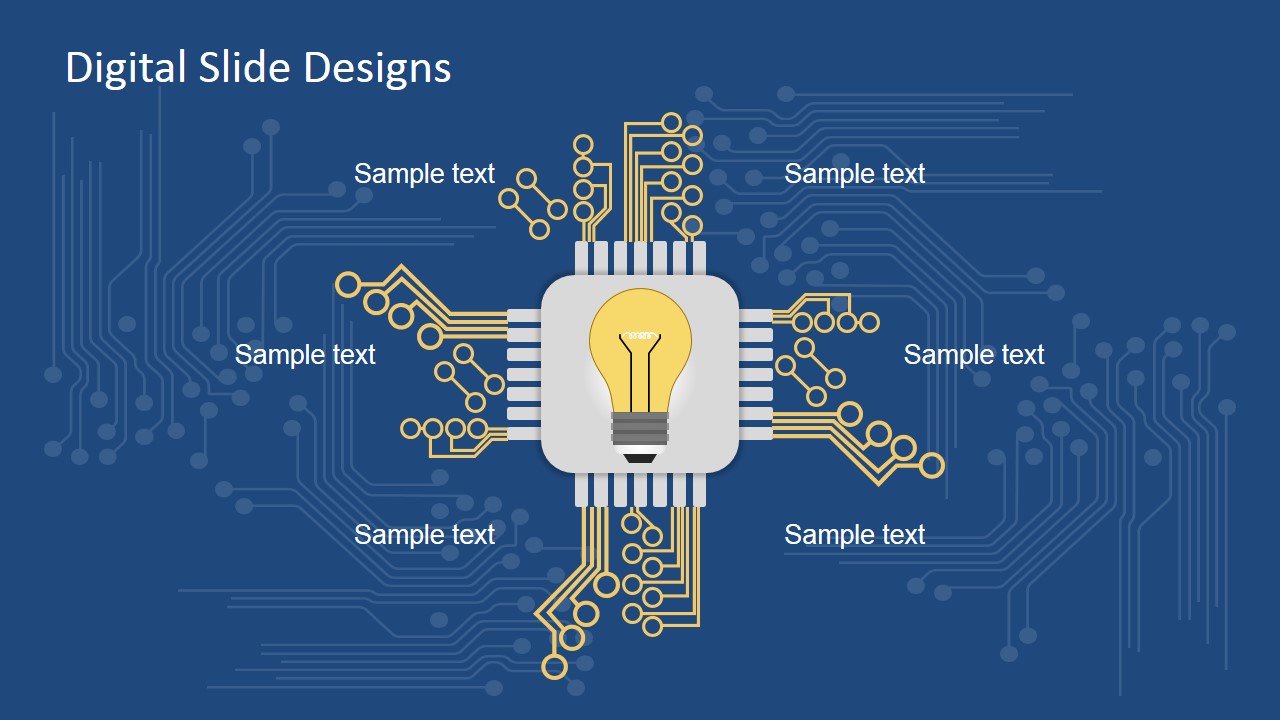
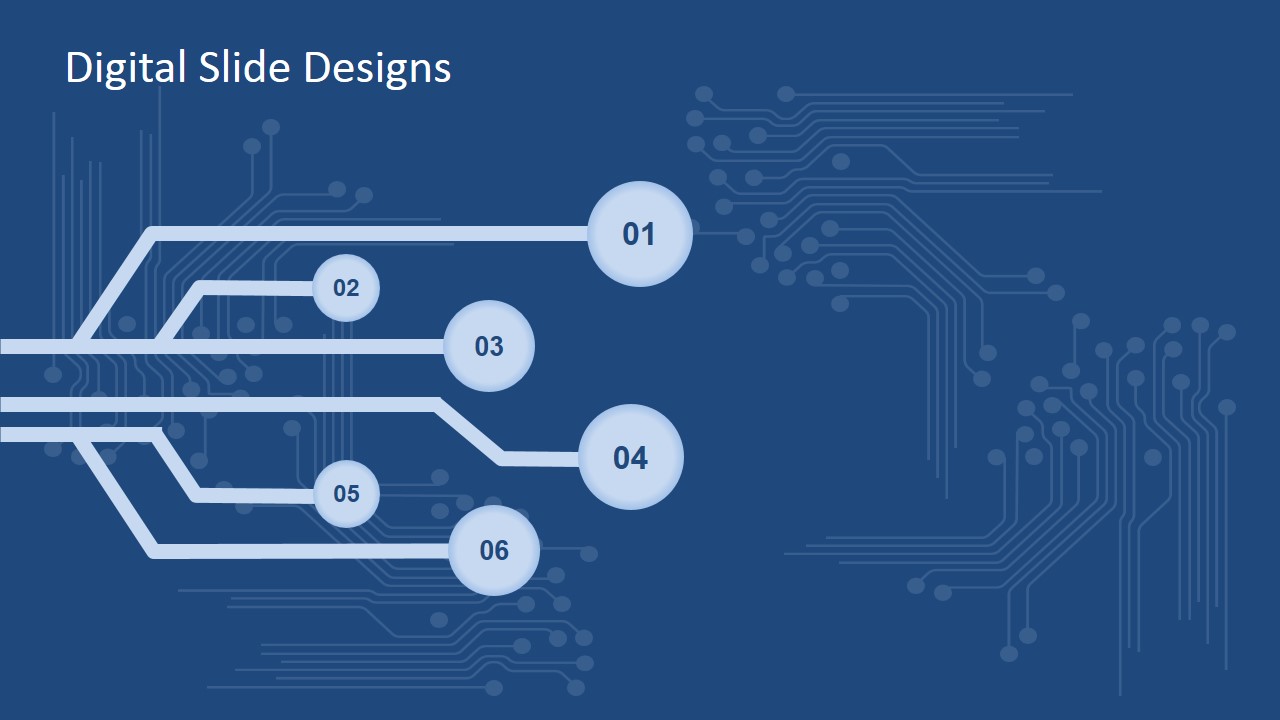
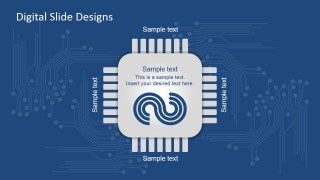
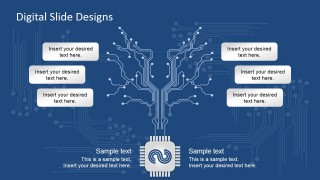
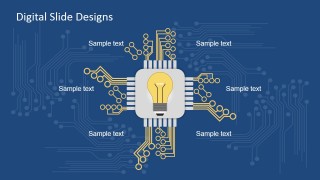
Featured on the slide is a computer chip. There are three variations of the chip. Two of which involve circuits that extend outwards from the chip nodes. The circuits represent different connections that are connected to a central data core or command central. Using the template, the reporter can show a creative version of an organizational diagram or the various stages of a plan for a business proposal. The last slide contains circuits alone, presented as components of a six-step diagram. All of the slide designs in the template contain text placeholders which are useful in providing the relevant explanations for each.
Best used in presentations related to computer hardware and software development, the Digital Slide Design Template includes a presentation background that features a circuit design. The cool and professional design is specifically designed to create a comfortable yet informative presentation. The template contains PowerPoint objects that are fully editable for the presenter’s convenience. The presenter can opt to download additional PowerPoint Templates featuring components of information technology from the Gallery, to supplement the presentation. Alternatively, other electronics slides with 100% editable objects can be downloaded for Google Slides and PowerPoint.
What’s inside this template
Example presentation scenarios
- A startup founder can present a technology product concept by using the central chip diagram to show how features connect to a core platform.
- An IT consultant can explain a digital transformation workflow with the six-step circuit pathway, mapping phases such as discovery, integration, and adoption.
- A product manager can brief executives on software architecture by using the branching circuit layout to organize modules, data flows, or decision points.
- An engineering lead can introduce a hardware or electronics project with the lightbulb chip diagram to frame the main idea and its supporting technical elements.
Features
- 100% editable presentation template
- Compatible with Microsoft PowerPoint and Google Slides
- 16:9 aspect ratio slides
- Scalable vector shapes, icons and illustrations
- AI-Ready for Microsoft Copilot and Claude
- Instant access and download
Frequently asked questions
Q: How should a presenter explain connected technology concepts with this template?
A: Start with the central chip slide to name the core system, product, or idea. Then move to the branching circuit layout for dependencies or modules, and use the six-step pathway when the audience needs a process sequence. Keep each node or callout short so the circuit metaphor reads as connected logic, not decoration.
Q: Who is this template best suited for in a business presentation?
A: It fits presenters explaining technology relationships rather than broad corporate themes. Product managers, IT consultants, founders, and engineering leads can use it to show how features, teams, data, or implementation steps connect. The microchip and circuit visuals are especially useful when the subject involves software, hardware, digital platforms, or systems thinking.
Q: Why does the circuit board metaphor work for these slides?
A: A circuit board suggests flow, connection, and a central processing point, which matches many technology narratives. The chip-centered layouts focus attention on the main idea, while the branching circuits make supporting concepts feel linked. The six numbered nodes turn the same visual language into a clear process path.

Digital Slide Design for PowerPoint
4-slide presentation template with circuit board chip diagrams for technology reports and digital process mapping
Digital Slide Design for PowerPoint is a 4-slide technology presentation template for Microsoft PowerPoint and Google Slides. It uses circuit board and microchip metaphors to present connected information through a central chip diagram, branching circuit diagram, idea chip layout, and six-step circuit process graphic.
- Category
- Shapes
- Rating

 Loading...
- Aspect ratio
- 16:9, 4:3
- Item ID
- 7079-01
- Colors
 Microsoft PowerPoint
  Microsoft Copilot
  Claude for PowerPoint
 Other formats supported
Subscribe today and get immediate
access to download our PowerPoint templates.