Gradient Shapes PowerPoint Template is a presentation design containing creative slide layouts that you can use either for business presentations and marketing slide designs. This PowerPoint template with shapes and gradient styles can be used to present your data with modern slides & nice color palettes.
Inside the gradient shapes PowerPoint template you can find multiple slide designs with different layouts that can be used to design your slides.
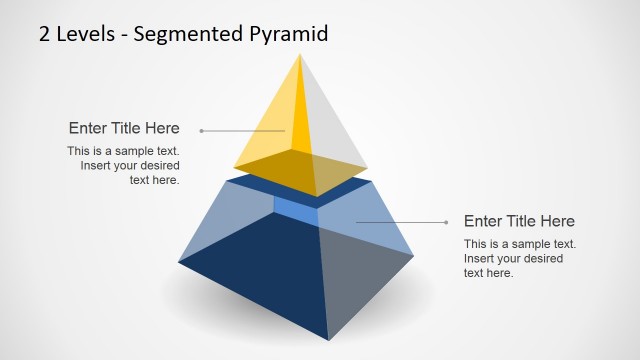
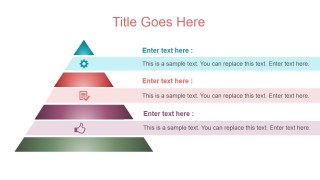
- Segmented pyramid slide designs with text placeholders & horizontal lines.
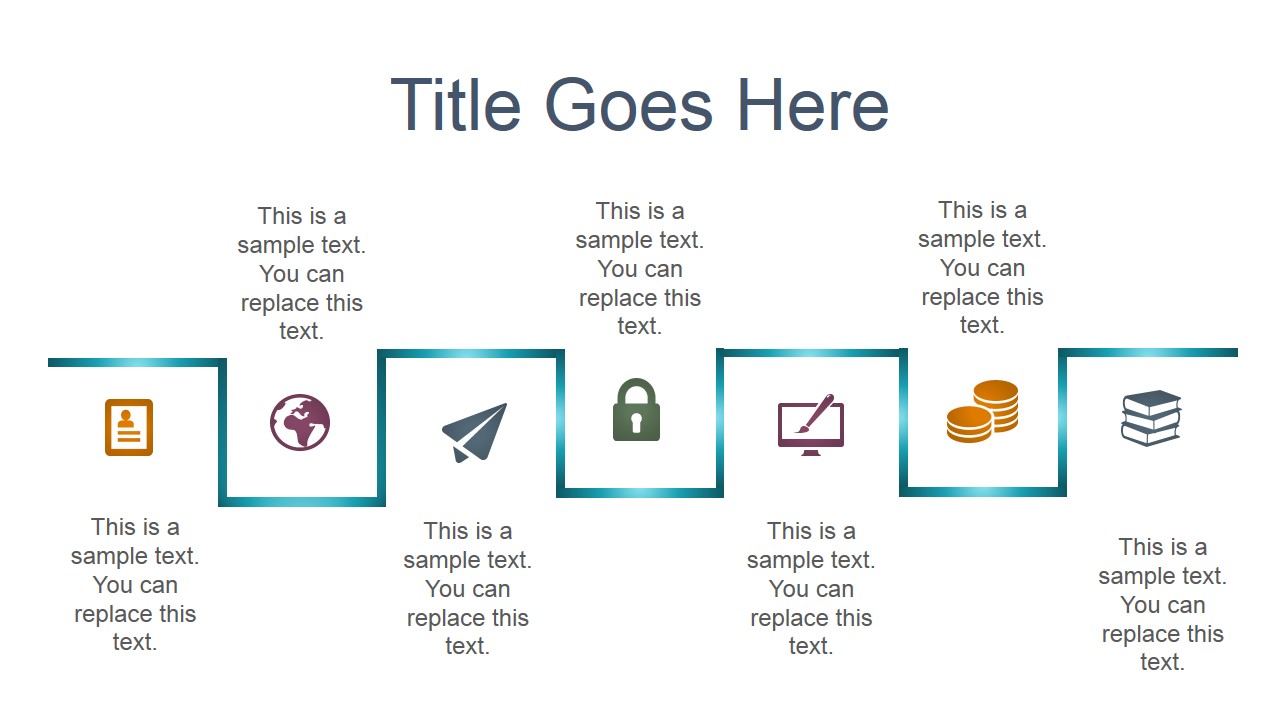
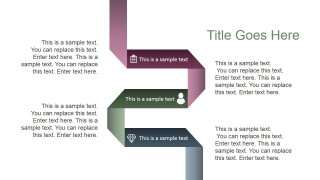
- Zig zag slides with placeholders for text descriptions and labels.
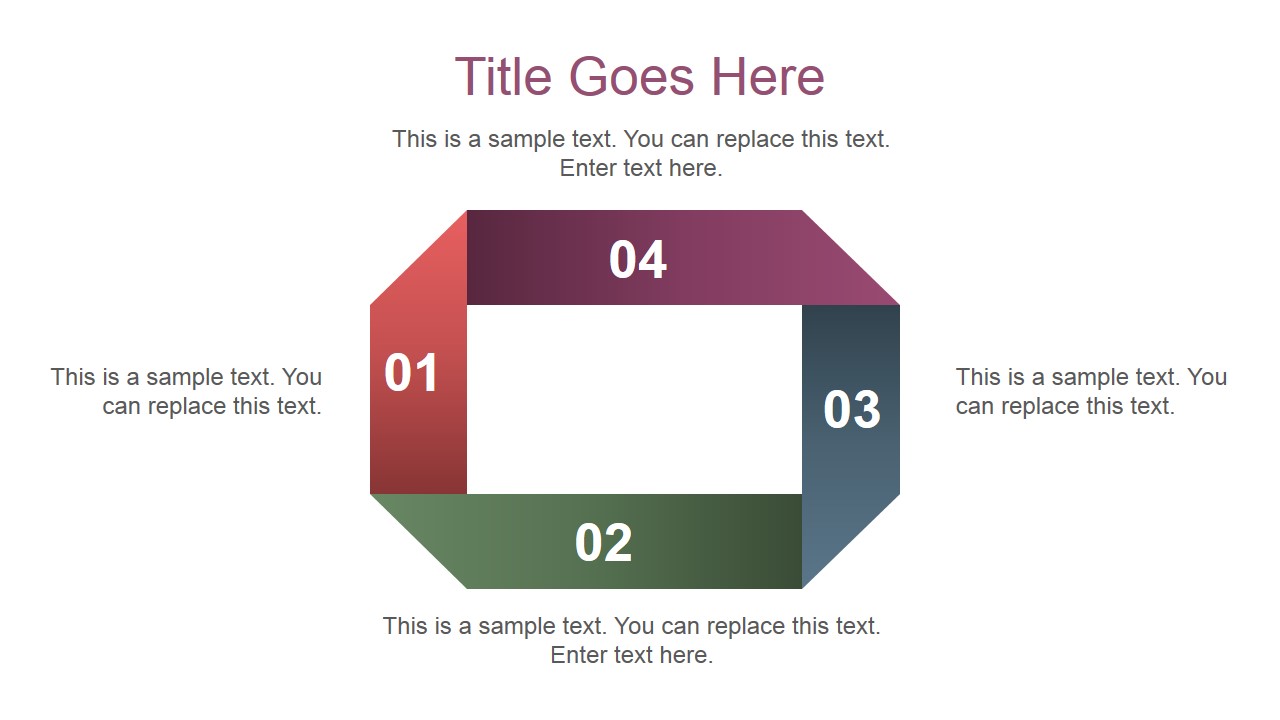
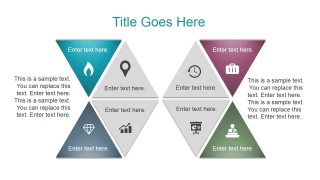
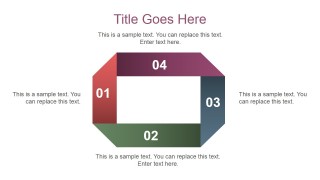
- Square diagram design created with shapes.
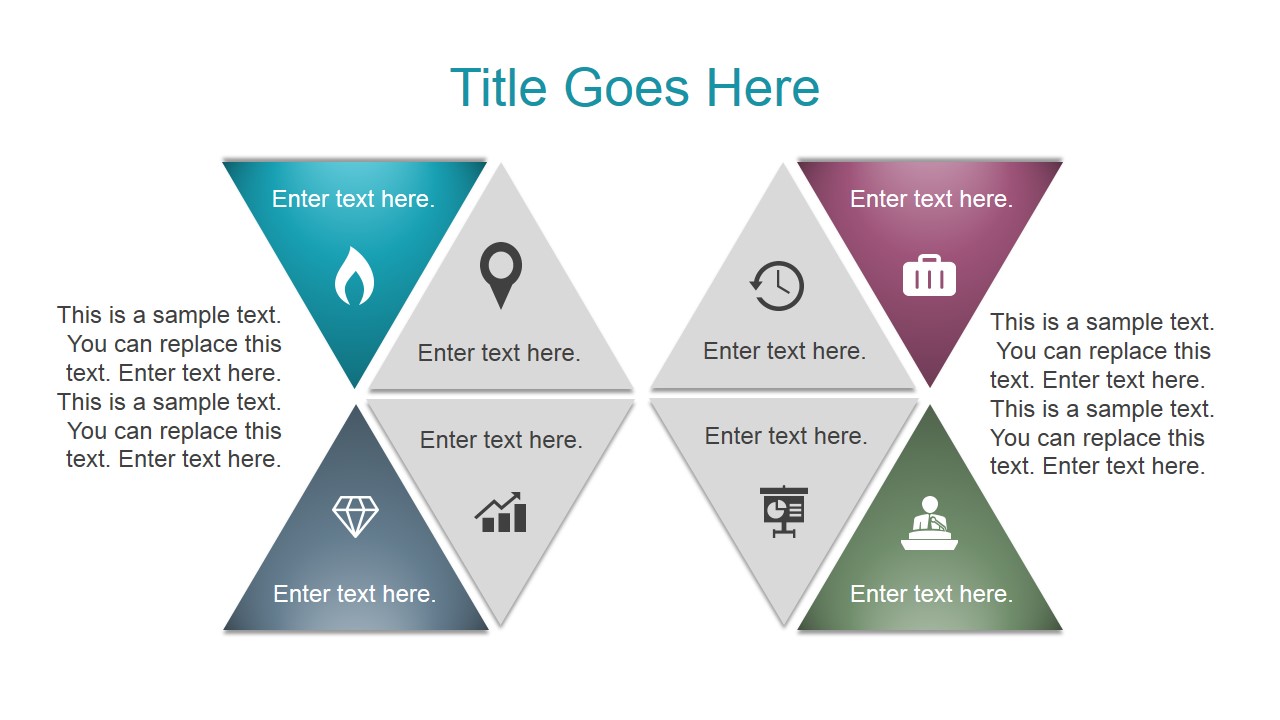
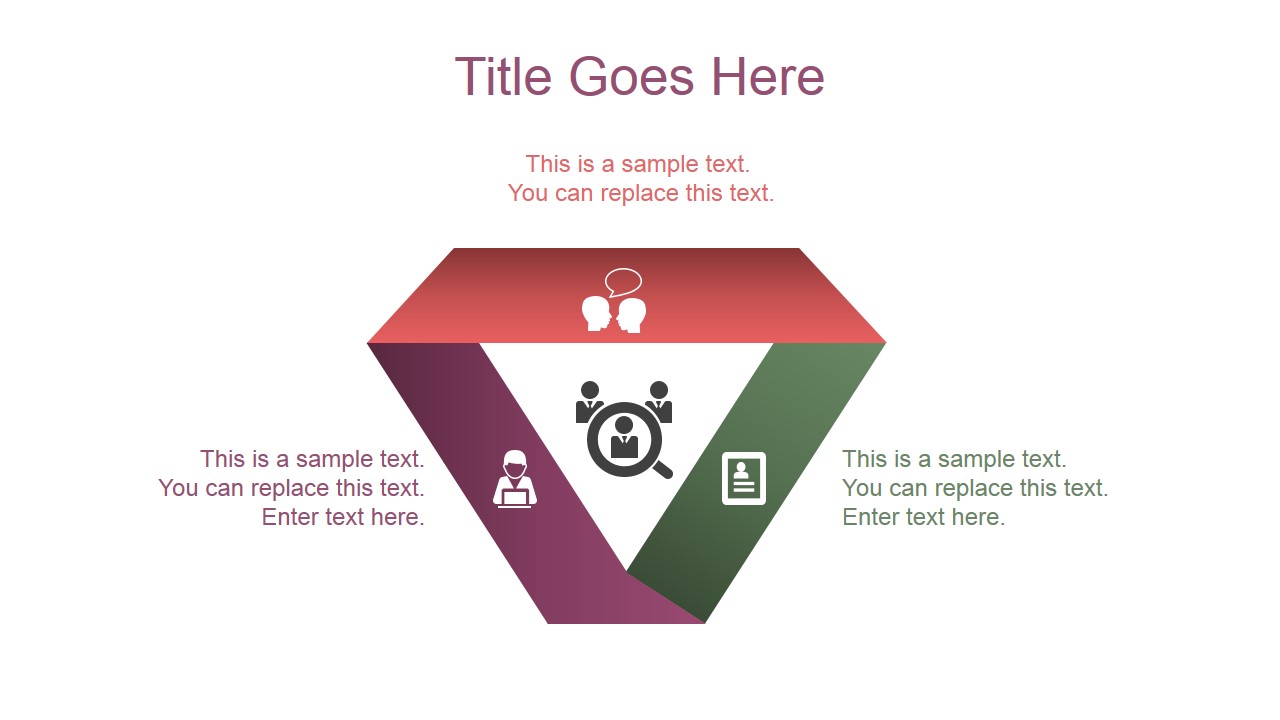
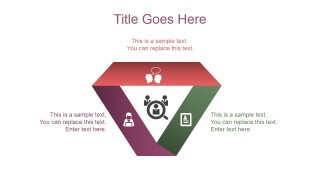
- Inverted pyramid diagram created with shapes.
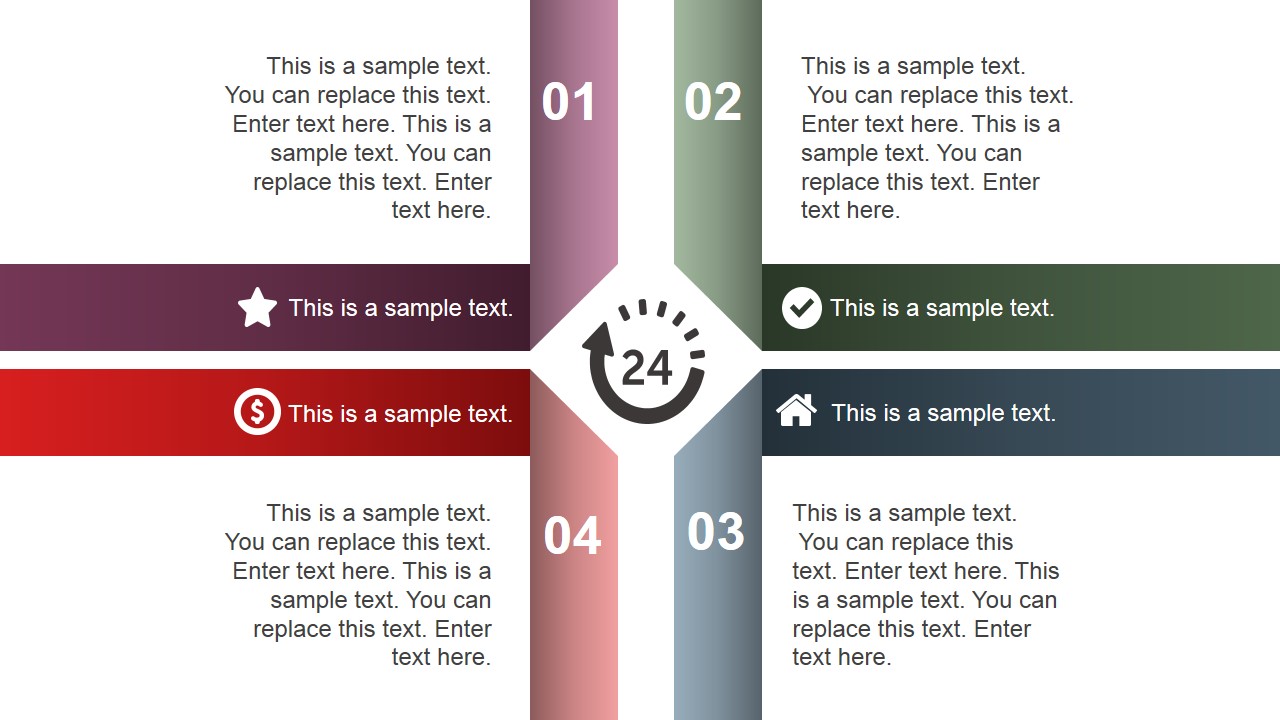
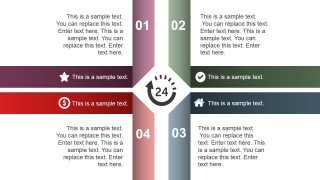
- Multi-step slide layout to show opposing ideas or multiple directions.
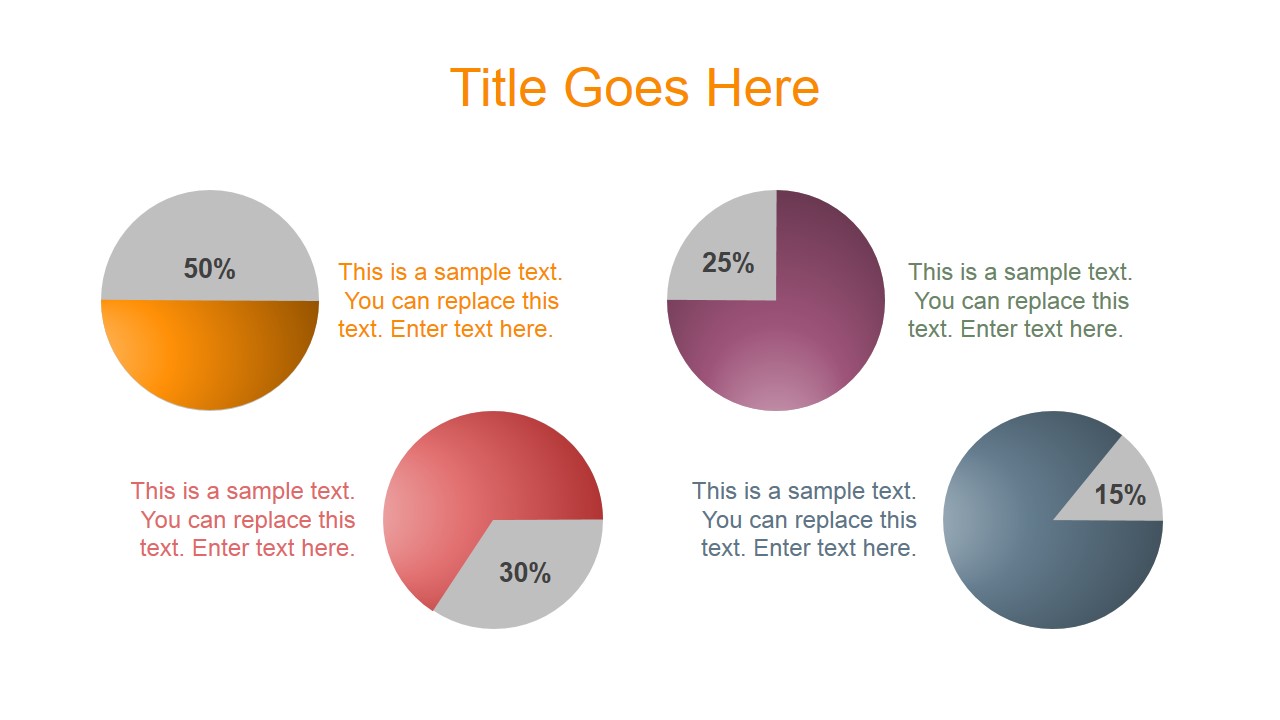
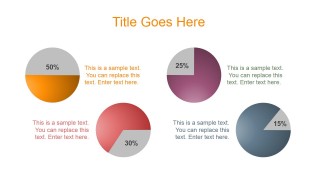
- Circular pie charts with nice colors & styles.
- Slide with creative diagram created from editable pyramid shapes in PowerPoint.
Alternatively to this presentation template you can download other great PowerPoint backgrounds and slide designs as well as free slides from our free PowerPoint templates collection.
What’s inside this template
Example presentation scenarios
- A marketing manager can present campaign components by using the segmented pyramid to rank priorities and the pie percentage slide to show rough audience or budget emphasis.
- A consultant can explain a client workflow by placing milestones on the zig zag process line and using the four-way hub to compare workstreams around one central topic.
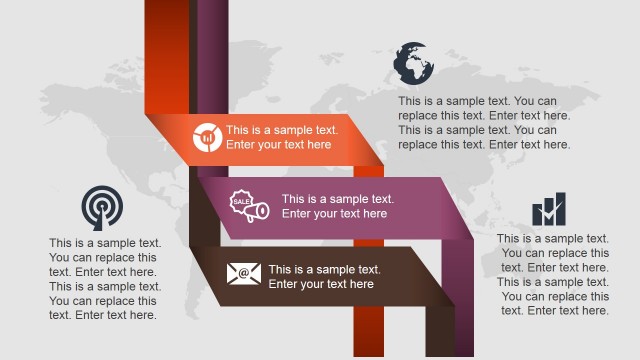
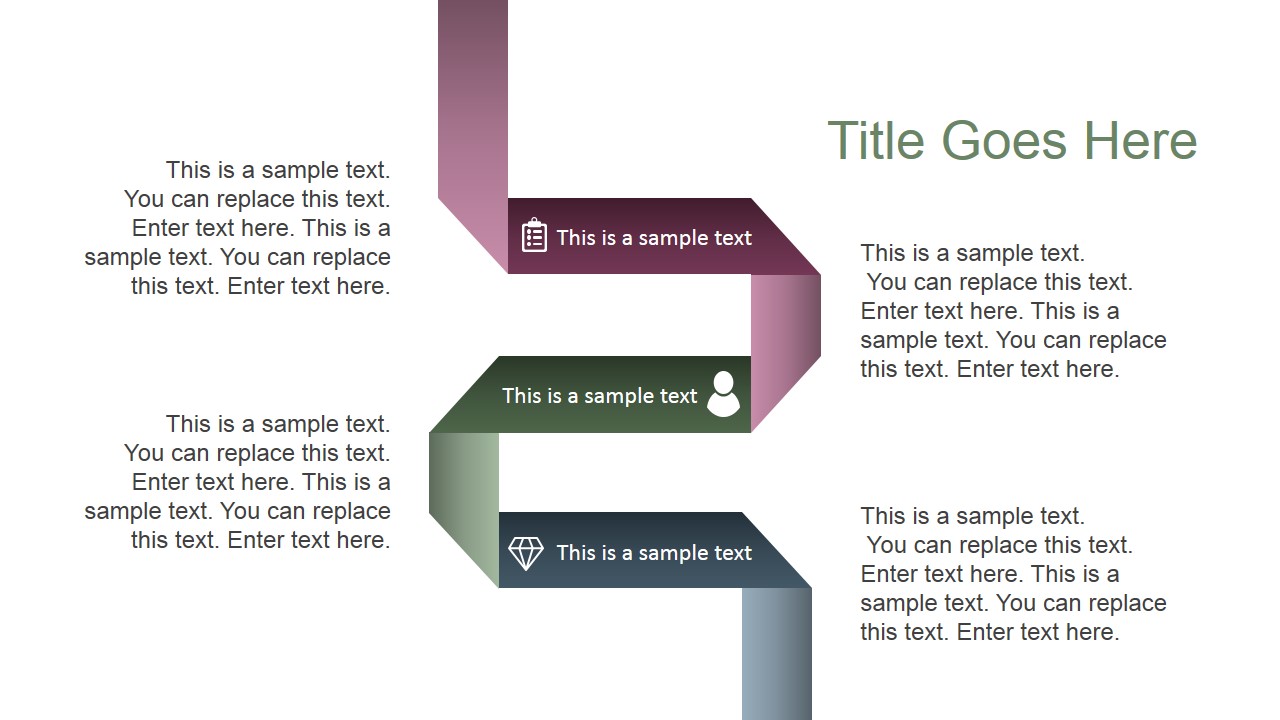
- A startup founder can structure a product overview with the ribbon path for staged delivery, the diamond cycle for customer feedback loops, and the square cycle for operating model steps.
- A trainer can teach a framework by assigning each pyramid tier or numbered cycle side to a concept, then using the editable icons as memory anchors for learners.
Features
- 100% editable presentation template
- Compatible with Microsoft PowerPoint and Google Slides
- 16:9 aspect ratio slides
- Scalable vector shapes, icons and illustrations
- AI-Ready for Microsoft Copilot and Claude
- Instant access and download
Frequently asked questions
Q: How should a presenter choose which gradient diagram to use for a specific message?
A: Match the layout to the logic of the message. Use the pyramid for hierarchy, the zig zag line for sequential steps, the pie diagrams for simple proportion comparisons, and the square or diamond cycle for repeating processes. Keeping one message per slide helps the gradient shapes guide attention instead of becoming decoration.
Q: Who is this template best suited for in a business presentation setting?
A: This template works best for presenters who need polished concept slides without a full narrative deck. Marketing teams, consultants, trainers, and founders can use the diagram set to explain frameworks, service models, campaign priorities, or operating processes. It is less suited to dense financial reviews or text-heavy policy documents.
Q: Why do the gradient shapes improve communication in these layouts?
A: The gradients add depth and direction to otherwise flat process diagrams, making order and grouping easier to scan. The pyramid suggests priority, the ribbon path implies movement, and the cycles signal repetition. These visual metaphors let the audience read structure before reading every text label.

Gradient Shapes PowerPoint Template
8-slide presentation template with gradient shapes, pyramids, pie diagrams, and process paths
Gradient Shapes PowerPoint Template is an 8-slide deck of editable gradient diagram backgrounds for business and marketing presentations. It includes a zig zag process line, segmented pyramid, percentage pie diagrams, four-way hub, ribbon path, diamond cycle, and square cycle. The template is designed for Microsoft PowerPoint and Google Slides.
- Category
- Template Backgrounds
- Rating


 Loading...
- Aspect ratio
- 16:9
- Item ID
- 4065-01
- Colors
 Microsoft PowerPoint
  Microsoft Copilot
  Claude for PowerPoint
 Other formats supported
Subscribe today and get immediate
access to download our PowerPoint templates.