Produce an interesting marketing brochure with the Orange PowerPoint Template with Shape Icons. Use the presentation template to describe the company’s different products and services. Ideal for sales presentations and marketing pitches, the PowerPoint template and its modern design are intended to give life to any type of presentation with its cheerful orange color scheme.
The user can apply the template for the presentations of a small business. Typically, this is done to attract investors, such as venture capitalist firms. The presentation and the pitch are two of the most important decision-making benchmarks associated with investments. One word, one piece of data, can decide whether the company gets the capital grant or not. This template can help the investors gain a greater knowledge of the company in a shorter period of time, giving justice to the presentation and providing visual cues to remember the key notes of the background better.
The PowerPoint template can also be used as a marketing brochure. The slides are specifically designed to answer the most important questions regarding the company – what, why, who, and how. This gives the presenter the opportunity to introduce the core concepts of the company while also providing room to elaborate on the topic. In fact, its colorful and visually-appealing template background and content make it perfect for export to PDF to be sent to prospective clients, or as online presentation for content marketing campaigns. Both are important in gaining more ground in social and internet advertising. Awareness, after all, is one of the stepping stones to customer loyalty.
The user can also download other professional PowerPoint templates to enhance his/her presentation, like the Advertising Image for PowerPoint.
Also found on the template are interactive icons created from PowerPoint objects. This design allows the user to edit the content of the presentation to his/her specifications. Customization to the audience’s preferences also allows the user to gain more participation and overall retention.
What’s inside this template
Example presentation scenarios
- A startup founder can introduce a venture to early investors by using the cover slide, what-why-who prompt, and gear process slide to explain the problem, rationale, audience, and operating model.
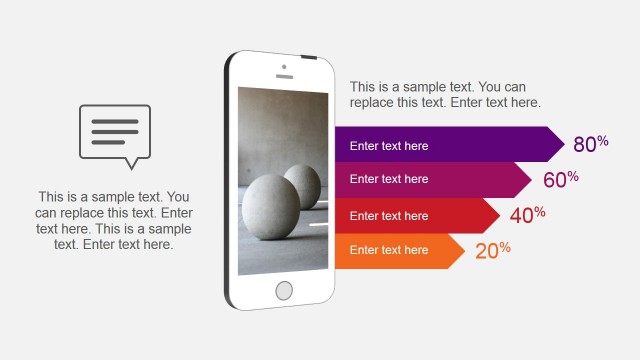
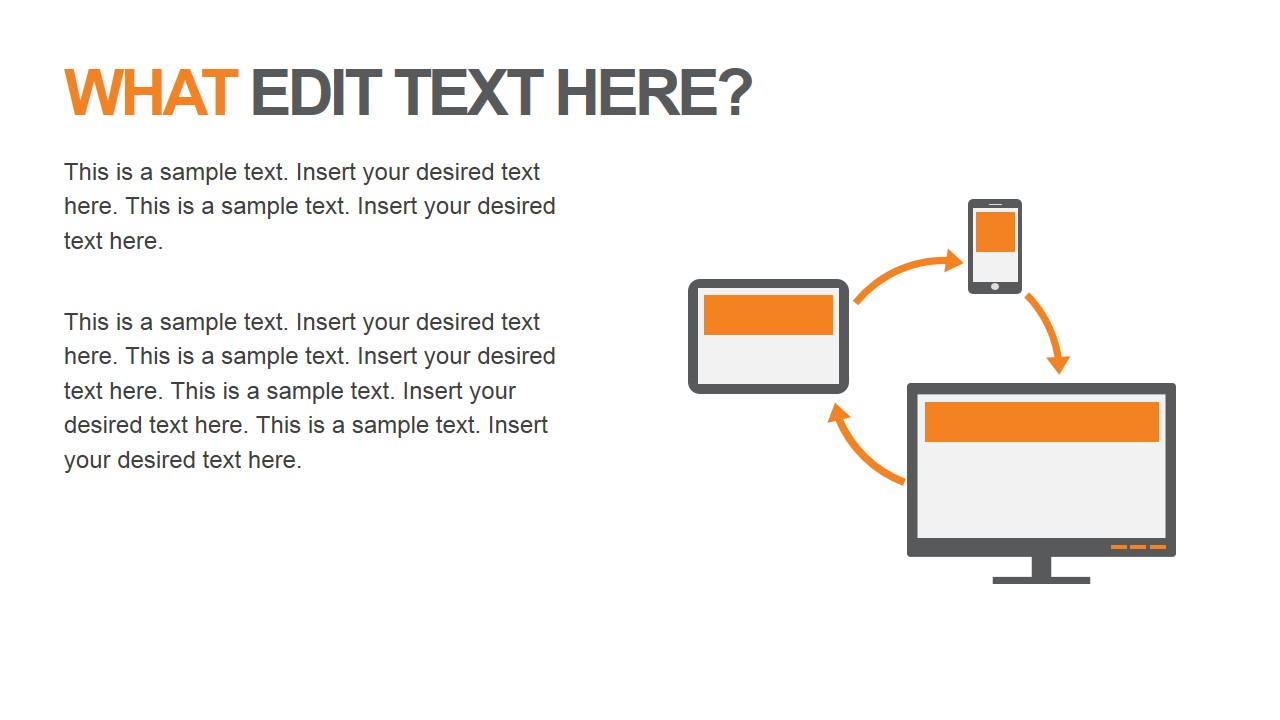
- A marketing manager can create a PDF-style service brochure by pairing the device cycle slide with the speech bubble slide to show digital touchpoints and customer-facing messages.
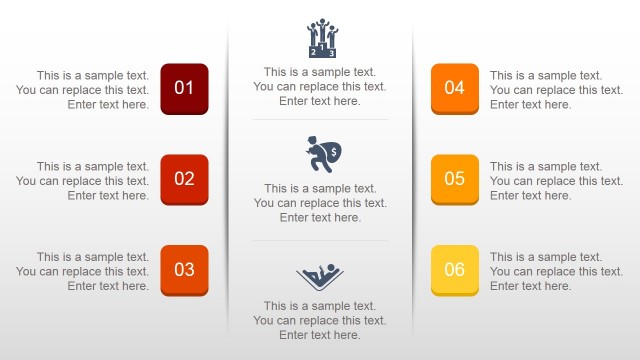
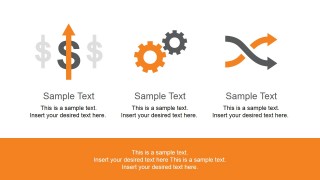
- A sales representative can present a short product overview to prospects by using the three-column icon overview and two-item icon list slides to organize benefits, discovery points, and next steps.
- A consultant can brief a client team on a new initiative by using the layered stack and network diagram slides to explain components, dependencies, and how the work connects across teams.
Features
- 100% editable presentation template
- Compatible with Microsoft PowerPoint and Google Slides
- 16:9 aspect ratio slides
- Scalable vector shapes, icons and illustrations
- AI-Ready for Microsoft Copilot and Claude
- Instant access and download
Frequently asked questions
Q: How should a presenter structure the message with this template?
A: Use the question slides as the spine of the story. Start with the cover and three-icon overview, then answer what, why, who, and how in that order. Keep each slide to one idea: problem definition on the what slide, motivation on the why slide, audience clarity on the who prompt, and method on the how diagrams.
Q: What type of business presentation is this template best suited for?
A: This template fits a short company introduction, service brochure, or early sales pitch where the audience needs quick context rather than deep analysis. Small businesses, founders, consultants, and marketing teams can use the icons, device cycle, speech bubbles, and two-item lists to make a concise offer or concept easier to scan.
Q: Why do the question words and shape icons help communication?
A: The large what, why, who, and how words create a simple mental checklist for the audience. The flat icons act as visual anchors: gears suggest operations, layers suggest components, networks suggest connections, and speech bubbles suggest messages. These metaphors reduce explanation time and help viewers remember the main sections.
You may also like:





Orange PowerPoint Template with Shape Icons
11-slide presentation template with orange shape icons, question prompts, and business brochure layouts
Orange PowerPoint Template with Shape Icons is an 11-slide business presentation template for marketing brochures, sales introductions, and small business pitches. It includes a cover, what-why-who prompt, device cycle, gear process, layered stack, network diagram, speech bubbles, and icon list slides for Microsoft PowerPoint and Google Slides.
- Category
- Template Backgrounds
- Rating


 Loading...
- Aspect ratio
- 16:9, 4:3
- Item ID
- 6927-01
- Colors
 Microsoft PowerPoint
  Microsoft Copilot
  Claude for PowerPoint
 Other formats supported
Subscribe today and get immediate
access to download our PowerPoint templates.