The Editable Norway Map Template for PowerPoint provides a creative medium for the presentation of the country and its features. The slides are created with a blue color scheme that can be edited using PowerPoint Theme properties.
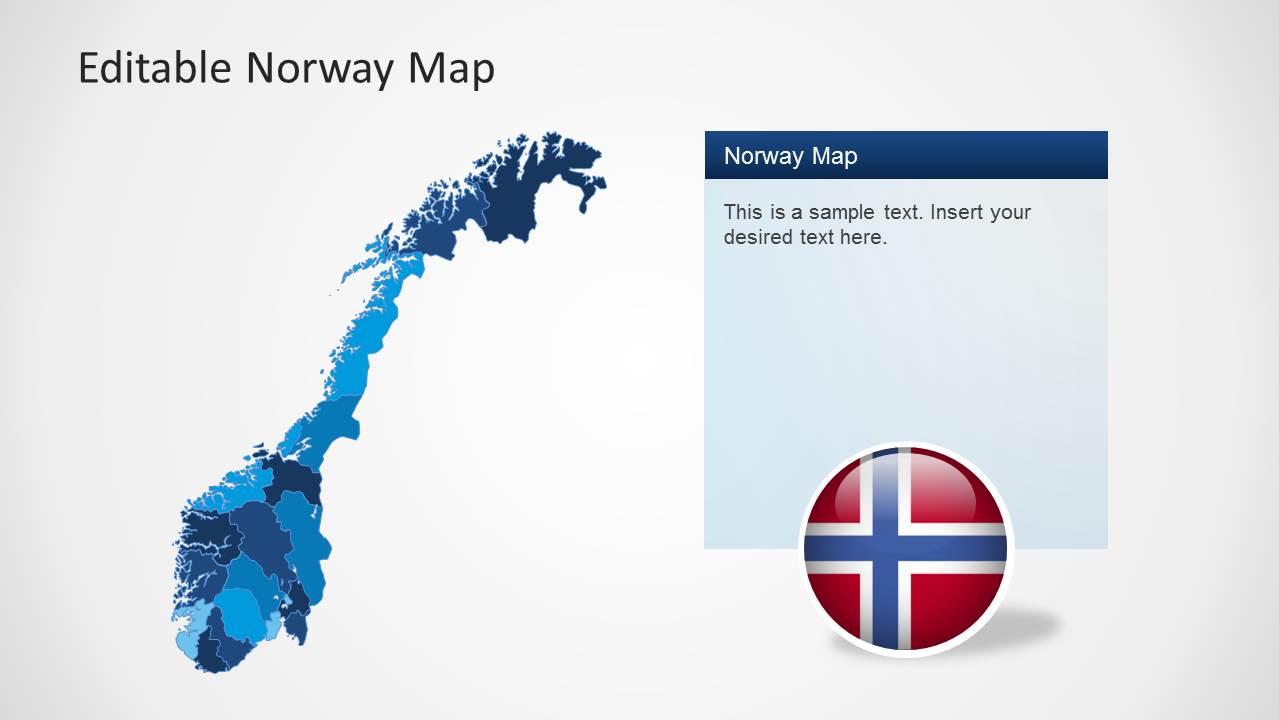
The PowerPoint Map template is 100% editable. Each map is created as a composite of individual states and regions, allowing the user to ungroup the shapes and work with each object individually.
Norway, officially known as the Kingdom of Norway is a sovereign country and unitary monarchy located in Europe. Norway is known to to be one of the most developed democracies in the world. The country borders with Sweden at the east, Finland and Russia to the north, and Denmark to the South, separated by the Skagerrak Strait. Norway has a coastline border with the Atlantic Ocean.
The economy of Norway is considered a mixed economy. With a capitalist system and a welfare state. It exercises a free market economy with a high stake of the government in certain key sectors. Public healthcare is free. The state income derived from natural resources is mainly derived of the oil production. Norway is one of the larges world producers of oil and natural gas.
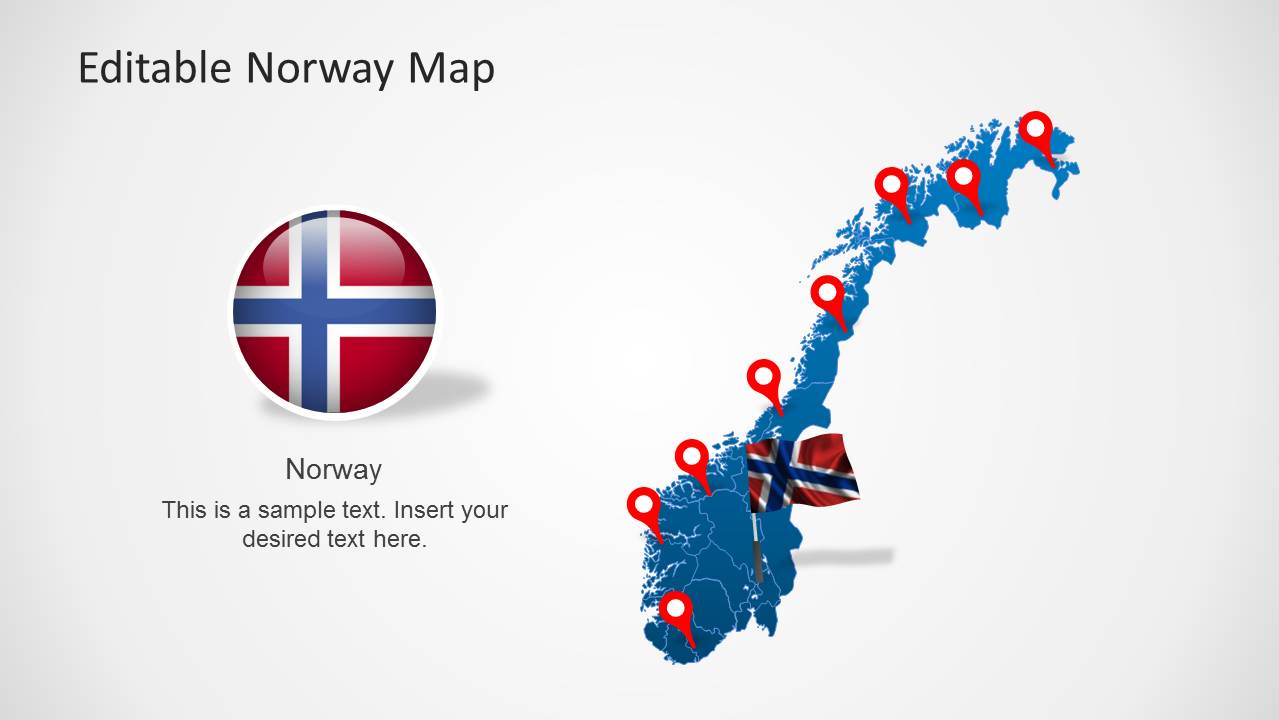
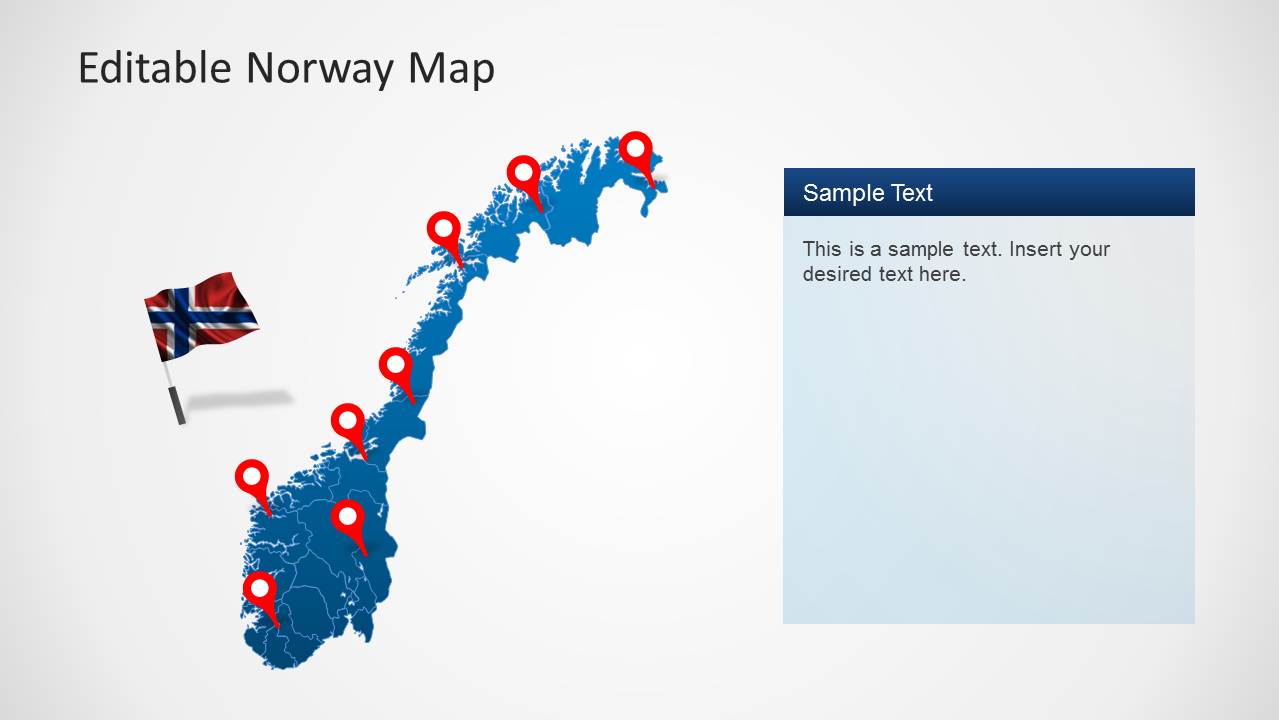
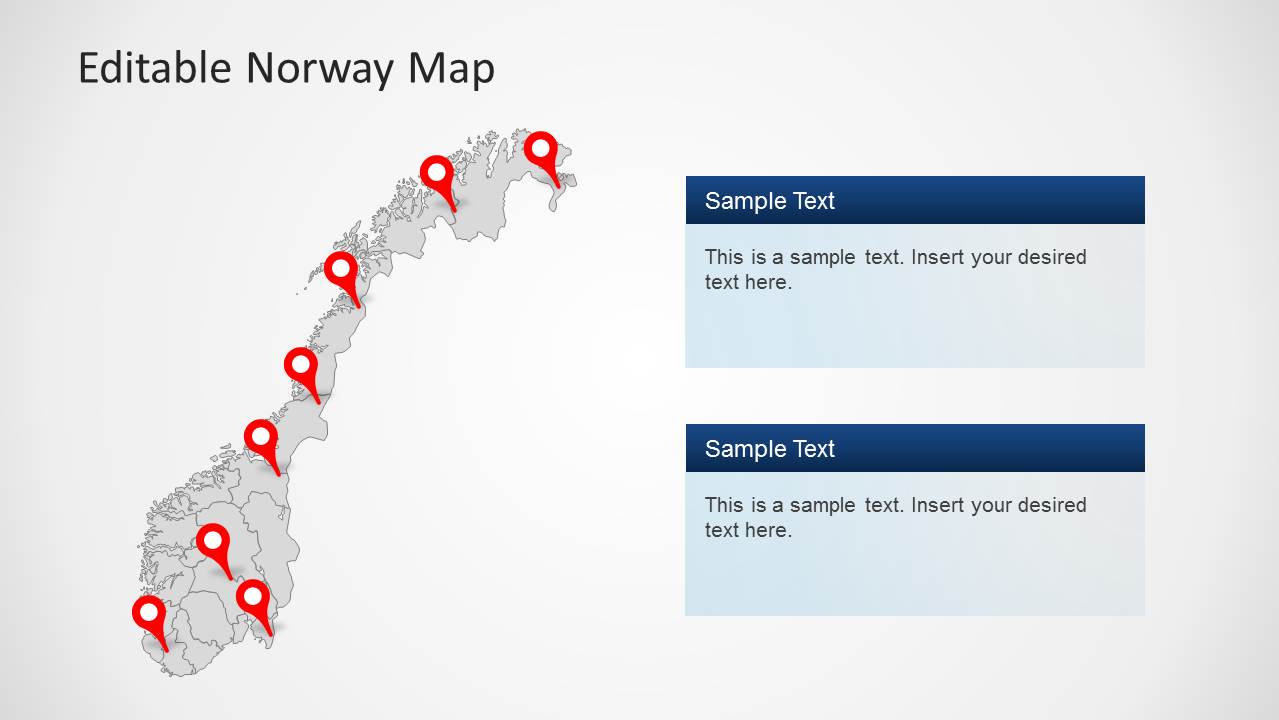
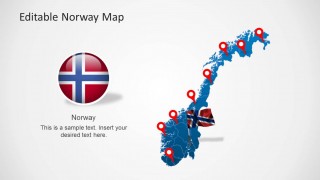
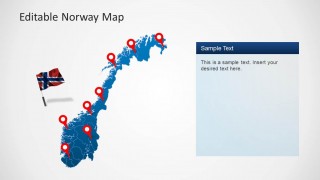
The Editable Norway Map Template for PowerPoint provides several map layouts, ranging from political outlines map, to decorated versions with GPS location markers and flag icons. Create your business market plans or trip travel route with the flexibility of a simple set of shapes.
Impress a professional audience using the Editable Norway Map Template for PowerPoint. Use the creative slide designs to generate a presentation that is both informative and visually appealing. The presenter can edit the position or arrangement of the PowerPoint objects depending on his needs.
What’s inside this template
Example presentation scenarios
- A market analyst can explain regional expansion in Norway by marking target cities on the full map and using the right-side text panels to describe opportunity areas.
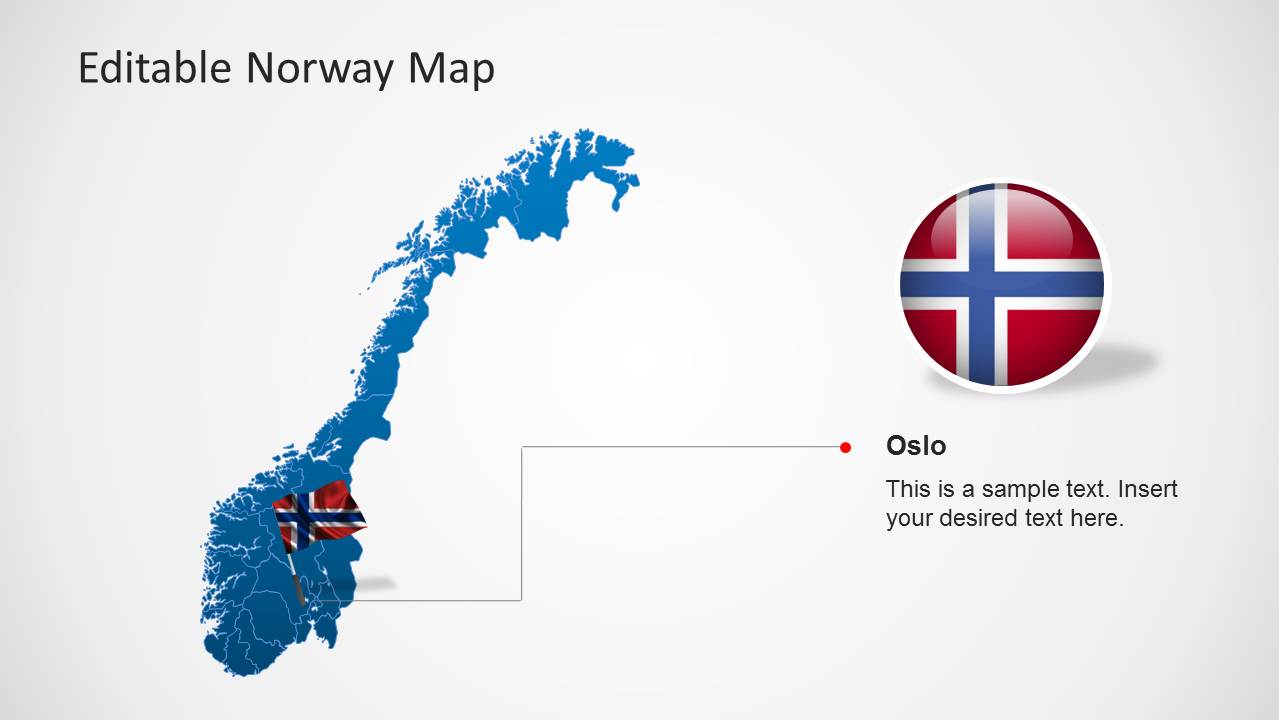
- A travel planner can present a Norway itinerary by placing pins along the map and pairing the route with the waving flag and callout layouts.
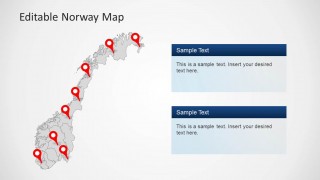
- A public-sector presenter can brief stakeholders on service coverage by using the gray map with multiple pins and two text panels for regional comparisons.
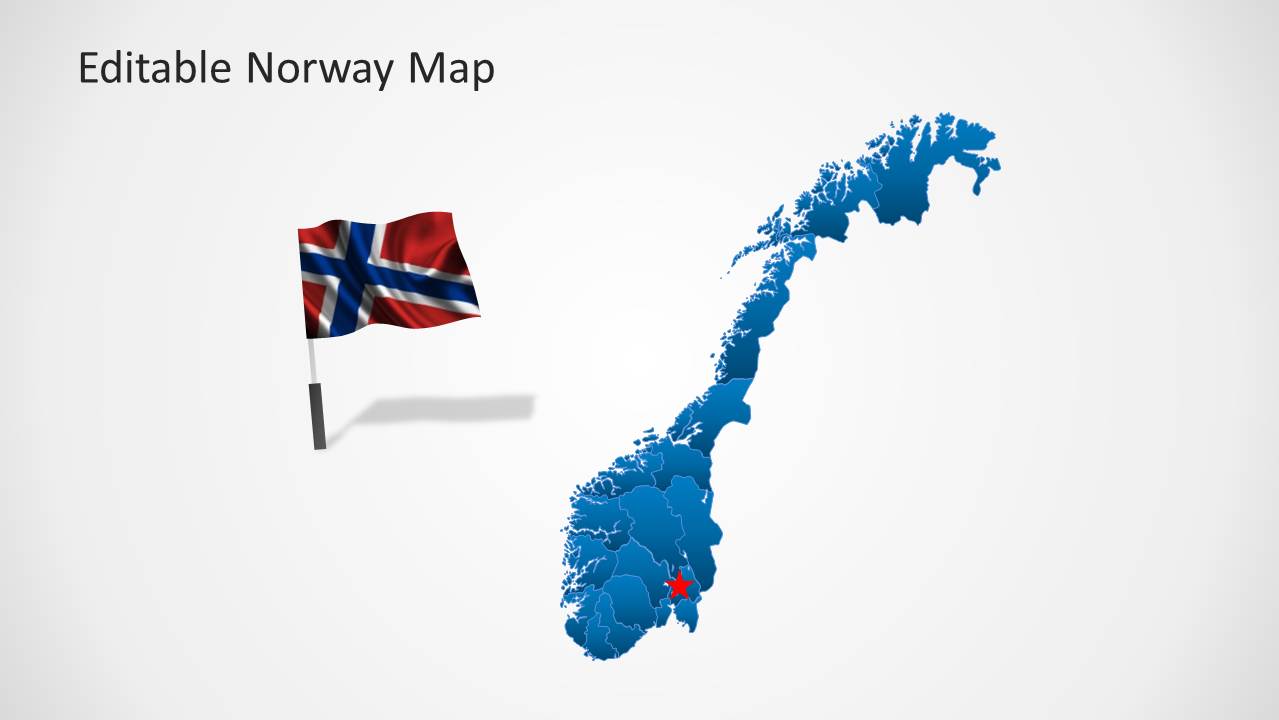
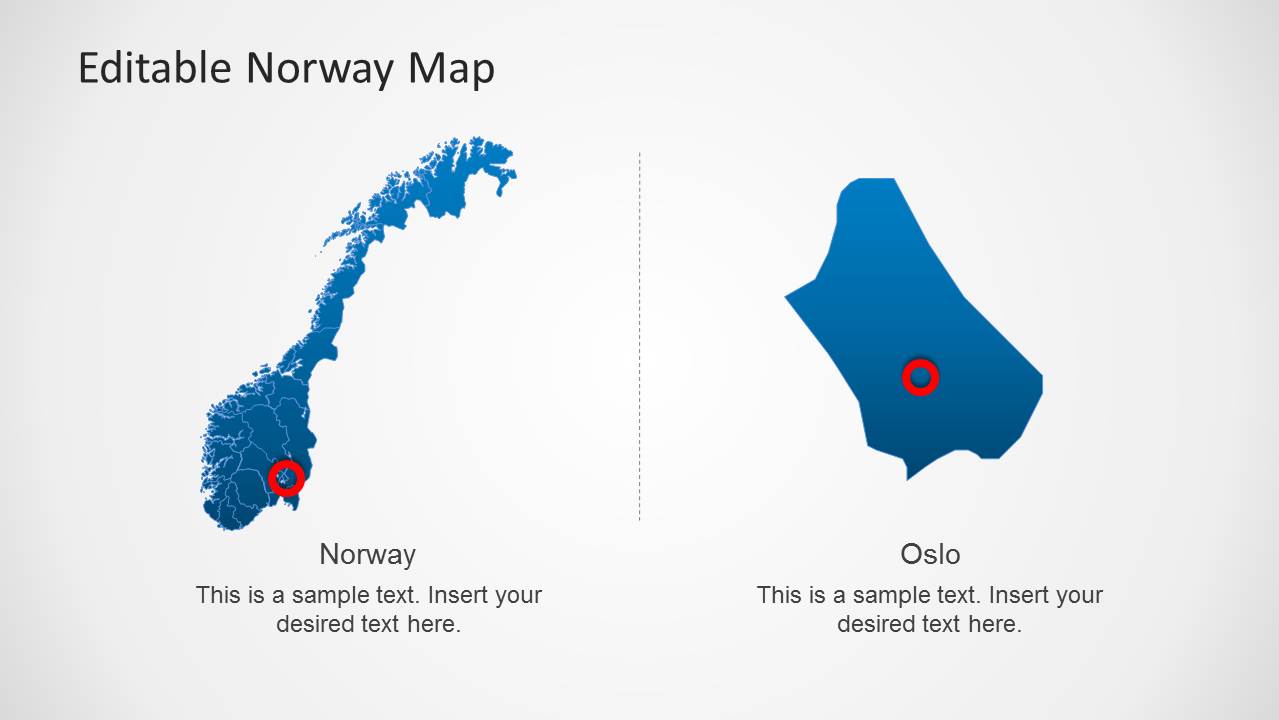
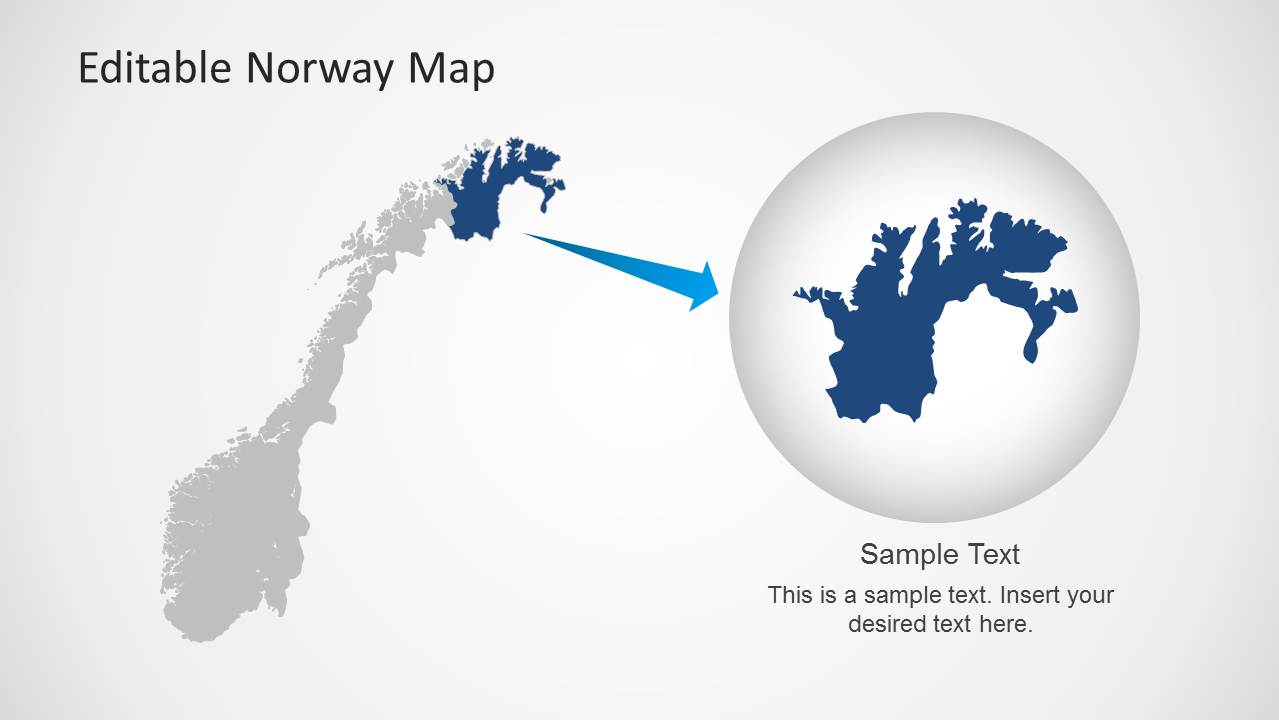
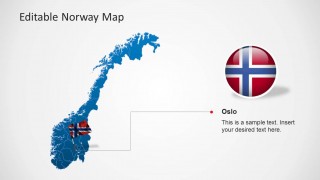
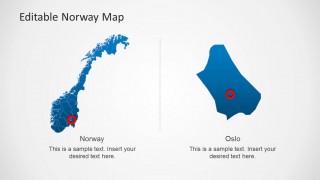
- A consultant can focus attention on Oslo or a northern territory by using the detail map and magnified-region slide to move from national context to a local point.
Features
- 100% editable presentation template
- Compatible with Microsoft PowerPoint and Google Slides
- 16:9 aspect ratio slides
- Scalable vector shapes, icons and illustrations
- AI-Ready for Microsoft Copilot and Claude
- Instant access and download
Frequently asked questions
Q: How should a presenter structure a Norway location briefing with this template?
A: Start with a full Norway map to orient the audience, then add pins only for locations that matter to the decision. Use the callout panel slides for context, the Oslo detail slide for a specific local point, and the zoom slide when one region needs extra attention. Keep each pin tied to a clear business or travel reason.
Q: Who is this map template best suited for?
A: This template fits presenters who need to explain where activity is happening in Norway, not just describe Norway in general. Business teams can show market coverage, travel planners can outline routes, educators can introduce geography, and public-sector groups can map service points using the visible pin, callout, and regional detail layouts.
Q: Why do the pins, flag graphics, and zoom detail improve the message?
A: The map gives spatial context, while the red pins create immediate visual anchors for important locations. The flag graphics reinforce the national setting without needing extra text. The Oslo and magnified-region layouts work as zoom metaphors, helping the audience move from country-level context to a specific local detail.
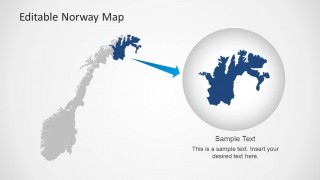
Editable Norway Map Template for PowerPoint
8-slide presentation template with editable Norway maps, location markers, and flag graphics
Editable Norway Map Template for PowerPoint is an 8-slide map presentation template for country, region, travel, and market coverage topics. Visible layouts include a Norway regional map, GPS location markers, flag icons, text callout panels, Oslo detail map, and highlighted-region zoom. It is built for Microsoft PowerPoint and Google Slides.
- Category
- Maps
- Rating


 Loading...
- Aspect ratio
- 16:9, 4:3
- Item ID
- 6288-01
- Colors
 Microsoft PowerPoint
  Microsoft Copilot
  Claude for PowerPoint
 Other formats supported
Subscribe today and get immediate
access to download our PowerPoint templates.