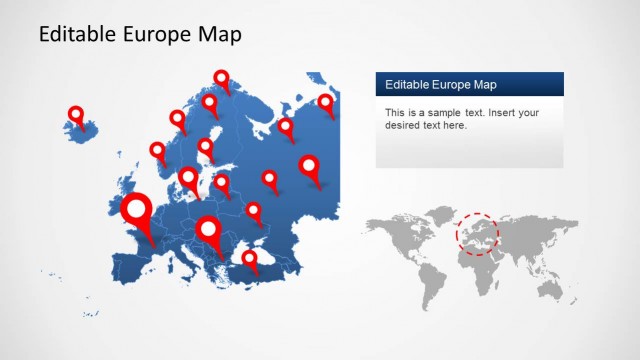
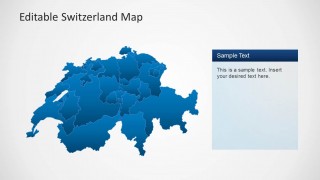
Editable Switzerland Map Template for PowerPoint is an expertly crafted map template with all major regions of Switzerland laid out in the form of an editable map.
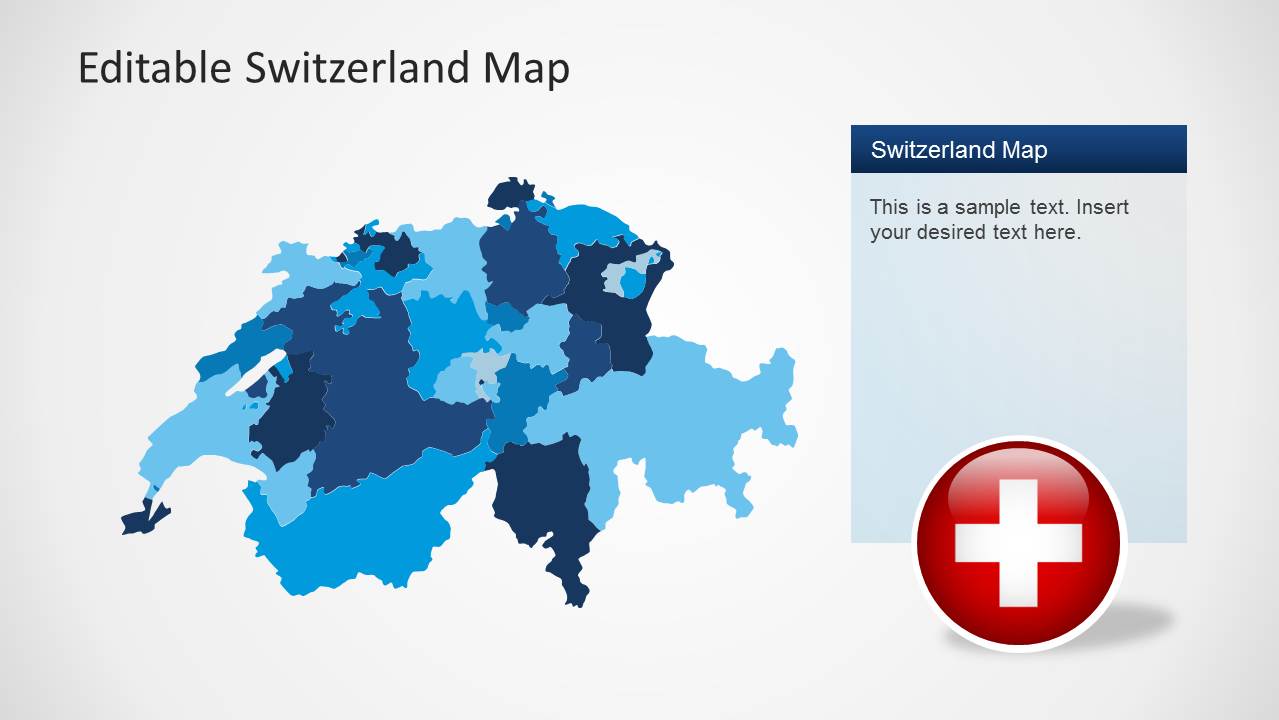
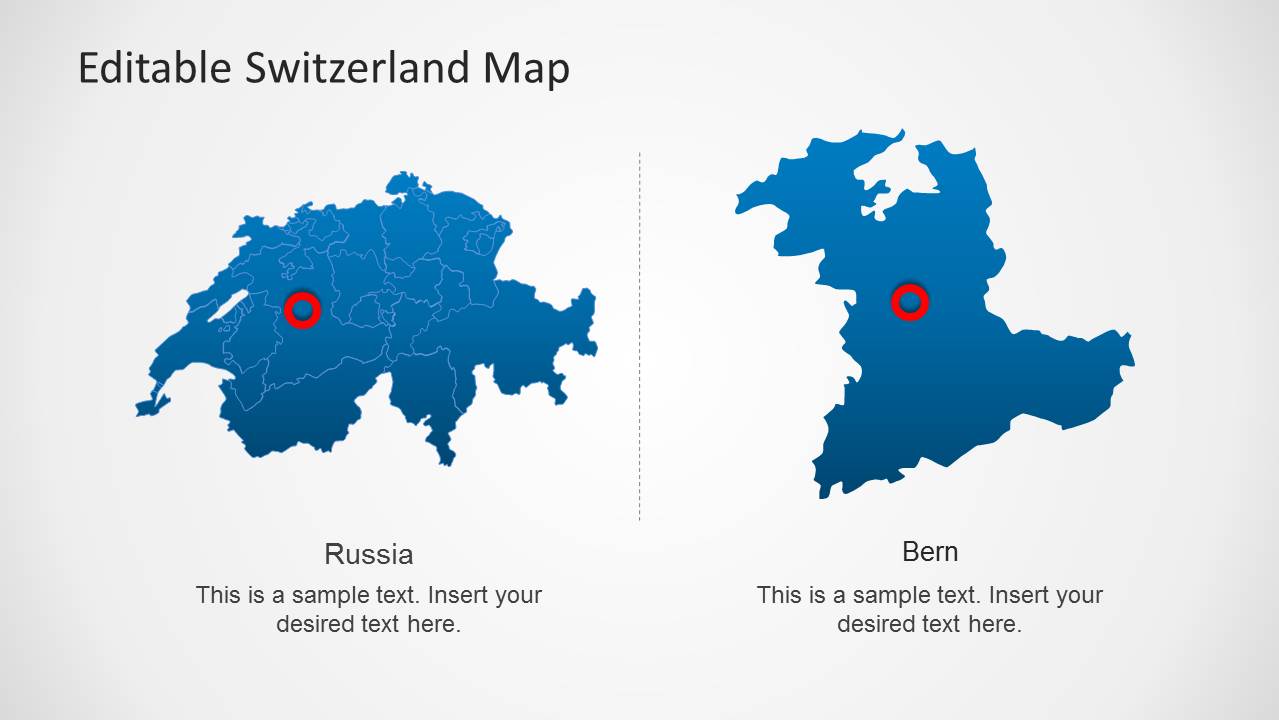
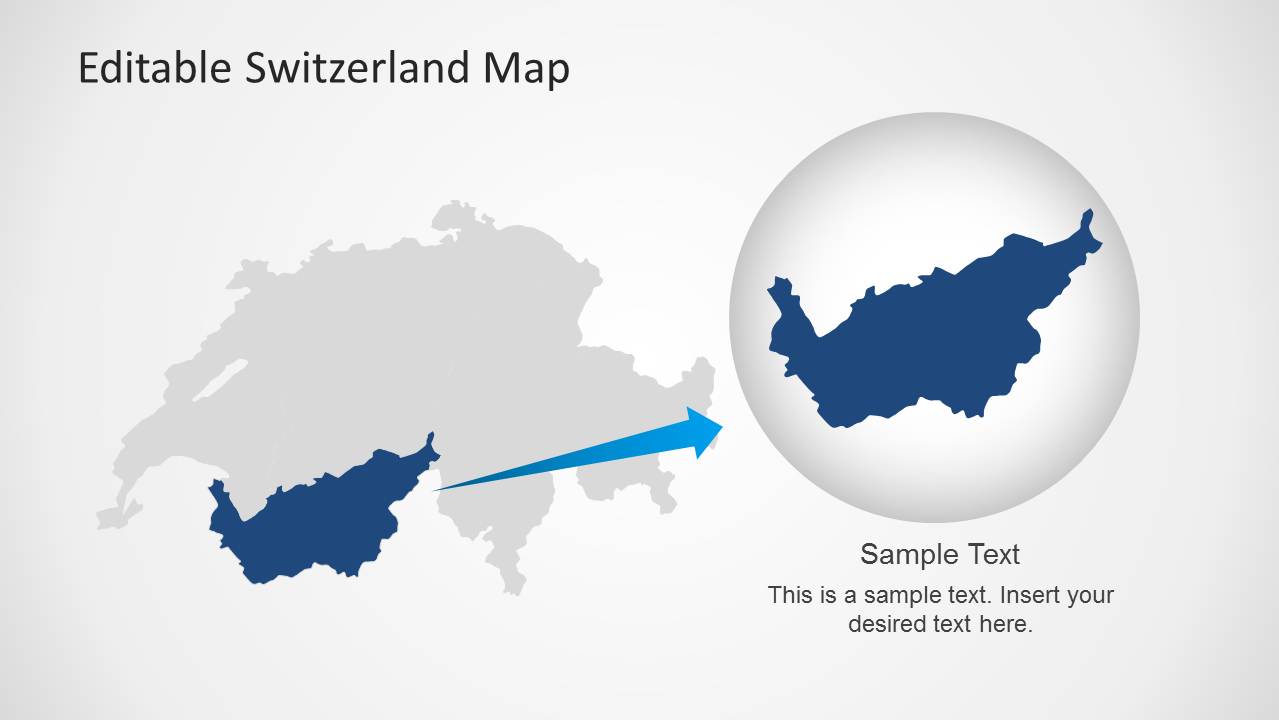
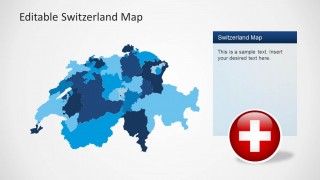
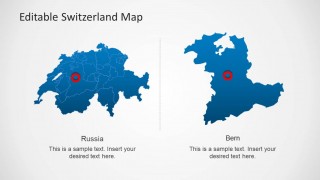
This template not only provides a complete map of Switzerland but can also be used to highlight and single out major areas of the country from the main map. This can be done by either extracting a sub-map from the main map via drag and drop or by changing the size and color of various areas within the main map.
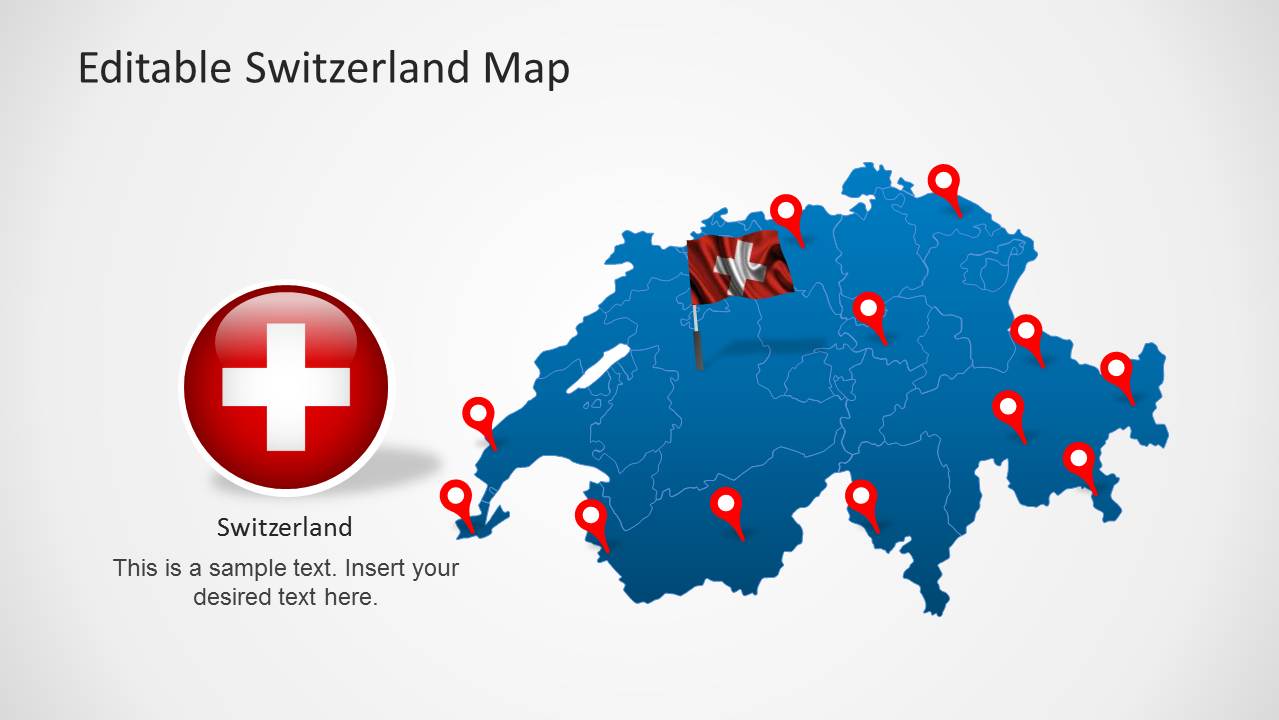
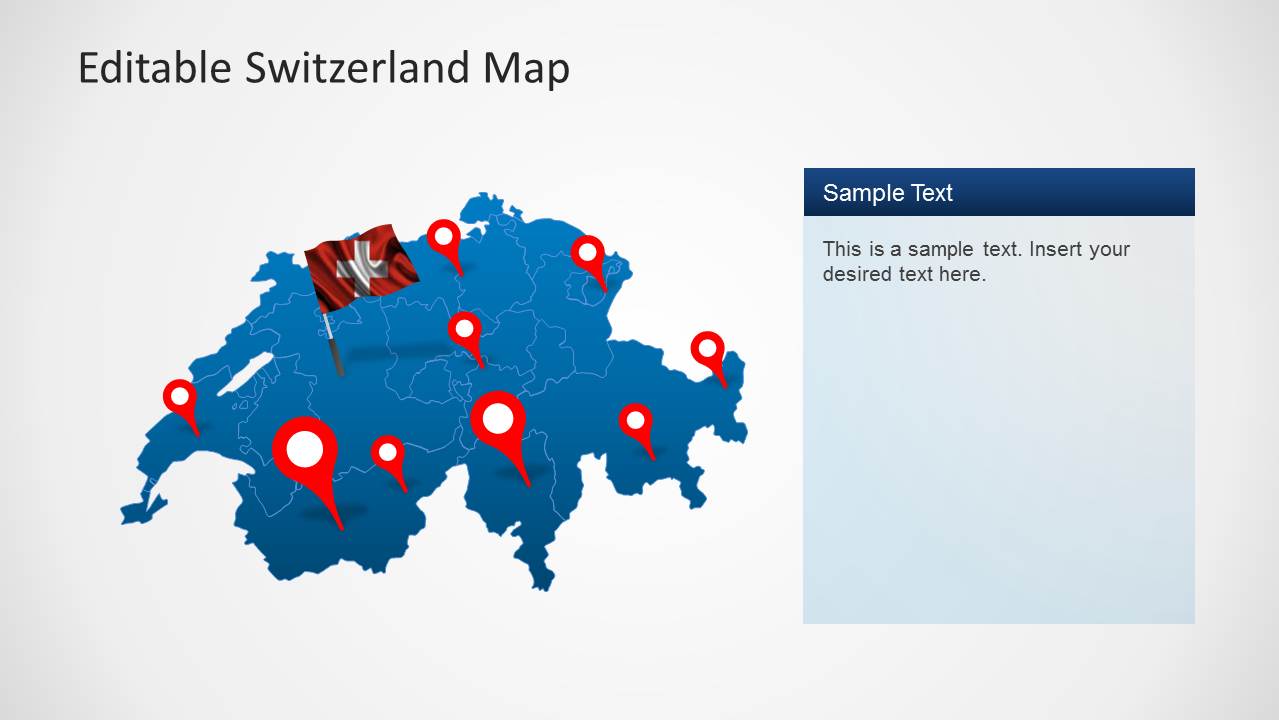
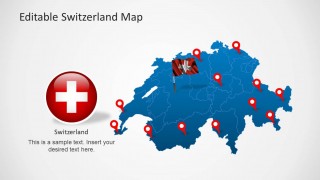
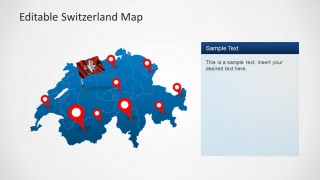
To further help users with marking impotent areas on the map, the template also provides GPS marker icons.
Also see our complete collection of Editable Map Templates for PowerPoint.
What’s inside this template
Example presentation scenarios
- A sales manager can present Swiss territory coverage by marking priority cantons on the full map and using the GPS marker slide to show account clusters.
- A consultant can brief executives on a Switzerland market-entry plan by combining the colored regional map with text panels that explain target areas.
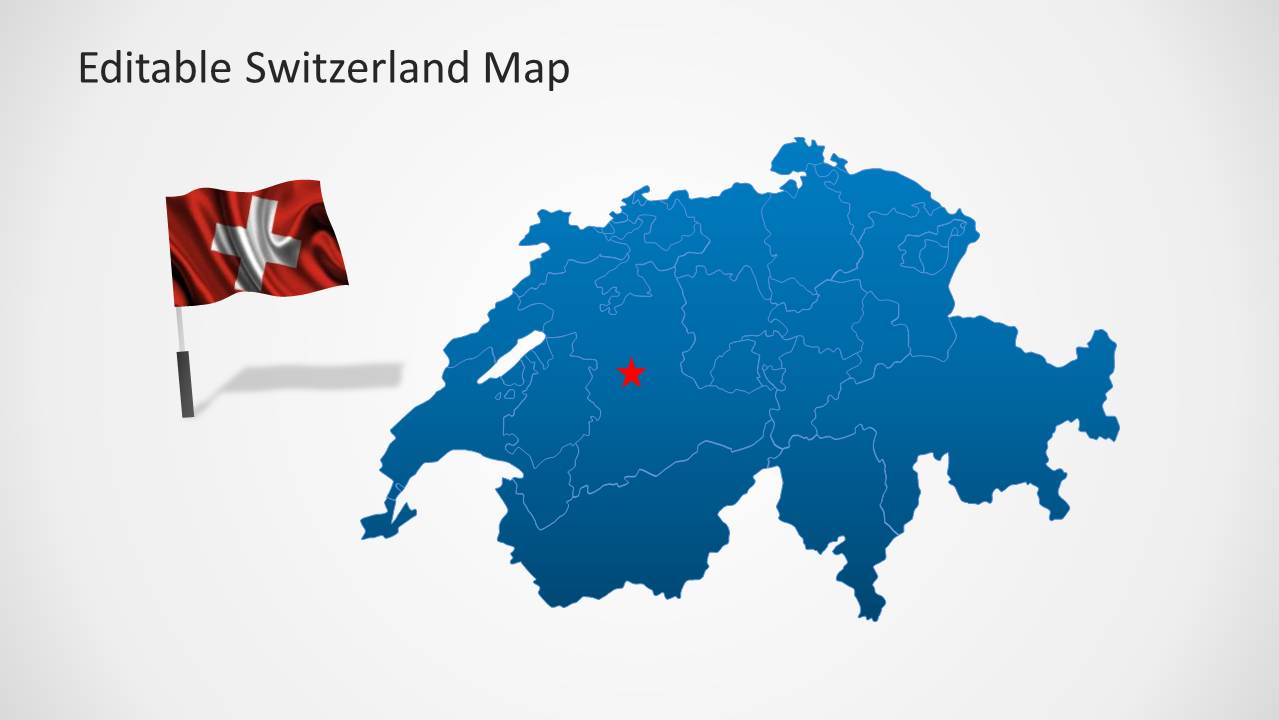
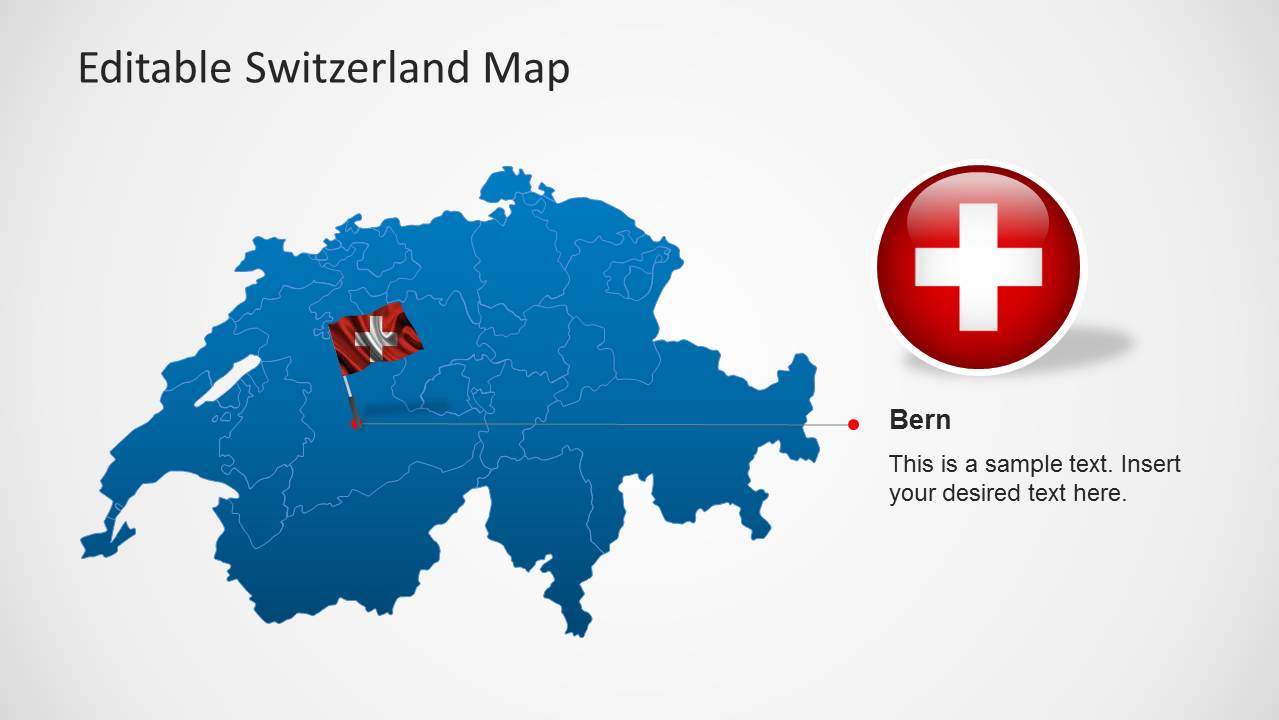
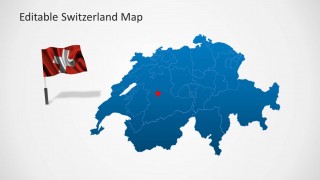
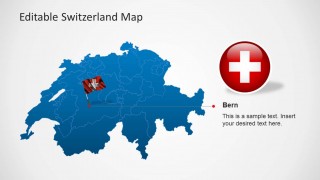
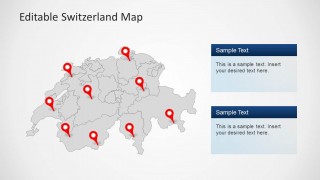
- An operations planner can show branch, warehouse, or service locations with the Bern callout slide and the map with multiple red location pins.
- A public sector or education presenter can explain a selected Swiss region with the zoomed area inset and the gray map that isolates one highlighted area.
Features
- 100% editable presentation template
- Compatible with Microsoft PowerPoint and Google Slides
- Scalable vector shapes, icons and illustrations
- AI-Ready for Microsoft Copilot and Claude
- Instant access and download
Frequently asked questions
Q: How should a presenter structure a Switzerland location briefing with this template?
A: Start with the full Switzerland overview so the audience understands the national frame. Move to the colored regional map when discussing territories or market segments. Use the GPS pin slides only for the locations that require decisions or action, then close with the zoomed area inset if one region needs extra attention.
Q: Who is this map template best suited for?
A: It works best for presenters whose message depends on Swiss geography rather than detailed financial data. Sales, operations, consulting, tourism, education, and public administration teams can use the maps to show coverage areas, branch locations, field activity, priority cantons, or a single highlighted region such as Bern.
Q: Why do the pins, callouts, and zoom inset help communication?
A: The map gives spatial context, while the red pins and target markers direct attention to exact points. The callout layout reduces clutter by moving explanation outside the map. The zoom inset acts as a magnifying metaphor, signaling that the selected region deserves closer analysis without losing the national context.


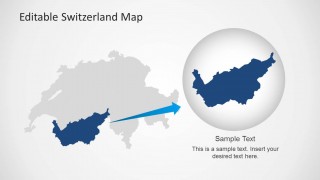
Editable Switzerland Map Template for PowerPoint
9-slide PowerPoint presentation template for Switzerland regions, flag visuals, and GPS location markers
Editable Switzerland Map Template for PowerPoint is a 9-slide map deck for showing Swiss regions and locations. It includes a regional color map, GPS marker map, Bern callout, and zoomed area inset. Built for presenters who need editable Switzerland geography visuals in PowerPoint.


 Loading...
 Microsoft PowerPoint
  Microsoft Copilot
  Claude for PowerPoint
 Other formats supported
Subscribe today and get immediate
access to download our PowerPoint templates.